Best drum practice apps
in 2026 — honest roundup.
A fair look at the top drum practice apps. What each does well, where each falls short, and which one fits your practice style.
Your practice is already on your phone. It’s just in pieces.
Sound familiar?
New Recording 47
0:12 · that beat from the car. You'll never find it again.
10 Fills You NEED to Know in 2026
Watched instead of practicing. Again.
120 BPM — stopped at 4:06
The click got boring. The disciplined part never happened.
"that groove from tuesday??"
No tempo, no sticking, no idea what it meant.
None of this is a willpower problem. Your practice just doesn’t have a home.
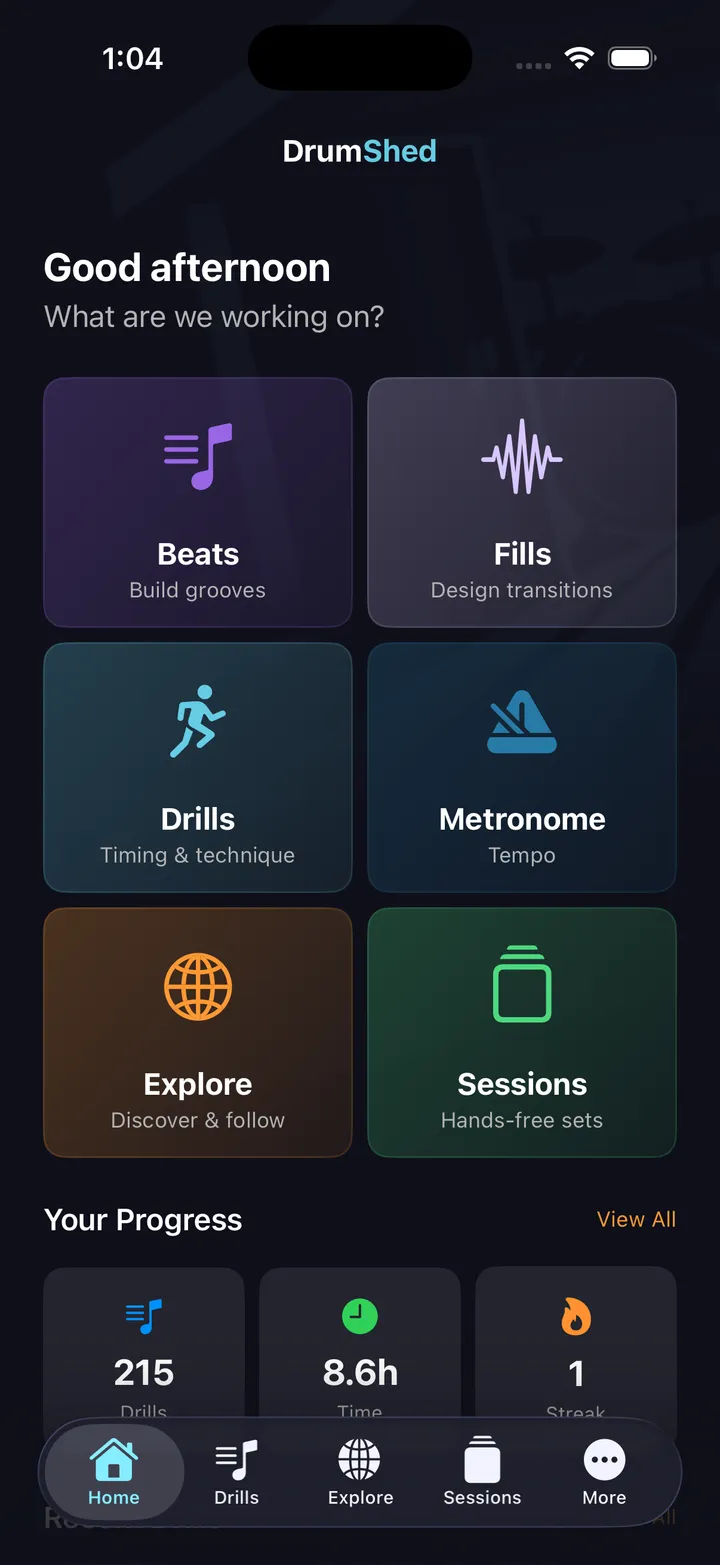
DrumShed™ is the home.
The ideas, the grooves, the plan, the click worth playing to — one place, always where you left it.
Which drum app fits your goal?
The short answer, before the detail. No app here is best at everything — pick by what you're actually trying to do.
You need someone teaching you. Both put an instructor or a guided lesson path in front of you — that is the thing a practice app cannot replace.
The bottleneck stops being "what do I play" and becomes time, feel, and coordination. That is drill work: targeted timing drills, tempo ramps, and a plan that says what to work on today.
Real engraved notation on every pattern, a grid ⇄ notation toggle while it plays, and sheet-music PDF export. Most practice apps show a grid only.
DrumShed's metronome is free forever — odd meters, polyrhythms, and a shuffle/pocket click — and all ten drills built on it are free as well. Pro Metronome is a few dollars and does the core job cleanly.
DrumShed separates the drums from a song you upload and puts it on the practice grid — a click that follows the take, half speed at the same pitch, bar-range loops inside sessions. Moises does stems for every instrument and hands you the files.
Per-beat sequencing and full setlist click tracks. Dense, but the deepest programming available.
Prices and features below were checked in 2026. Drum app pricing moves — if you're reading an older roundup, verify the current tier before you buy.
1. DrumShed
Best for: structured practice with creative tools
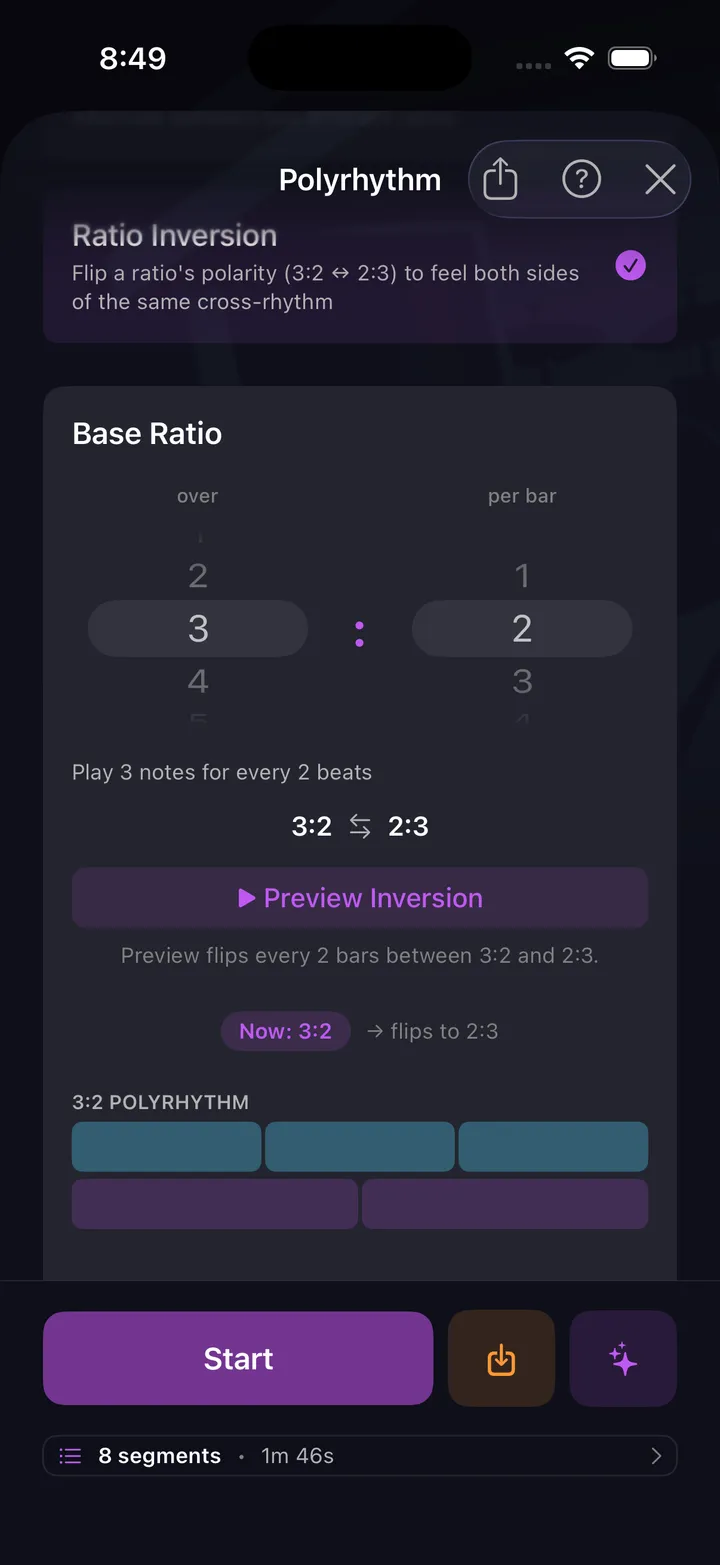
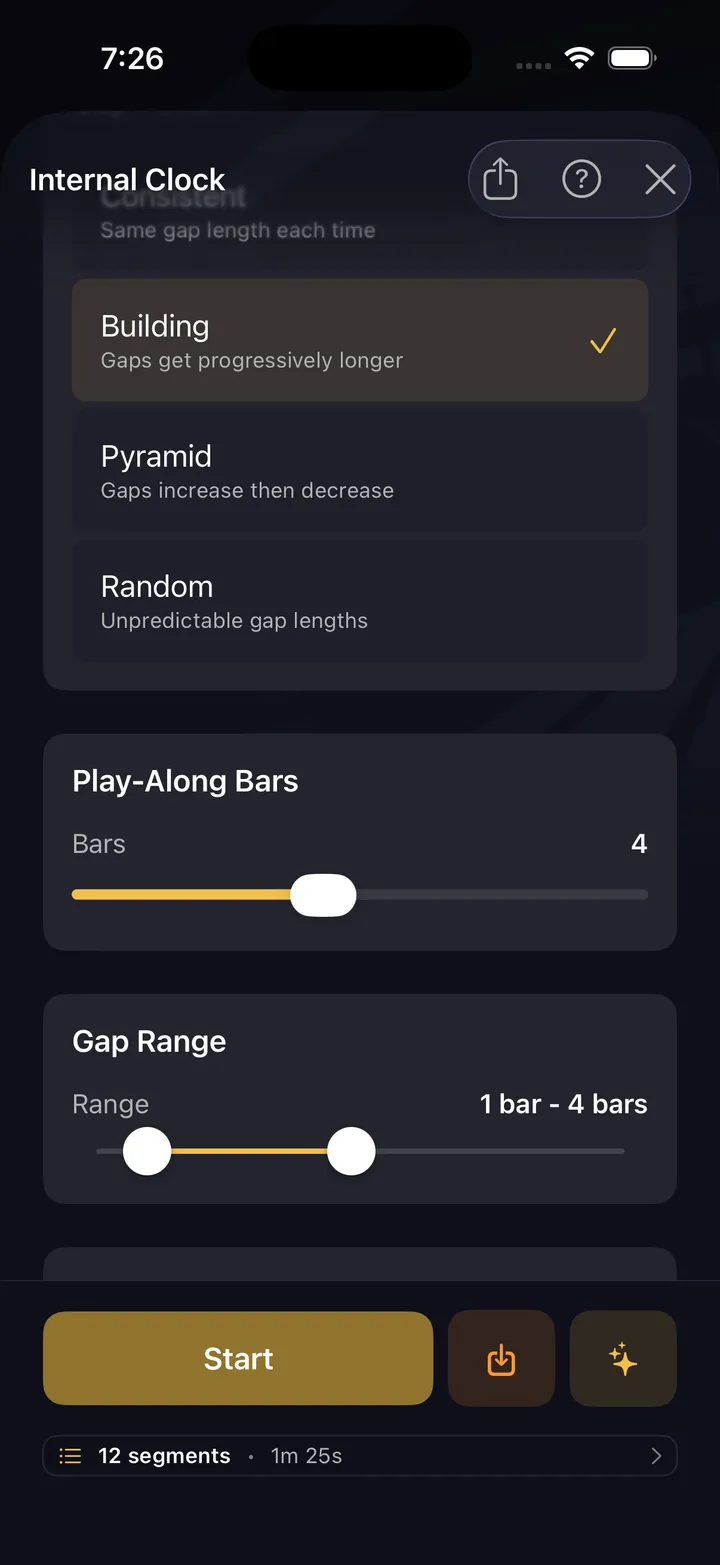
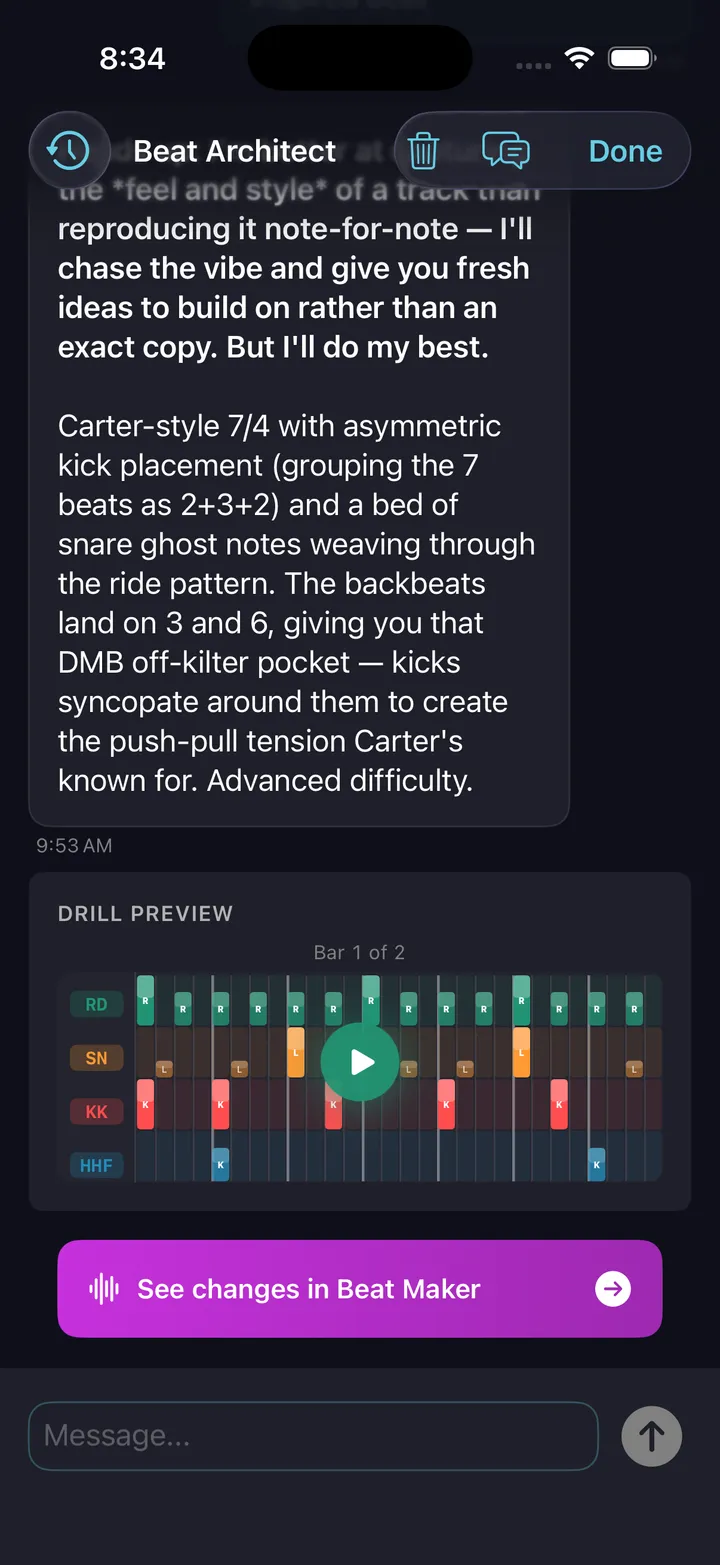
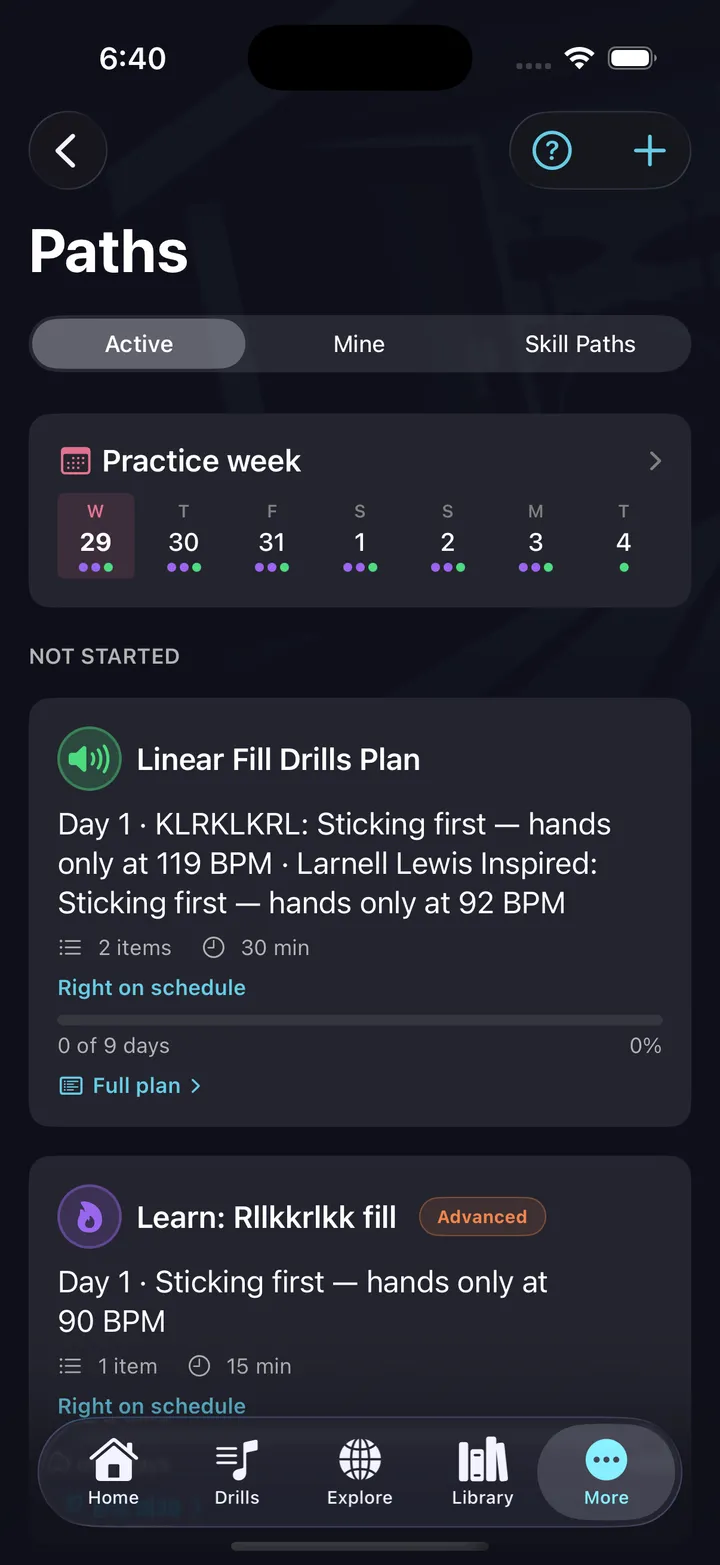
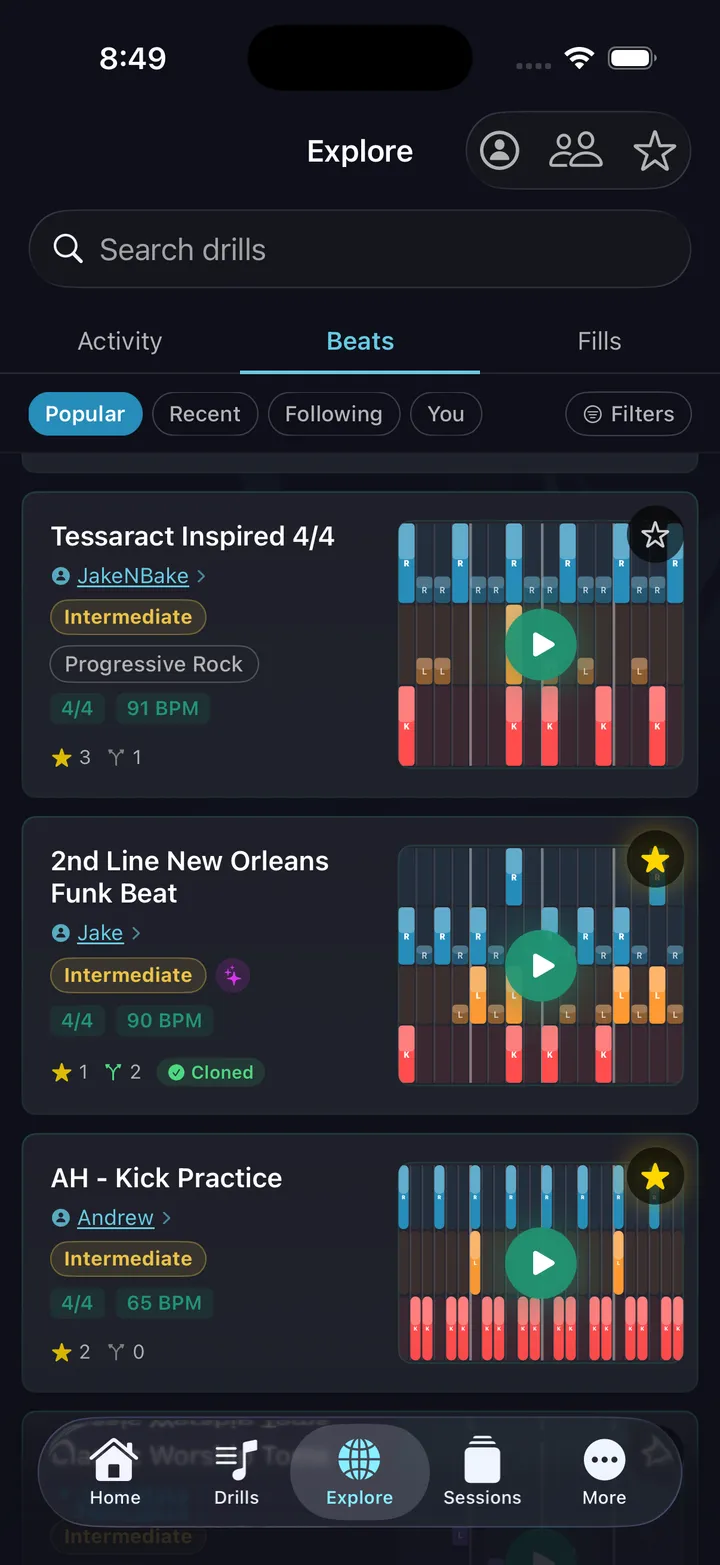
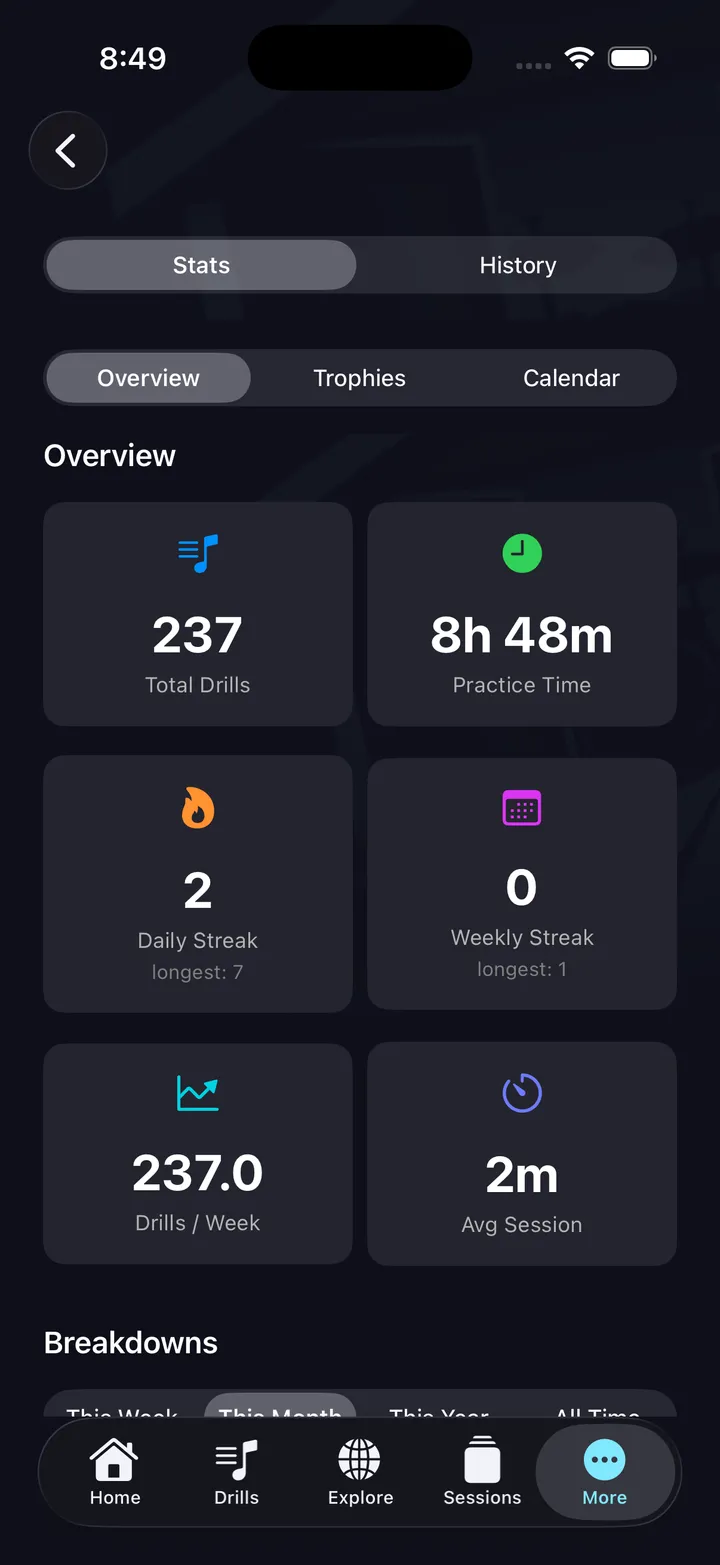
A complete practice system, and the practice half of it is free: a metronome that's the only one here to play pocket, not just grid, plus all ten drill engines — internal clock, click displacement, polyrhythm, tempo builder, pocket and the rest — hands-free sessions, and your full practice history. On top of that sits a beat builder with genre presets and ghost notes, a fill builder with 36,700+ stickings, AI pattern generation, community sharing, and video export. Practice Paths turn it all into a plan: multi-day paths built from your own beats, fills, and drills on a real calendar — or tap Learn This on any pattern and get the day-by-day tempo ramp drafted for you. Native apps for iPhone, iPad, and Android. Every timing drill is free; making your own patterns, publishing them, Paths and AI are All Access at $5.99/mo.
“It is very easy to use, has tons of great sounds and tools, and makes creating beats feel fun and effortless.” ★★★★★ · Justsomeguy47, App Store review
“this app is like having a personal drum coach in my pocket” ★★★★★ · jtc180, App Store review
Live grid view shows every voice in real time — kick, snare, hi-hat, toms — with a playhead scrubbing across the bar.
The beat builder walks you through creating beats the way music actually works: kick-snare → embellishments → cymbals → sticking.
2. Drumeo
Best for: video lessons from professional instructors
The largest library of drum video lessons with world-class instructors. Song play-alongs with drumless tracks. Community forum. $25/mo Base, $30/mo Drumeo+ (about $229–$279/yr).
3. Pro Metronome
Best for: a reliable, focused metronome
A well-designed metronome with polyrhythm support, visual tempo display, and setlist features. Opens in a second, keeps perfect time, costs a few bucks. If that's the whole job, buy it. Free, with the Pro bundle around $3.99 one-time — though newer features have moved to a subscription.
4. Melodics
Best for: gamified basics with progressive lessons
A gamified app that teaches drum patterns through progressive lessons, XP system, and daily goals. Works with electronic kits and acoustic kits via microphone. Available on iOS, Mac, and Windows. From $24.99/month; free account with limited lessons.
5. PolyNome
Best for: pro-level metronome programming
The metronome working pros program. Sequence anything per beat, build full click tracks for setlists, and log practice time against goals. iOS only, one-time purchase plus a Premium subscription for the advanced features.
6. Moises
Best for: play-along practice via AI stem isolation
AI stem separation: feed it any song, mute the drums, and you've got a drumless track to play along with. Slow it down, change the key, loop a section.
The ten drills, free
A click tells you where the beat is. It will never tell you what to do about it — that is the part these ten add. Each aims the metronome at one specific weakness and drills it in reps, and every setting on these screens is yours to change.
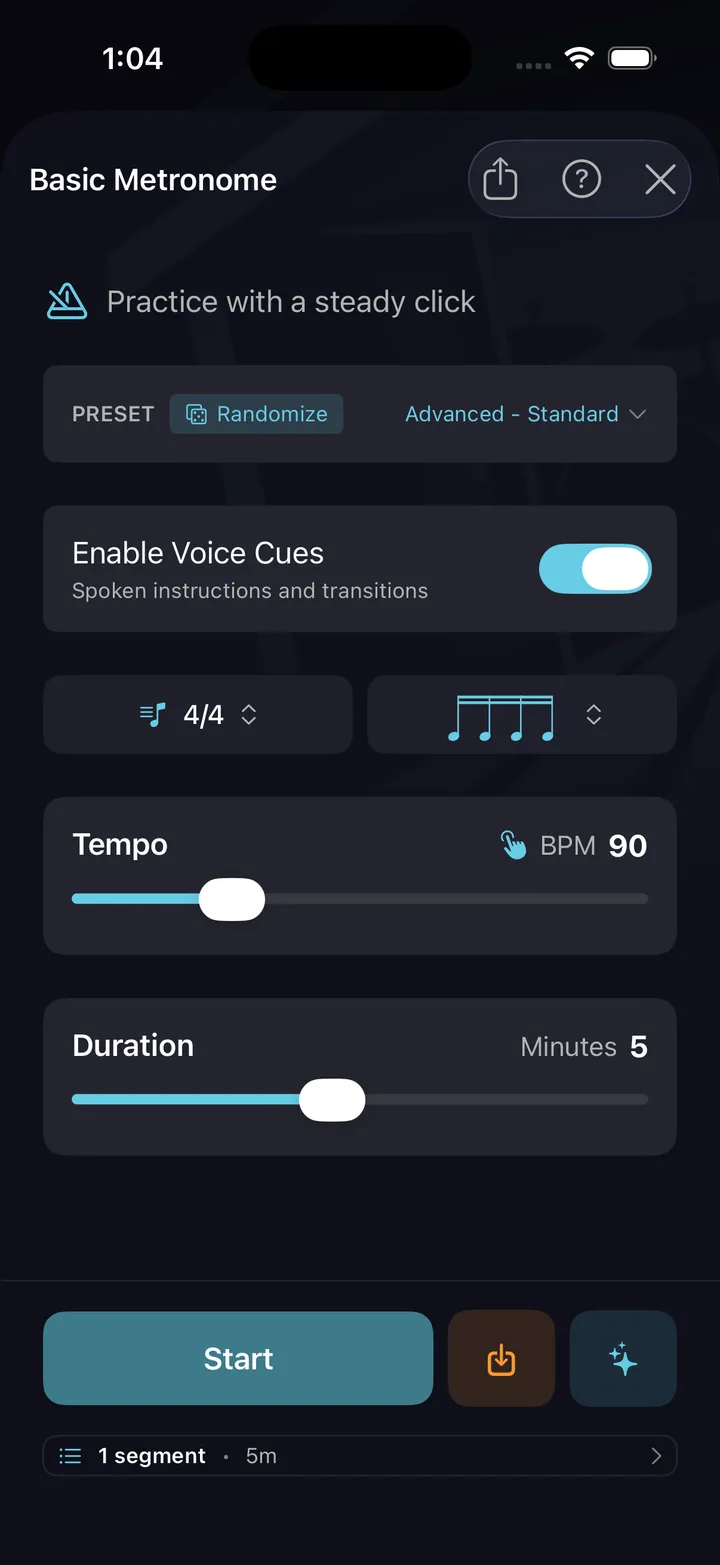
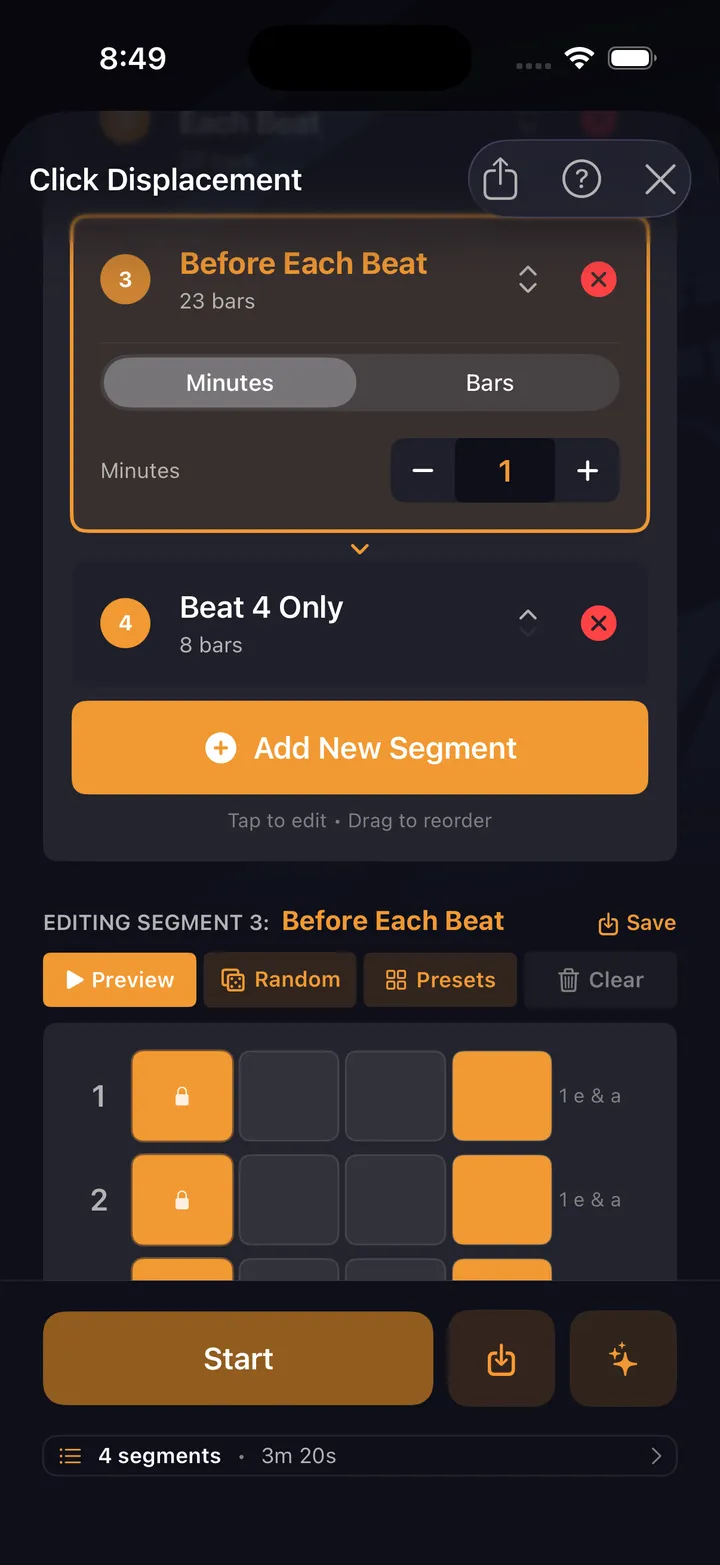
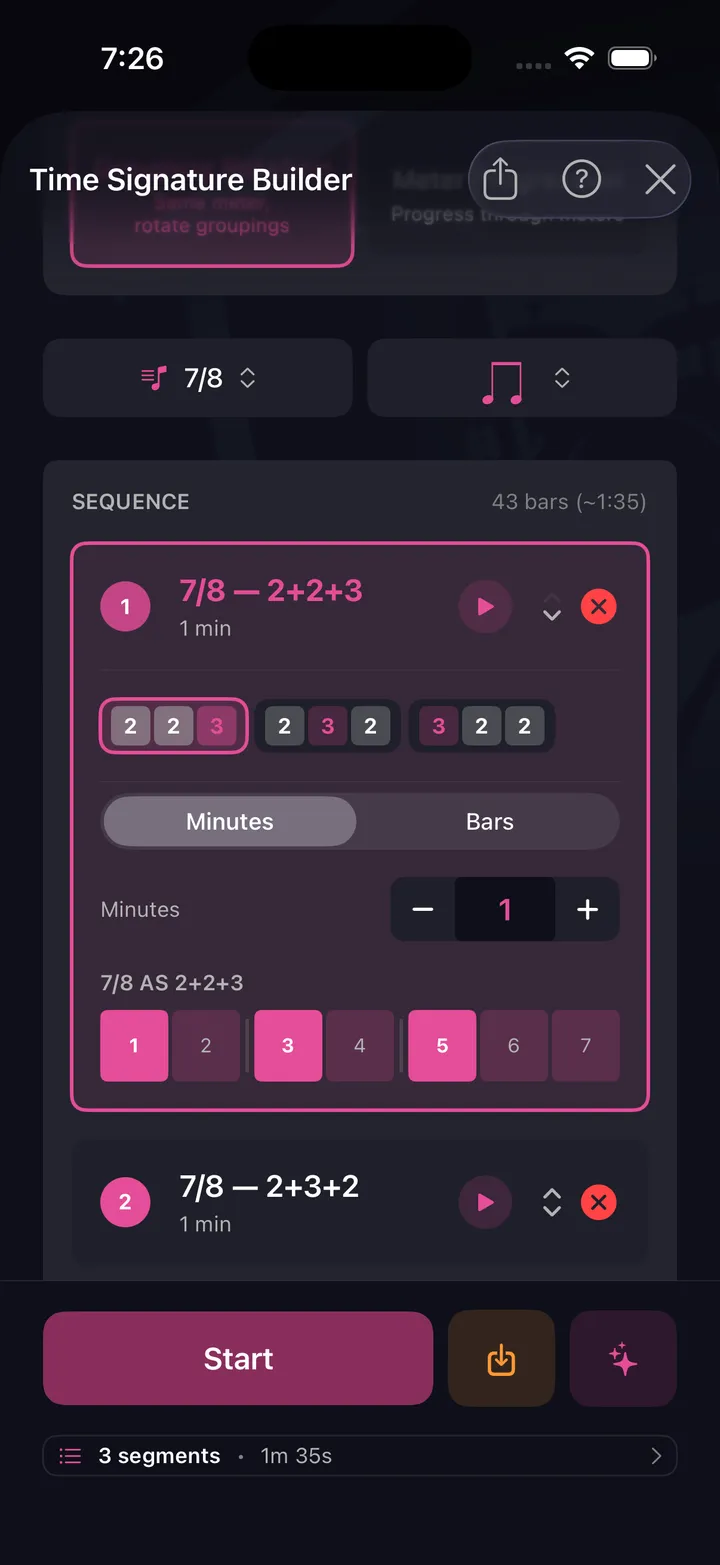
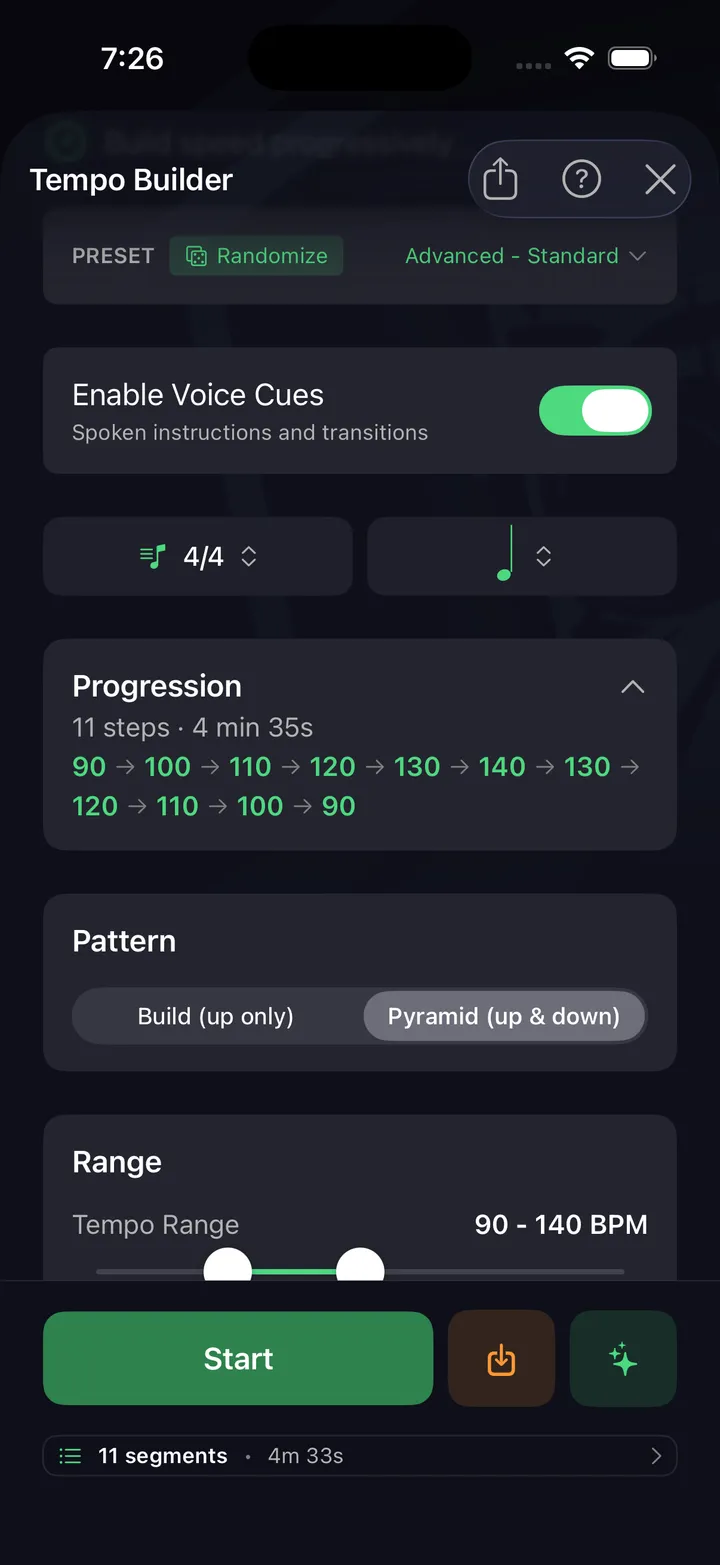
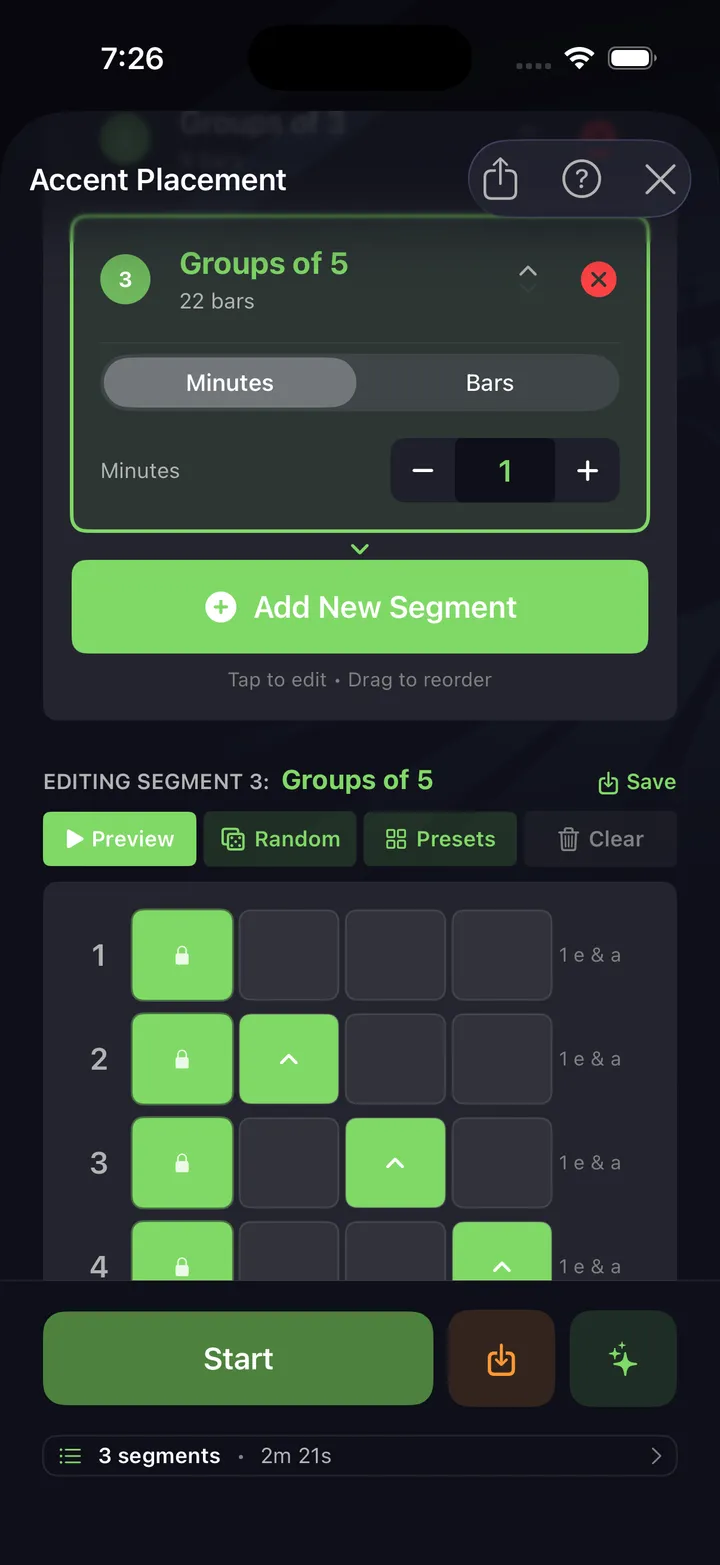
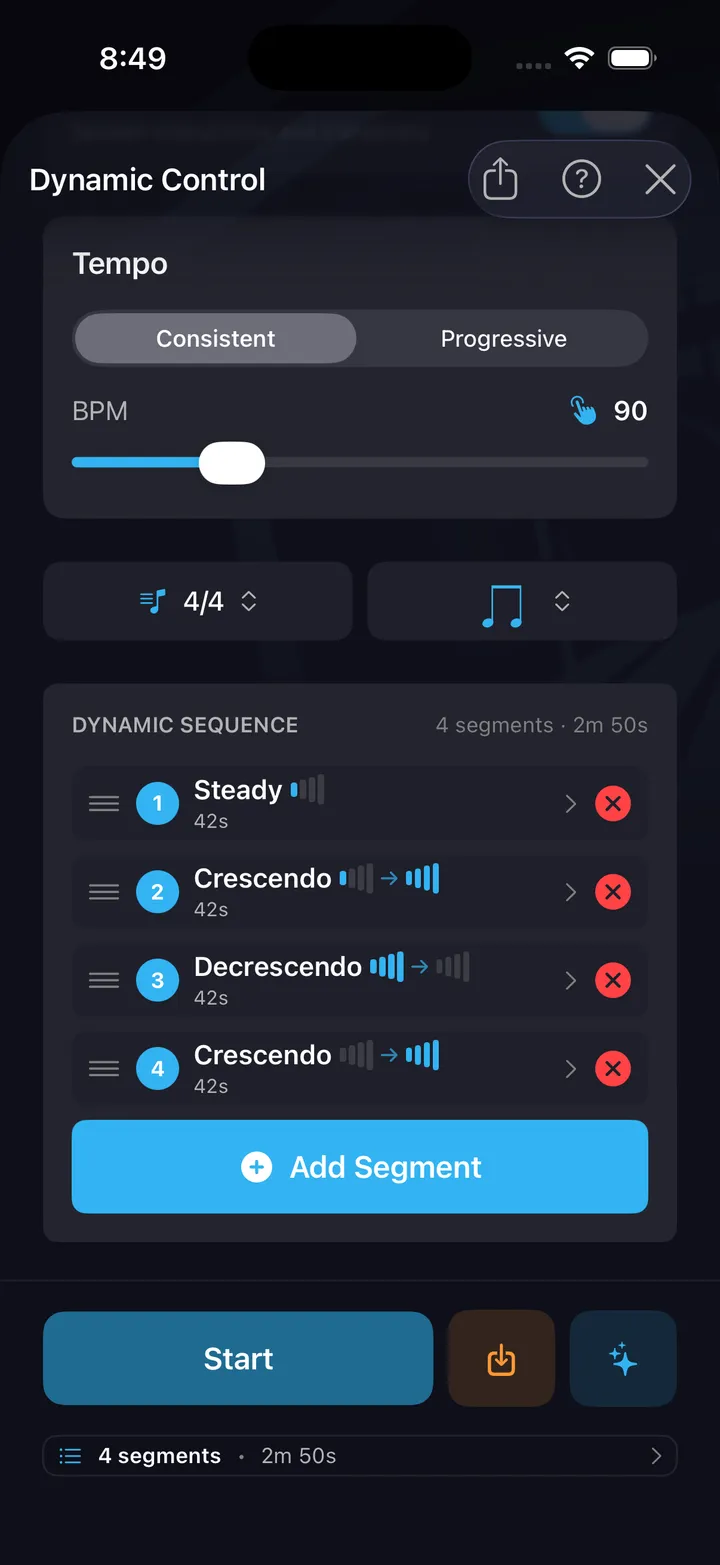
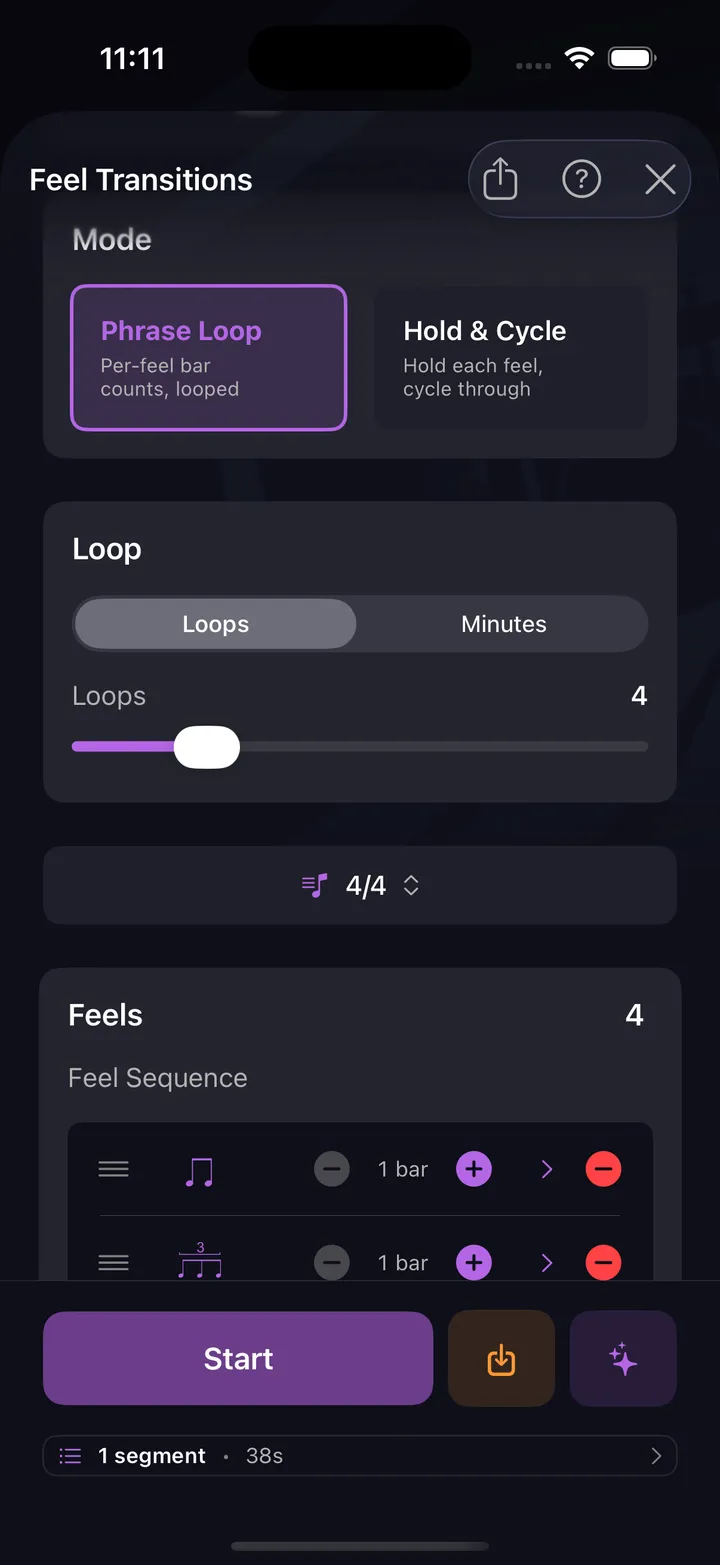
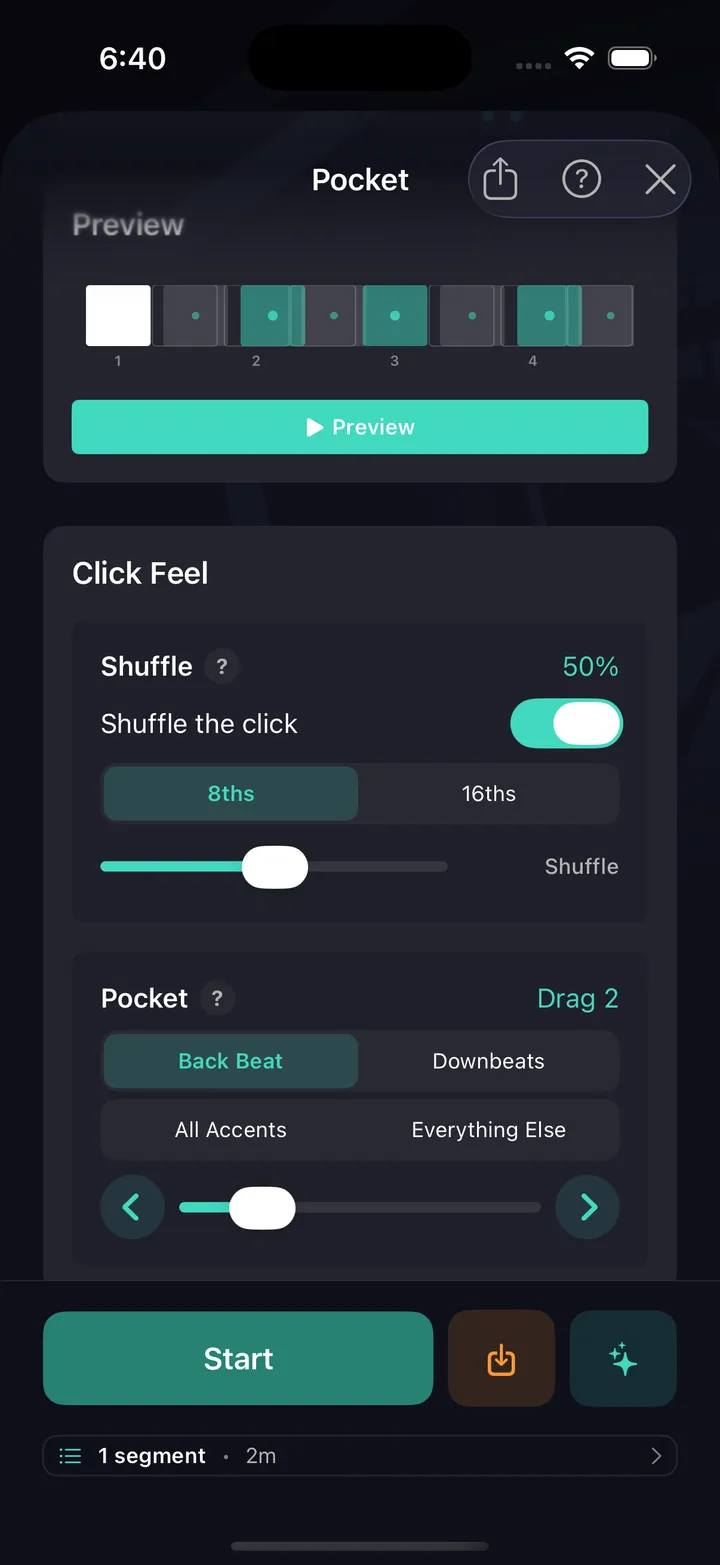
All ten are free — no card, not a timed trial. See every drill explained.
Every drummer needs
a home base.
Try DrumShed free — the metronome and basic drill cost nothing.