Get the groove out of your head
— before it's gone.
Beats and fills show up uninvited. DrumShed is the fastest way to capture them: tap the idea into a grid, hear it back on a full kit, and watch it become real drum notation. Every idea lands in your library — for good.
Your best grooves don't wait for the kit.
They show up on the drive home, in a meeting, at 2am. By the time you're behind the drums, the idea is a rumor.
Ideas don't schedule themselves
Steering-wheel drumming and humming into voice memos capture the vibe — not the patterns. A memo of you beatboxing isn't something you can practice.
Notation is a tax
Staff paper and desktop notation software take longer than the idea deserves. Most grooves never get written down because writing them down is work.
Morning amnesia
An uncaptured groove rarely survives the night. The ones you lose are always the ones that felt the best.
From head to notation in under a minute
The pattern editor is the shortest path between hearing a groove in your head and seeing it on a page.
1. Tap it in
Open the grid and place hits exactly where you hear them — any voice, any subdivision, odd and mixed meters. No theory required to start.
2. Hear it back
Full drum-kit playback at any tempo, instantly. Adjust until what's playing matches what was in your head.
3. Read it as notation
The same pattern renders as standard drum notation automatically — sticking included. You never write a note by hand.
4. It's saved
Name it and it lands in your library. No file management, no export step — capture is the default, not an extra chore.
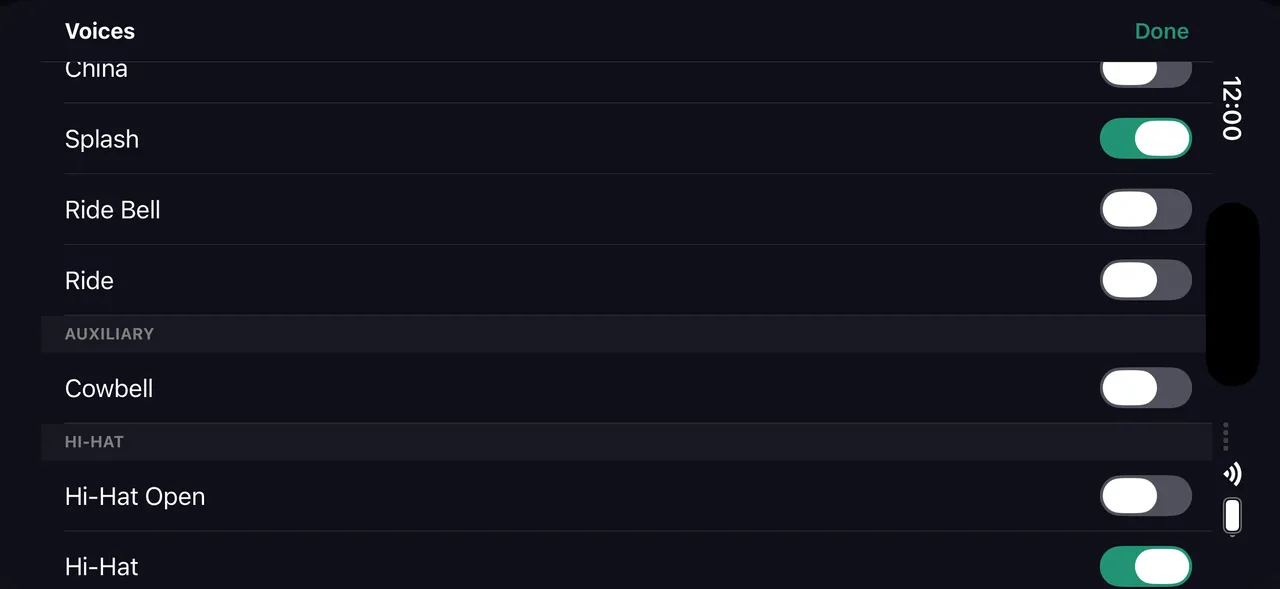
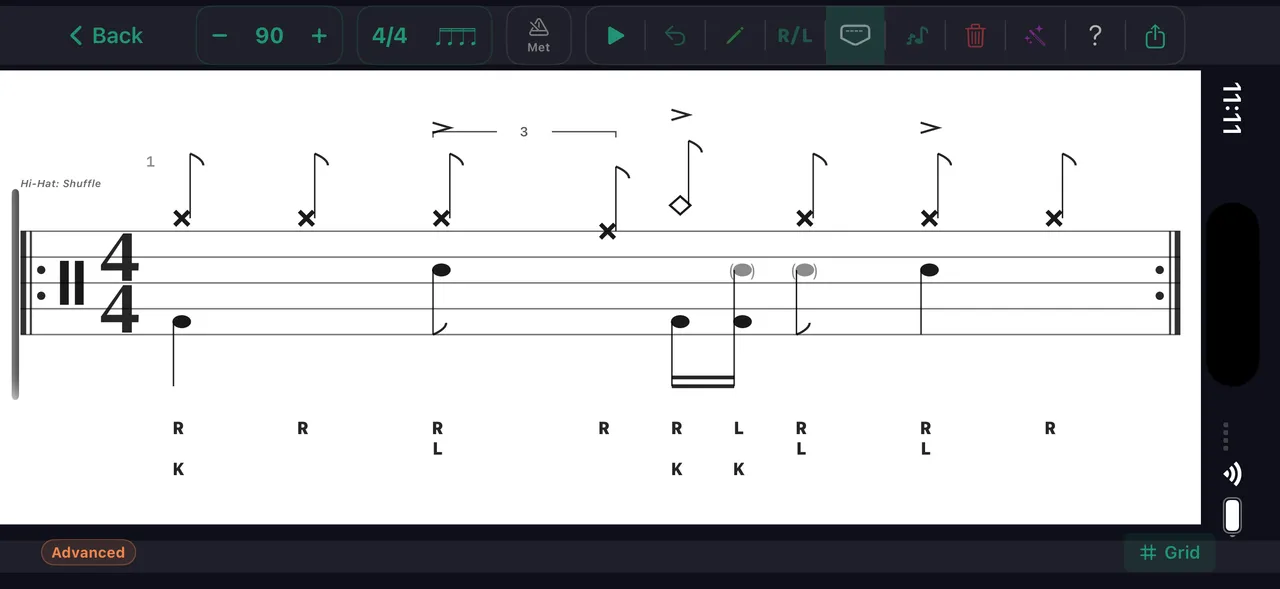
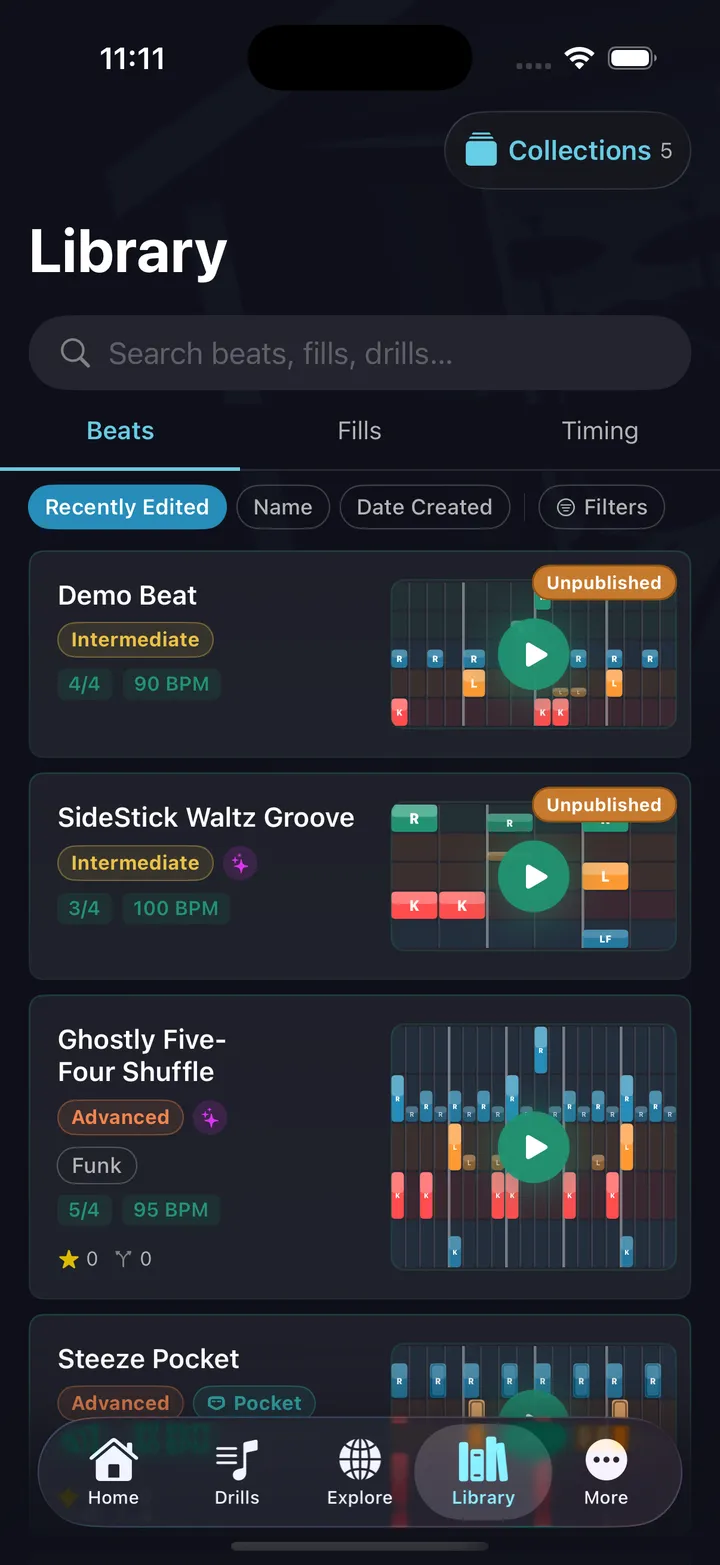
A catalog of every groove you've ever come up with.
Songwriters keep notebooks. Producers keep project files. Drummers mostly keep… hope. Your DrumShed library is the drummer's notebook — every beat and fill you've captured, as playable patterns and readable notation.
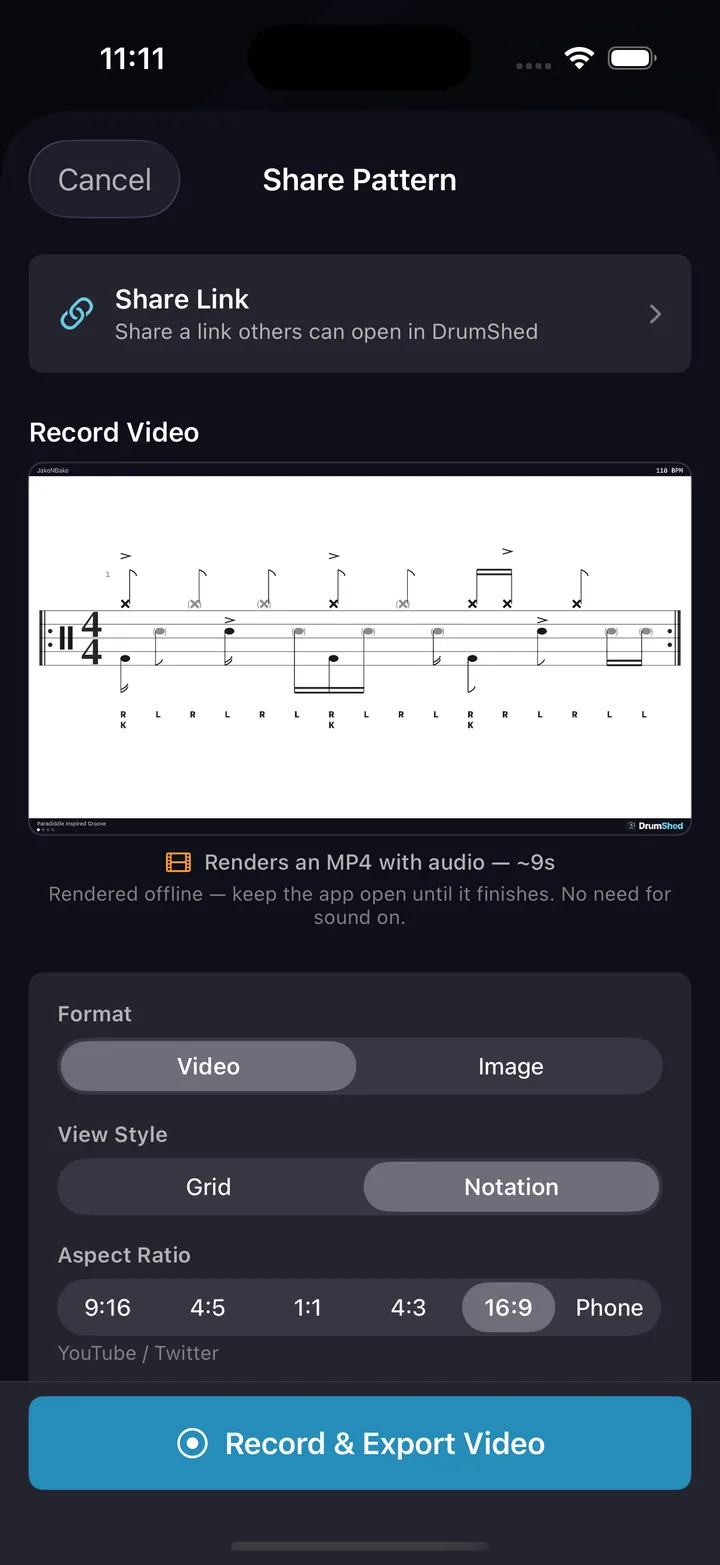
Clone an idea to iterate on it without losing the original take. Turn a captured groove into a practice drill the moment it's worth woodshedding. Export notation or video when it's worth sharing — or publish it to Explore when it's worth showing off.
The idea you capture on Tuesday's commute becomes Thursday's practice session and next month's signature fill.
Captured is only half the loop.
When an idea is worth more than a listen, tap Learn This and it becomes a day-by-day tempo ramp — a practice path that walks the groove from “someday” to under your hands, on the days you actually practice.
Capture it however it arrives
Some ideas are precise. Some are a feel. There's a fast path for both.
Pattern editor
You know exactly what you heard? Tap every hit into the grid — ghost, normal, accent — at any subdivision.
Guided builders
You have the skeleton but not the details? The beat and fill wizards turn 'half-time, ghost notes, ride bell' into a full pattern.
Describe it to AI (beta)
It's more of a vibe? Describe the groove in plain English and the AI drafts it — then refine it in the editor.
Clone & iterate
Every saved idea is a starting point. Clone it, mutate it, keep both takes — versions of an idea, side by side.
Drill it later
Captured ideas become practice material in one tap — loop the groove, learn-mode the fill, build it into a session.
Share when ready
Export readable notation or a playback video, or publish to Explore so other drummers can clone your idea.
Every drummer needs
a home base.
Never lose a groove again.