Metronome by DrumShed™
Free, instant, no ads. Sitting at a drum set? Harness this same metronome through structured timing drills in the DrumShed app — ten of them, each aimed at a specific timing problem.
Drag the ring to set the tempo · hold for tap tempo · Space plays · + − step · tap a beat bar to accent, soften, or mute it
A free online metronome with every feature unlocked — no pay gates
Most online metronomes hand you a tempo dial and keep the useful half — polyrhythms, click patterns, the sound library — behind a paywall or a sign-up. Nothing here is gated, capped, or trial-only. No account, no ads, no upgrade prompt. It's the same metronome that ships inside the DrumShed app, running in your browser.
- PolyrhythmsAny ratio up to 16 against 16, with both voices clicking and lit separately.
- Click patternsAccent, soften, ghost, or mute any individual click in the bar — not just beat 1.
- 19 click soundsClaves, cowbell, shaker, woodblock, rimshot, bell, granite, quartz, and more — each with accent, normal and subdivision variants.
- ShuffleSwing the 8th- or 16th-note click anywhere from straight to a full triplet feel.
- Pocket feelPush or drag the backbeat, the downbeats, every accent, or everything else.
- Time signatures2/4 through 13/8, in quarters or eighths.
- Subdivisions8ths, 16ths, 32nds, triplets, quintuplets, sextuplets, and dotted 8ths.
- Tap tempoHold the dial and tap along to find a song's BPM.
Take the click to the kit: ten structured timing drills
A click tells you where the beat is. These drills tell you what to do about it — each one isolates a single timing problem and trains it in reps on the drum set, using this same engine.
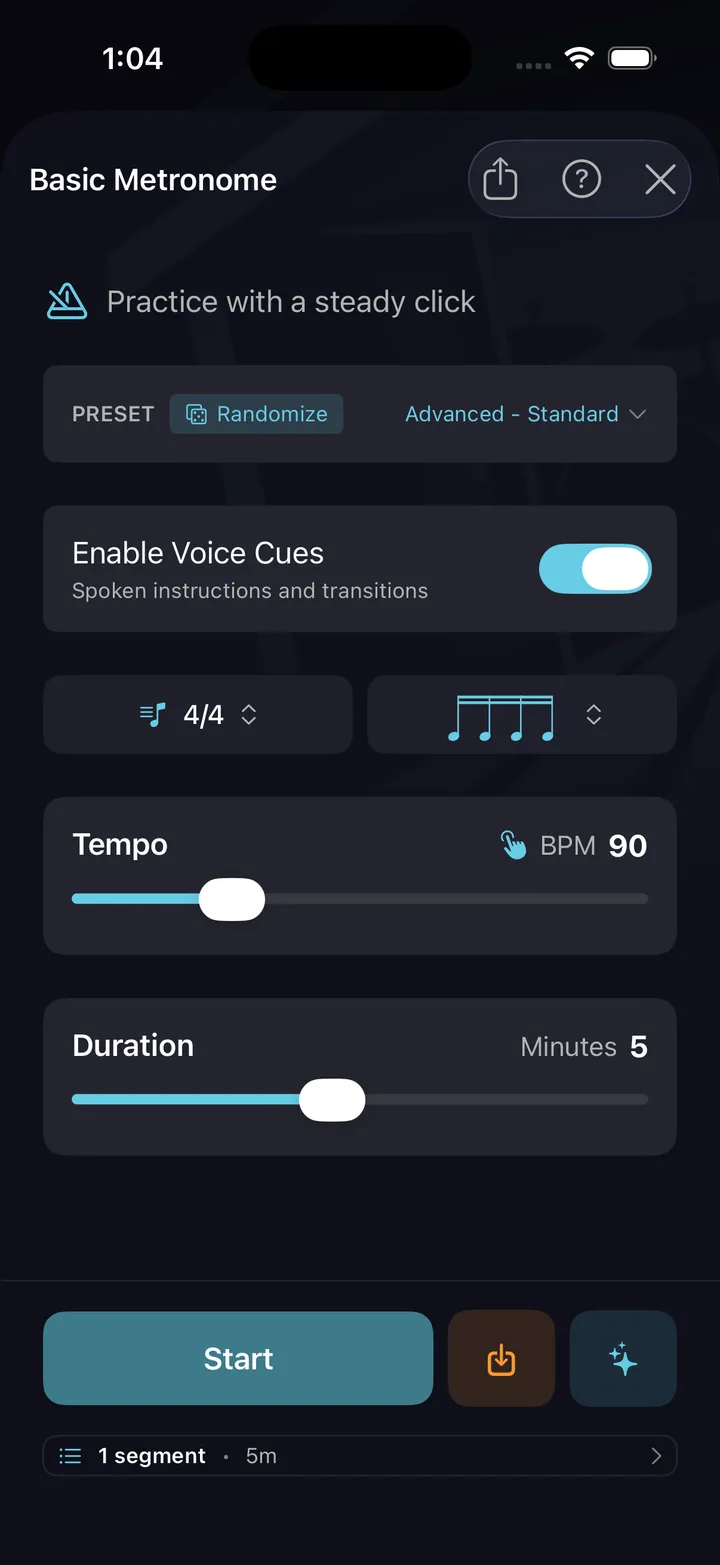
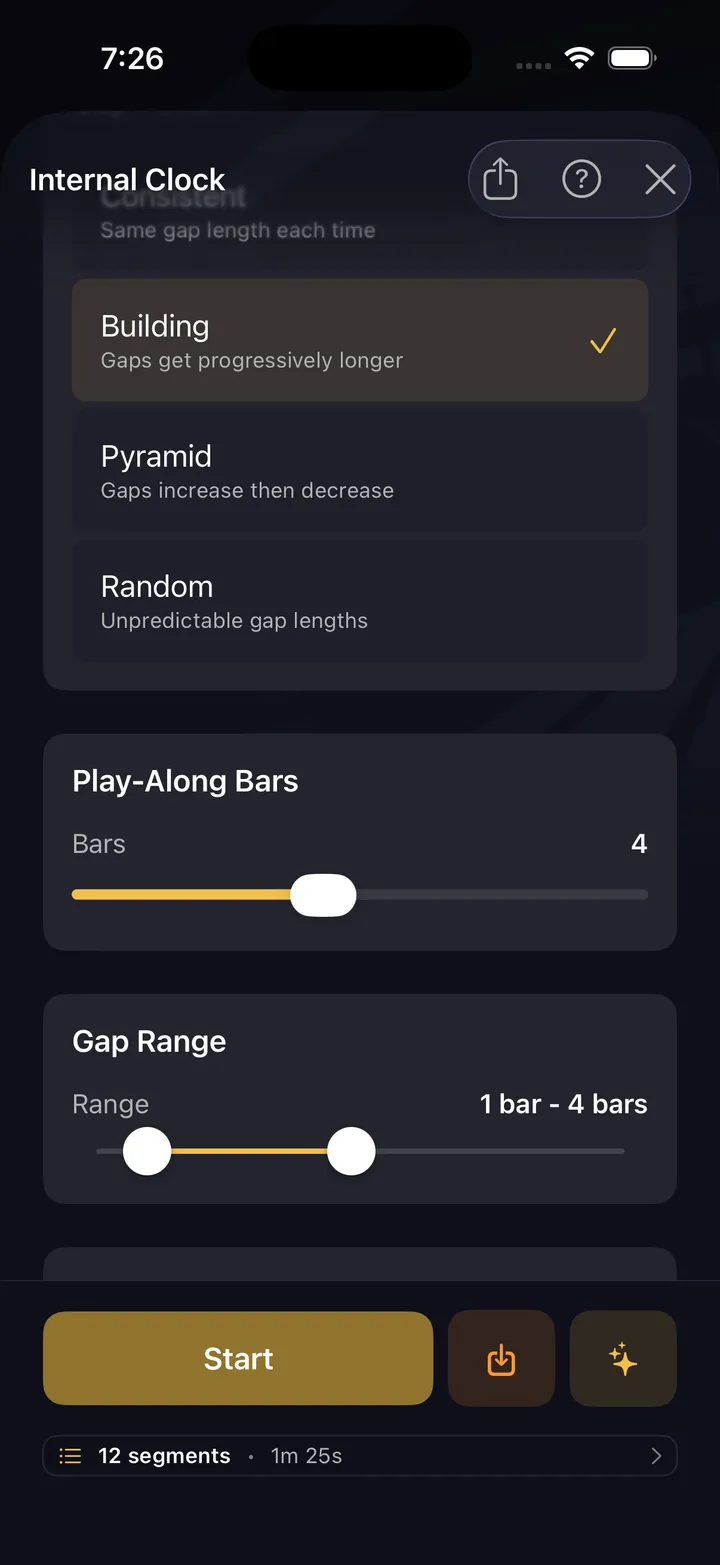
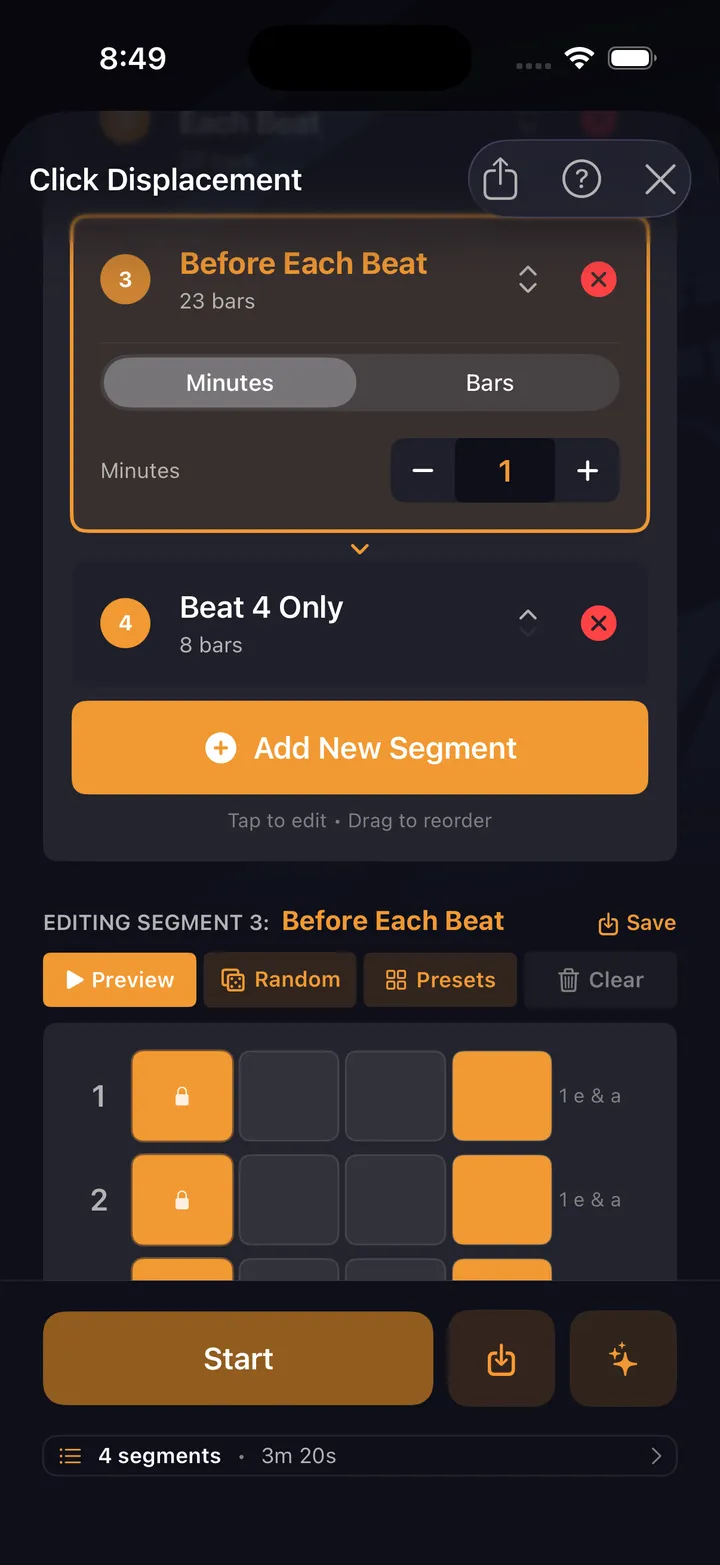
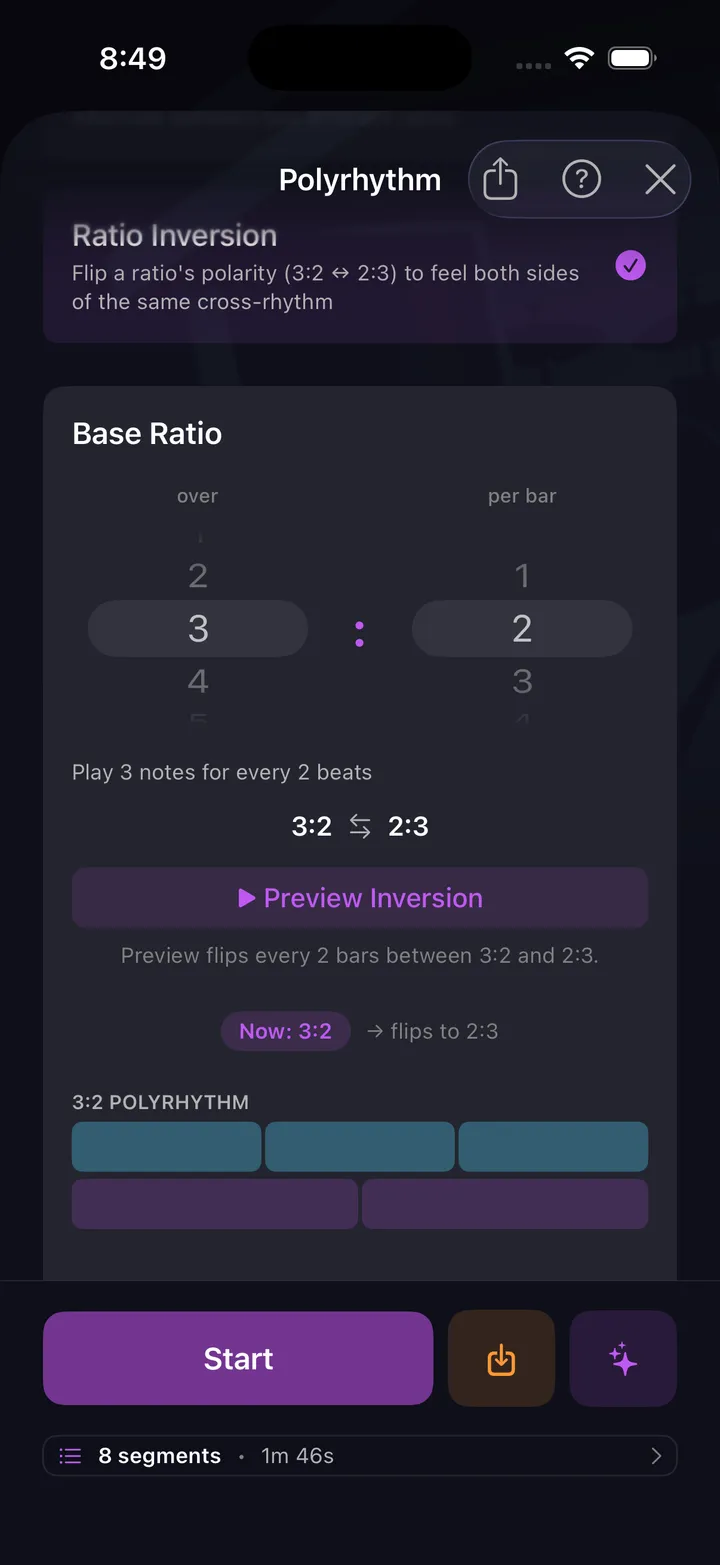
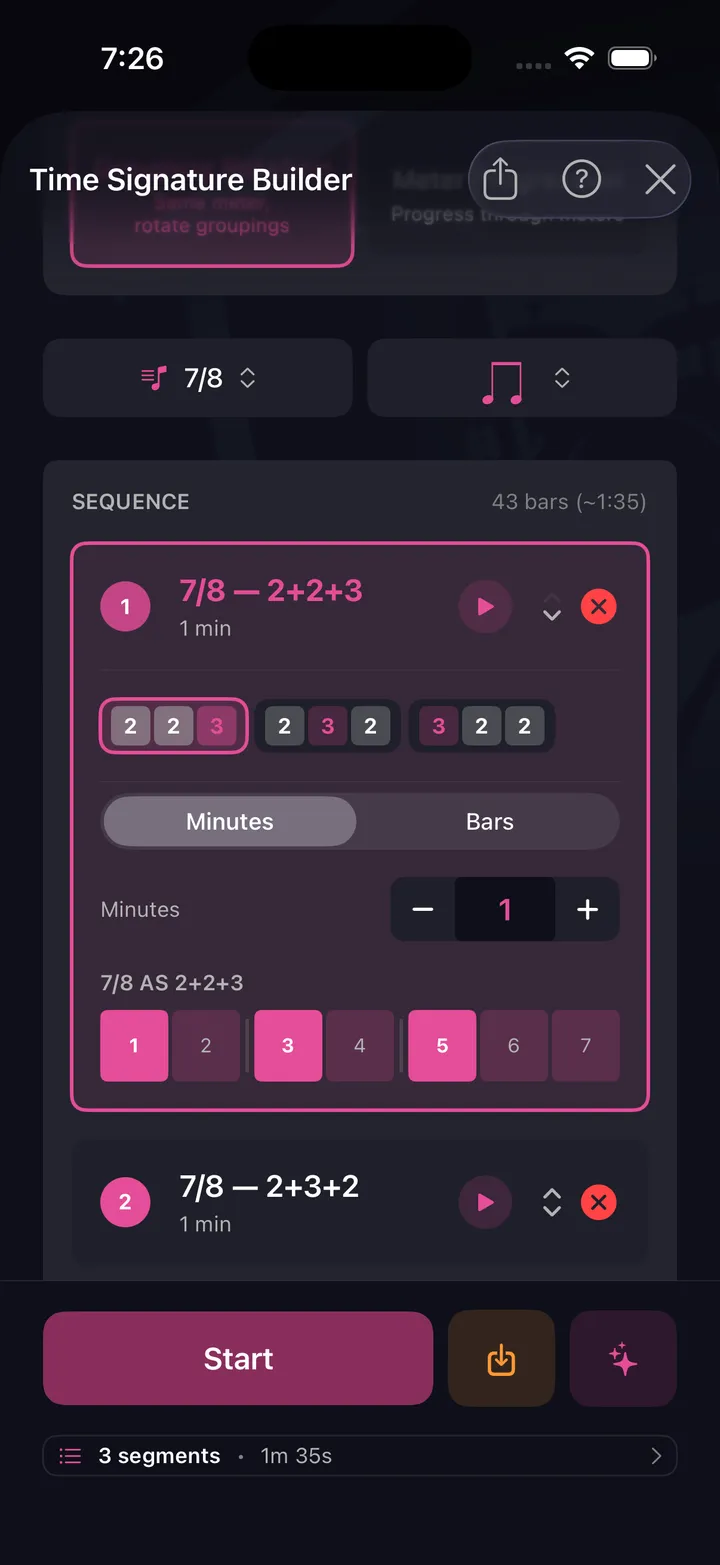
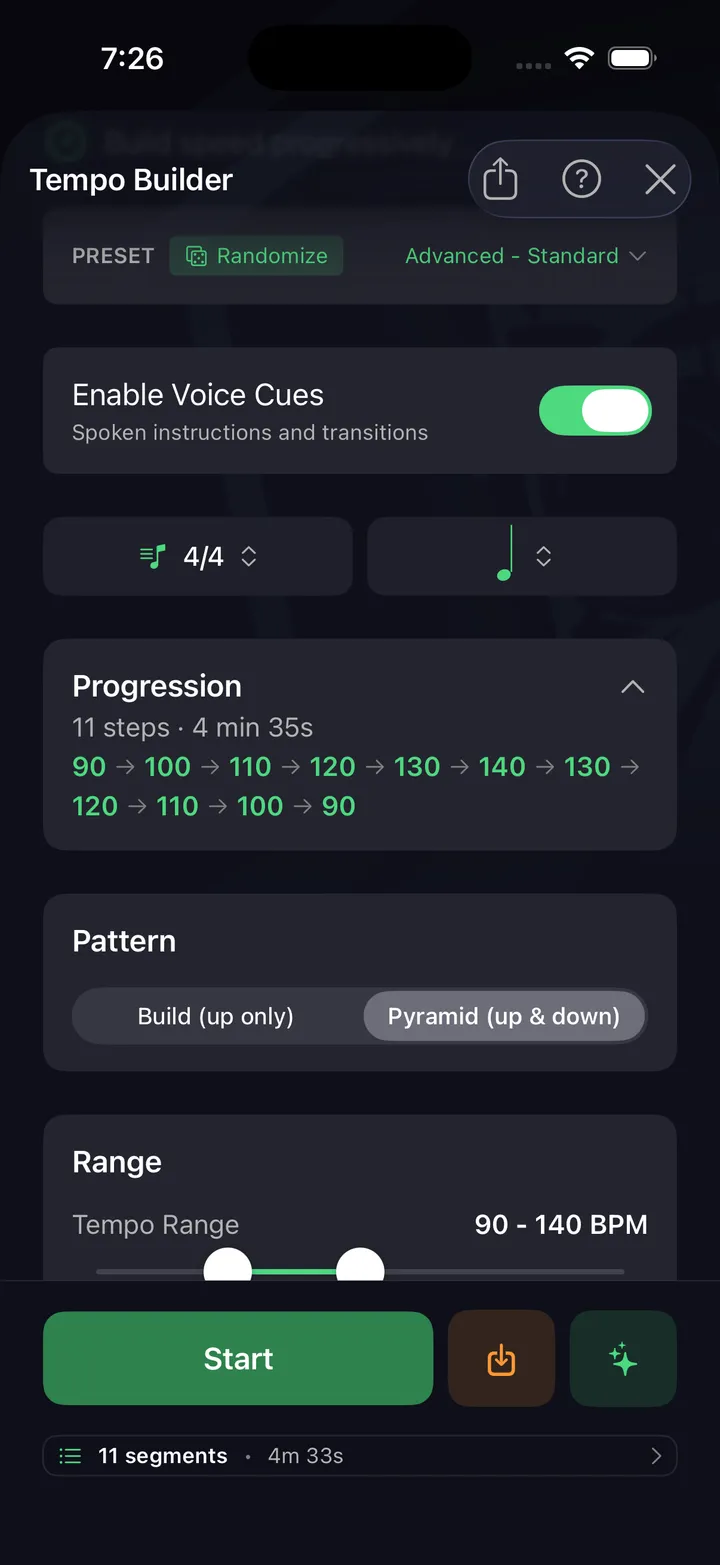
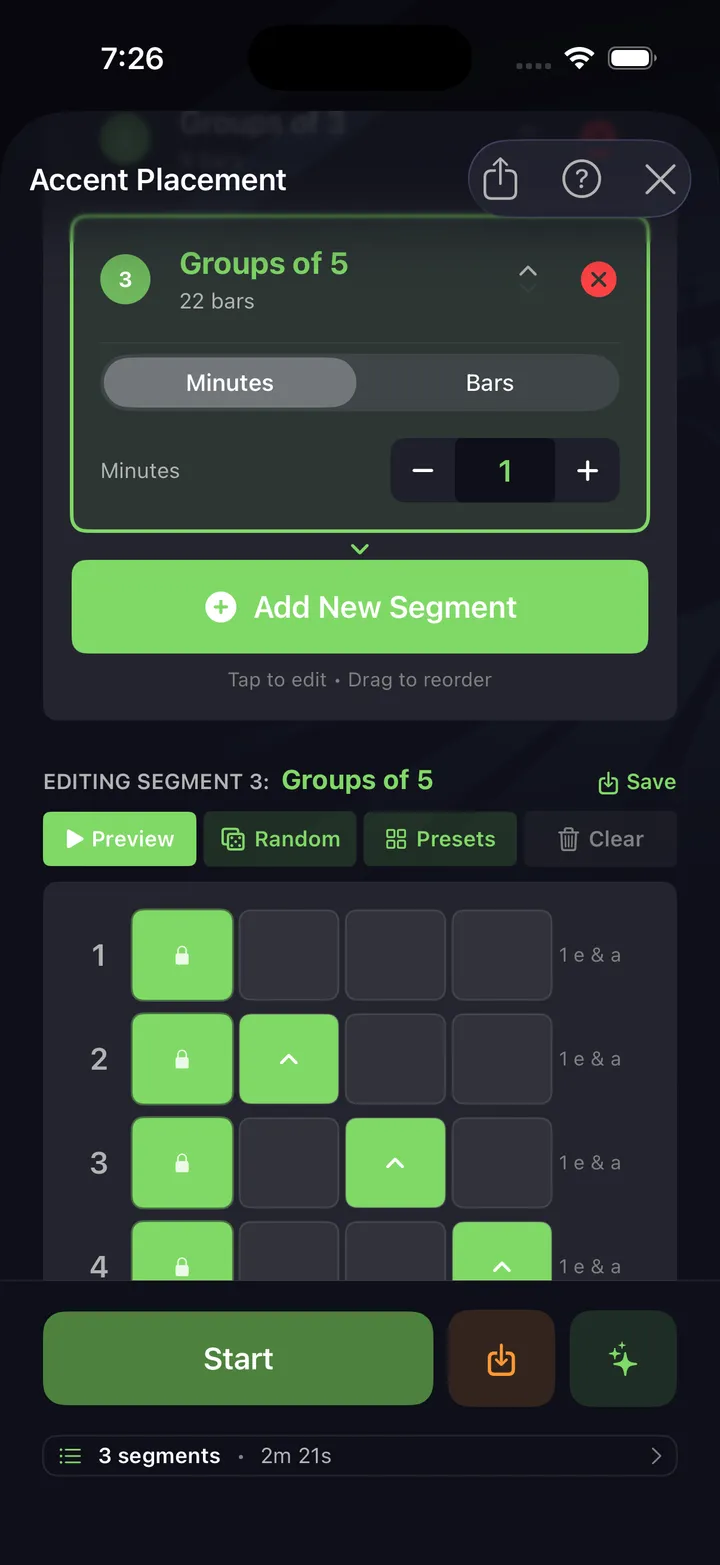
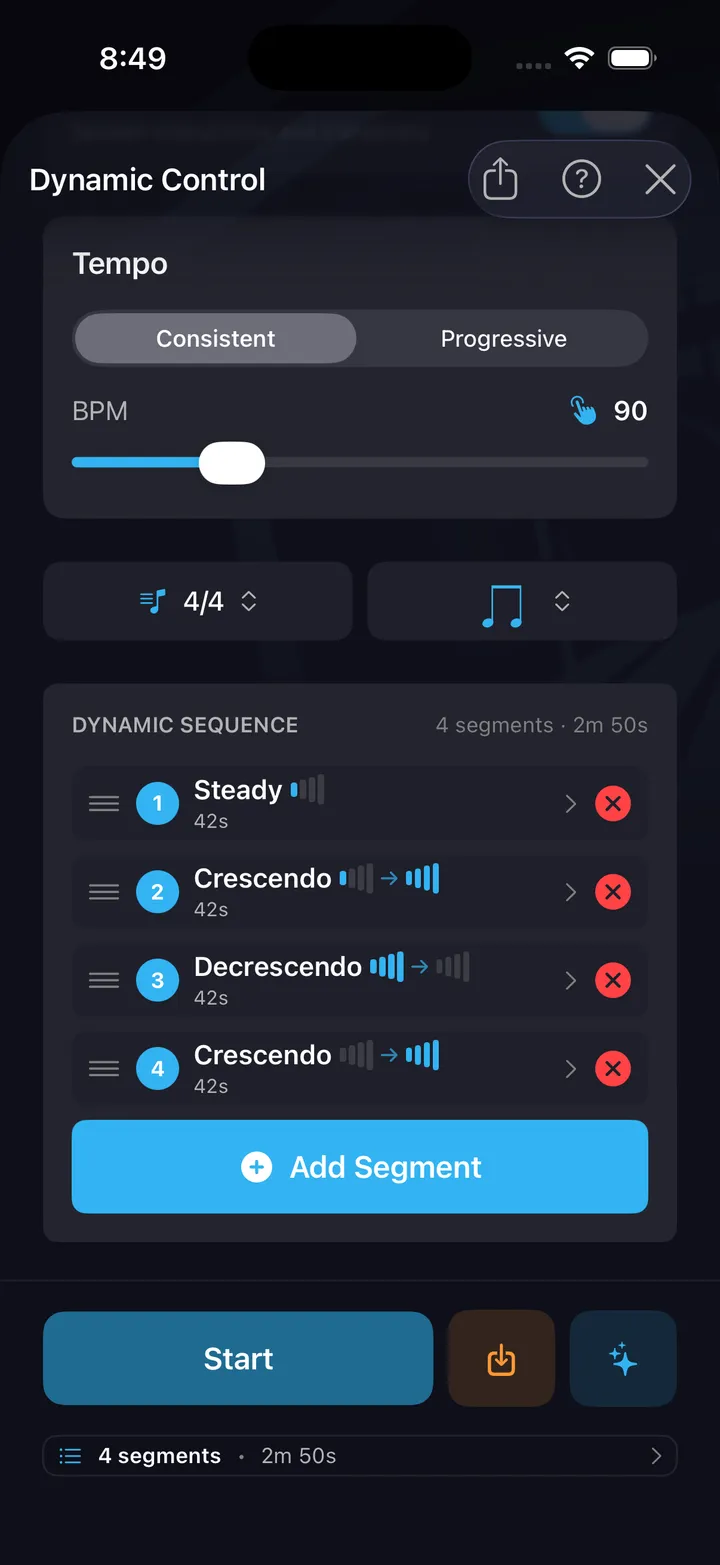
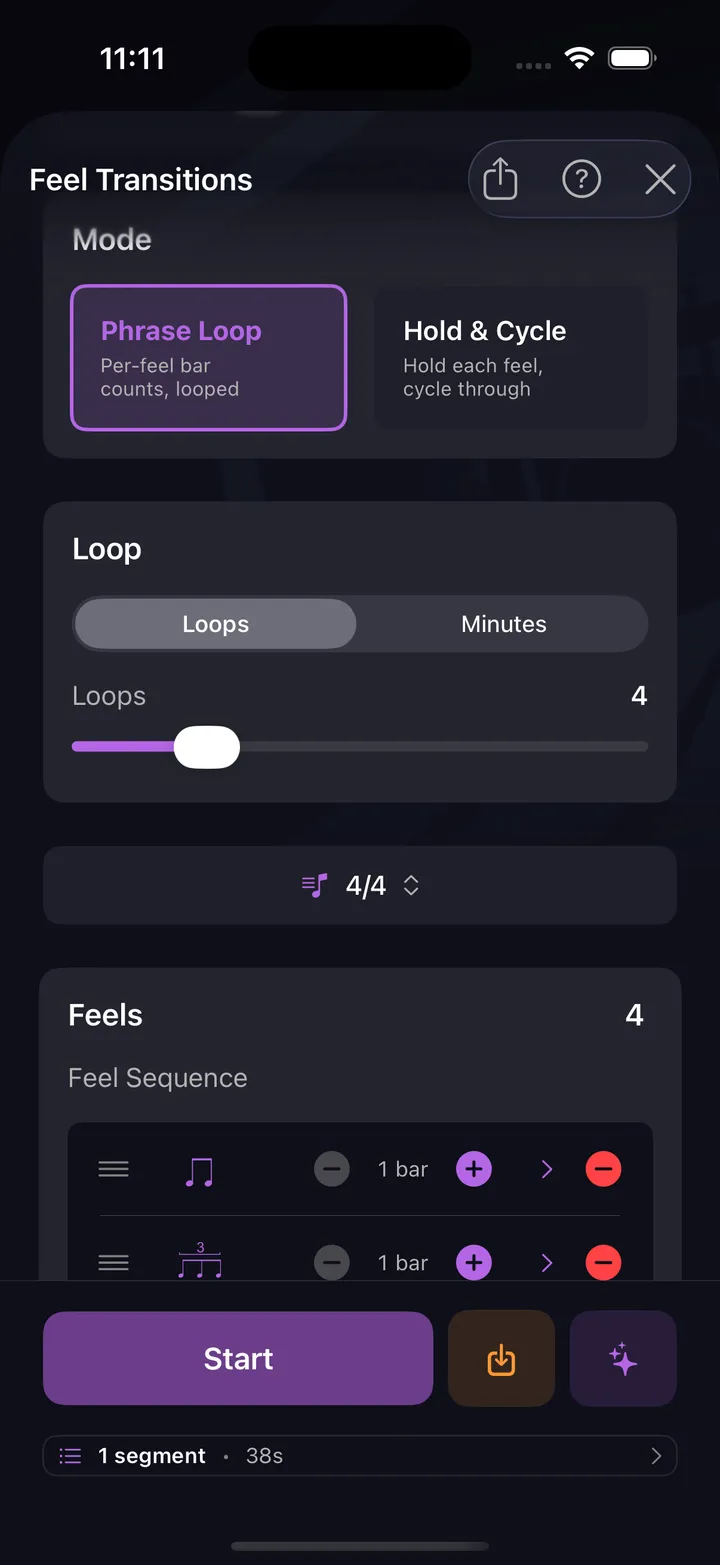
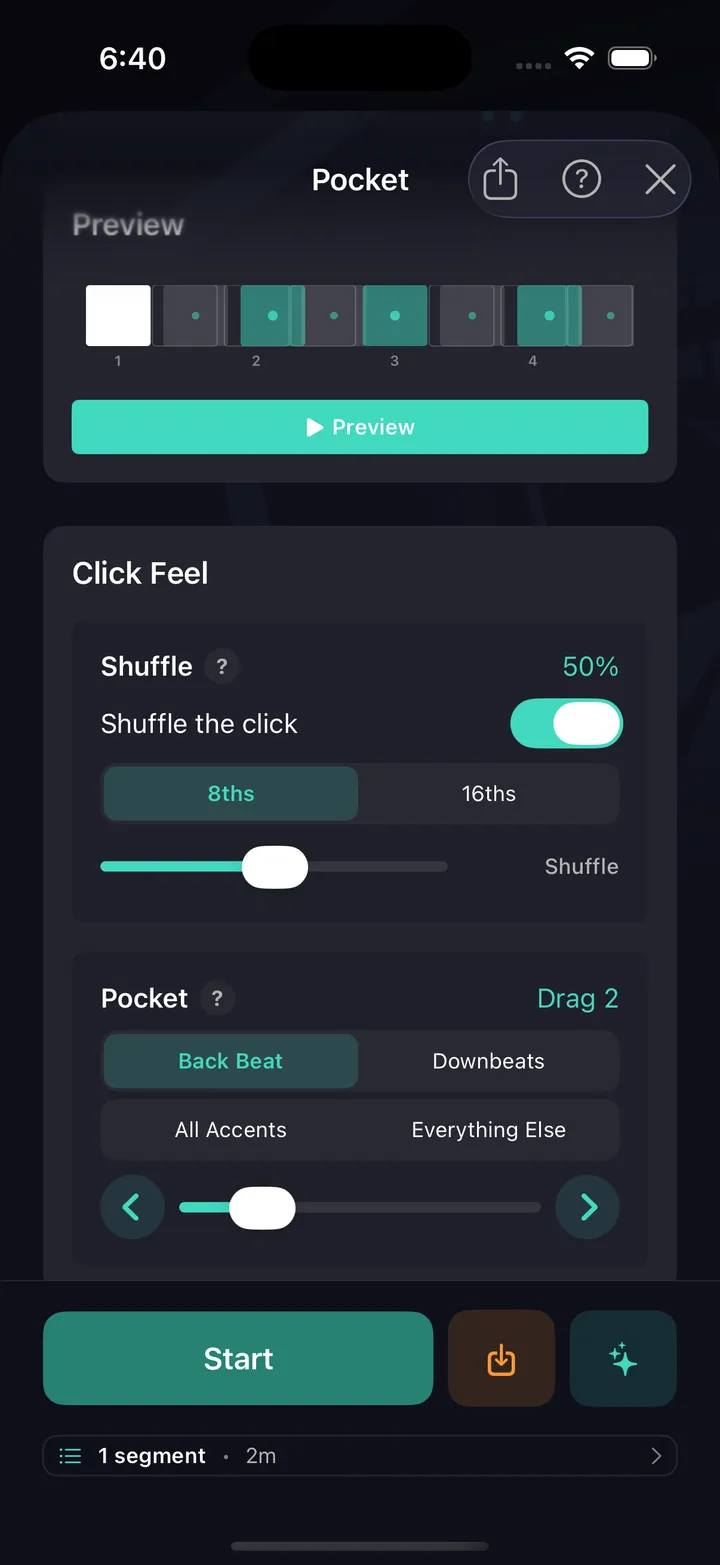
The metronome is free forever in the app too, and every one of the ten drills built on it is free as well. See every drill.
How to practice with a metronome
Start below your target tempo. The click's job is to expose where your time slips, so pick a BPM at which you can play the thing correctly — then repeat it until it's boring. Raising the tempo about 5 BPM at a time, only after a clean repetition, gets you further in a month than grinding at a speed you can't control.
Turn on subdivisions when your notes feel approximately right but not locked. Hearing eighths or sixteenths underneath the beat tells you exactly which side of the grid you're landing on. Once a passage is solid with subdivisions, switch back to quarters — playing accurately against fewer reference points is the real skill.
Use the accent on beat 1 to keep your place in the bar, especially in odd meters like 5/4 or 7/8 where it's easy to lose the downbeat. And practice leaving the click: play four bars with it and four without, and notice whether it's still there when you come back. That gap is your internal clock.
Tempo markings and their BPM
If a chart gives you an Italian word instead of a number, here's the rough translation:
For the tempos actual songs live at, by genre, see the BPM guide.
Online metronome FAQ
Is this online metronome free?
Yes — completely free, no sign-up, no ads, and no limits. It runs entirely in your browser: the clicks are generated by your device rather than streamed, so nothing is downloaded and it keeps working if your connection drops.
Are any features locked behind a paywall?
No. Polyrhythms, the per-click pattern editor, shuffle and pocket feel, all 19 click sounds, every time signature from 2/4 to 13/8 and every subdivision work immediately, without an account. There is no premium tier of this page and no feature that asks you to upgrade. The DrumShed app adds practice tooling around the click — ten timing drills, tempo ramps, hands-free sessions and practice history — and those are free too, not a paid tier. The only thing a subscription buys is making your own patterns: the Beat Maker and Fill Maker, publishing them to Explore, Practice Paths on a schedule, and the AI co-pilot.
What BPM should I practice at?
Slower than feels necessary. Set the tempo where you can play the passage perfectly, then raise it by about 5 BPM once it is comfortable and repeatable. If your hands tense or notes flam, you have gone up too early — drop back down. Most useful practice happens between 60 and 100 BPM.
How do I use the tap tempo?
Tap the tempo button along with the music, at least four times, and the metronome takes the average of your taps and sets that BPM. It is the quickest way to find the tempo of a song you are listening to.
What are subdivisions on a metronome?
A subdivision fills the space between the main beats with quieter clicks — eighths give you two per beat, triplets three, sixteenths four. Practicing with subdivisions is the fastest way to tighten up where your notes sit inside the beat, because you hear the grid instead of guessing at it.
Why does the metronome sound early or late on my phone?
The audio itself is scheduled sample-accurately, so it is not drifting. Bluetooth headphones and speakers add real latency — often 100–200 ms — which shifts the sound relative to the flashing beat lights. Wired headphones or your device speaker will feel tighter.
Does a metronome really make you a better drummer?
It makes you an honest one, which amounts to the same thing. A click has no opinion about whether you rushed the fill: it simply keeps going, and playing against something indifferent is what builds an internal sense of time you can trust when there is no click.
When you outgrow a plain click
A metronome tells you where the beat is. It won't tell you what to practice. That's what the DrumShed app adds: this same metronome, plus timing drills that drop the click out and bring it back, tempo ramps, gap trainers, and a practice history that shows whether the habit is sticking. The metronome in the app is free forever, and all ten drills are free too — see also metronome drills and the timing guide.
“As a multi-instrumentalist who has tried nearly every metronome/groove based app out there, I have to say there is truly innovative stuff going on with DrumShed!” ★★★★★ · jtc180, App Store review