
The beat you didn’t know you had.
Under your hands.
Make it, or bring a song — then learn to play it. One creative home base behind the kit.
Free on iPhone, iPad & Android.
Make it. Then learn to play it.
You practice what you’re excited about — the beat you just invented, a fill a friend shared, the exercise that finally cracks your weak hand, or the one you pulled off a video, or the song your band is learning. That’s the loop, and the whole app is built around it. Four moves:
01 · Make it
Beats, fills and exercises, built your way.
Tap it straight into the grid, describe the idea and shape what comes back, or photograph a page of sheet music and pick it up from there. Grooves, fills, and rudiment, chops, feet and coordination exercises — all on one engine. You drive: every voice, every hit, exactly where you want it.
02 · Learn it
Your idea, under your hands.
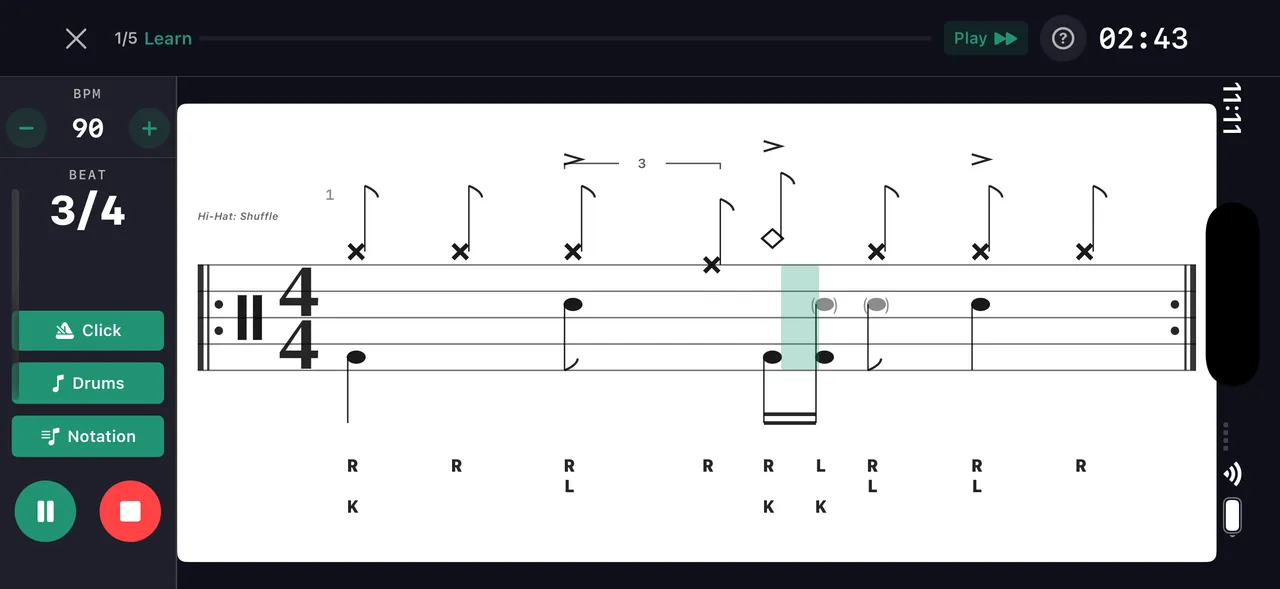
Any pattern in your shed becomes a drill — beat, fill or exercise: counted out, sticking assigned, broken into chunks, tempo laddered from "someday" to "got it."
03 · Play it
Bring a song. Take the drums out. Sit in.
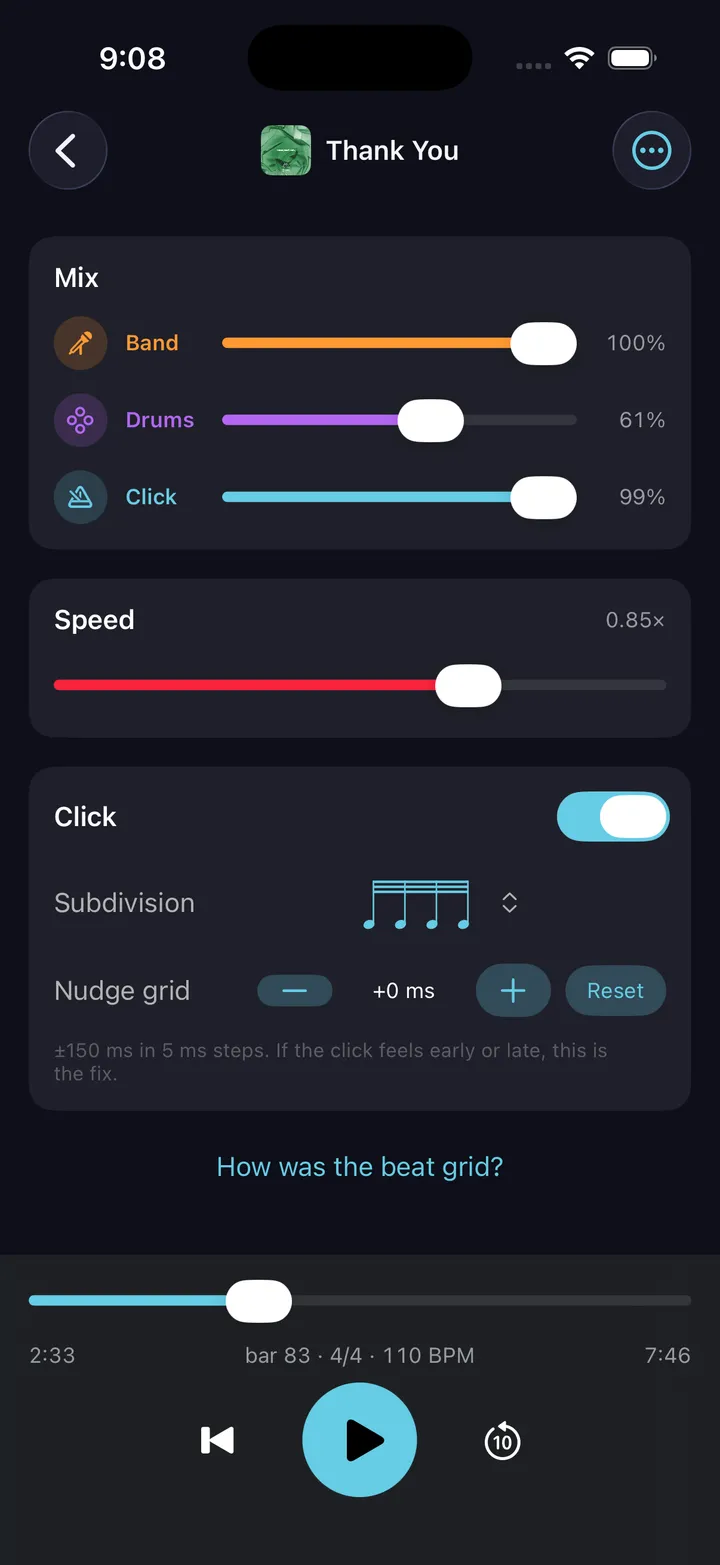
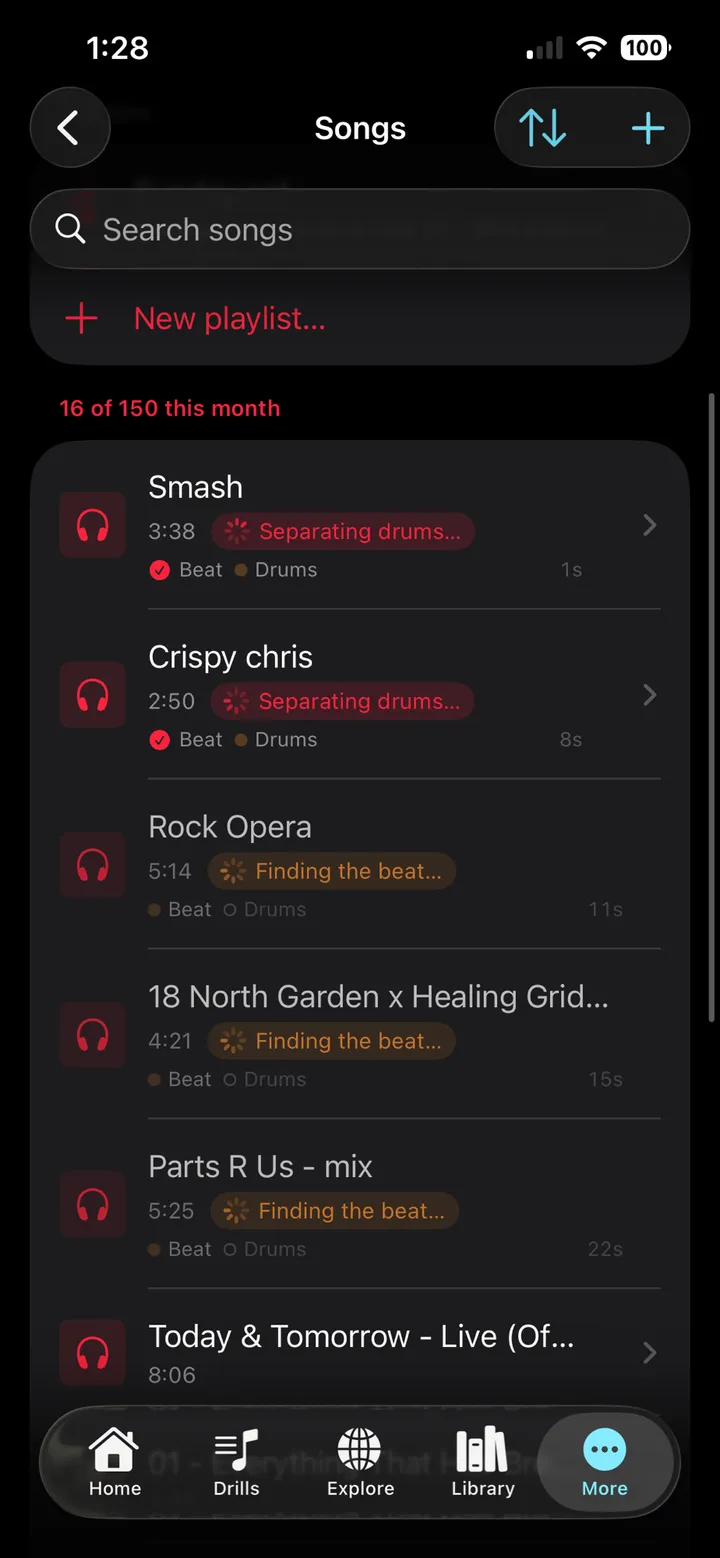
Pick one of nearly 200 built-in backing tracks, drums already out — or upload a song and DrumShed splits the drums from the band, finds the tempo and the downbeats, and lays the grid over the take. Play along with the band alone, solo the drums to learn the part by ear, slow it down at the same pitch — with a click that follows the song bar by bar.
04 · Harness the click
A metronome that plays music with you, not at you.
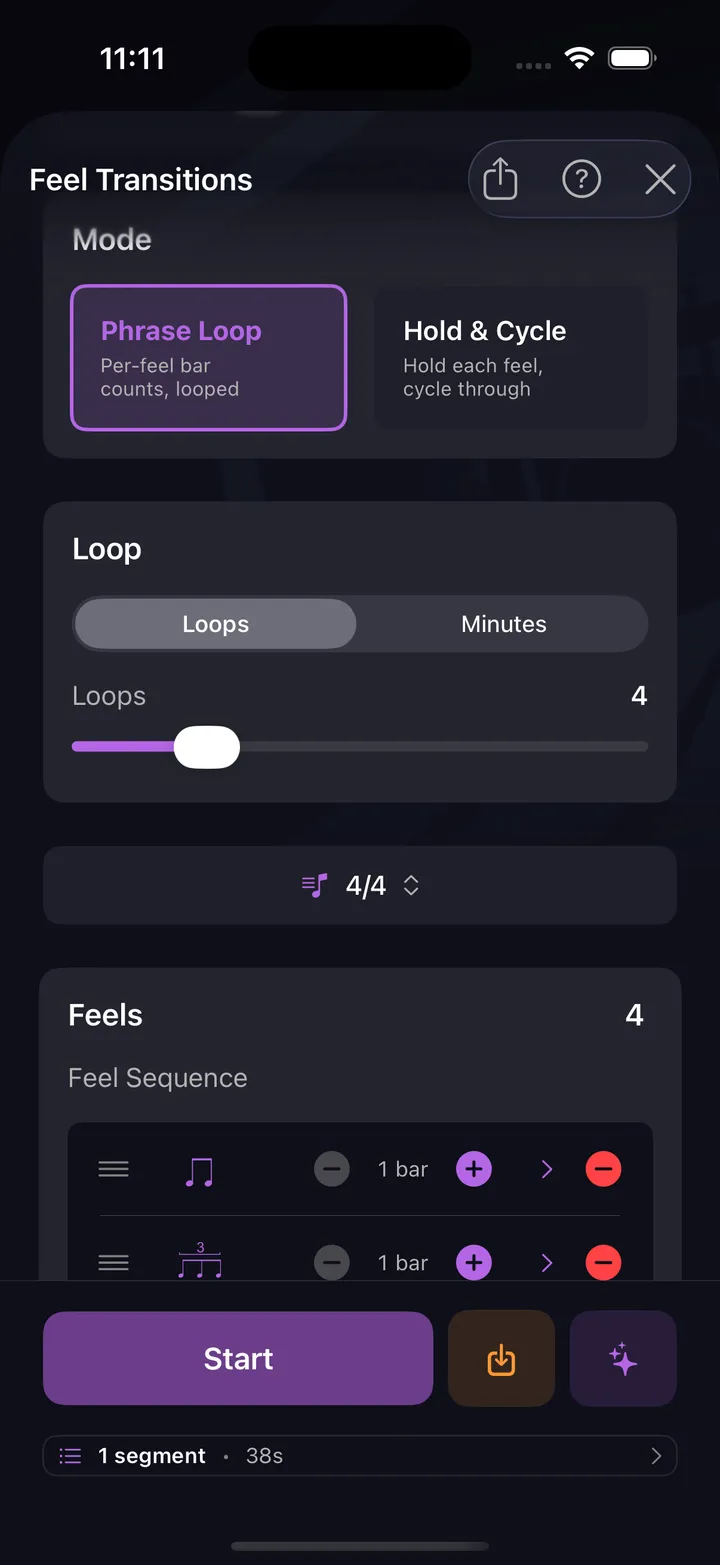
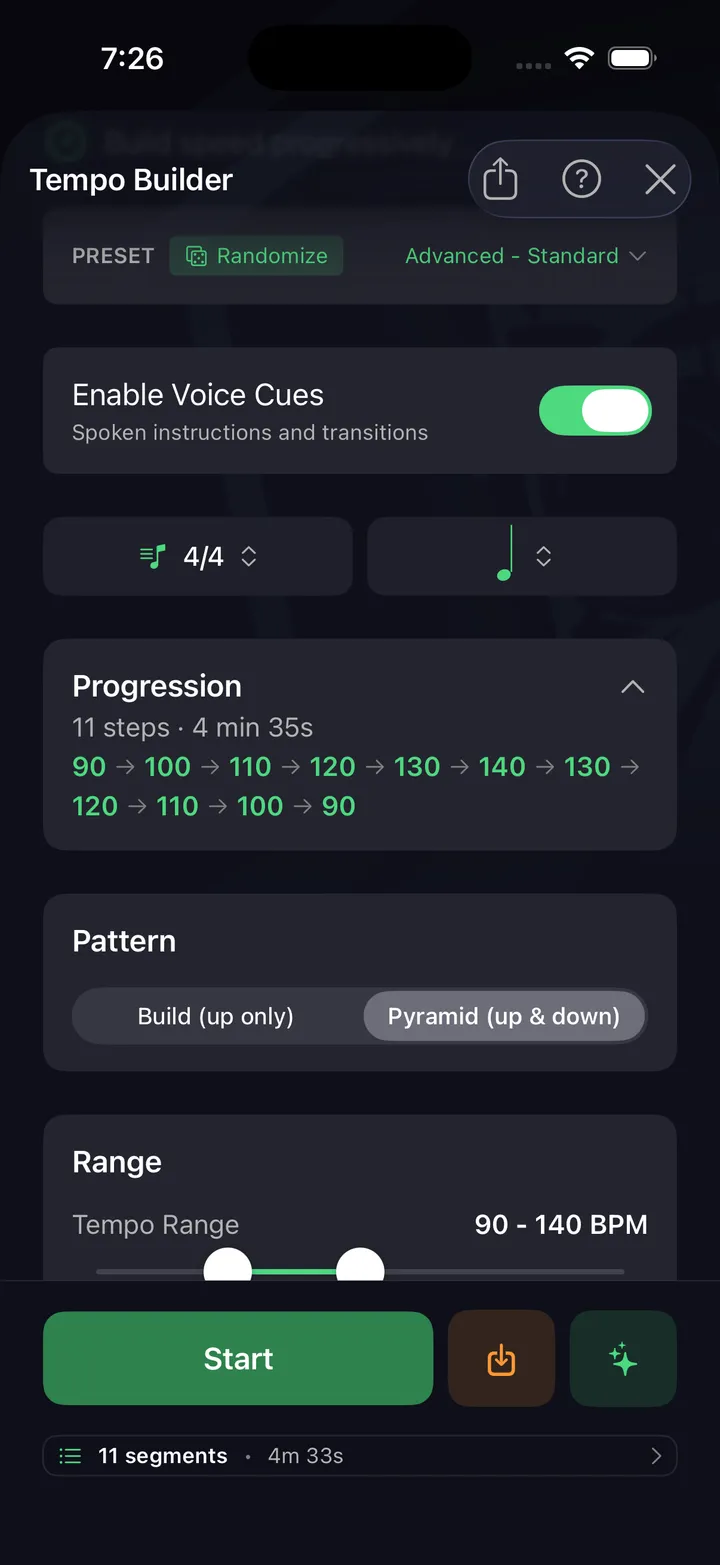
Feel changes, subdivision switches, shuffle and pocket, tempo that moves with a plan — structure that never goes stale at 4:06.
Nothing to bolt on. Nothing to outgrow.
That loop takes a lot of parts. They’re all here, and they all know about each other — the beat you build is the drill you run is the path you follow.
Make it
Beat Builder · Fill Builder · Exercise Builder · pattern editor · sheet-music import · 180+ presets · 24 voices · AI co-pilot
Learn it
any pattern becomes a drill · live playback · counts & sticking · chunking · tempo ladders · Practice Paths · Session Builder
Play it
built-in backing tracks · upload a song · drums out · the drums alone · half speed, same pitch · a click that follows the take · bar-range loops in sessions · playlists
The click
the whole metronome, free · ten drill engines · polyrhythm · odd meters · click displacement · shuffle & pocket · dynamics · internal clock
Keep it
library & collections · sheet-music PDFs · video & notation export · Explore feed · streaks & history · achievements
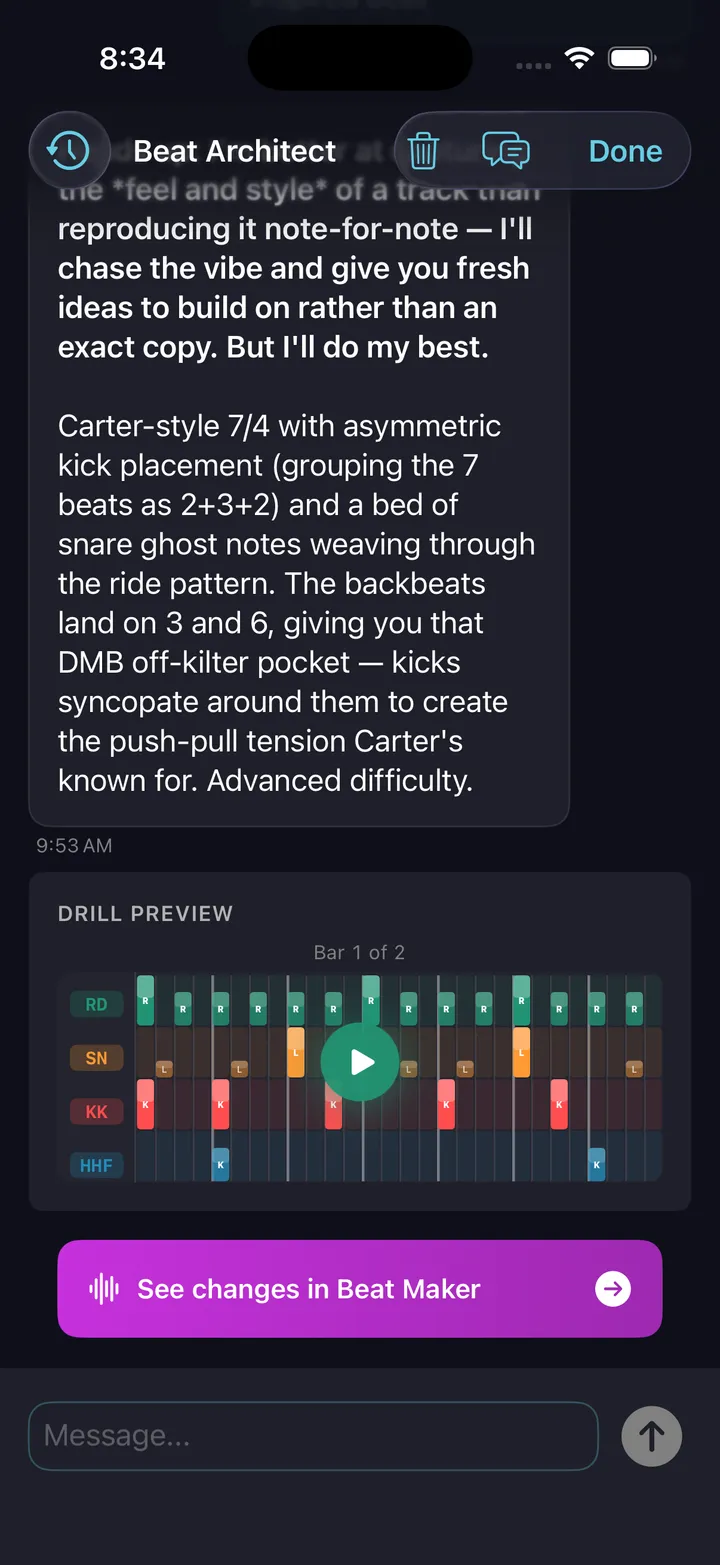
Sketch a groove in seconds — or go places most apps can’t follow.
7/8 · 11/8 · 13/4 · mixed subdivisions · swing & shuffle · ghost notes · pocket & feel · sticking
Beat Builder
Build beats the way music actually works
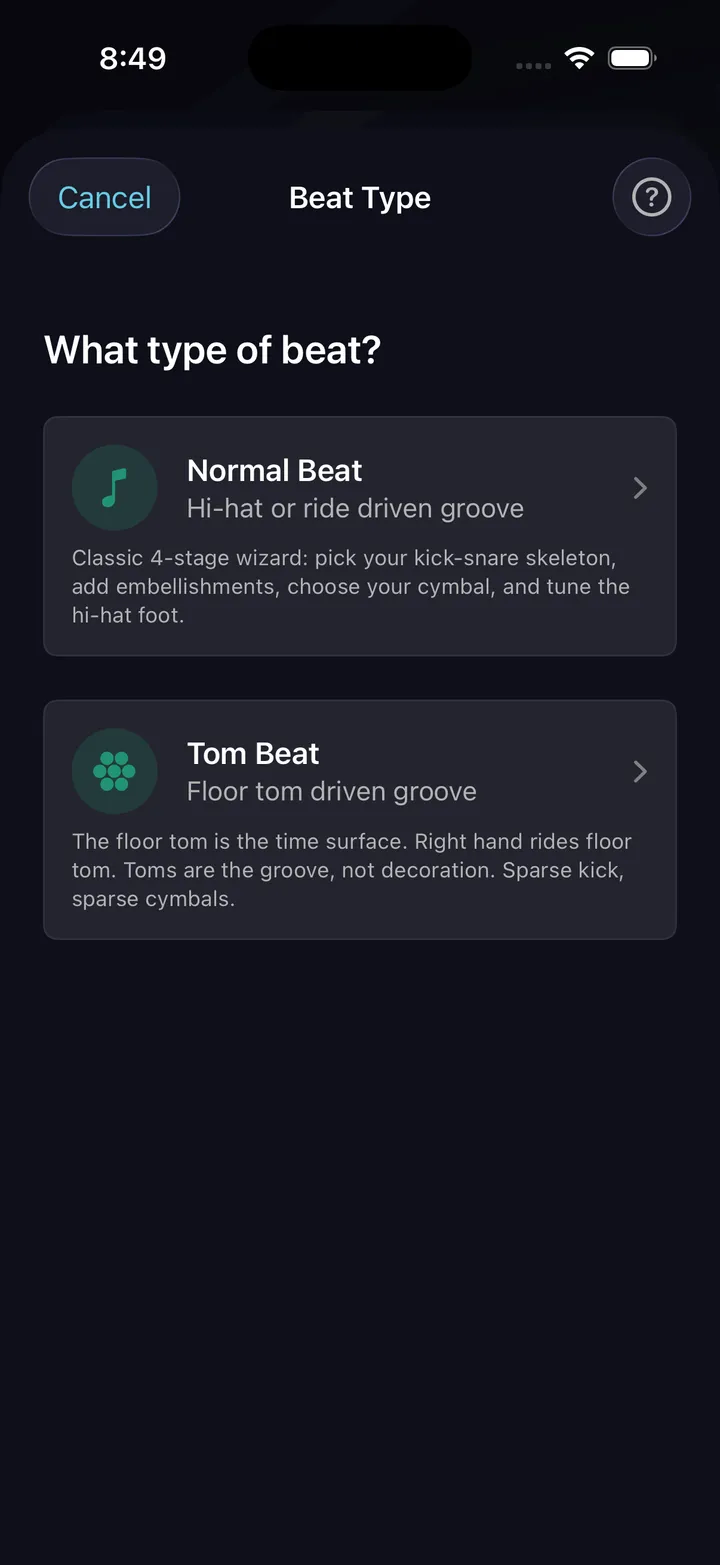
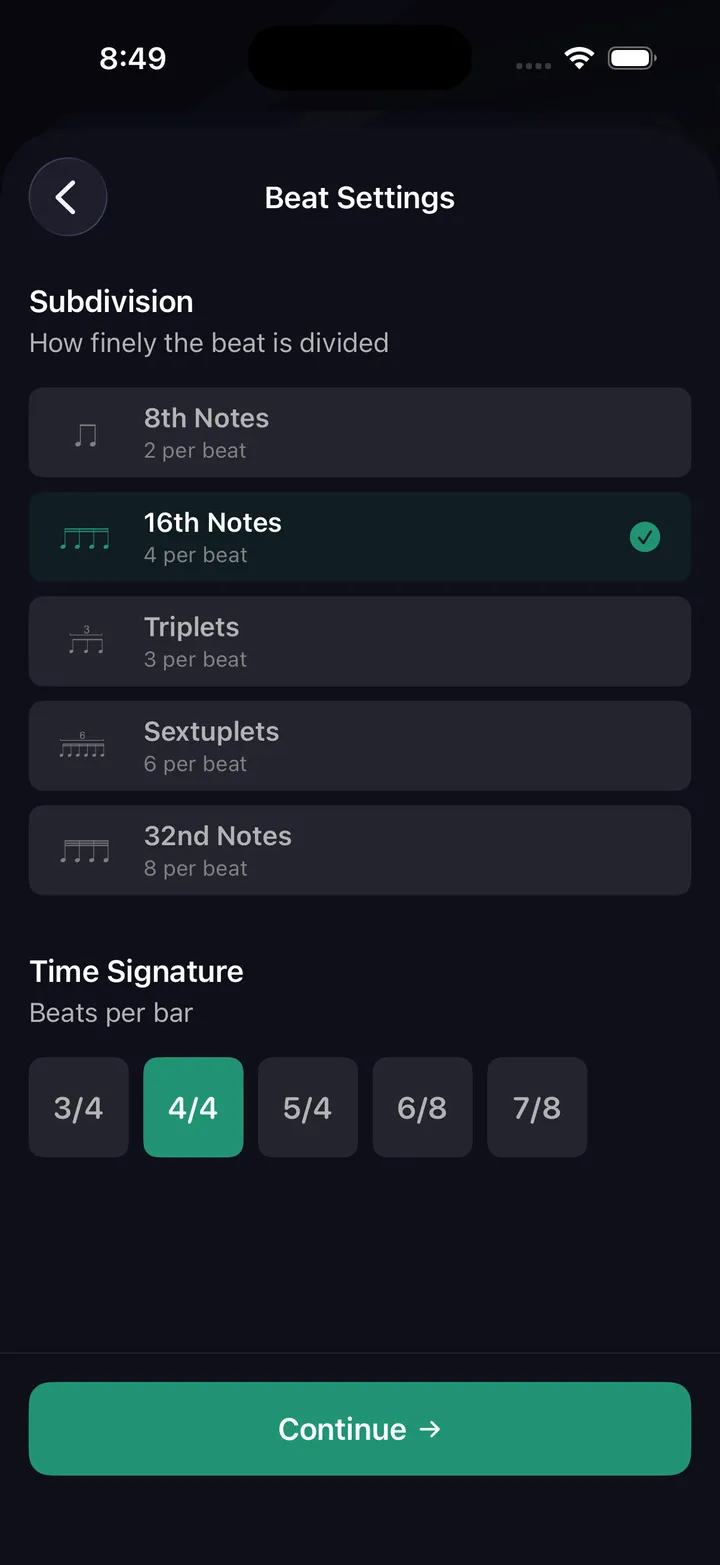
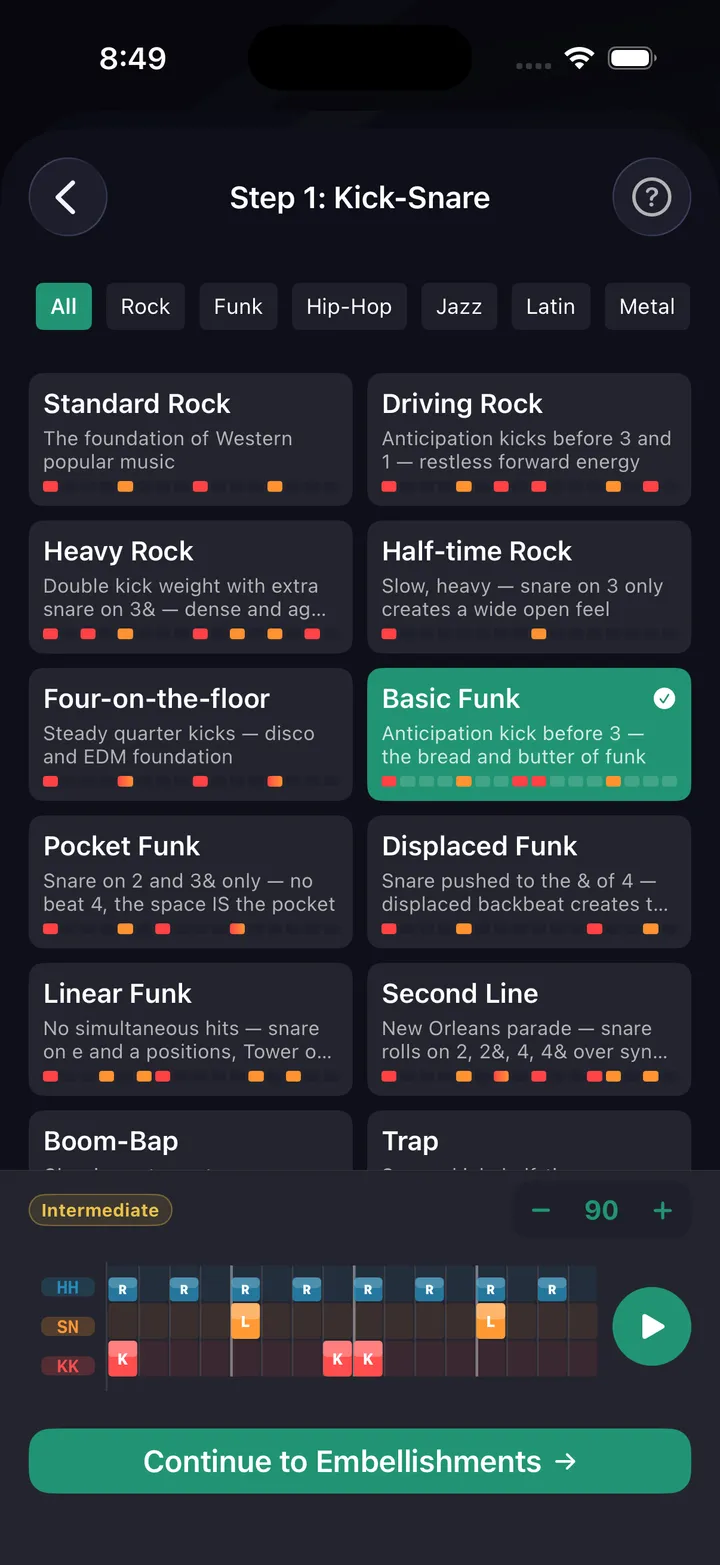
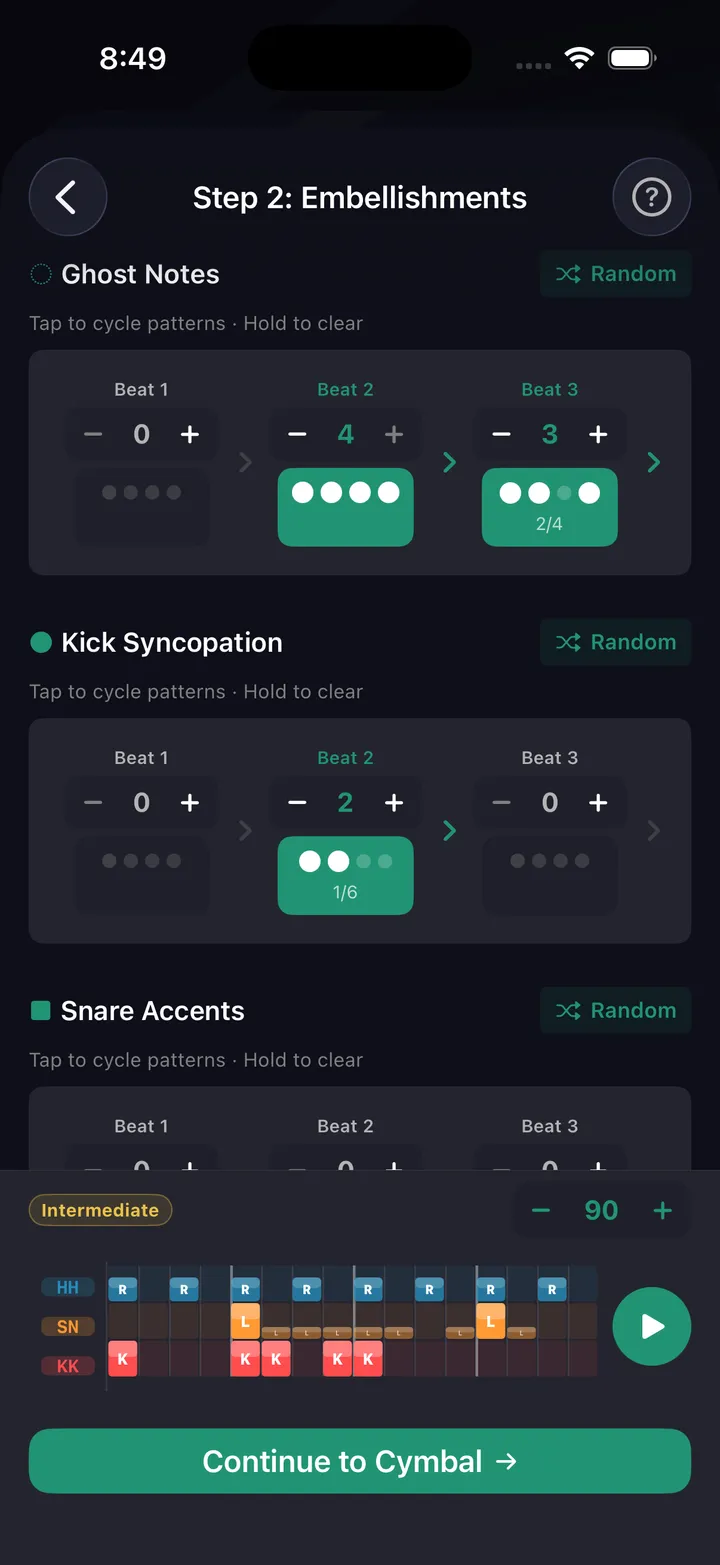
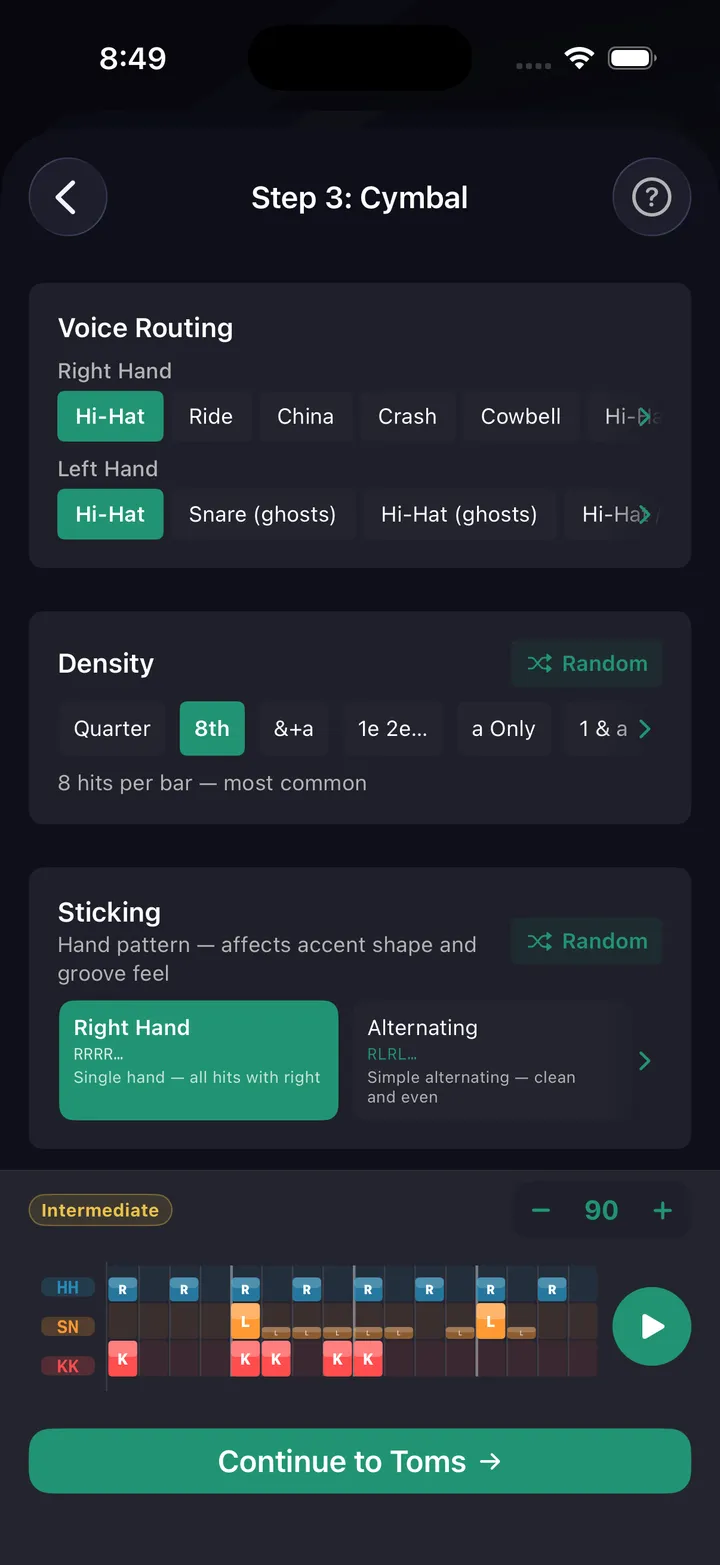
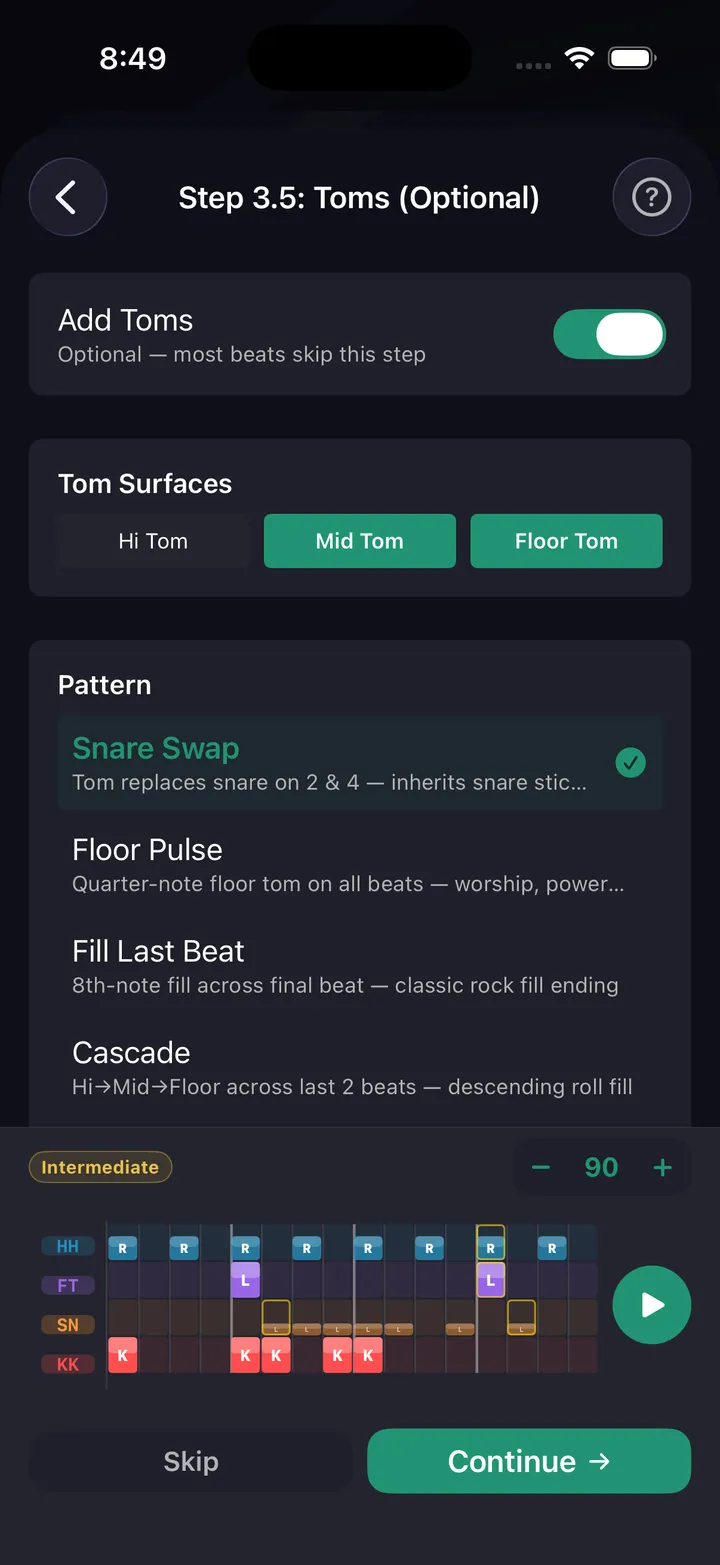
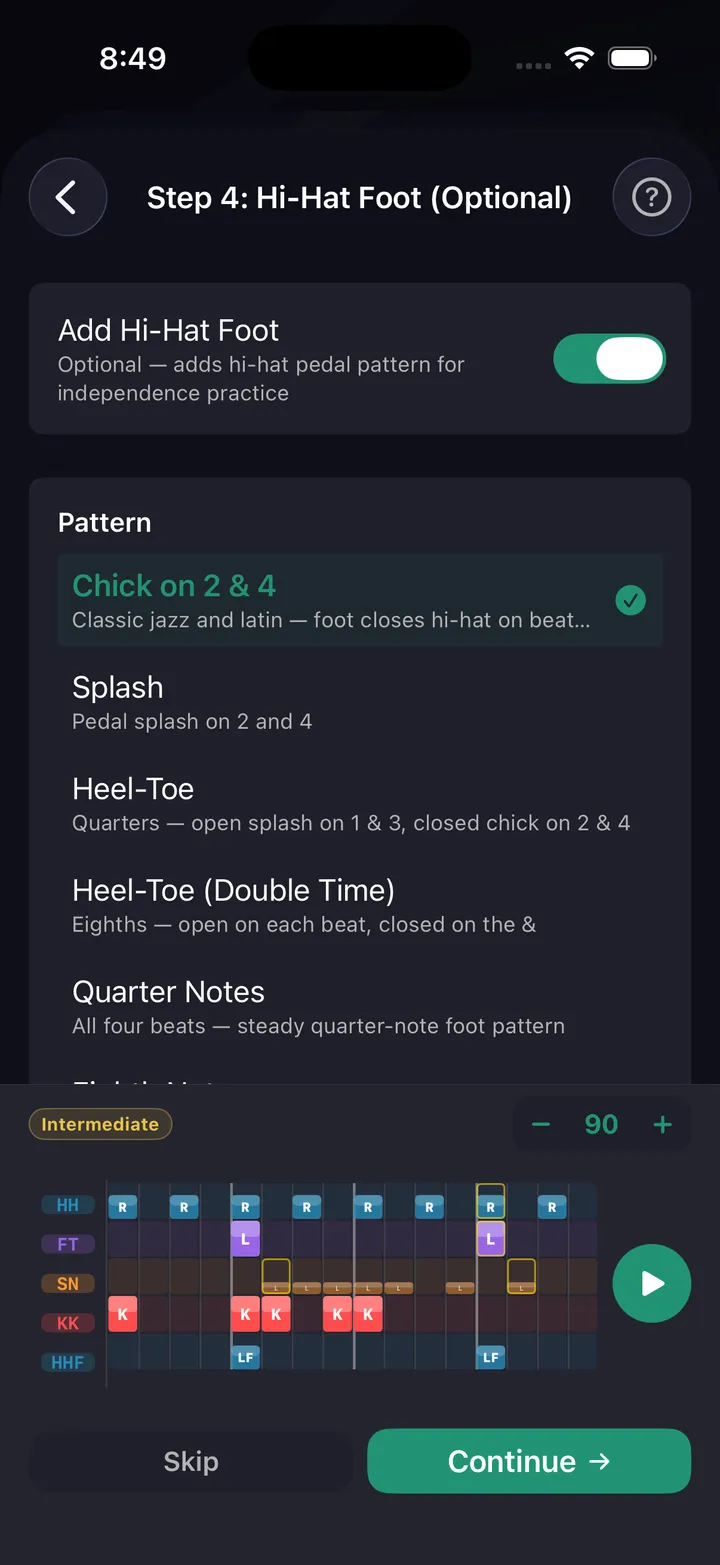
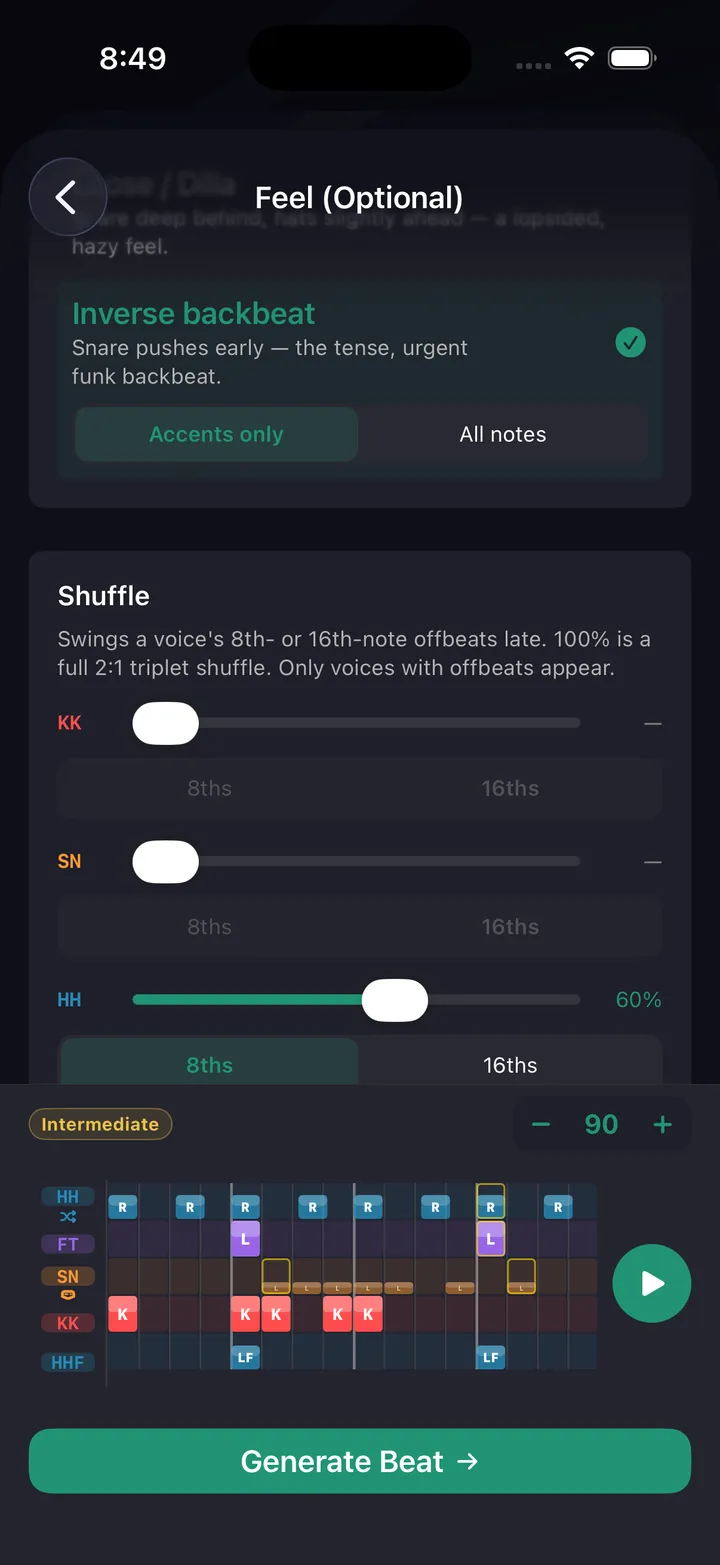
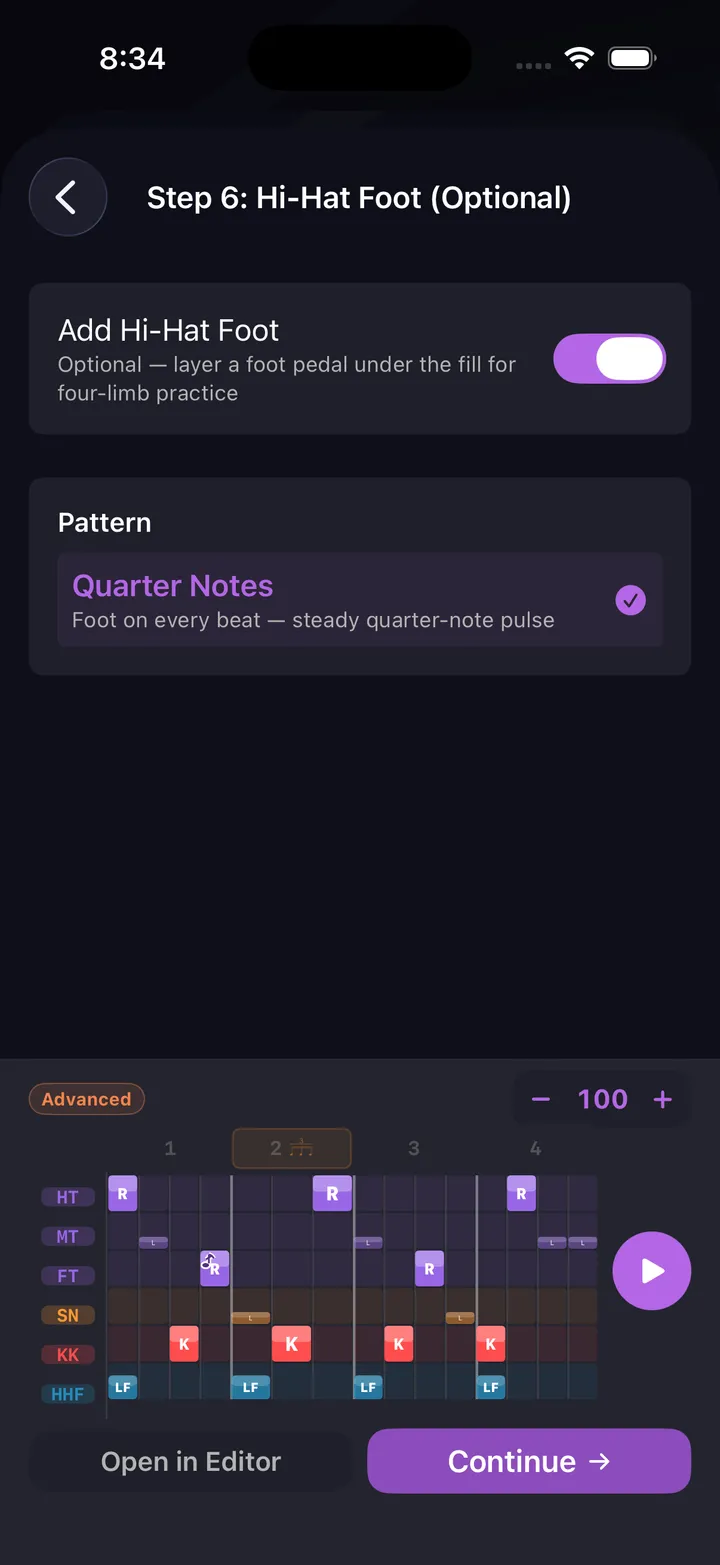
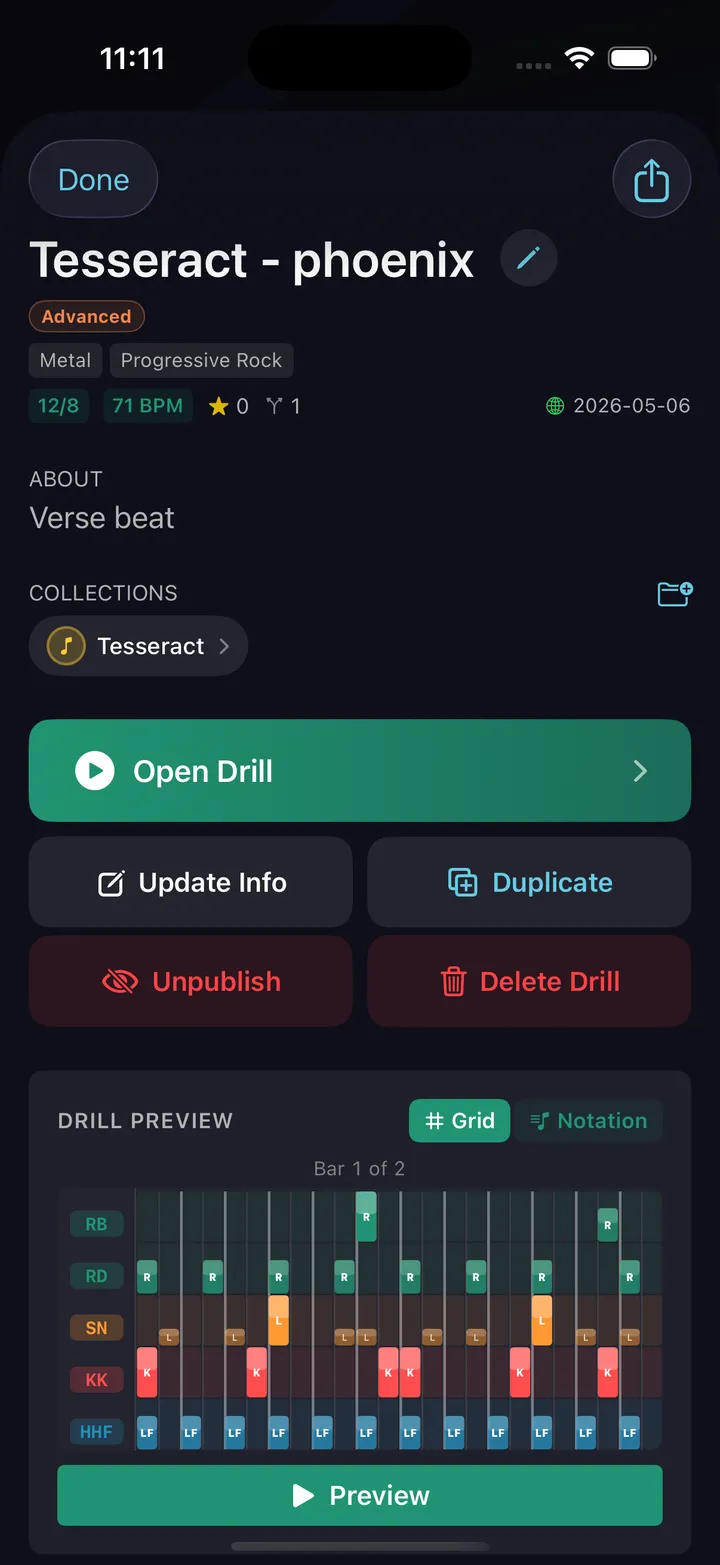
A guided wizard walks you through kick-snare foundation, embellishments, cymbals, sticking, and hi-hat foot — with real musical reasoning at every layer. Or open the full pattern editor and place every hit yourself — then loop it, slow it down, and build it up to tempo.
- 180+ built-in beat presets across 14 genres — rock, funk, gospel, metal, Latin, jazz, worship, R&B, punk, hip-hop, country, reggae, Afrobeat, blues
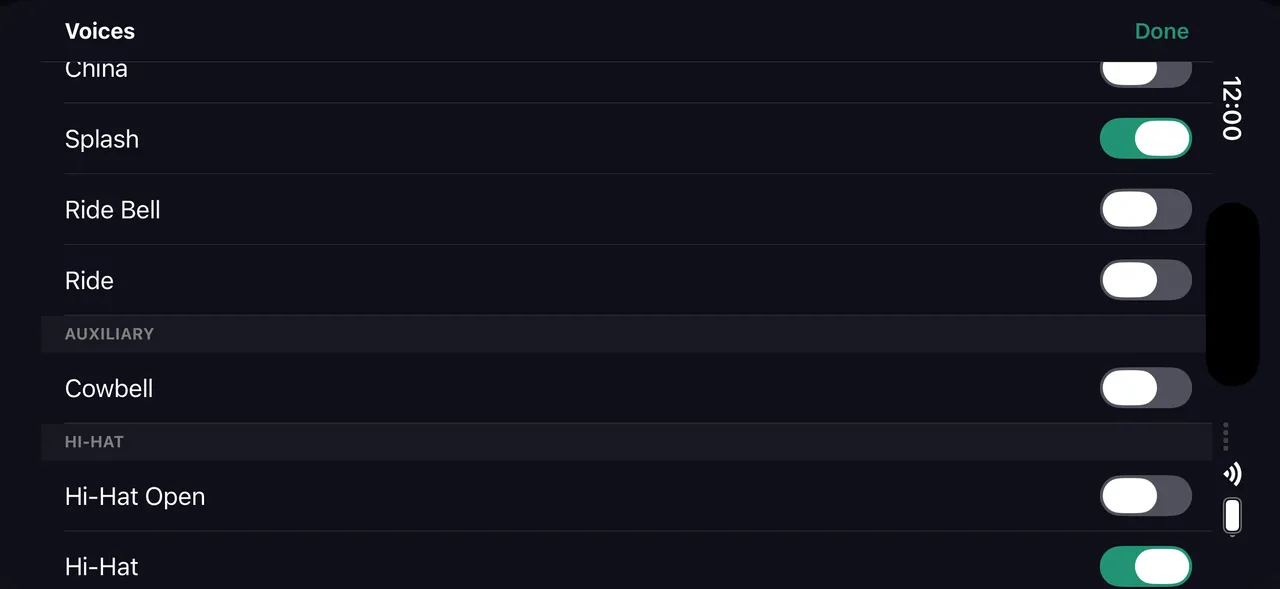
- 24 drum voices — kick, snare, side stick, rim clicks, open/closed/pedal hats, three toms, ride (bow, bell, crash), crash, china and splash each with their choke, cowbell
- 11 voice routing strategies for hand distribution
- Cymbal accent presets with per-beat velocity control
- Full pattern editor for cell-by-cell control
- Import drum sheet music (beta) — photograph a printed page or open a MusicXML file, then check the result in the editor
Fill Builder
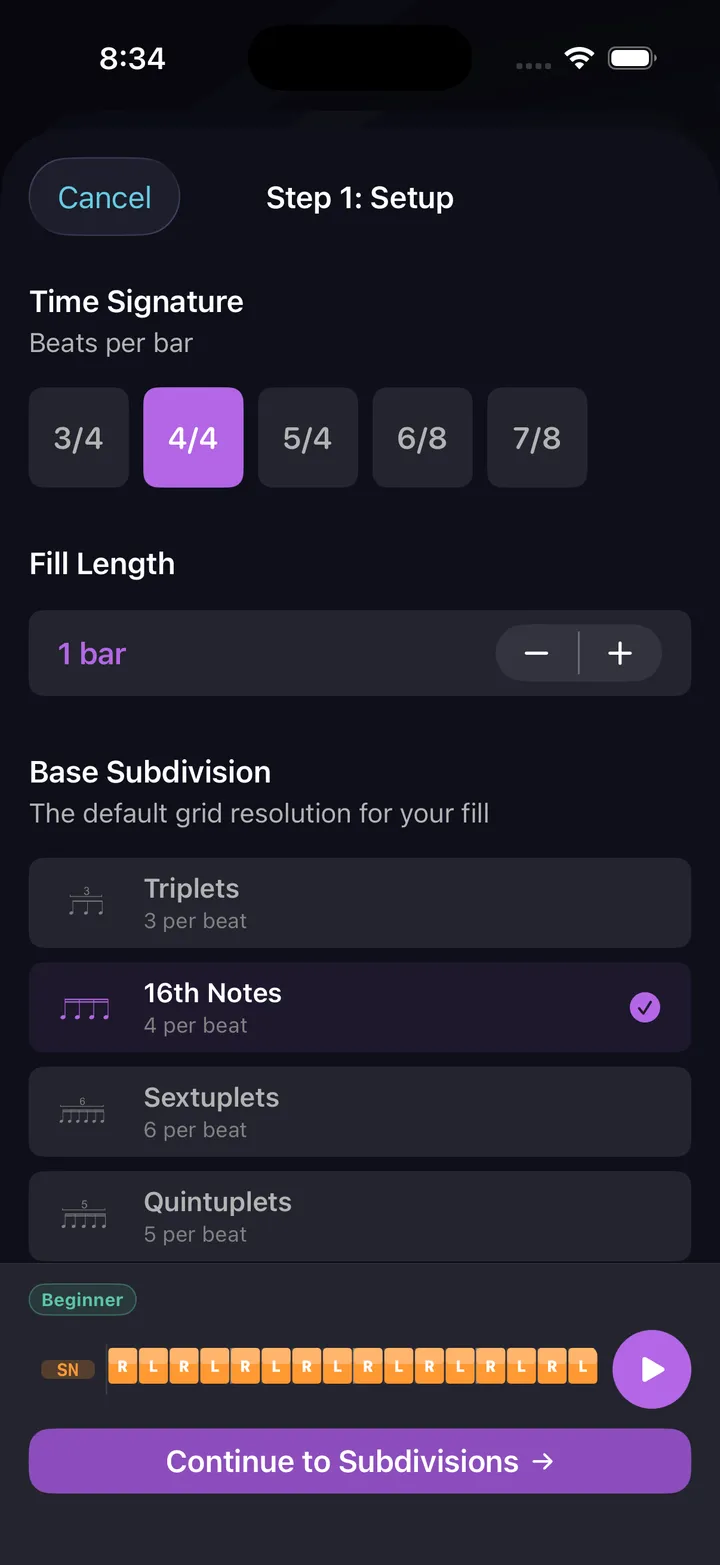
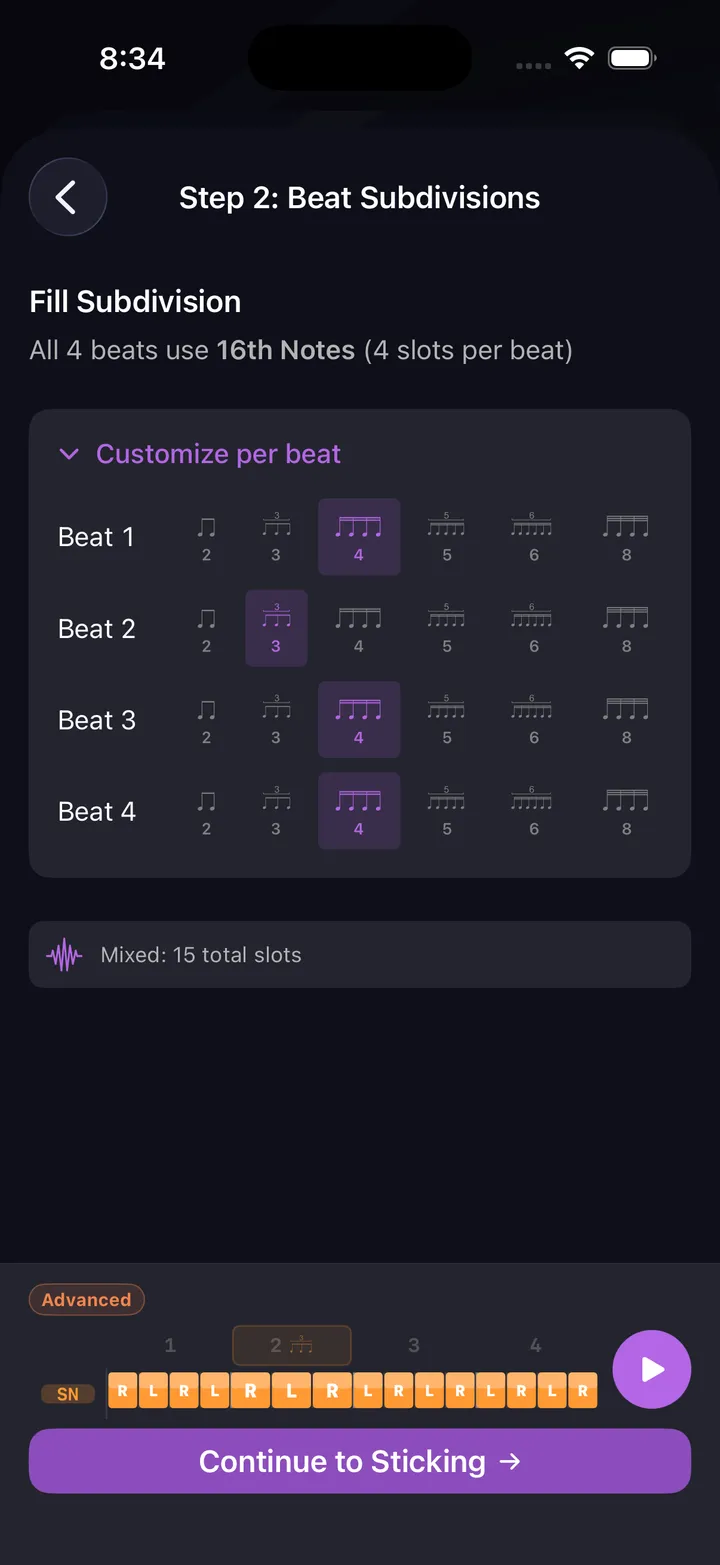
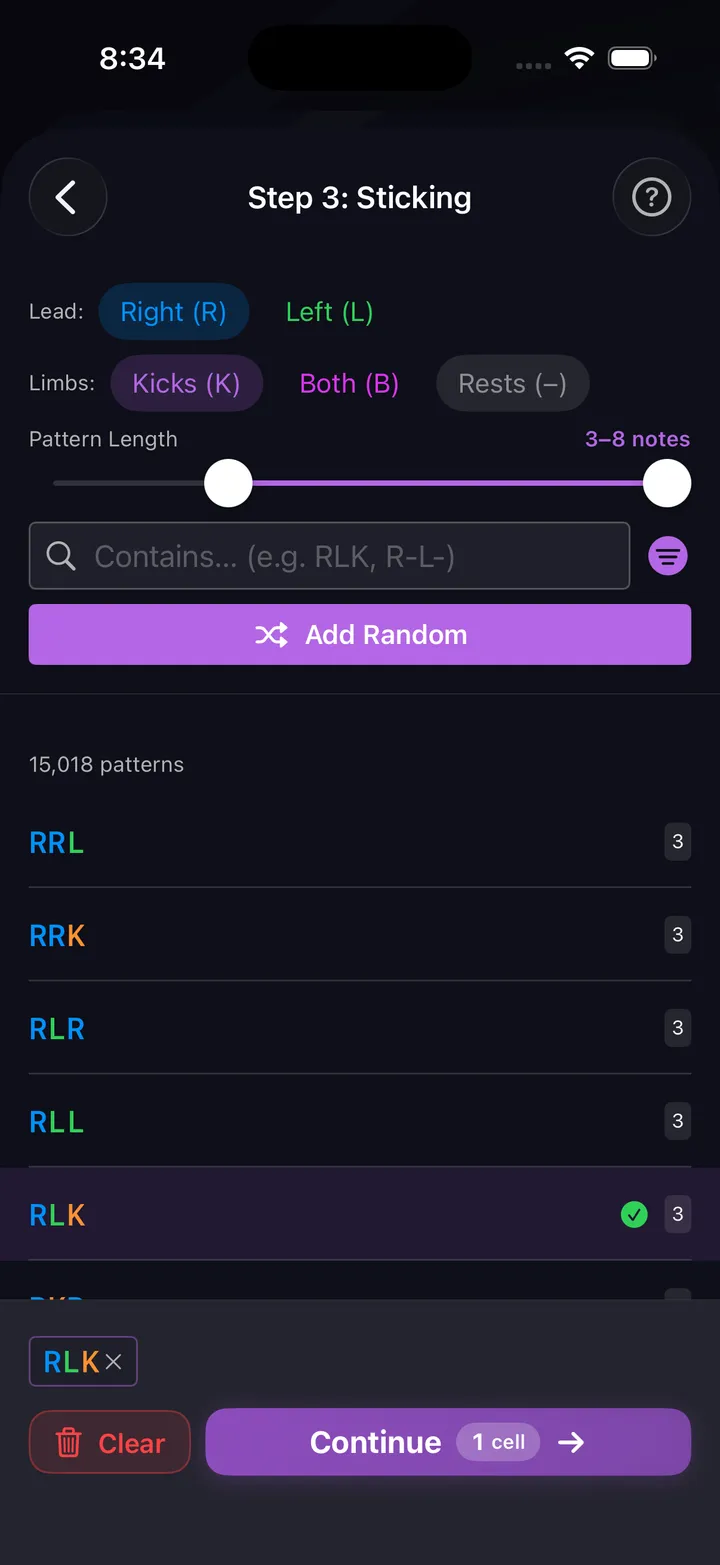
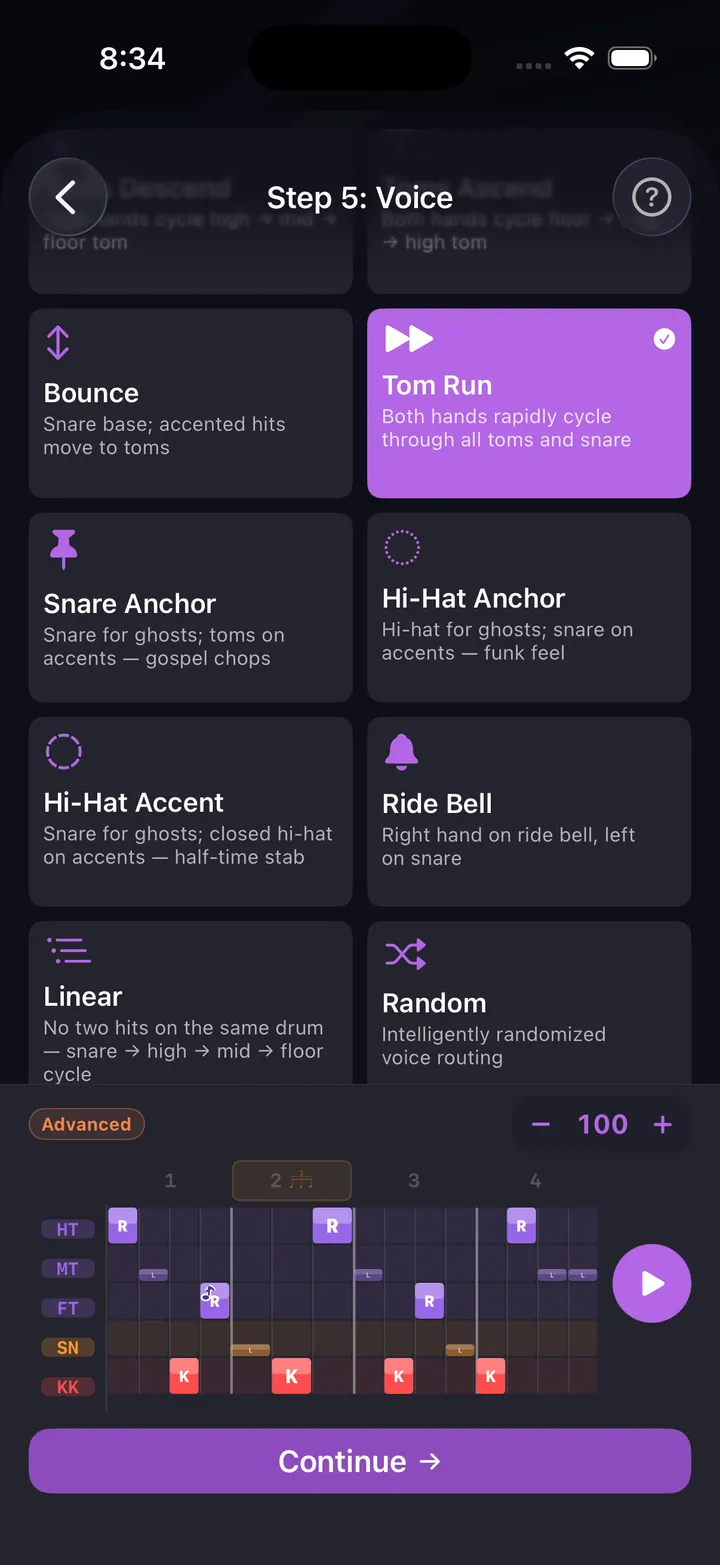
36,700+ stickings, 18 accent shapes, 11 voice strategies — every fill you can hear
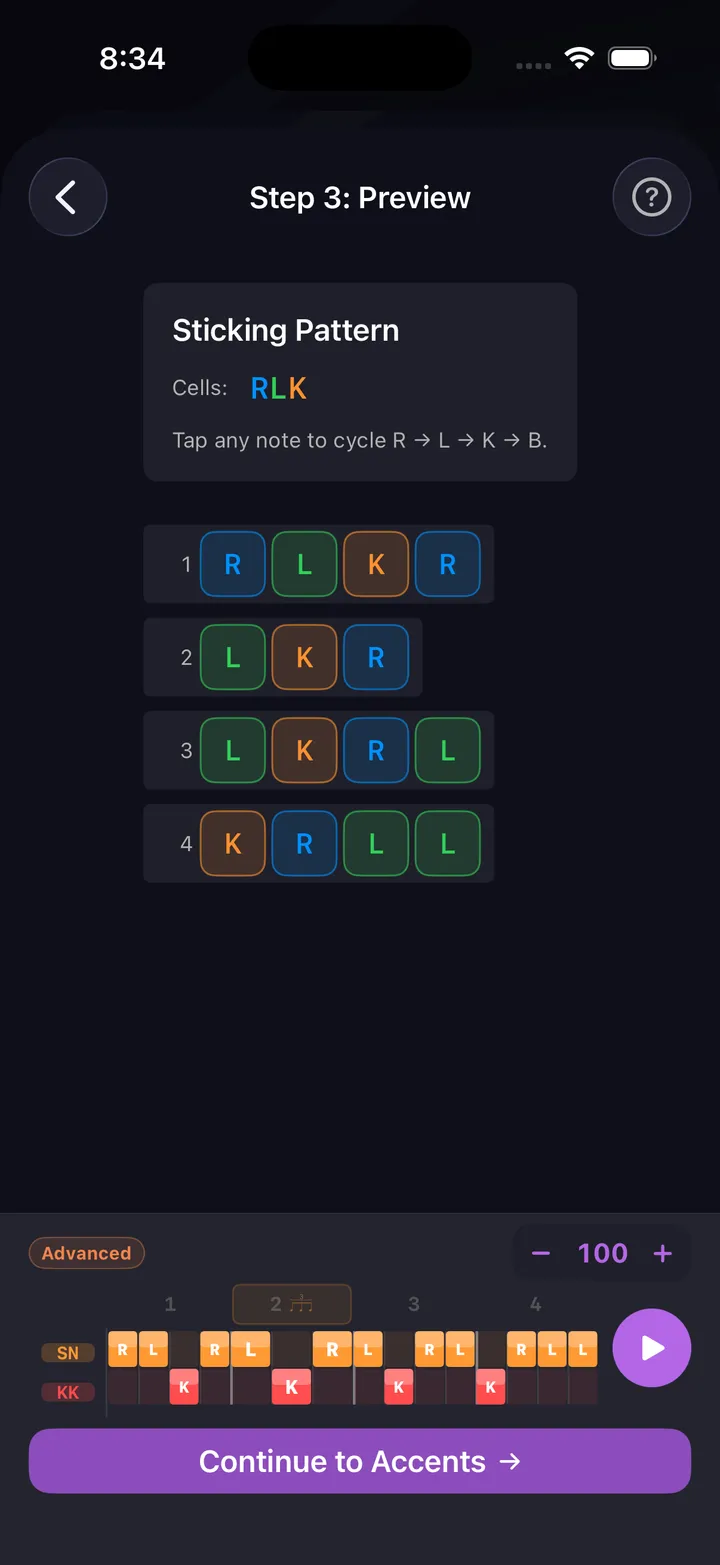
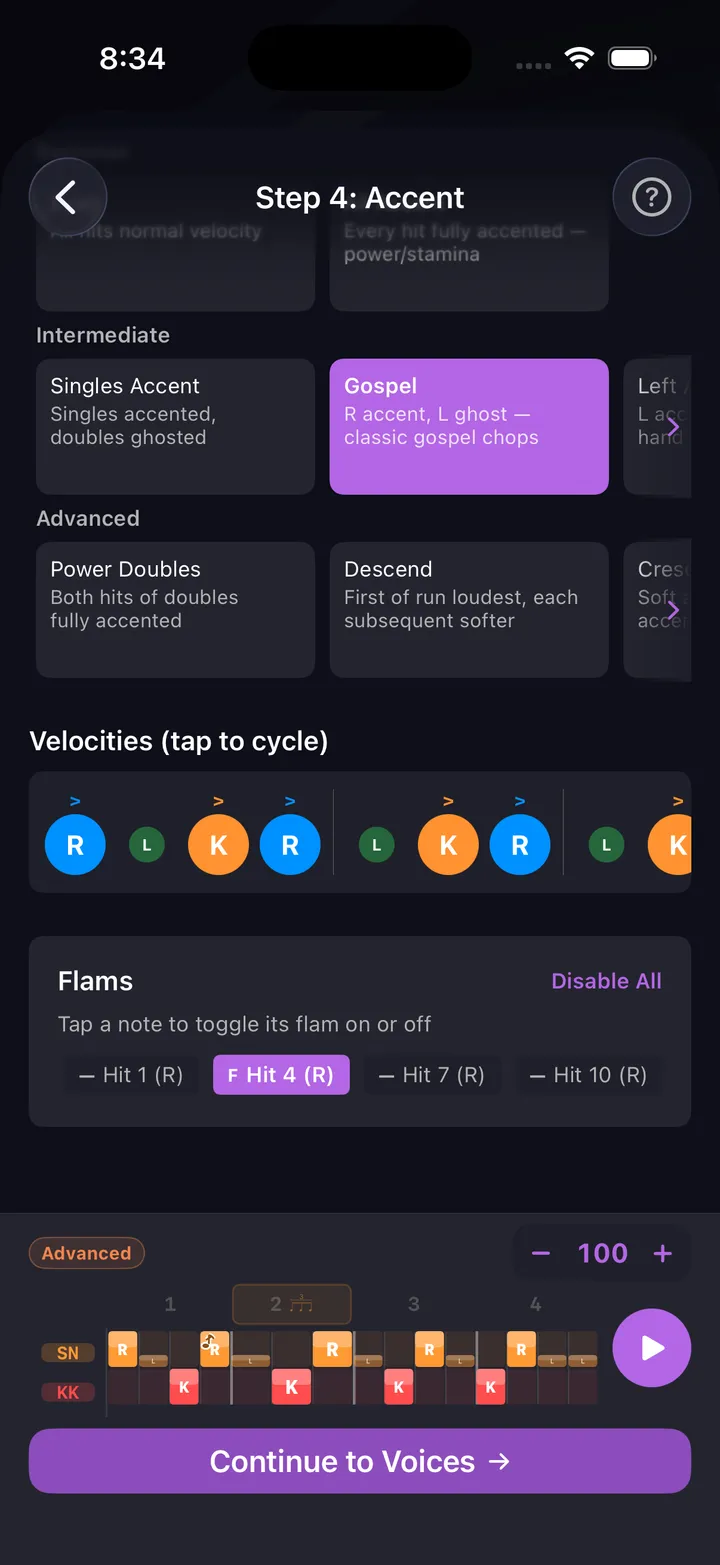
Choose your sticking, preview how it lays across the bar, dial in accents and flams, then route it to voices. Every decision is musical — not random.
- 200+ built-in fill presets, sorted by difficulty — or start from scratch
- 36,700+ sticking patterns from singles to complex paradiddles
- One-tap sticking presets — paradiddle, doubles, alternating, or your own pattern across the whole bar, or every voice at once for linear fills
- 18 accent shapes — gospel chops, descending runs, crescendos
- 11 voice strategies for routing hits across the kit
- Flam control on any individual hit
- Pick the groove your fill lands in — the beat bars play before and after, so you hear it in context
- Import drum sheet music (beta) — photograph a printed page or open a MusicXML file, then check the result in the editor
Exercise Builder
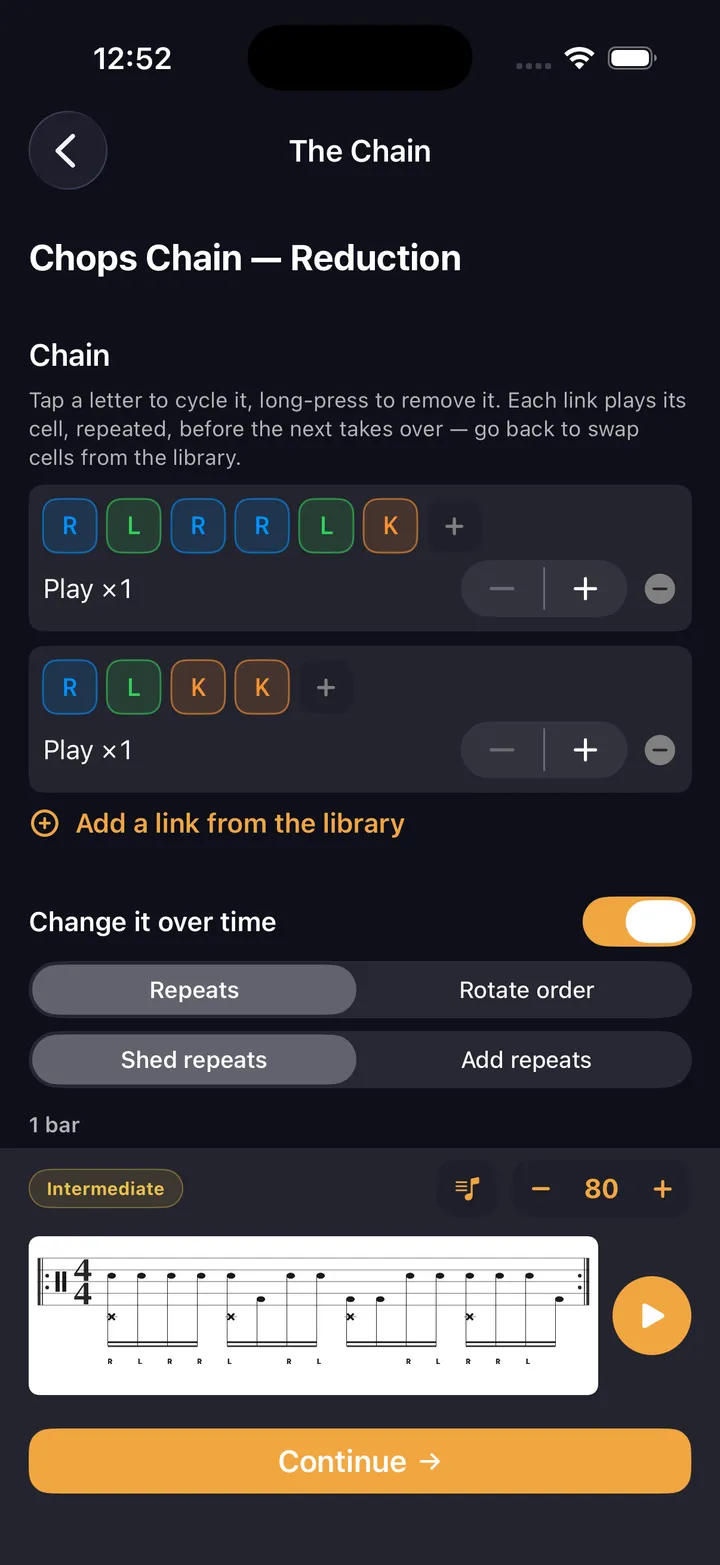
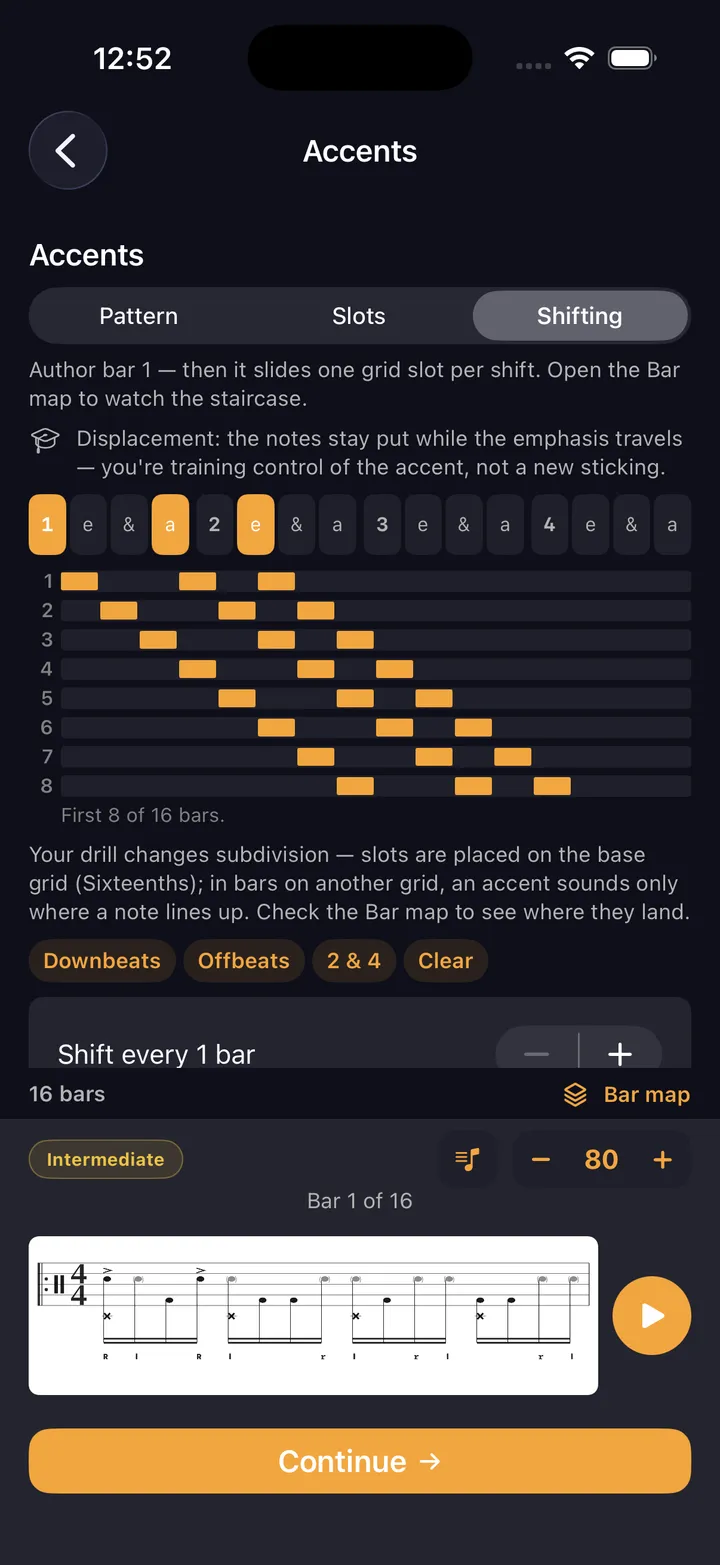
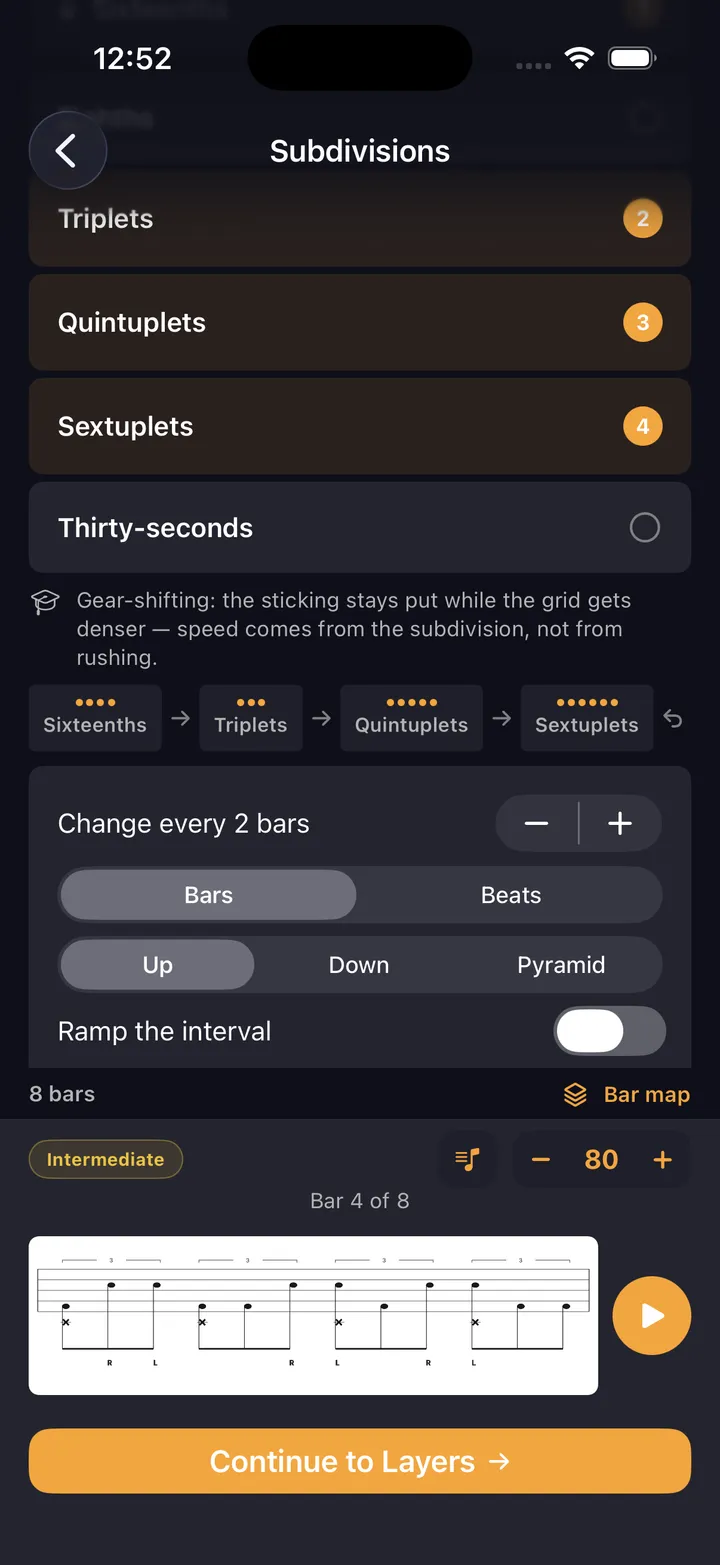
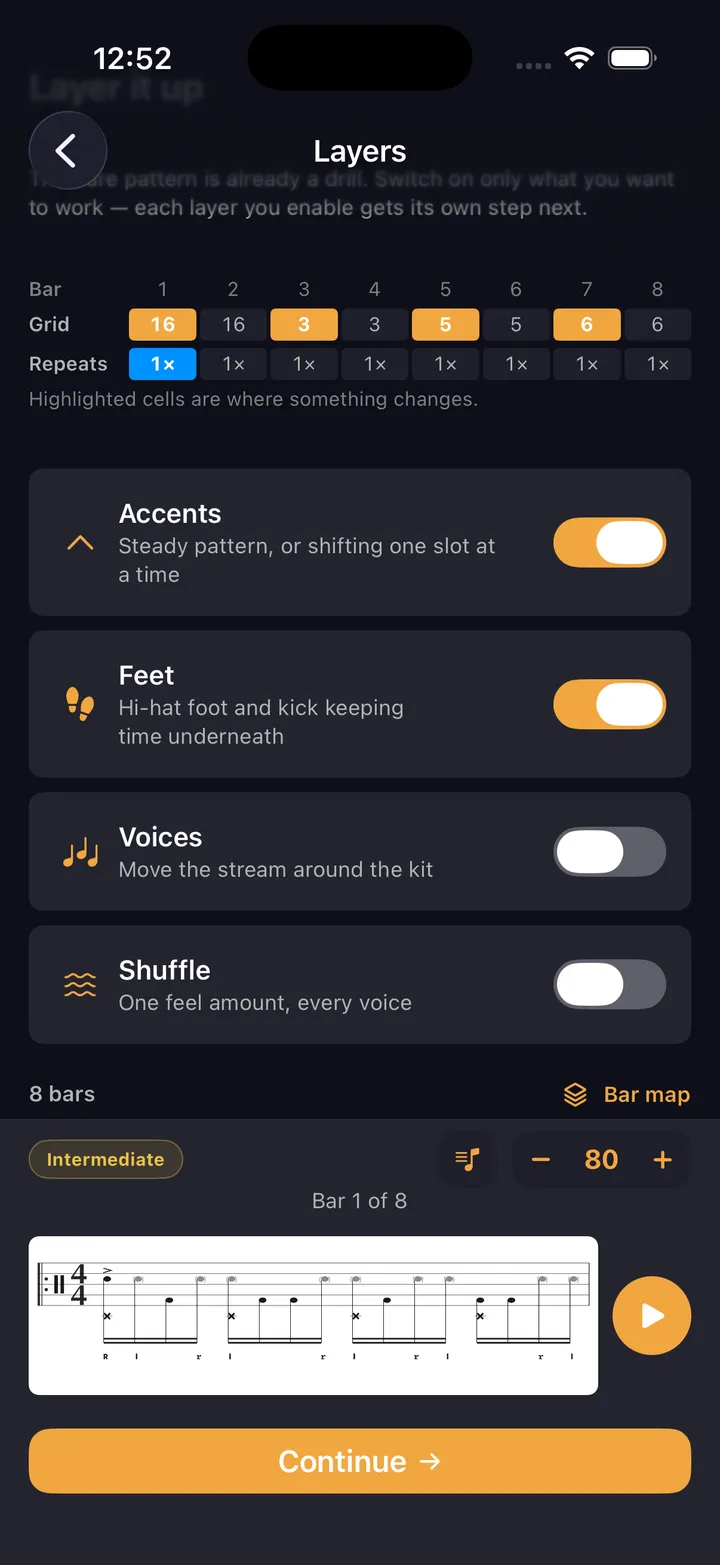
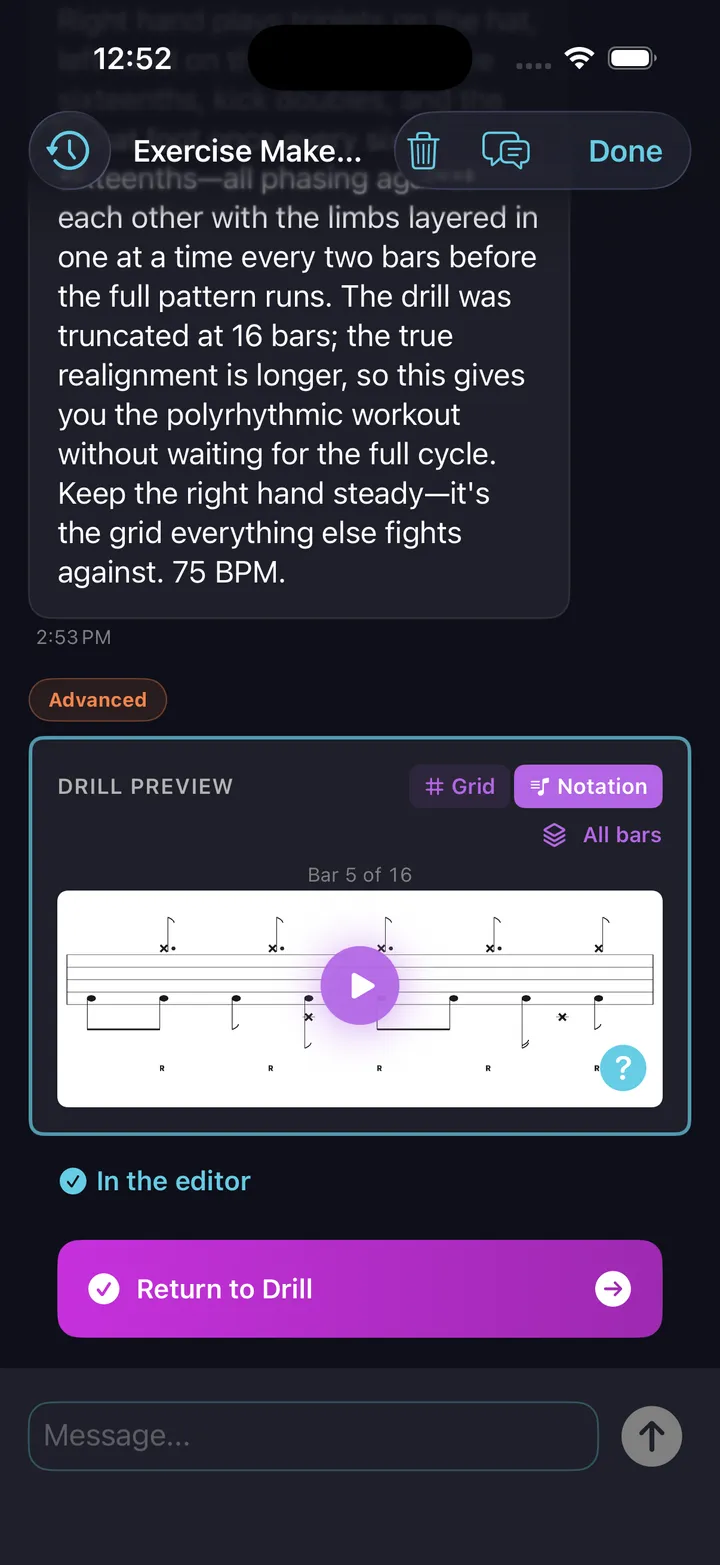
Five labs over one engine — sticking, rudiments, chops, feet, and four-way coordination
An exercise isn’t a fill with the ending cut off. It repeats on purpose, and what makes it work is the thing that changes bar to bar — so the builder starts from the mechanism, not the notes.
How the labs work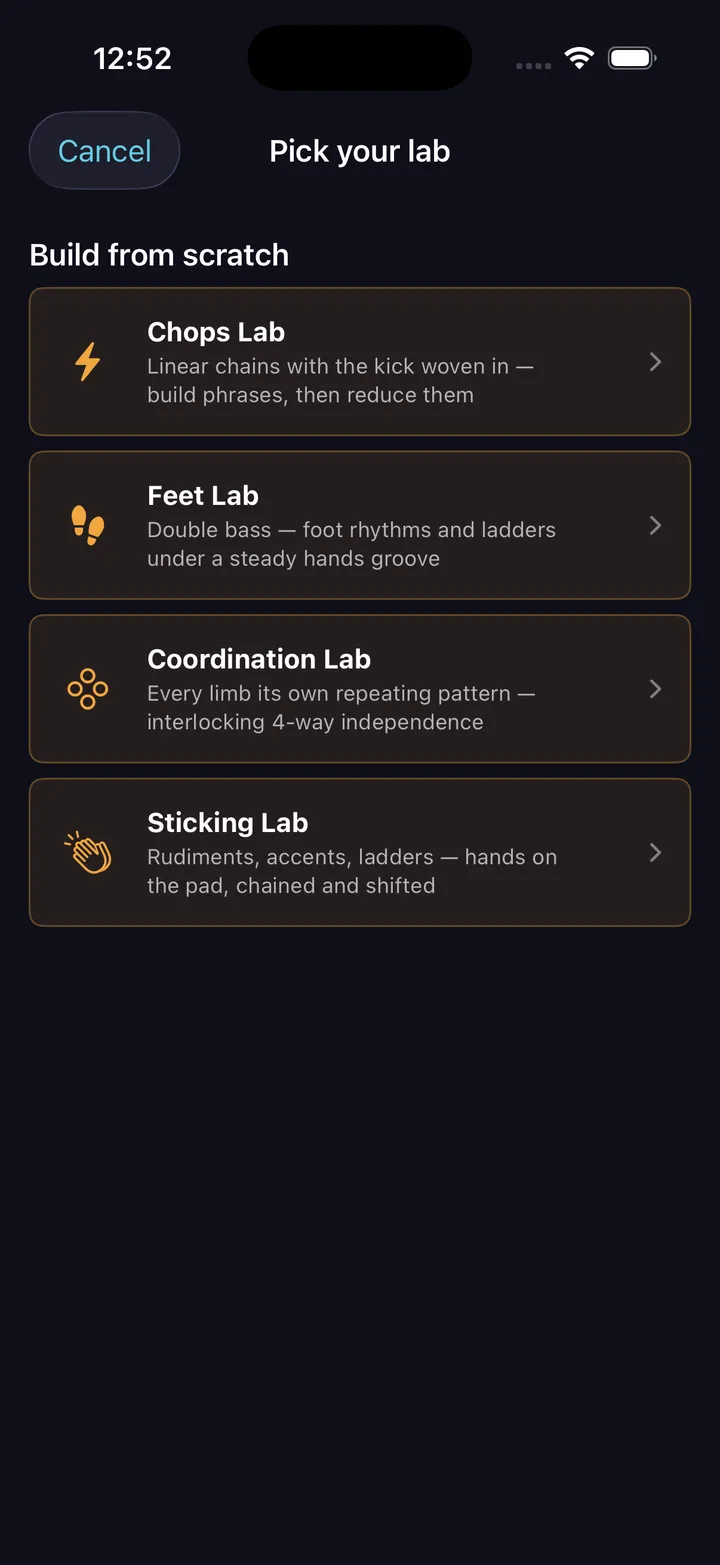
Sticking Lab
Hands, accents & ladders
Hands-only cells on the pad, chained and shifted — your own R/L strings.
Rudiments Lab
The PAS 40
Pick from the forty, chain them, ladder them, put them over hi-hat time.
Chops Lab
Gospel chops & linear
Kick-integrated cells chained, then reduced 4→3→2→1.
Feet Lab
Double bass & foot
A generated kick rhythm under a held hands ostinato.
Coordination Lab
Four-way independence
Every limb on its own cell, cycling on its own length.
Live Playback
The beat you just made, on the stand — grid, notation, sticking, tracking you in real time
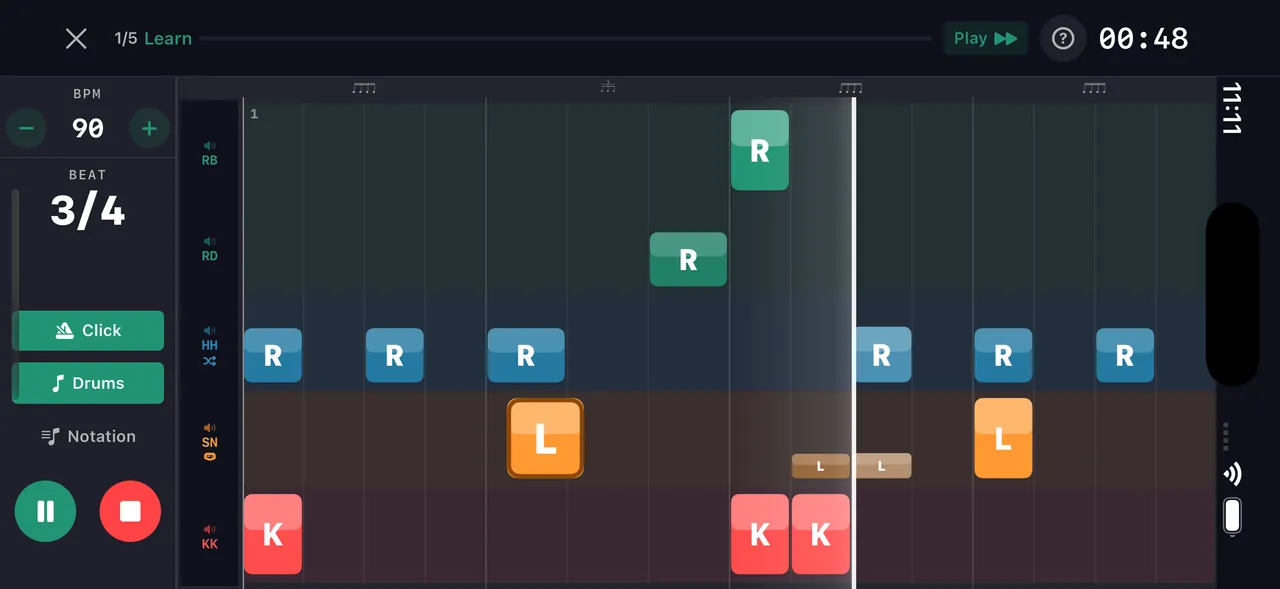
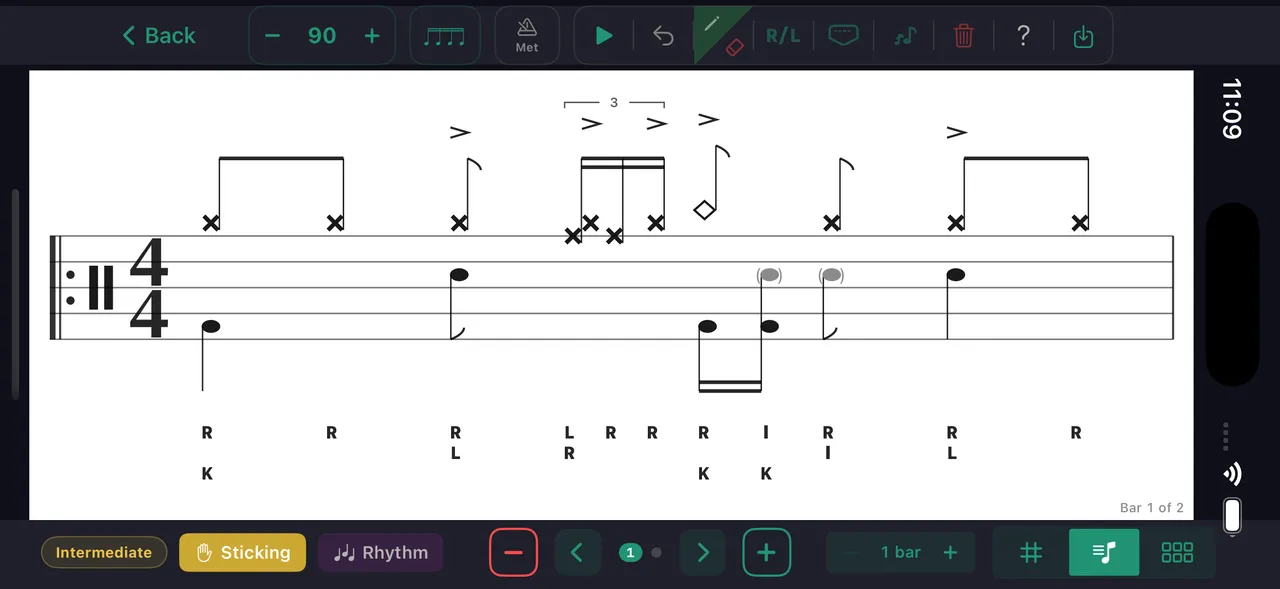
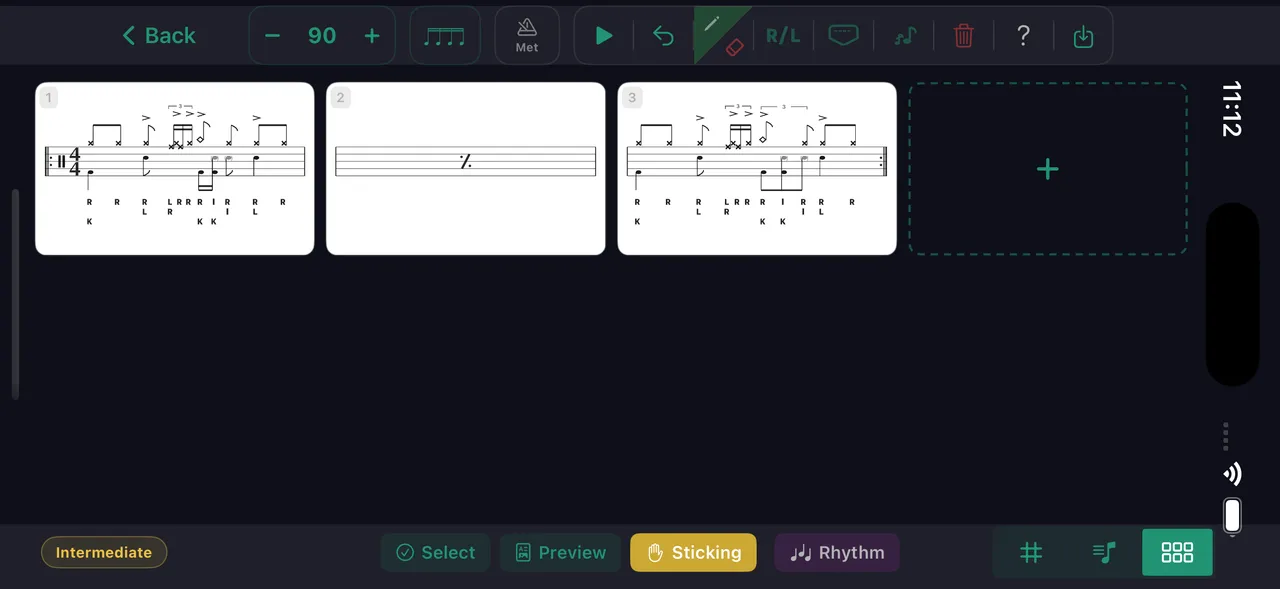
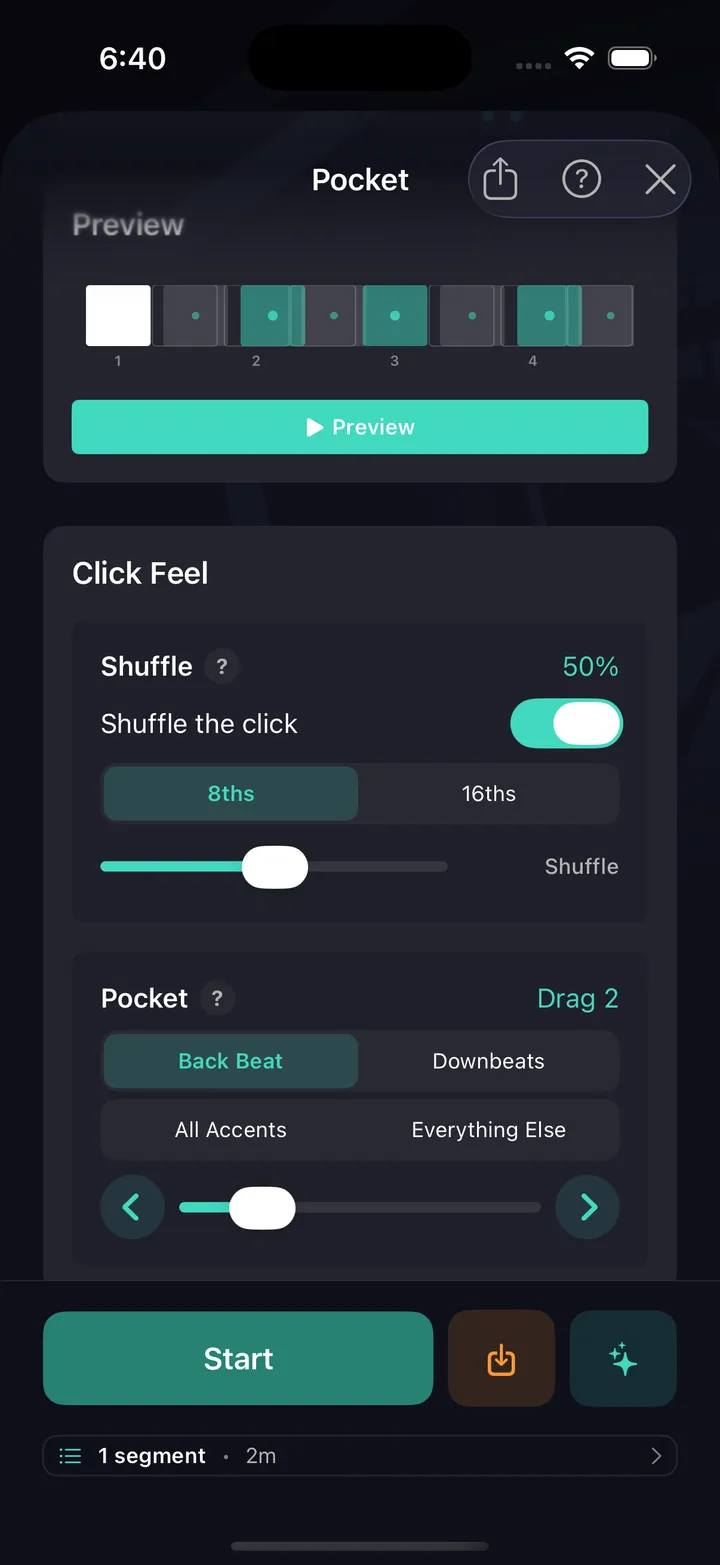
The beat you just built goes straight to the stand — phone or iPad, sticks in your hands. Every pattern and drill runs with a live playback view that tracks your position in real time. Grid view shows every voice color-coded. Notation view shows standard drum notation with sticking. Toggle counting syllables — 1 e & a — above the staff, ghost notes read as lowercase sticking, and any shuffle or pocket feel is captioned right on the notation. And the metronome itself plays that pocket — drag or rush the backbeat and shuffle the click, free on the main screen.
Play along without the drums
Nearly 200 built-in backing tracks spanning sixteen genres, drums already out, or upload a song and DrumShed pulls them — a grid over the take, followed at any speed, same pitch
Pick a built-in backing track — nearly 200 of them, royalty-free, across rock, funk, jazz, gospel, Latin, metal and more, every one with the drums already separated — or upload a song and DrumShed splits the drums from the band and lays a grid over the take. Then you play along: the band without the drums, the drums alone, or the whole thing, slowed down without changing pitch, with a click that follows the song’s own tempo bar by bar.
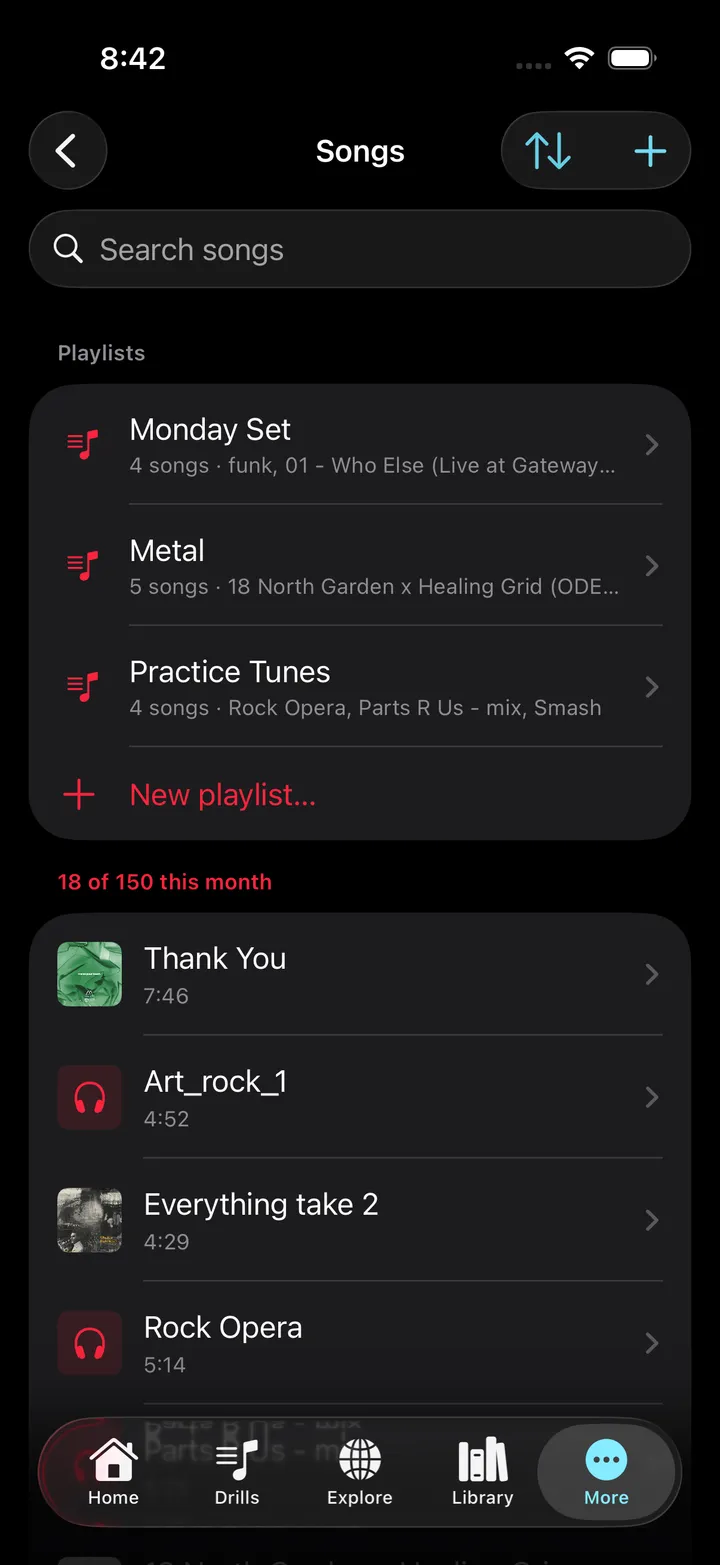
Your uploads are private: never shared, listed, or searchable. Three uploads a month free. All Access includes 150 song & sheet-music uploads a month (beta), plus the whole built-in library.
The deep end.
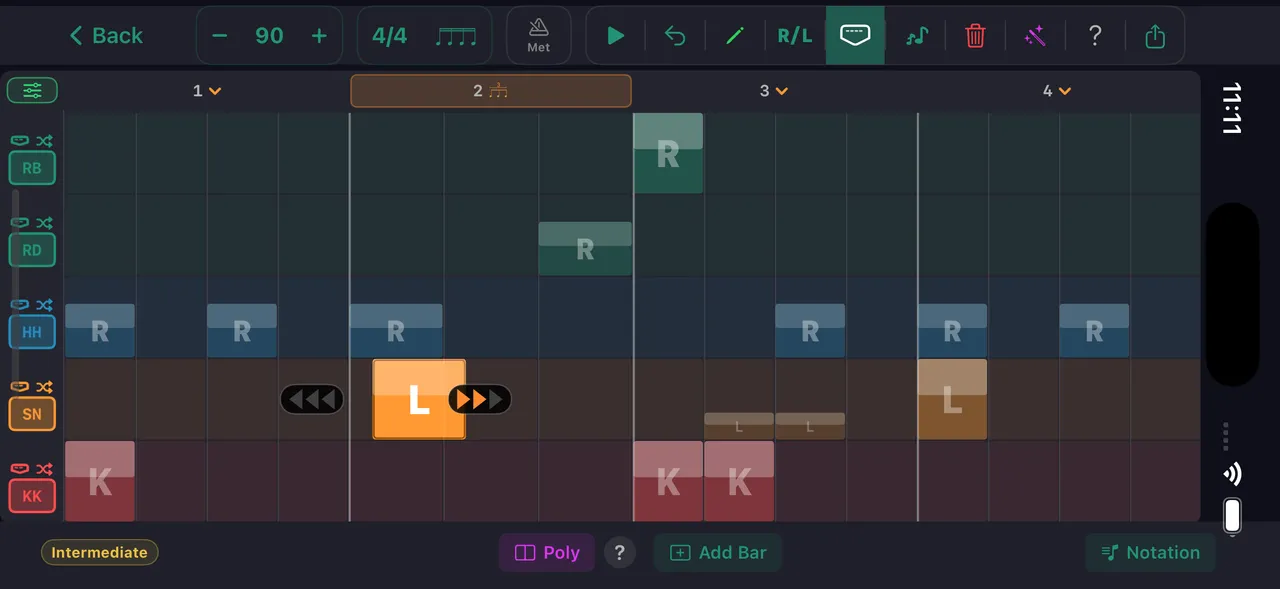
The full pattern editor gives you cell-by-cell control over every voice — then layer in the feel that makes it yours.
- Full pattern editor — place every hit on every voice, at any subdivision — with per-cell velocity
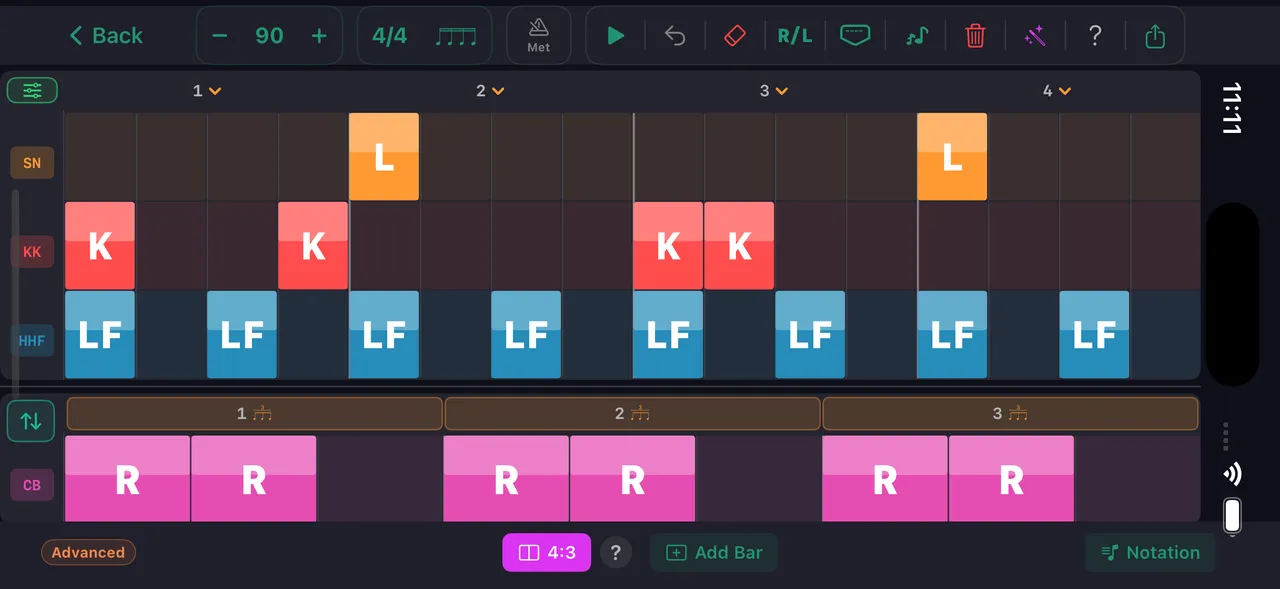
- Polyrhythm mode — independent top and bottom tracks, both polarities
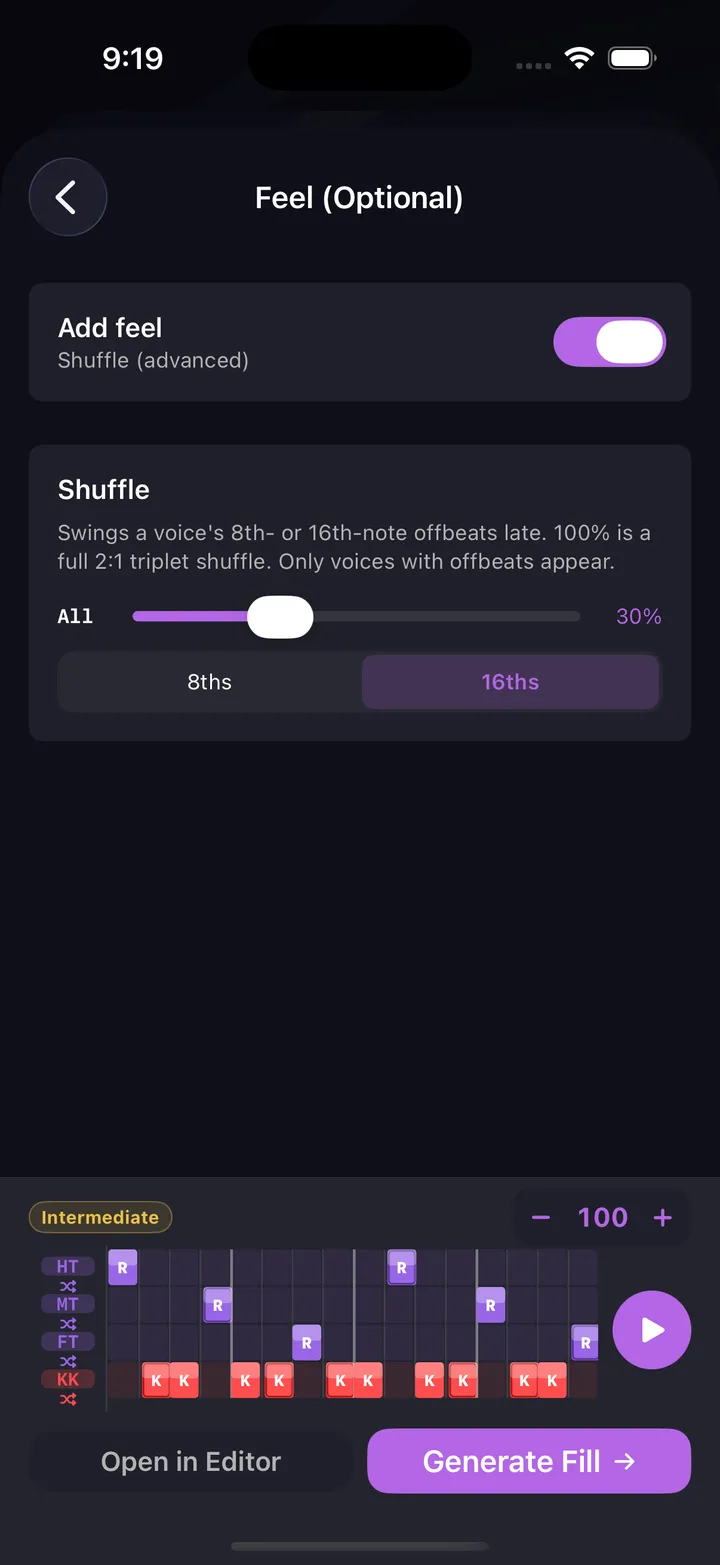
- Pocket & micro-timing — lay a voice behind the beat or push it ahead
- Swing & shuffle — per-voice, on 8ths or 16ths
- Flams & ornaments — grace notes that play and engrave correctly
- Mixed subdivisions & time signatures — triplets and 16ths inside one beat; odd meters
- Rhythm count overlay — counting syllables above the staff, everywhere it renders
- Arrange mode — every bar as a card, up to 64 bars
Explore & Share
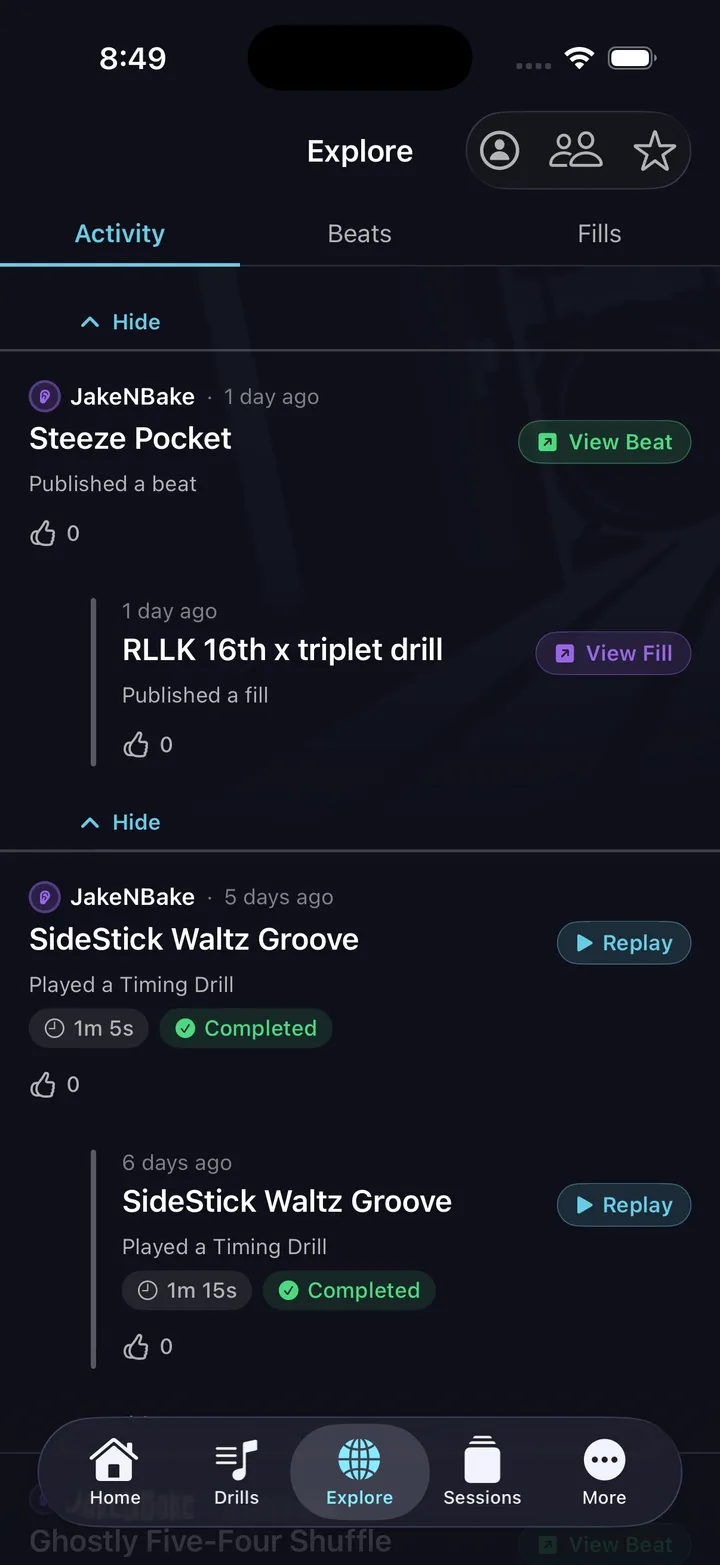
Hundreds of beats, fills, and exercises from drummers worldwide — plus a live activity feed
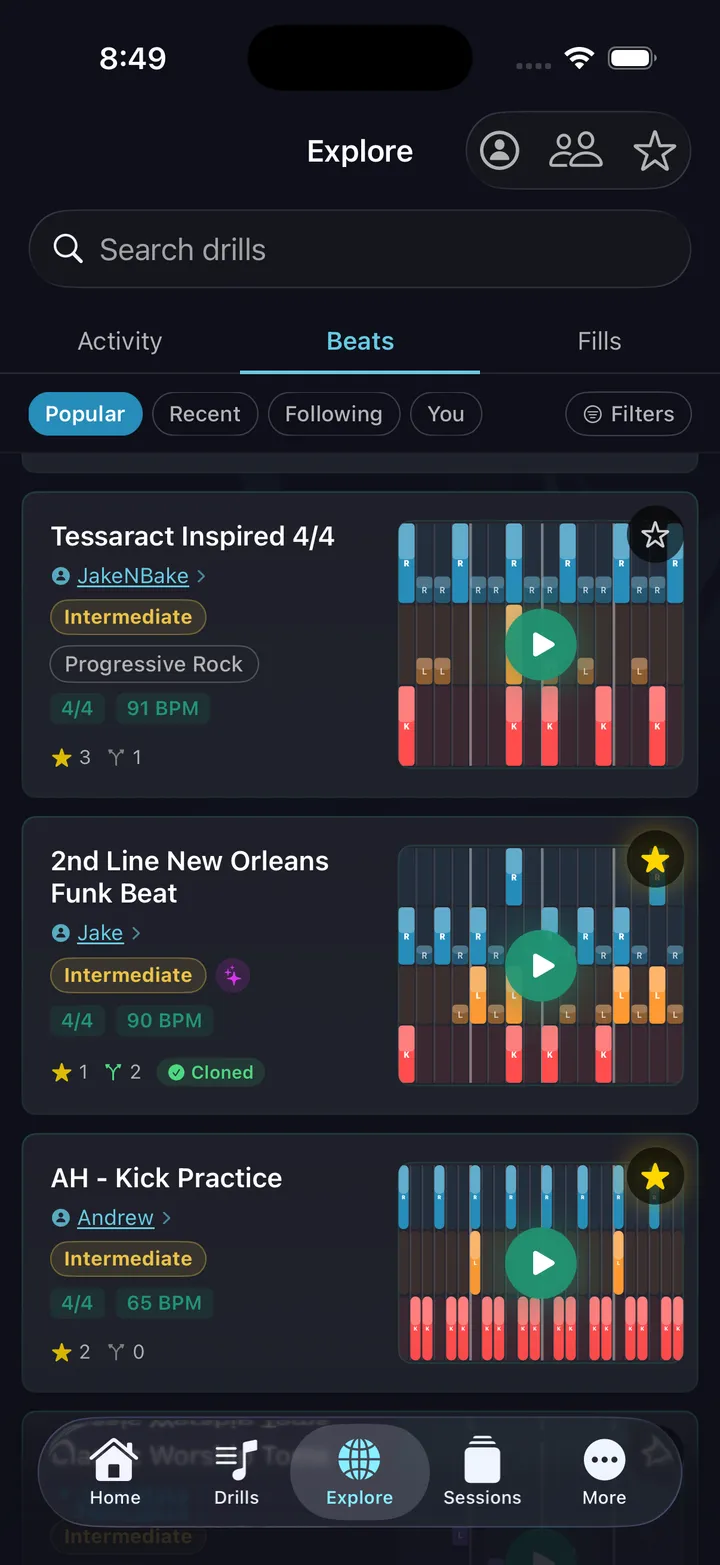
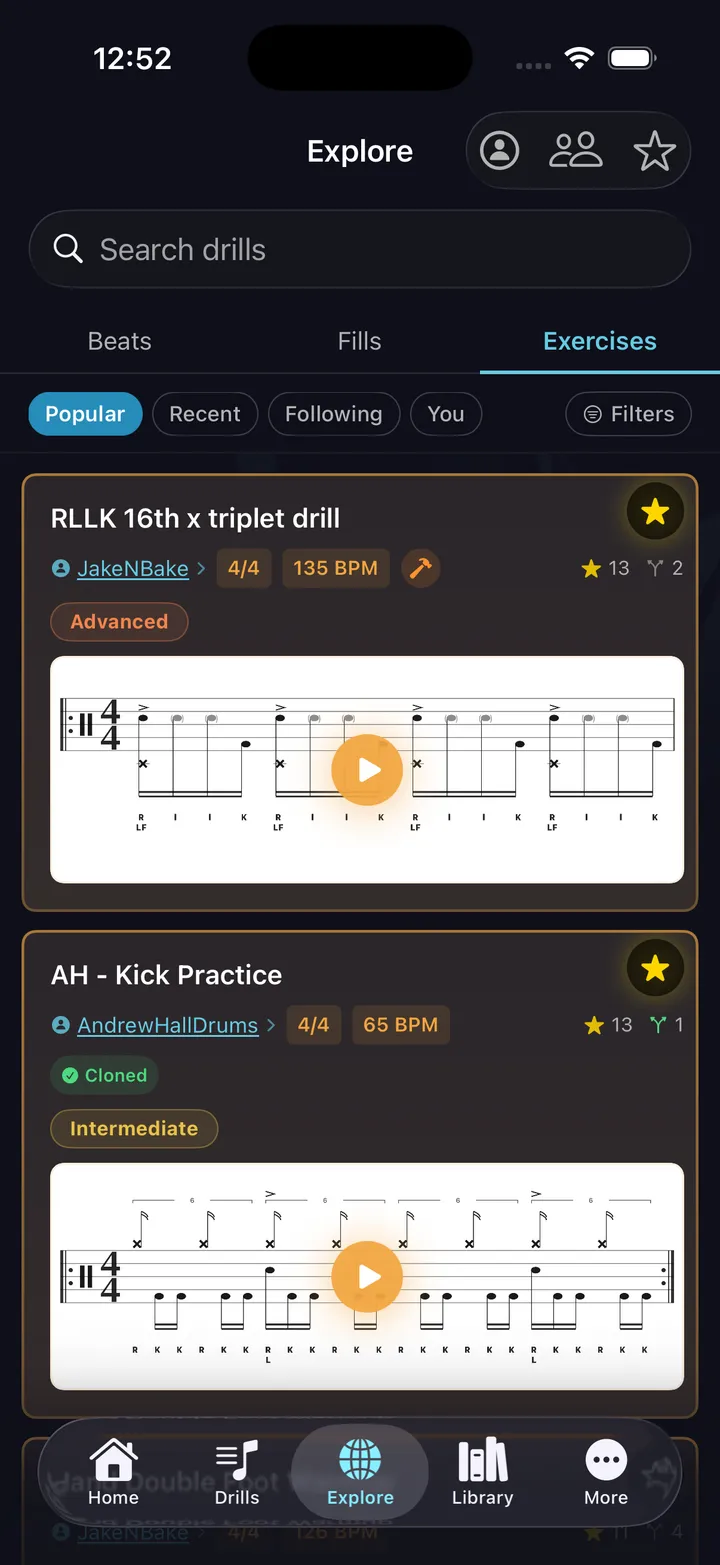
Browse hundreds of beats, fills, and exercises published by drummers around the world — three shelves, each with its own filters for genre, difficulty, time signature, or BPM. Clone anything you like, star your favorites, and share your own creations with a link anyone can open straight into the app.
- Search by genre, difficulty, time signature, BPM
- Star and collect patterns from drummers you follow
- Share with a link — opens directly in the app
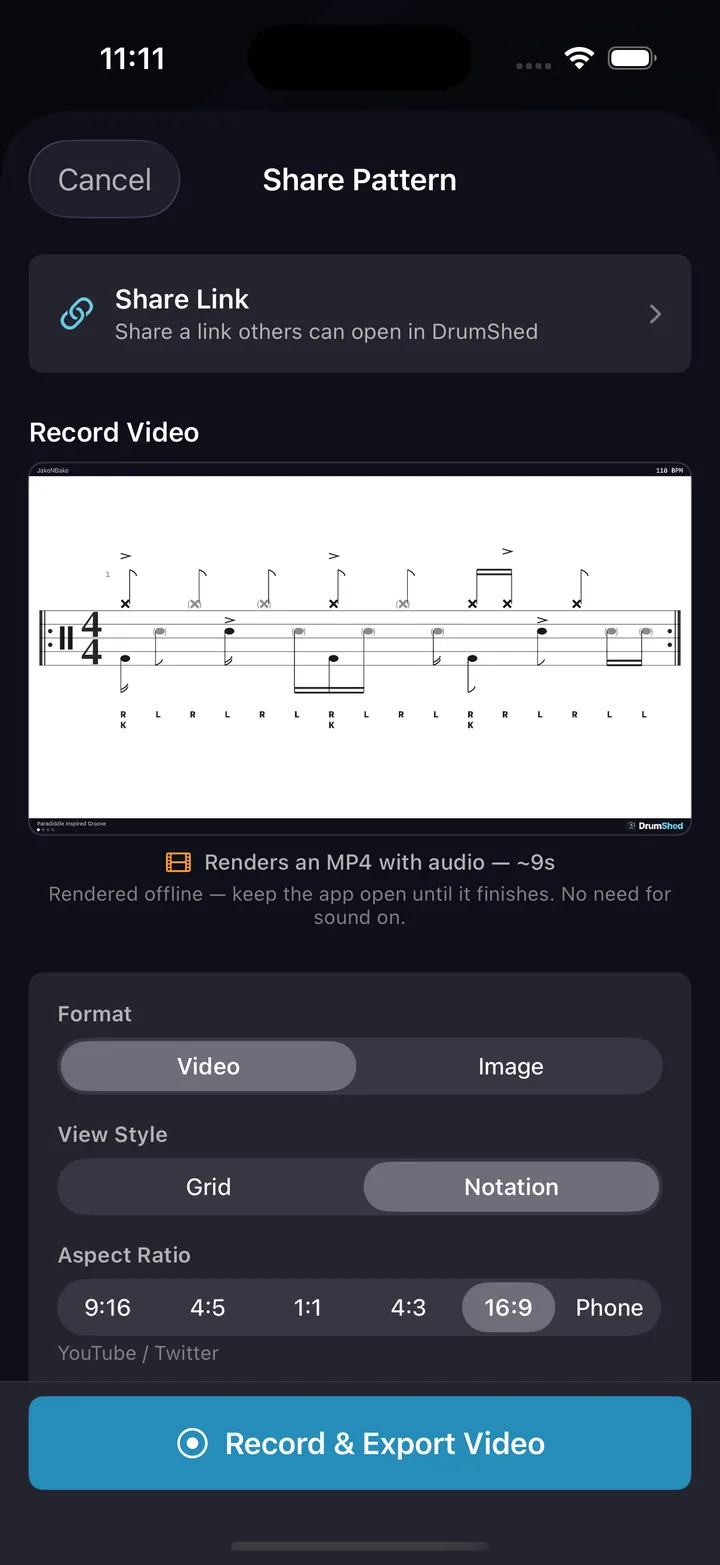
- Export video or notation for TikTok, YouTube, lessons
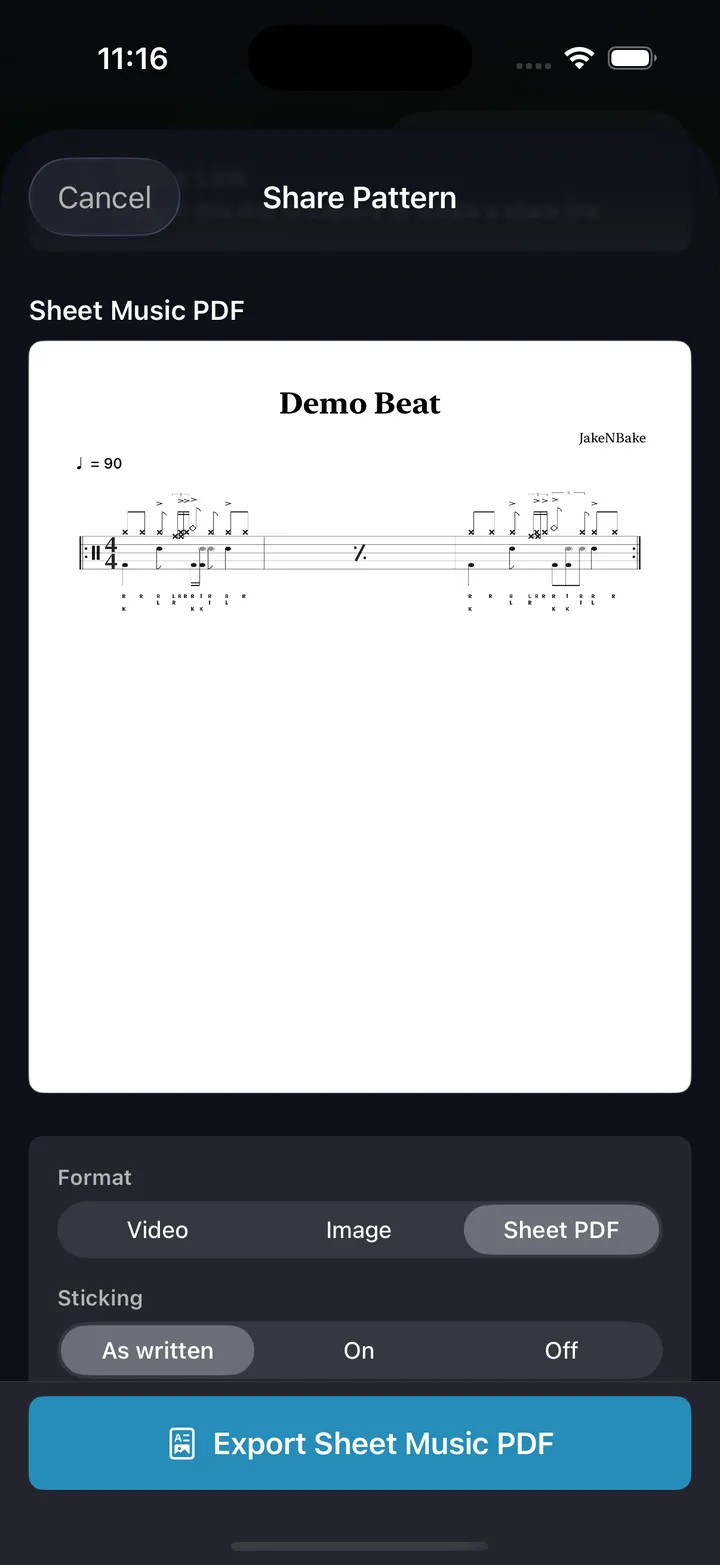
- Print any pattern as an engraved sheet-music PDF — a worksheet with the sticking and counts you choose
- Send a pattern to your DAW as MIDI, or to a notation app as MusicXML
AI Co-Pilot
BetaDescribe any groove in plain English, hear it back
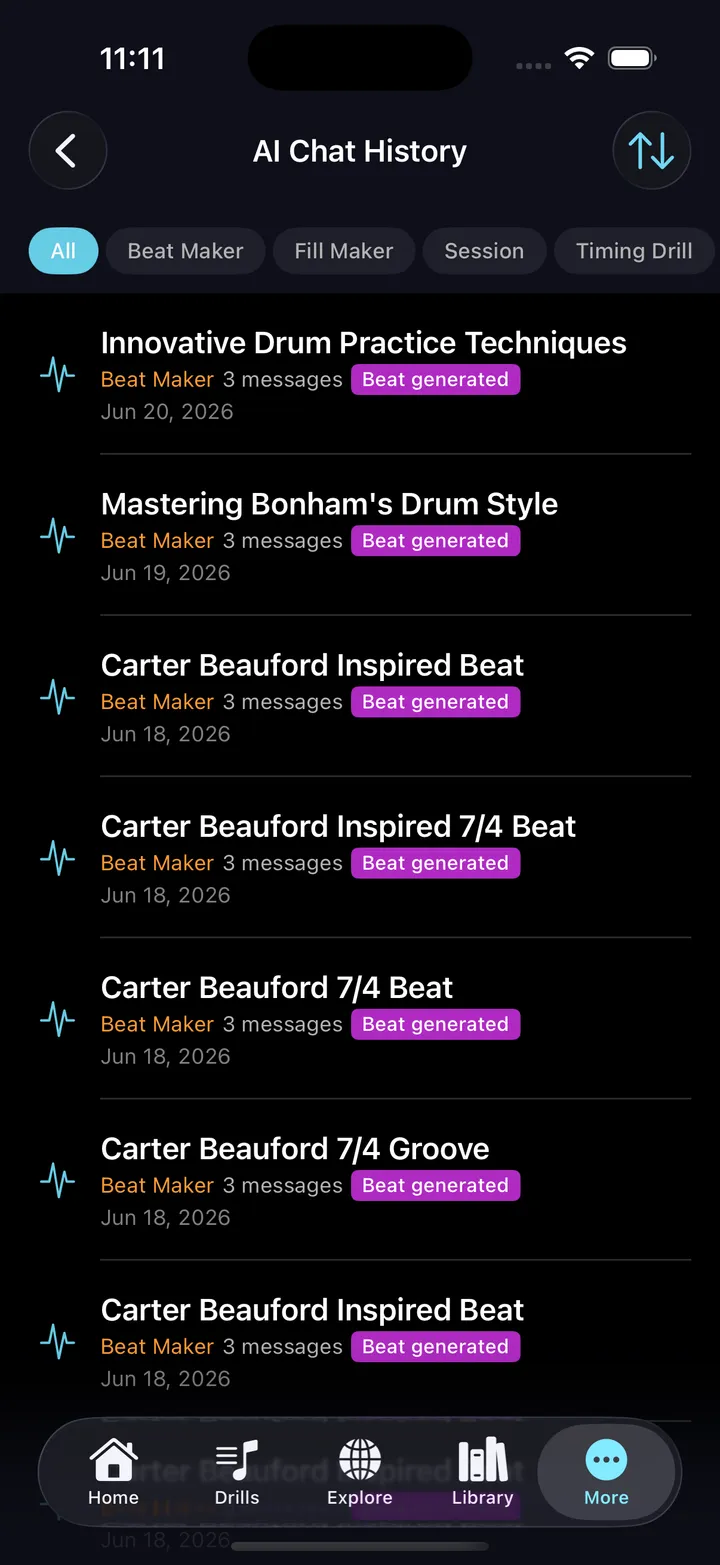
Ask for a specific beat, fill, or session in plain English — and get exactly that. Musical, playable on a real kit, and ready to edit. It thinks like a drummer.
- Works for beats, fills, exercises, and complete practice sessions
- Iterate naturally: "add ghost notes," "swing the hi-hat," "make it harder"
- Describe a problem instead of a pattern — "my doubles are uneven," "my left foot is useless" — and the exercise coach names the mechanism, offers a progression, and tells you what to listen for
- Reads your practice history and recommends what to work on next
- Every result is editable in the pattern editor
The AI Co-Pilot is in beta — it drafts, you play and decide what’s good. In-app feedback is one tap away.
Ten Drill Engines
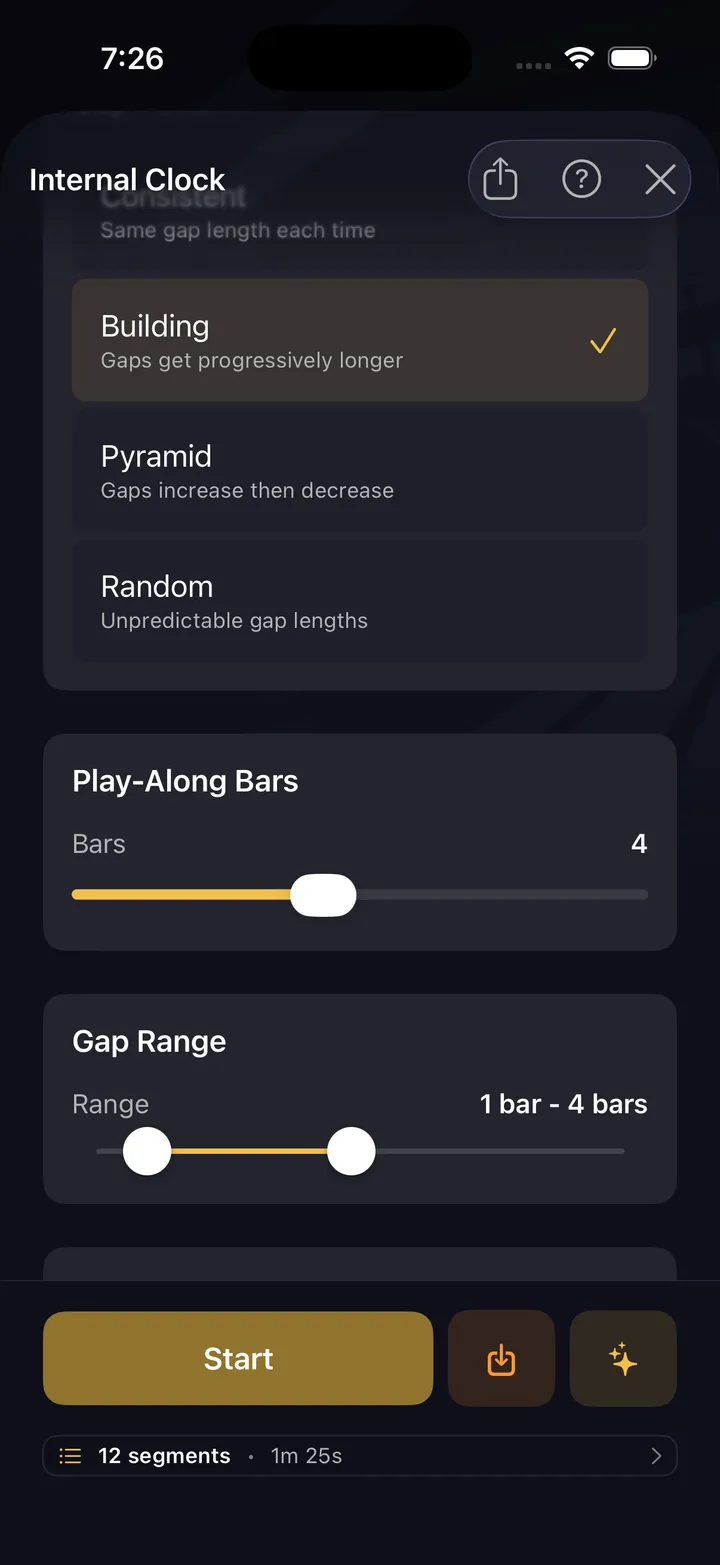
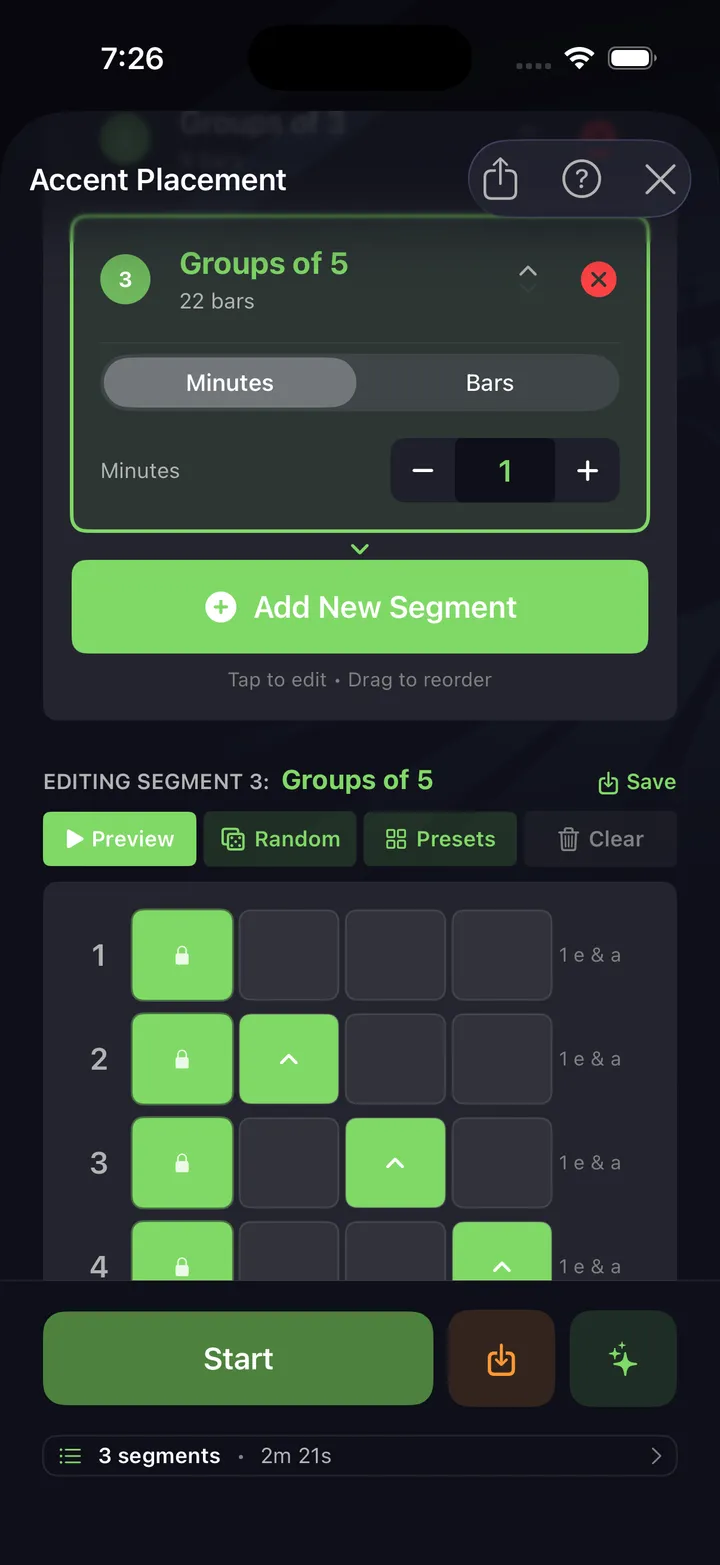
Ten ways to harness the metronome — focused, configurable, savable
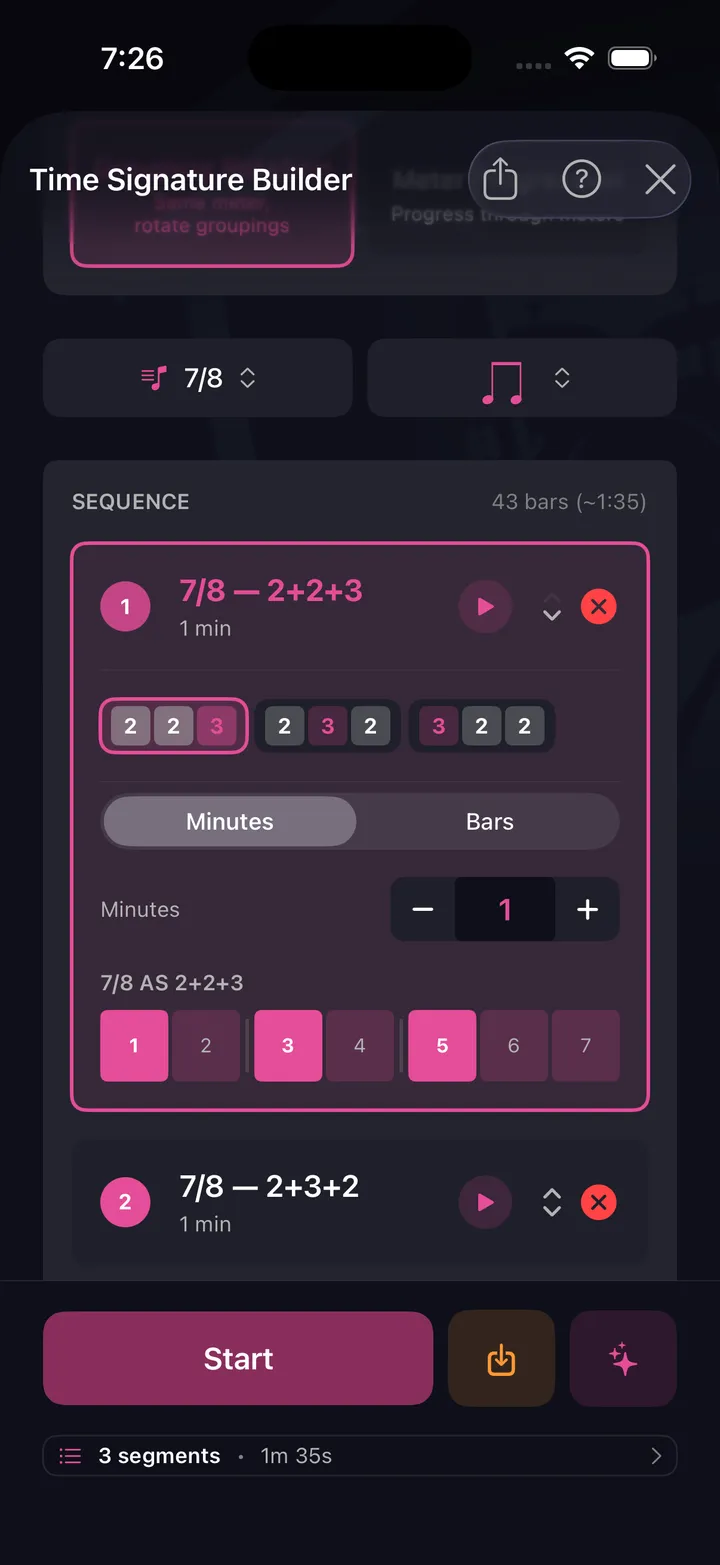
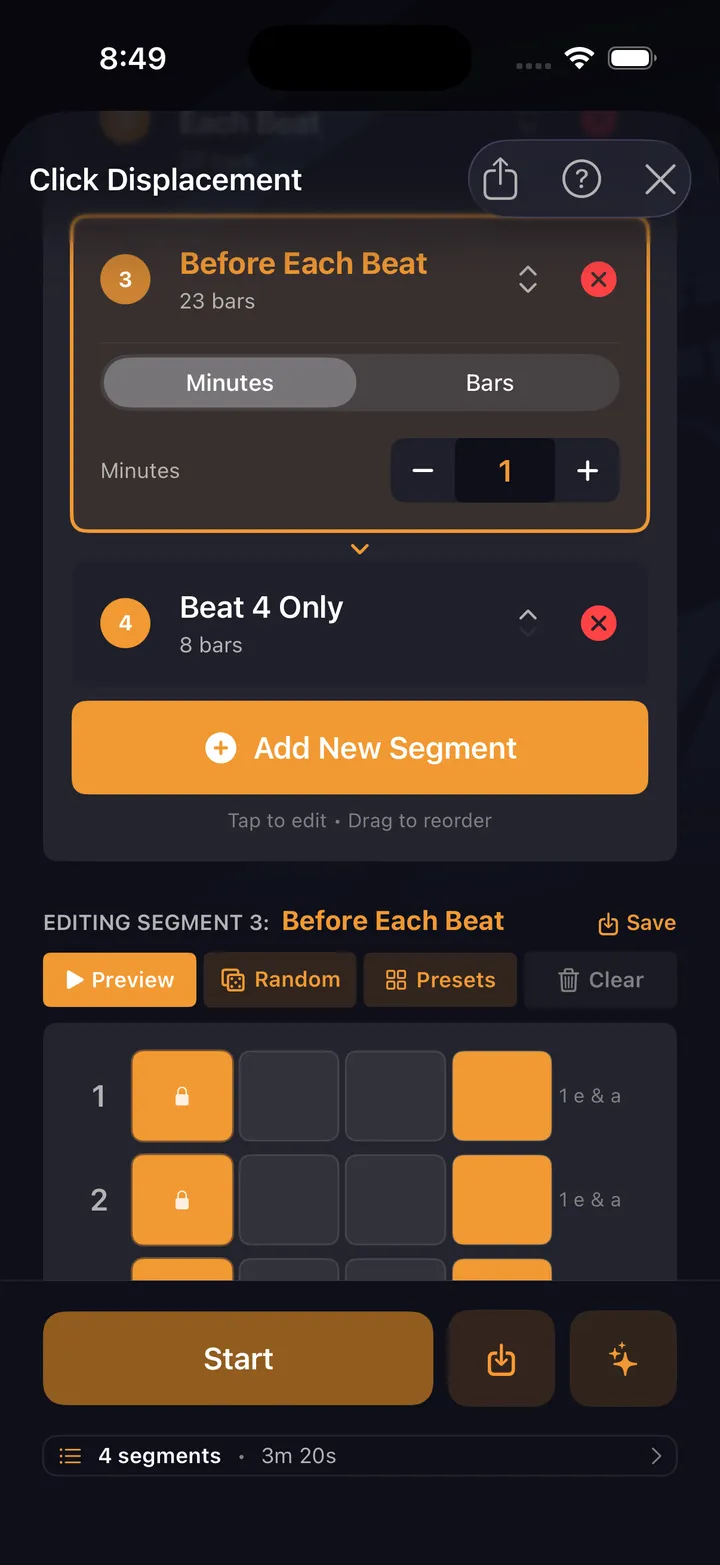
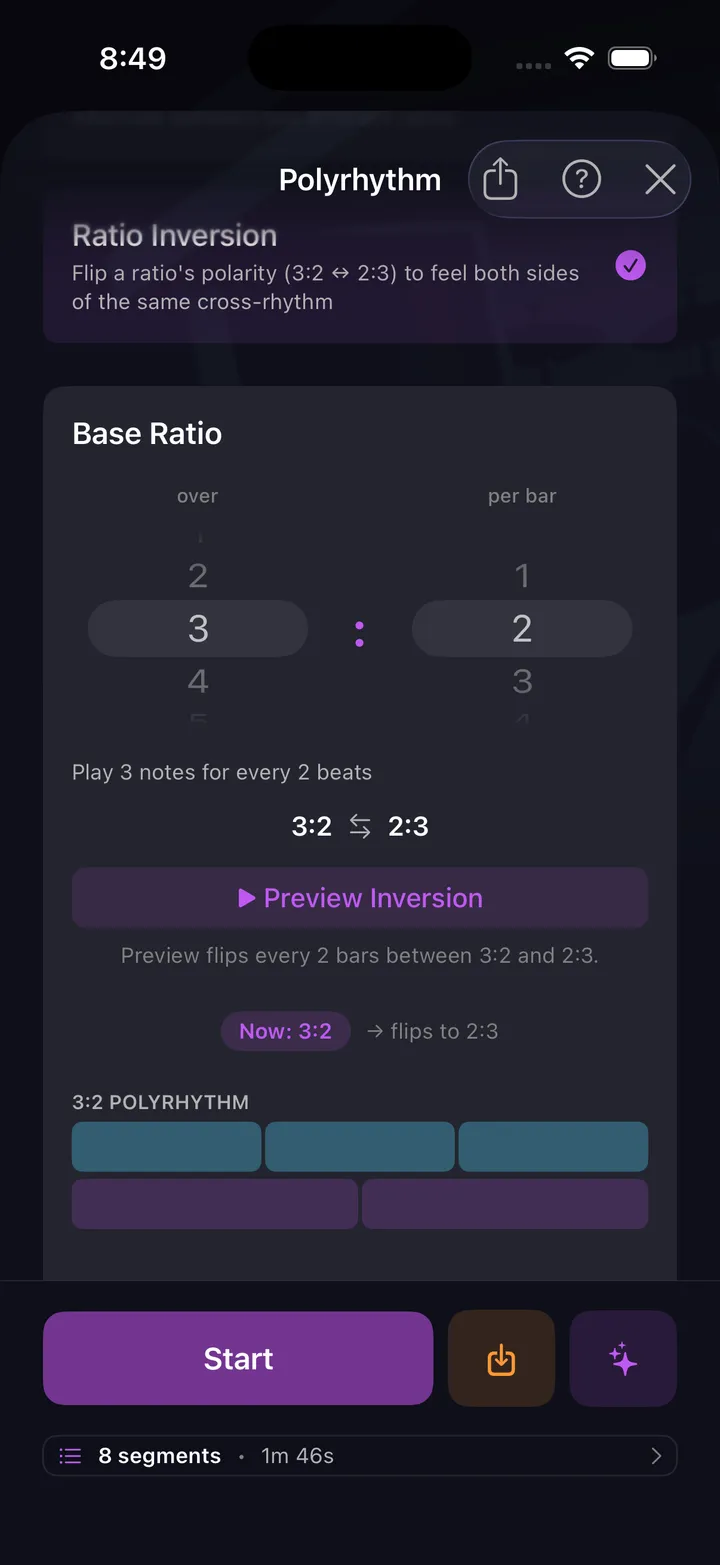
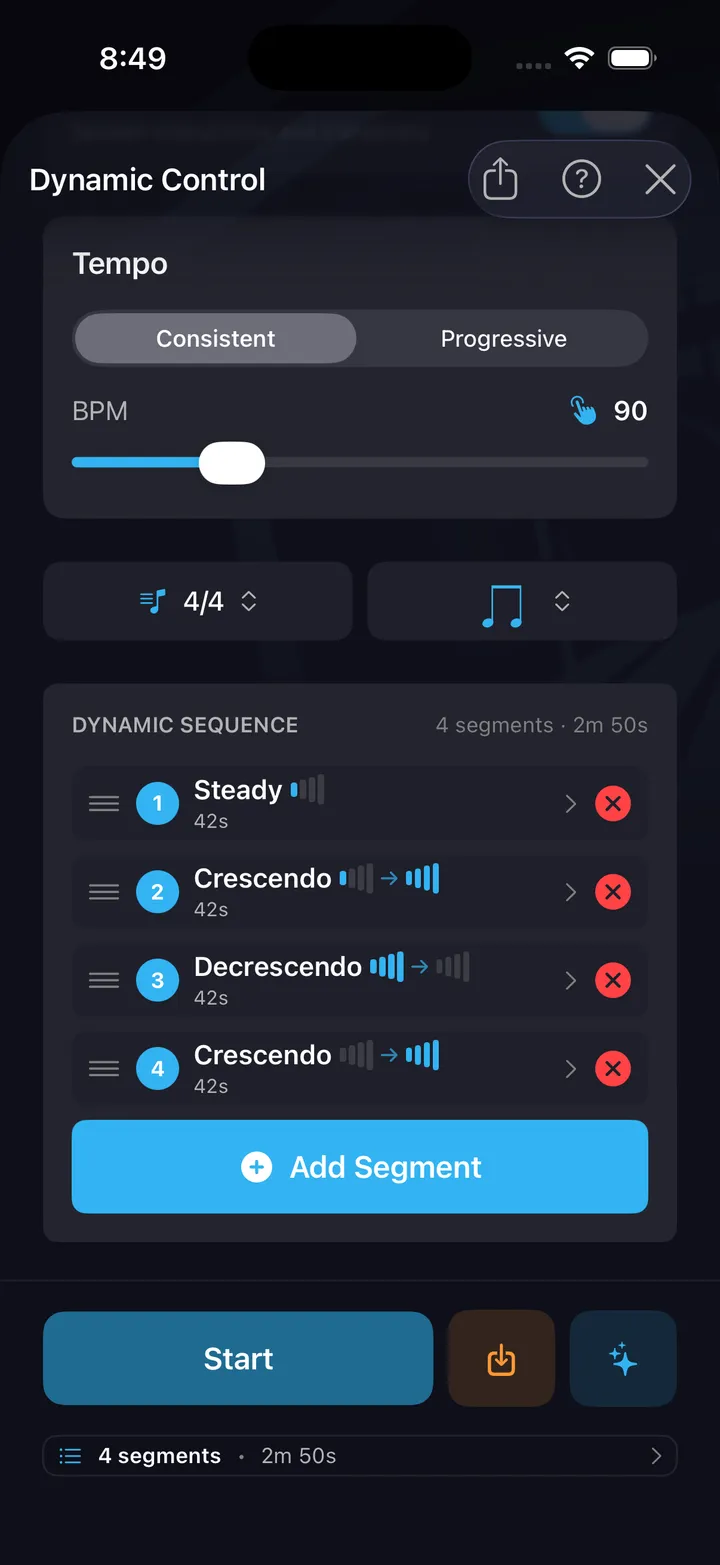
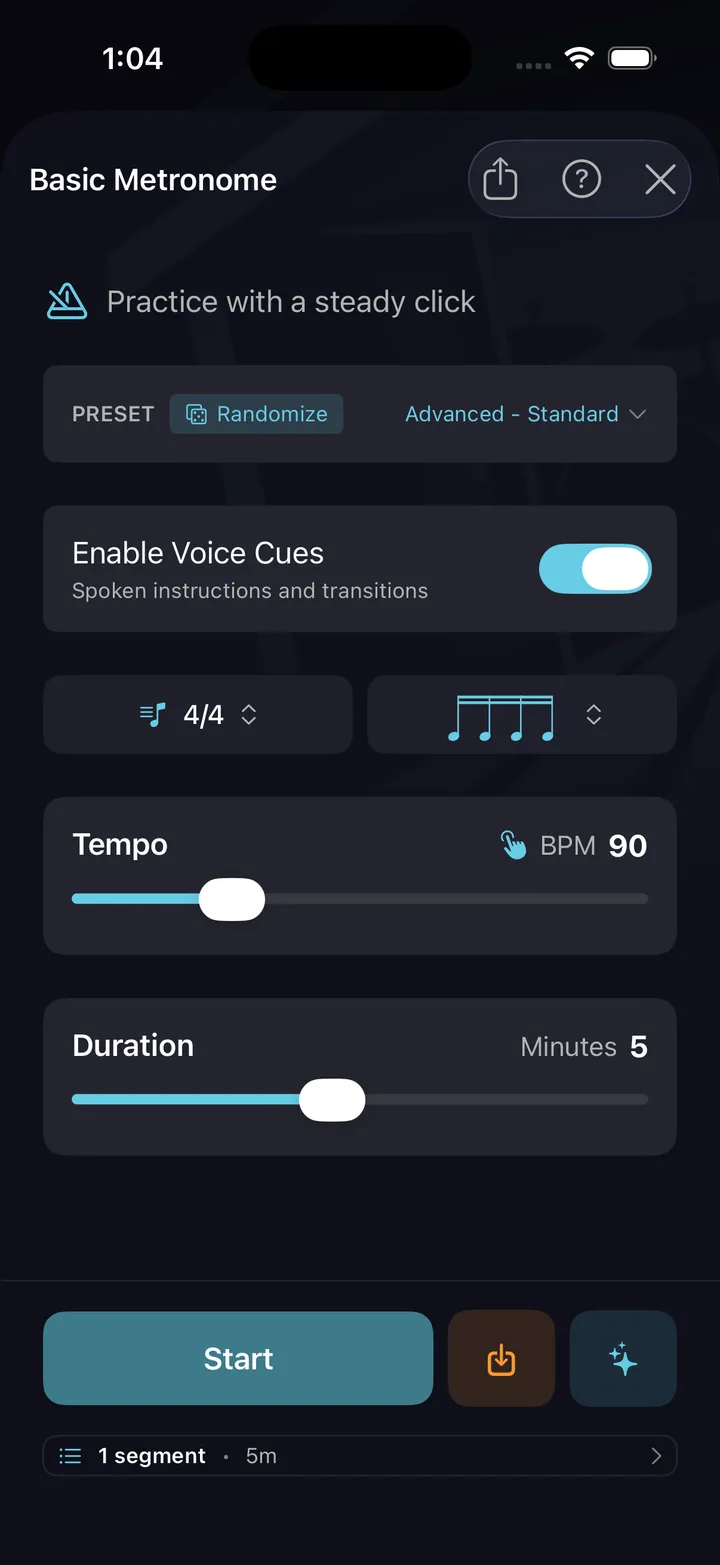
A metronome on its own just keeps time — these ten drills harness it. Each one points the click at something specific and wraps it in structure: a focus, a timed run, and a configuration you can save and come back to. Click Displacement rewires how you hear the pulse. Polyrhythm builds independence. Time Signature Builder breaks down odd meters. Dynamic Control sequences crescendos and decrescendos. Pocket drags or rushes the backbeat so you learn to sit against a click that grooves. And none of them are presets — every drill is configurable end to end: meter, subdivision, accents, dynamics, duration, down to the click itself. Dial in the exercise once, save it, and it's waiting next session. All ten are free — the whole harness, not a sampler.
Practice Paths
Plan your practice ahead — build your own paths, or auto-ramp any beat or fill
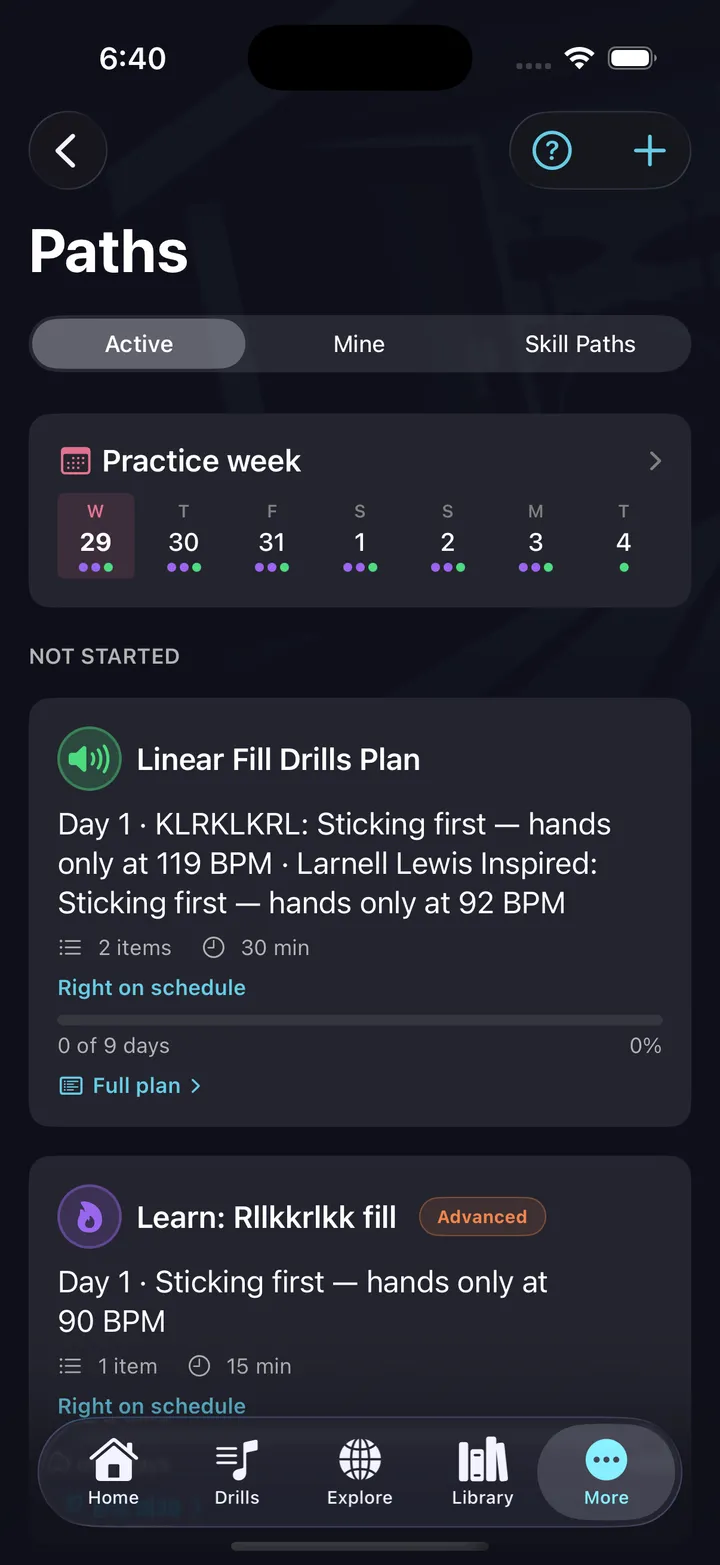
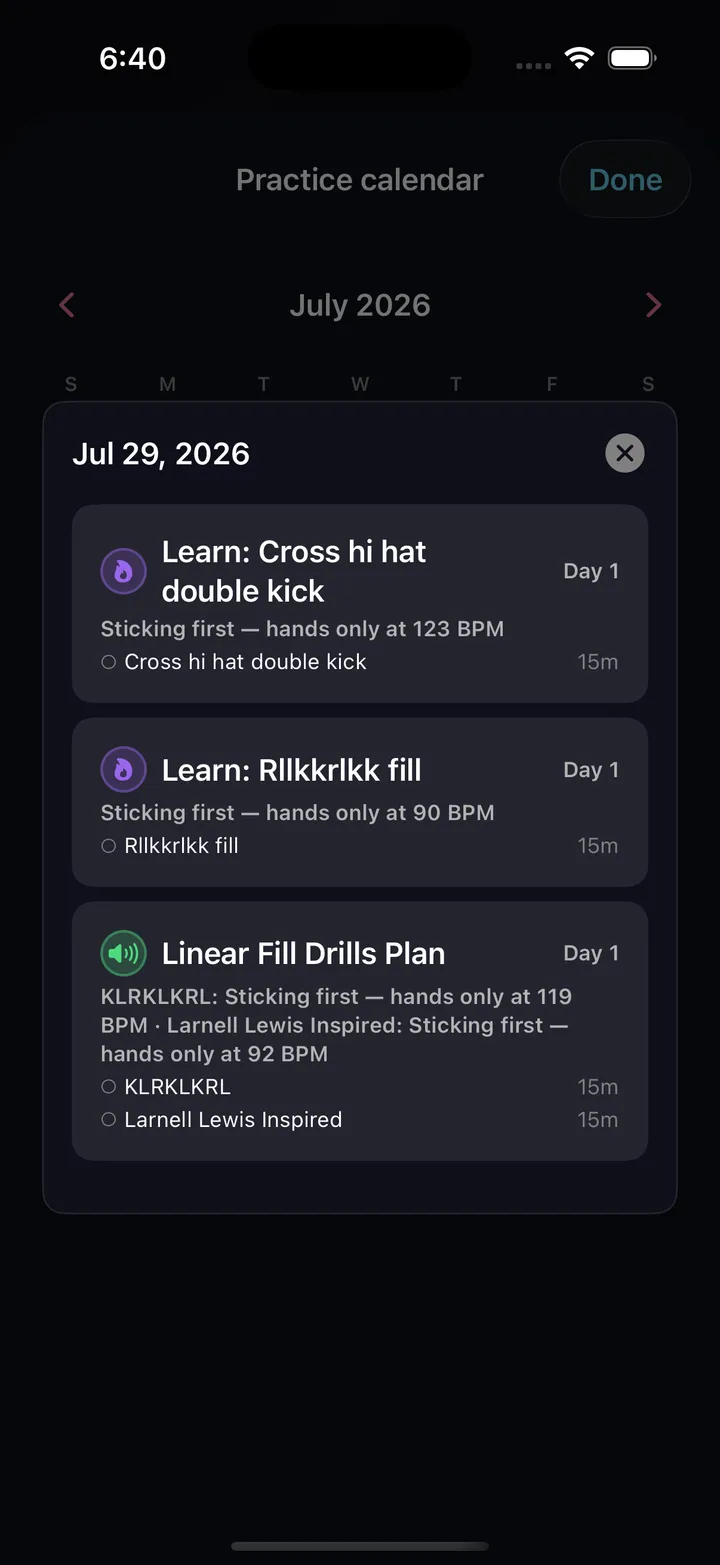
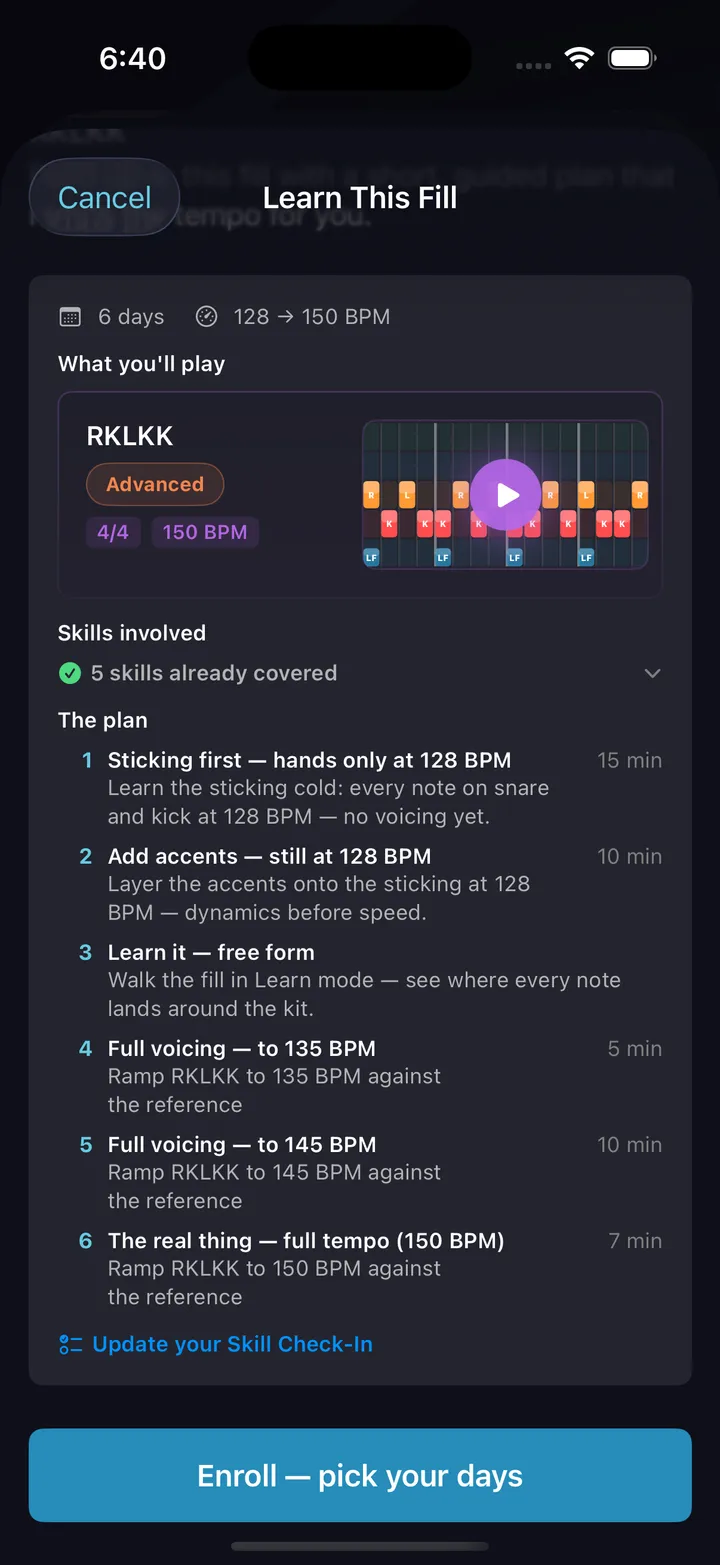
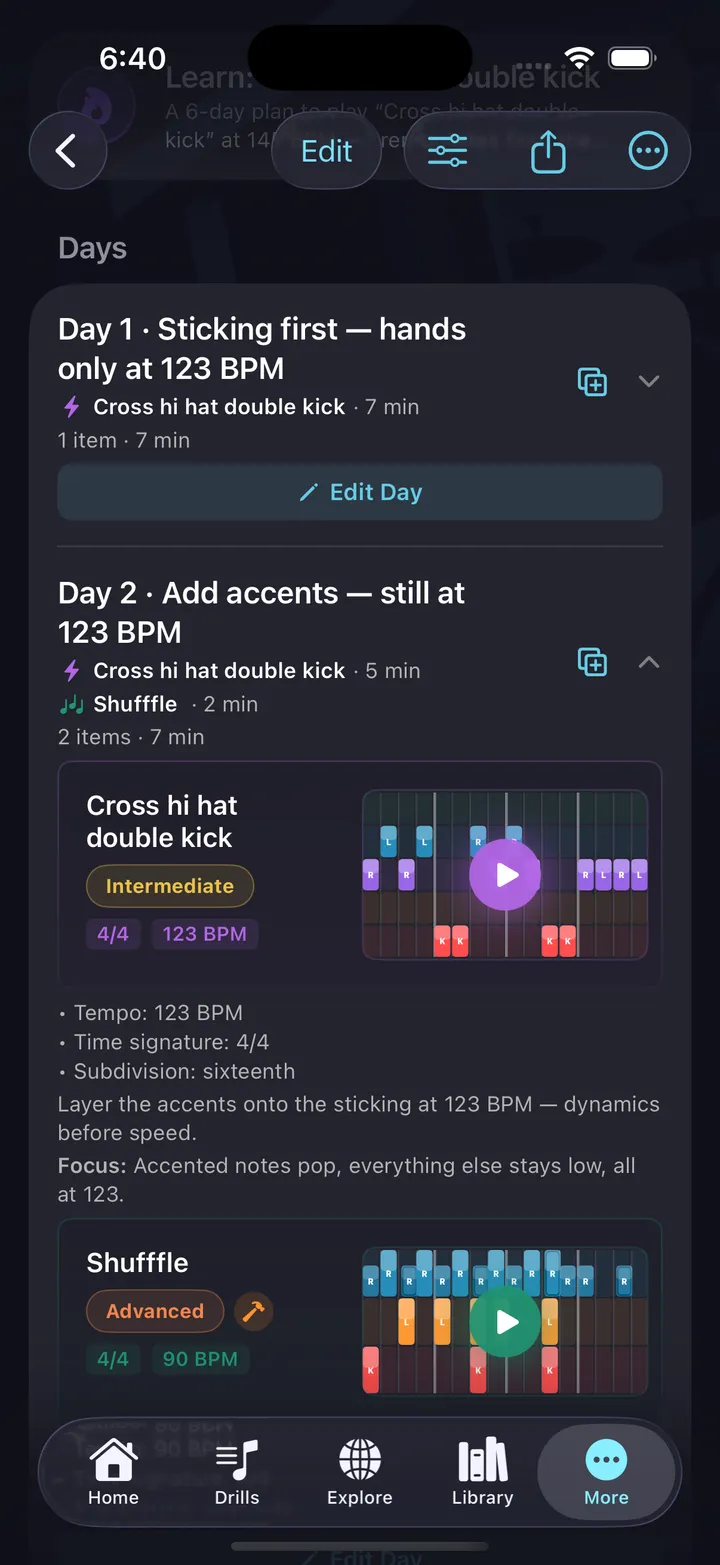
Paths turn practice into a plan. Build your own multi-day path from the beats, fills, exercises, and drills you've made — or tap Learn This on any pattern and get a ready-made plan that starts slow and ramps the tempo day by day.
- Learn This auto-builds a practice path for any fill or beat you create or discover
- Enroll on your practice weekdays and follow a dated calendar
- Judge your own reps against a reference you fade out
- Share a path with a link — others enroll, only you edit
Five more deep dives.
The full pattern-editor tour. Worksheets & sheet music. Your library & collections. Hands-free sessions. Stats & history. The full feature set, unpacked.
See all featuresThe whole metronome. No limits.
And the ten drills that aim it.
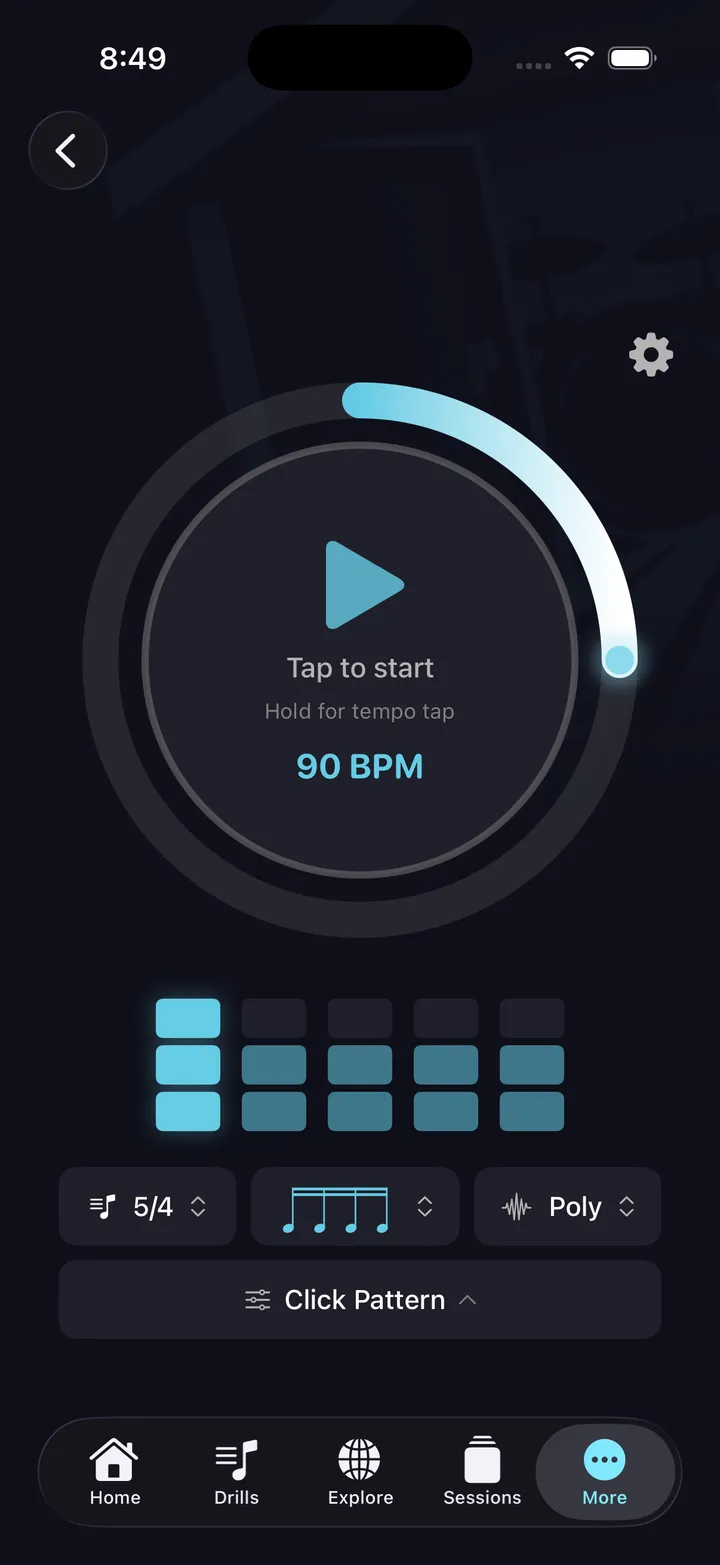
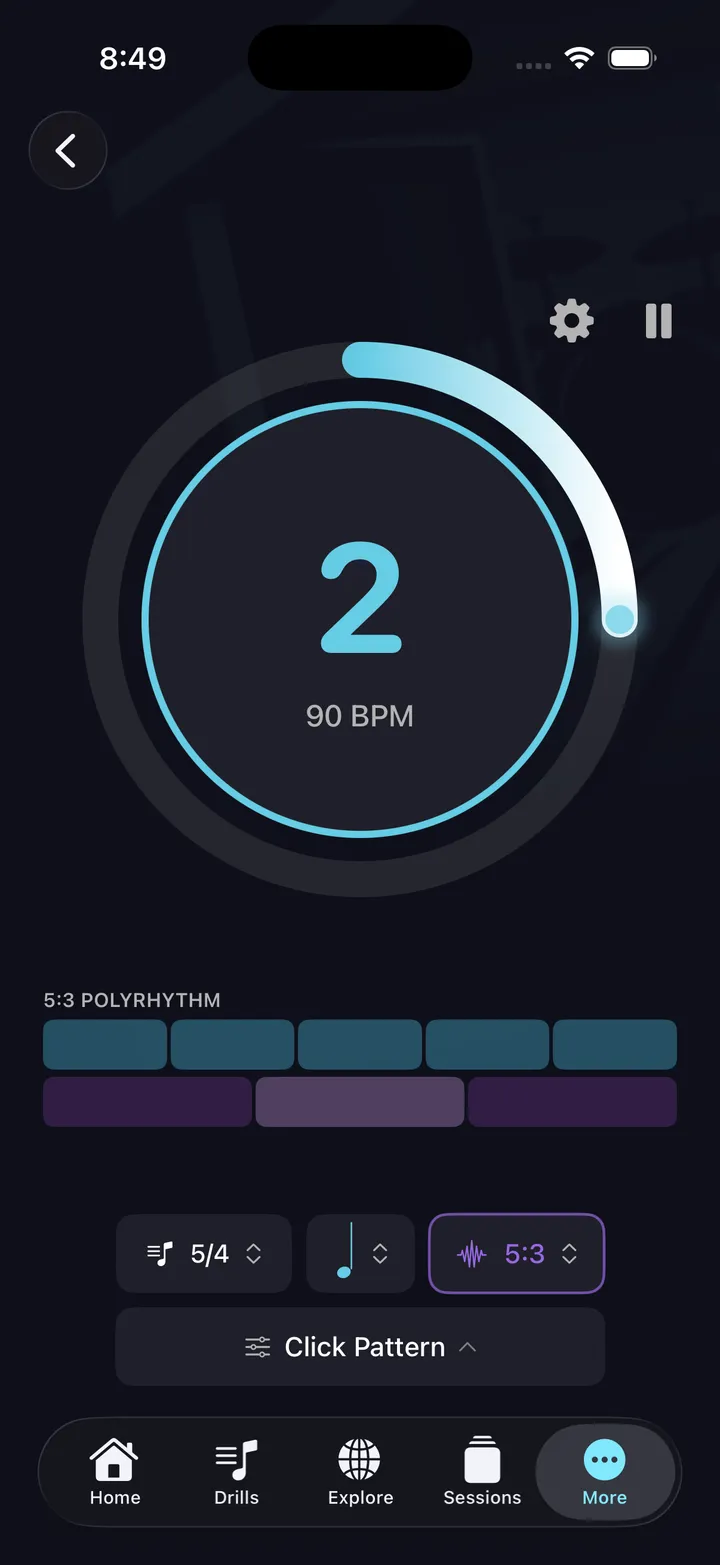
A metronome that plays music with you, not at you. Polyrhythms. Odd meters. Advanced click patterns. Fine-grained shuffle and pocket control. Most apps charge for these; DrumShed™ holds nothing back. Then it does the part a metronome never does — it gives you the structure to use it. Ten drills, each aiming the click at one specific weakness. That whole harness is the free tier, not a sampler of it.
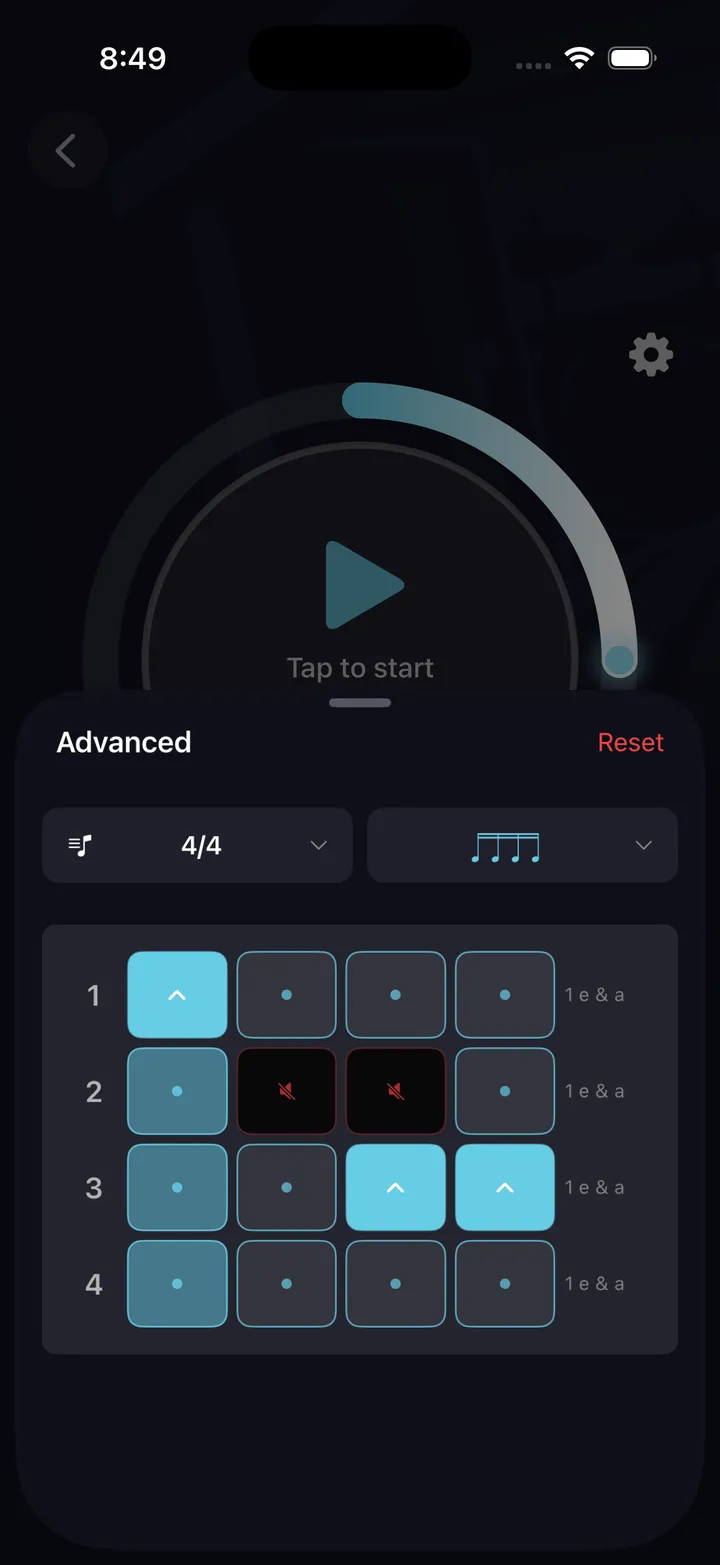
- Any time signature, any subdivision
- Polyrhythm mode — 3:2, 4:3, 5:4 and more
- Advanced click patterns with per-beat accent control
- Shuffle & pocket control — push the beat or drag it back, with fine-grained shuffle amounts
- And the harness around it — all ten drills that aim the click: internal clock, click displacement, tempo builder, polyrhythm, pocket and the rest. Every one of them free.
Who's it for?
Whatever brought you here — a metronome, an idea you need to hear out loud, a way to actually improve — it's the same home base. Find your way in.
Stuck in a rut
Same grooves, same fills, same comfortable tempos. Build something new and learn to play it — ruts don't survive fresh material.
See howJust getting started
A free metronome, a guided first beat, and structured paths from day one. Start simple — everything else is there when you want it.
See howDrum teachers
Build every exercise you assign — any meter, any sticking, up to 64 bars. Print it as engraved sheet music with the counts on the bars you choose, share it with a link, and lay it out as a practice path your students follow between lessons.
See howContent creators
Generate beats, fills, and exercises fast. Export video and notation. Post-ready patterns for TikTok, Reels, and YouTube.
See howFull of ideas
Grooves show up in the car, at work, at 2am. Tap them in, hear them back, and build a library of every idea — as real notation.
See howWant real structure
A plan, not a jam session. Lay out multi-day practice paths from your own beats, fills, and drills — or tap Learn This on any pattern and follow the day-by-day tempo ramp it drafts for you.
See howFind your people
Hundreds of beats, fills, and exercises published by other drummers. Follow them, replay their exact drills, and high-five their wins.
See howPlay another instrument
Timing, groove, and phrasing aren't drummer-only. Build drum loops to practice bass or guitar over, and drill your pocket with the feel tools.
See howWhat drummers are saying
Five-star reviews from the App Store, plus notes from our beta drummers.
From beta testers
Simple pricing
All Access is where you make your own material — your beats, your fills, and a path that tells you what to practice tomorrow.
Practicing stays free forever: the whole metronome, all ten timing drills, sessions, history and streaks.
Launch pricing — subscribe now and keep this rate for as long as you stay subscribed.
A fraction of what the big drum-lesson platforms charge — and you leave with material you wrote, not someone else’s curriculum.
Free
The whole harness. Free.
- The whole metronome — no limits, nothing held back
- All 10 timing drills that aim it — the full harness
- Pocket & shuffle click: a pulse that grooves
- Hands-free practice sessions
- Drill history, stats & streaks
- Browse Explore
- Upload a song and play along without the drums — 3 a month
All Access
Make your own. No tiers.
- Beat, fill & exercise builders
- Import drum sheet music from photos or MusicXML (beta)
- Publish your drills to Explore
- Star, clone, and fork patterns
- Practice Paths on a schedule
- AI beat, fill & session generation (beta)
- Smart practice recommendations
- The built-in backing track library, plus 150 song & sheet-music uploads a month (beta)
First week free · no credit card required
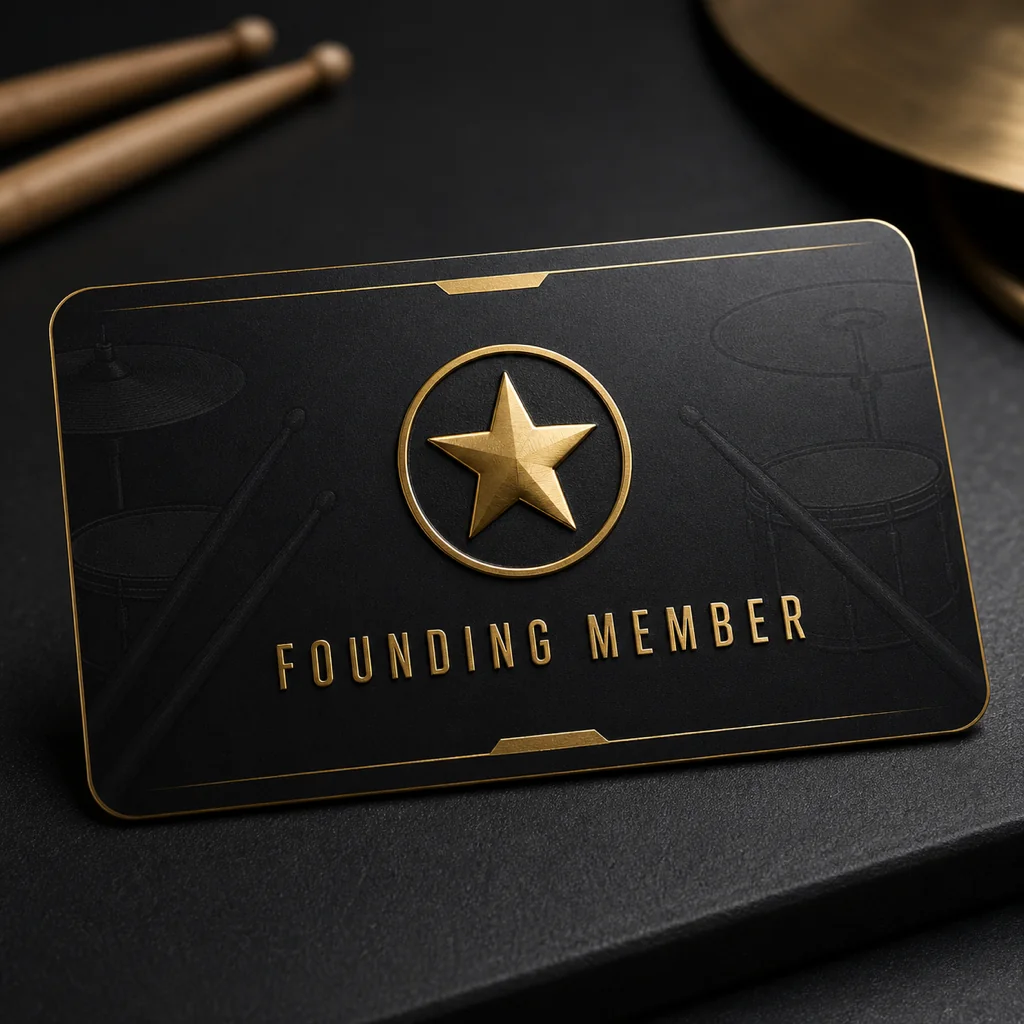
Founding Member
One-time purchase. Full access forever.
- Everything in All Access — forever
- The built-in backing track library, plus 150 song & sheet-music uploads a month (beta)
- 1K AI starter credits included
- Buy more credits anytime as needed
- Exclusive founding member badge
Every drummer needs
a home base.
Everything the loop makes — beats, fills, drills, paths, progress — lives in one place, always where you left it. Every timing drill is free.