Practice drums
with your favorite songs.
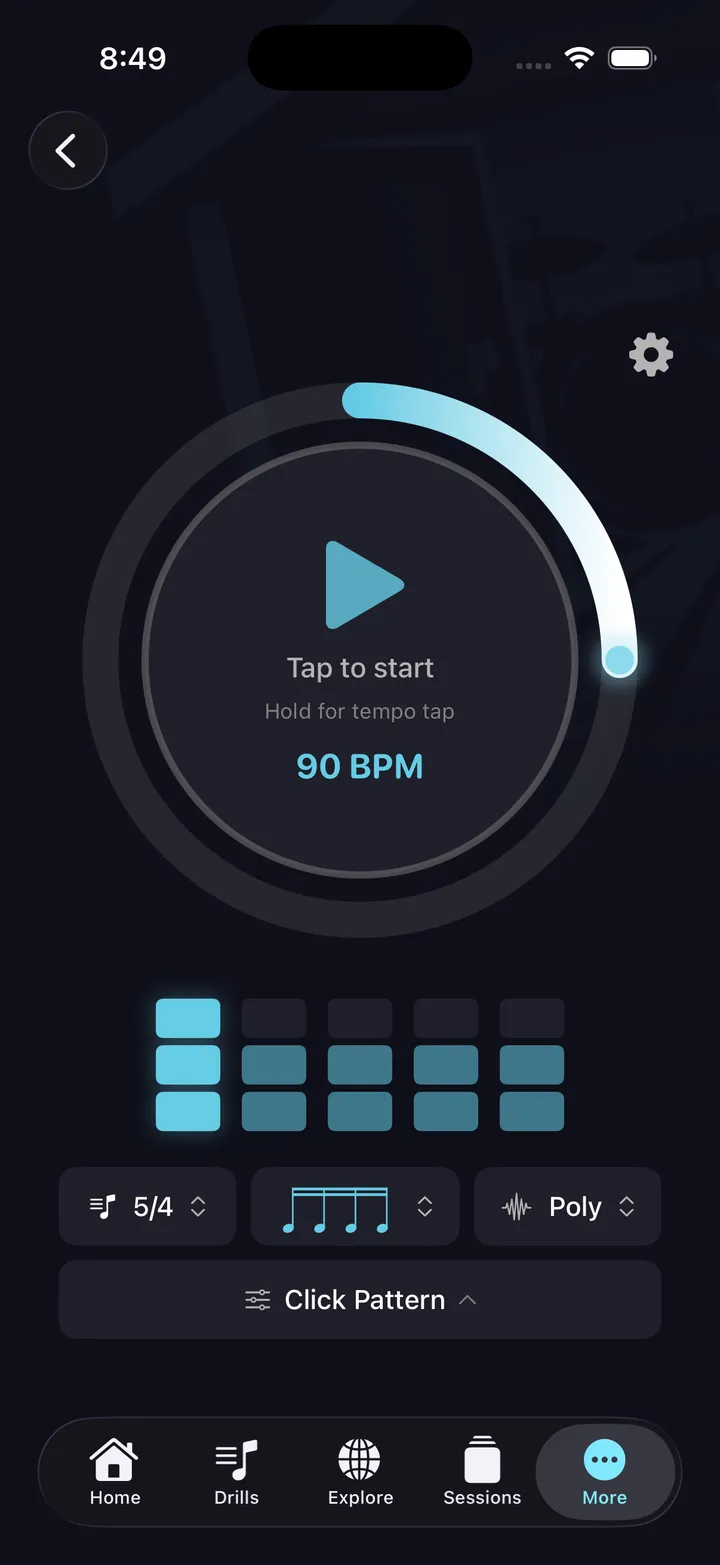
DrumShed's Apple Music integration lets you add songs to practice sessions. Play along to real music at the right tempo, between structured drill segments.
Music + drills in one session
Apple Music integration
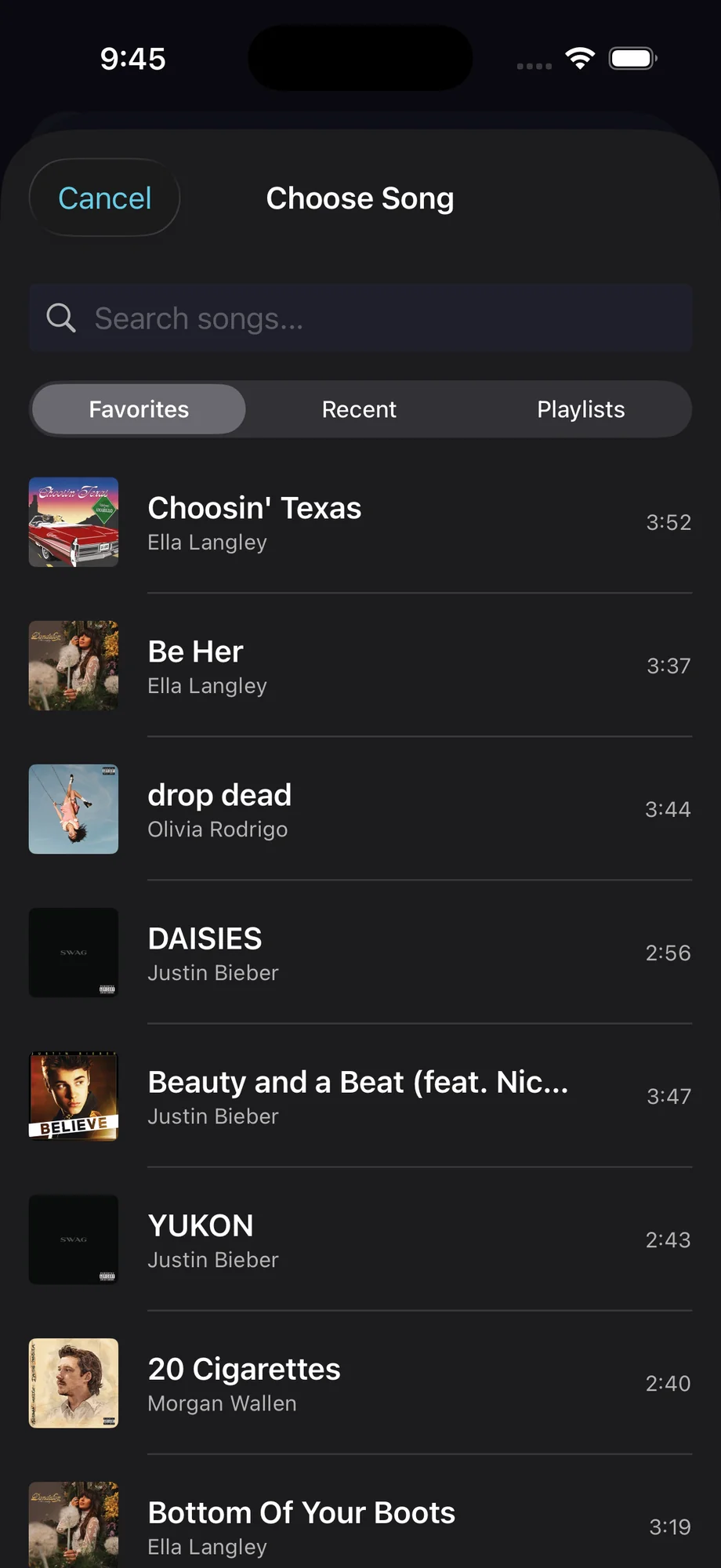
Search your Apple Music library and add songs to practice sessions. Play along to music you actually want to play.
Session segments
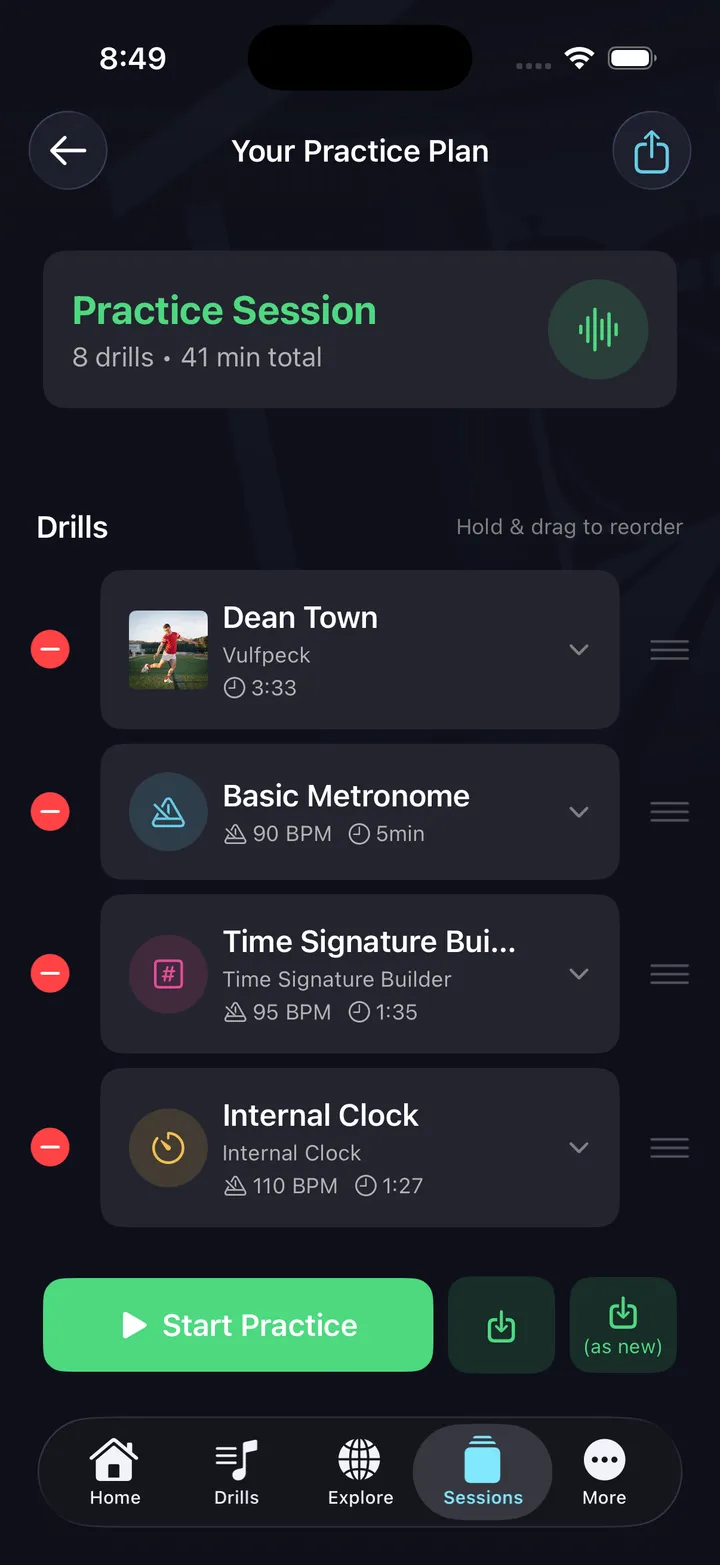
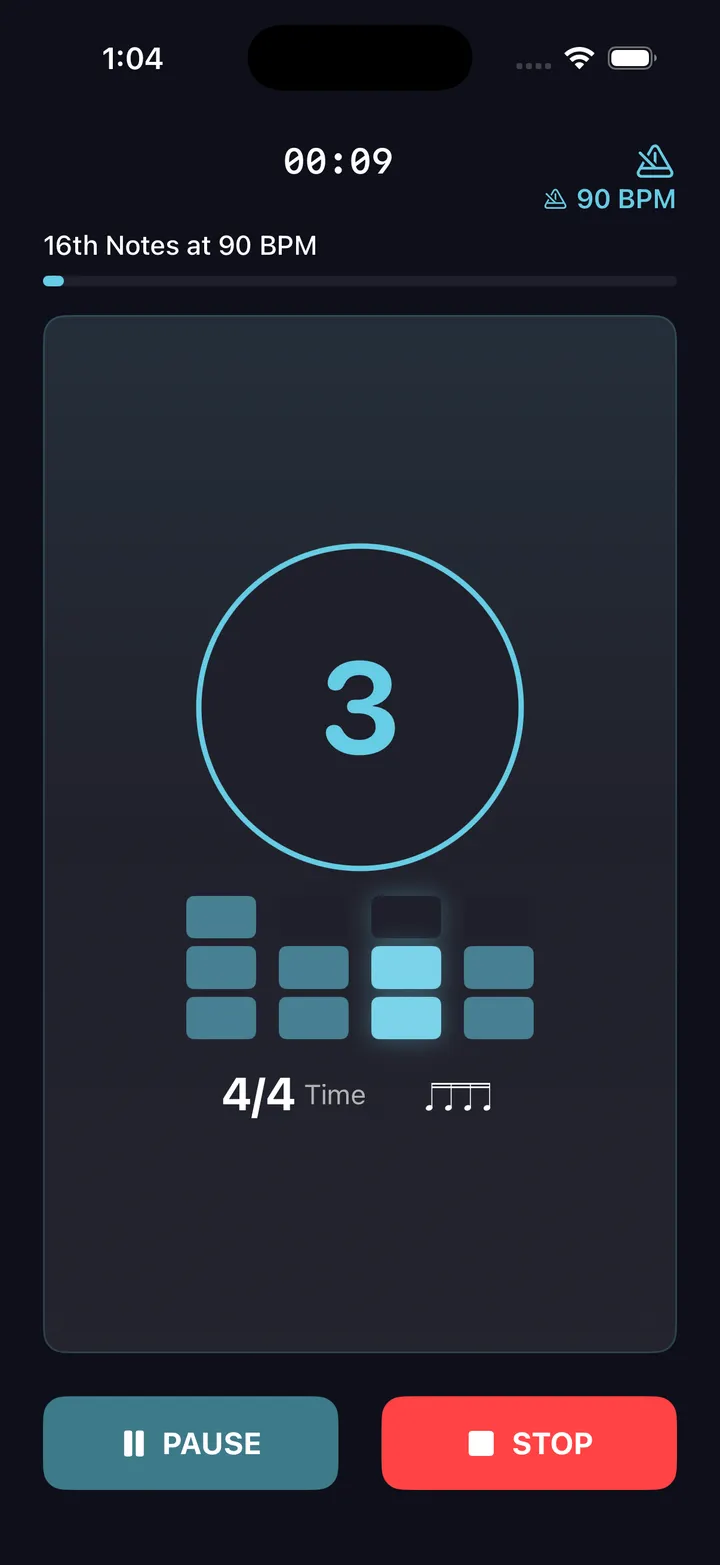
Alternate between drills and play-along segments. Warm up with a timing drill, then play along to a song at tempo.
Slow the song down
Adjustable playback speed on play-along segments. Drill the song under tempo until it's clean, then bring it back up.
Voice cues
Voice cues announce the play-along segment — hands stay on the sticks through every transition.
Genre practice
Build sessions around a genre. Jazz standards, rock classics, worship songs — practice the style with real music.
Logged sessions
Play-along time counts the same as drill time. The song you jammed shows up in the log right next to the warm-up.
The fine print, plainly: play-along runs on Apple Music only — no Spotify playback — and it uses your own Apple Music subscription. On the DrumShed side it costs nothing.
Practice this in DrumShed
On iPhone & iPad with your Apple Music subscription
Heard a groove you want to own?
The beat you just played along to can be rebuilt in the pattern editor, saved to your library, and put on a practice path with Learn This — ramped day by day until you can play it with the record, not just along to it.
Every drummer needs
a home base.
Practice with the music you love.