A song to learn for the set?
Map it first.
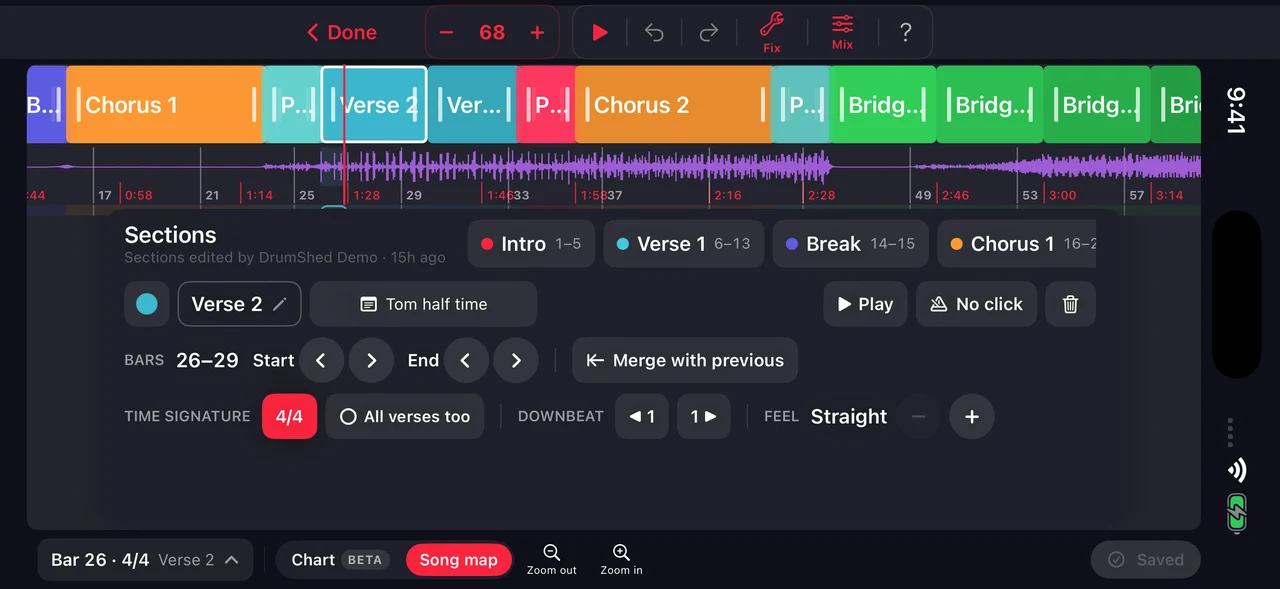
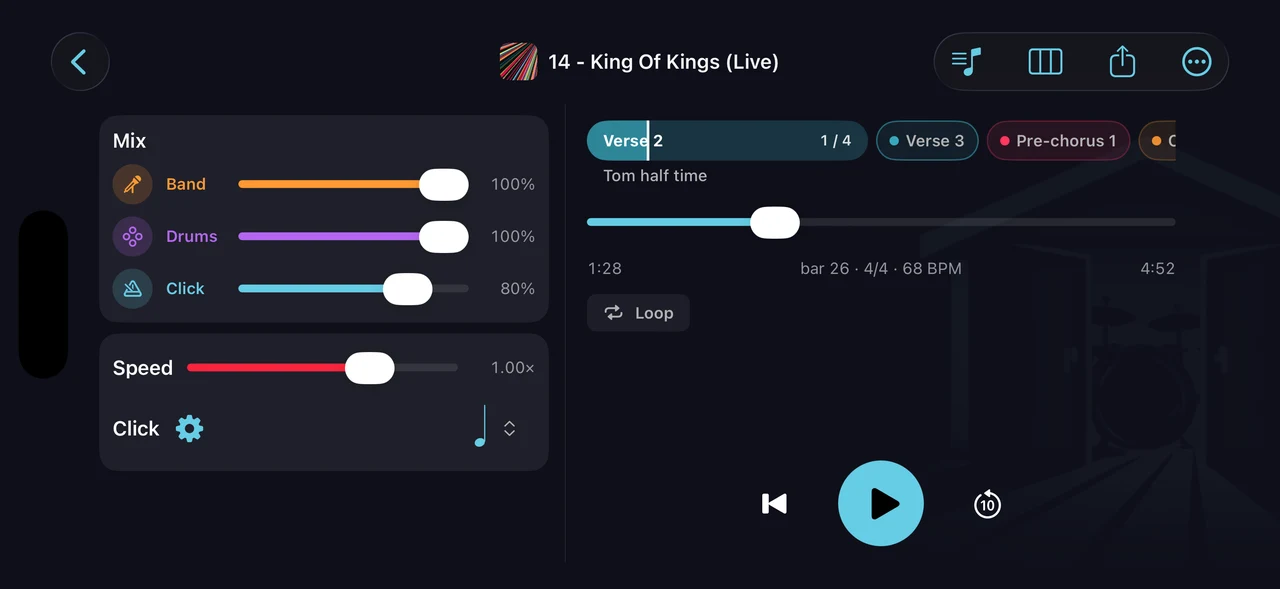
Upload the song and DrumShed finds the tempo and the sections. Listen through and tweak them, add your notes, then practice it part by part or print the map for the stand.
From the upload to the stand
01
Upload the song
The recording the band plays, a rehearsal take or the demo you were sent.
02
Sections and tempo, found
DrumShed maps the tempo bar by bar and marks where each section falls: intro, verses, choruses, the bridge.
03
Listen and tweak
Play it through and fix what you hear: rename a section, move a boundary, set the time signature and click, and add notes like “ride bell” or “build into the chorus.”
04
Practice, print, or both
Loop a section at any speed with the drums turned down, and print the map on one page for the stand.
On the web, the whole map at once
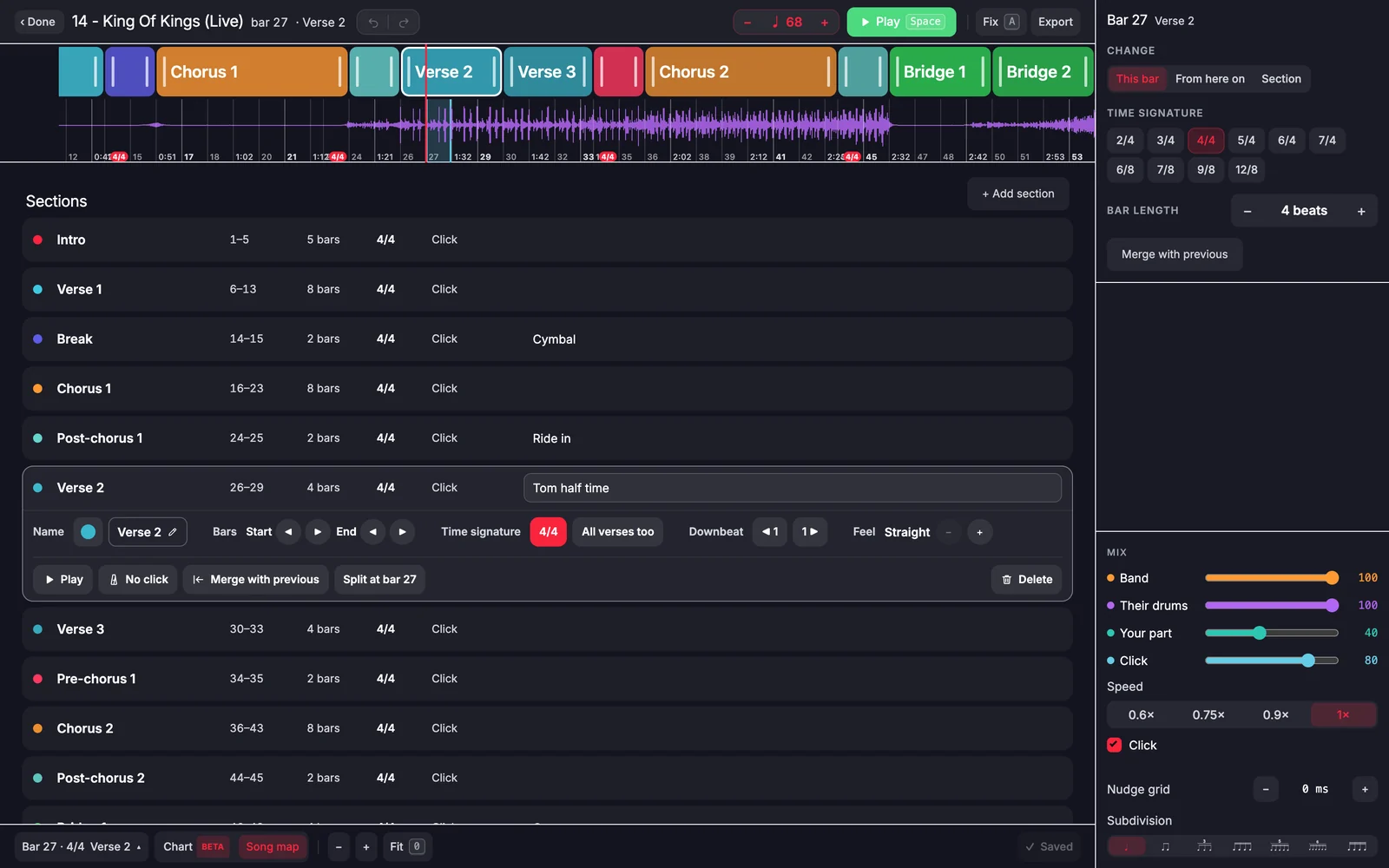
On a laptop the song map is a list: every section with its bars, time signature, click and note, typed right in its row. Pick one to move its edges, rename it or loop it.
Why a map before a chart
Most of learning a song is knowing its shape: how long the intro runs, where the chorus comes back, which verse has the stop. Get that right and the drum part has somewhere to sit. The song map is that shape, written down once and played back with the song every time you open it.
When you want the drum part itself, the chart is the next step. DrumShed transcribes the drums onto the same sections, and you finish it by hand. How drum charts work.
Share it with the people you play with
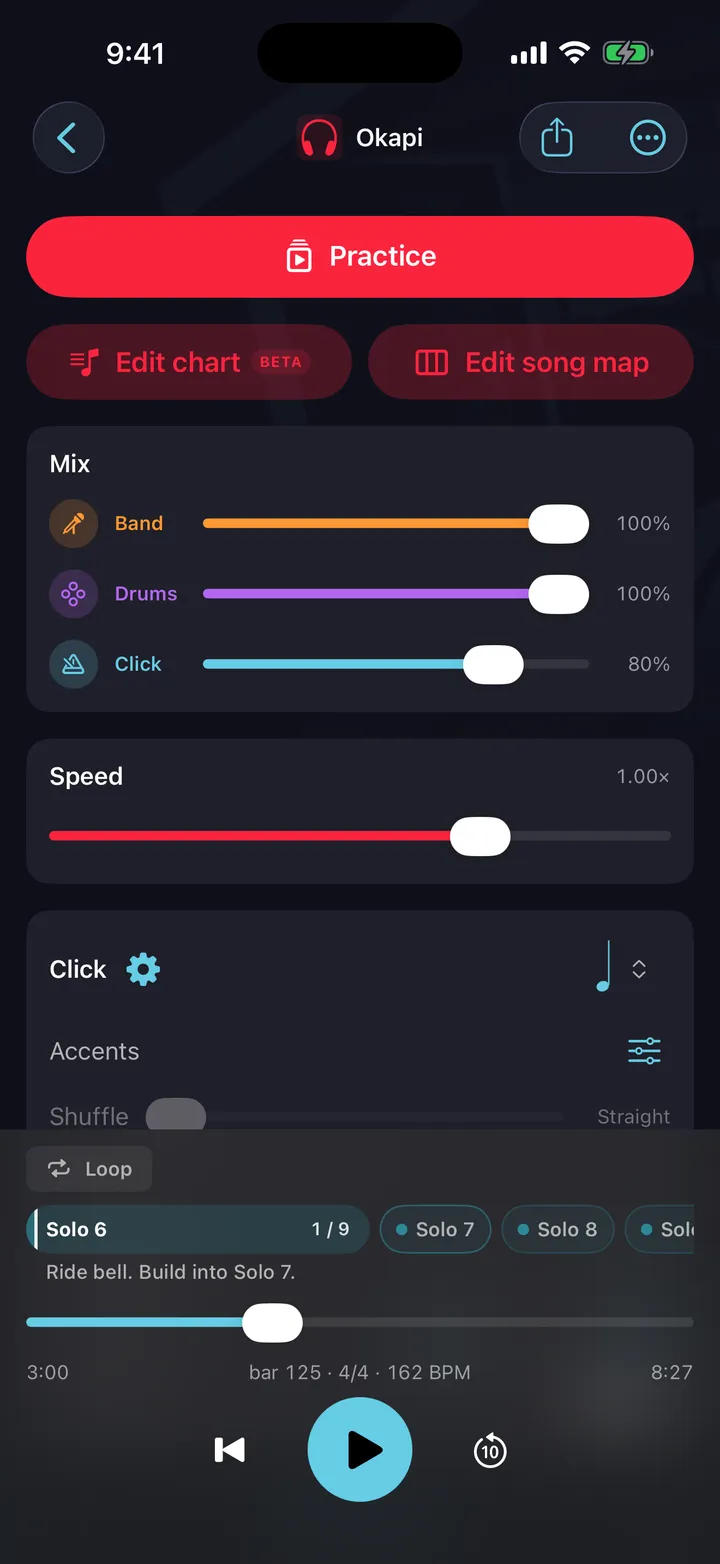
Invite up to 6 friends into a playlist: your band, a sub covering Sunday, your drum teacher. Everyone plays the same songs and works from the same song maps and charts, so a fix one of you makes is there for the rest. Each person keeps their own mix, speed and click.
Inviting comes with All Access. Anyone you invite can join and play the songs for free; the charts come with All Access.
What you can upload, and who can hear it
- Audio files you have the rights to use for your own practice — your band’s recordings, demos, rehearsal takes, lesson material. MP3, M4A, WAV or FLAC, up to 15 minutes. We don’t accept links from streaming services.
- Private unless you share it. Uploads are never listed or searchable. A song is heard only by you and the people you invite into a playlist with it, and it’s deleted with your account.
- Three songs a month are free, no card. All Access includes 150 song & sheet-music uploads and 10 drum chart transcriptions a month (beta), and the separated stems stay for the life of the upload.
How we handle infringement notices is in our Copyright Policy.
Common questions
What is a song map?
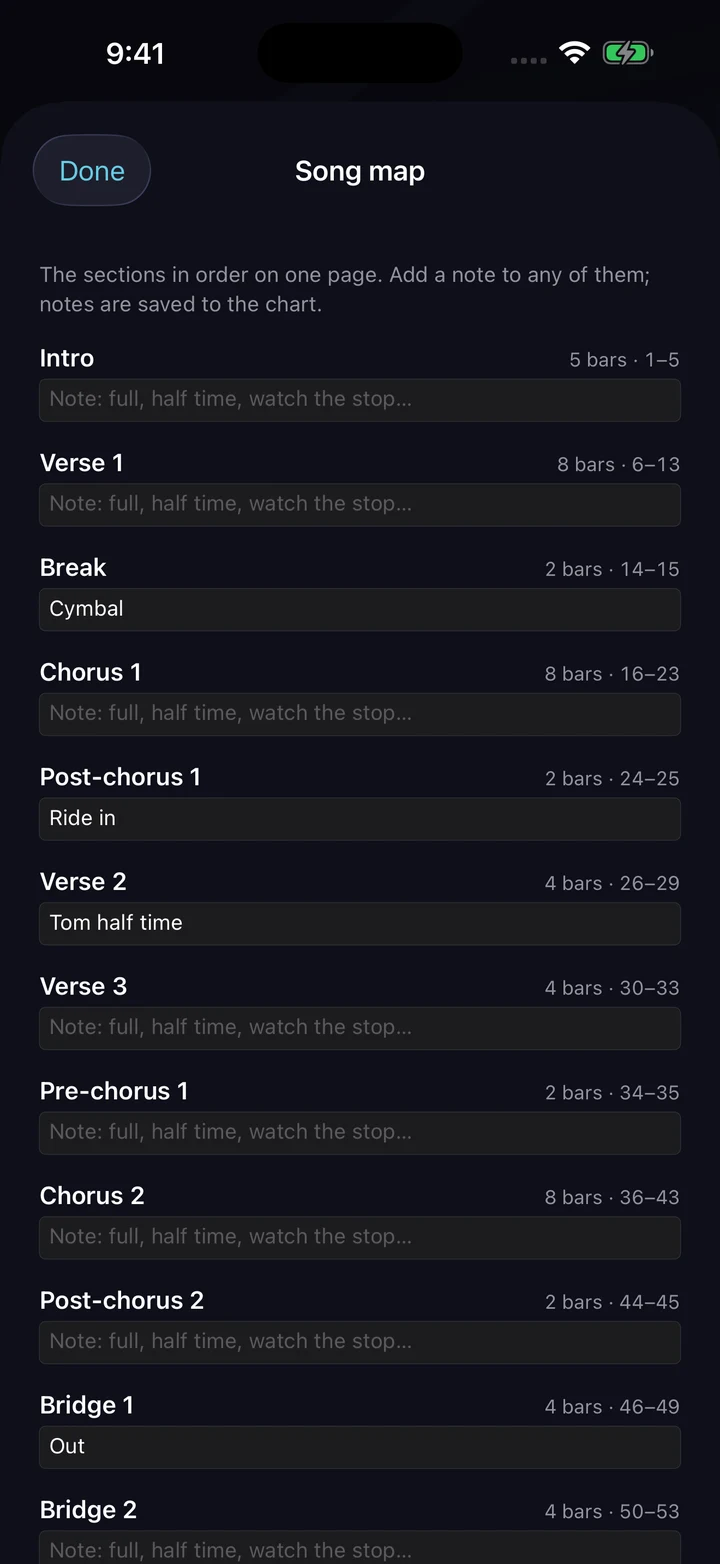
The whole song laid out as its parts: intro, verses, choruses, the bridge, the solo. Each section has a name, a length in bars, a time signature, its own click, and room for a note. It is the road map a drummer writes on a napkin before a gig, kept with the song and played back with it.
Do I have to write the sections myself?
No. When you upload a song, DrumShed finds the bars and suggests where the sections fall. You rename them and move a boundary, and the map is yours.
Do I need a drum chart to use the song map?
No. The song map works on its own: sections, notes, time signatures and the click. A drum chart is a separate step, when you want the drum part written out bar by bar.
Can I print it?
Yes. The song map prints as a road map: each section with its name, bars, time signature and your note, ready for the music stand.
Do I need my own songs?
No. Songs › Built-in has more than 200 royalty-free backing tracks spanning sixteen genres — rock, funk, jazz, gospel, Latin, metal and more — each with the drums already separated and a click on its grid. Filter by genre, pick a tempo, play. Uploading is for when it has to be a particular song.
Does it change the pitch when I slow a song down?
No. Speed runs from half speed to full at the same pitch, so a song at 0.6× still sits in its key — you are hearing the band slower, not lower.
How does the click know where the beats are?
When you upload, DrumShed finds the tempo and the downbeats of the take and lays a grid over it bar by bar. The click follows that grid — including tempo drift in a live recording — and you can nudge it earlier or later until it sits right to your ear.
Can I put a song inside a practice session?
Yes. Add a whole song or a bar range — say bars 9 to 16 — as a session item next to your drills, loop it, and it counts toward your practice time and streak like any drill.
Is it free?
Yes, to start. Every account includes three songs a month with no card, and the free week opens the rest, including 2 drum chart transcriptions (beta). All Access includes 150 song & sheet-music uploads and 10 transcriptions a month, and packs of more transcriptions are sold in the app. The separation and transcription run on our servers, which is why they are metered.
Every drummer needs
a home base.
Know the song before you count it in.