You can play beats.
Now make them musical.
The beat is solid. What's missing is the ghost note under beat 2, the drop into half-time, the fill that lands instead of crashes. DrumShed drills the details that turn a steady beat into a groove.
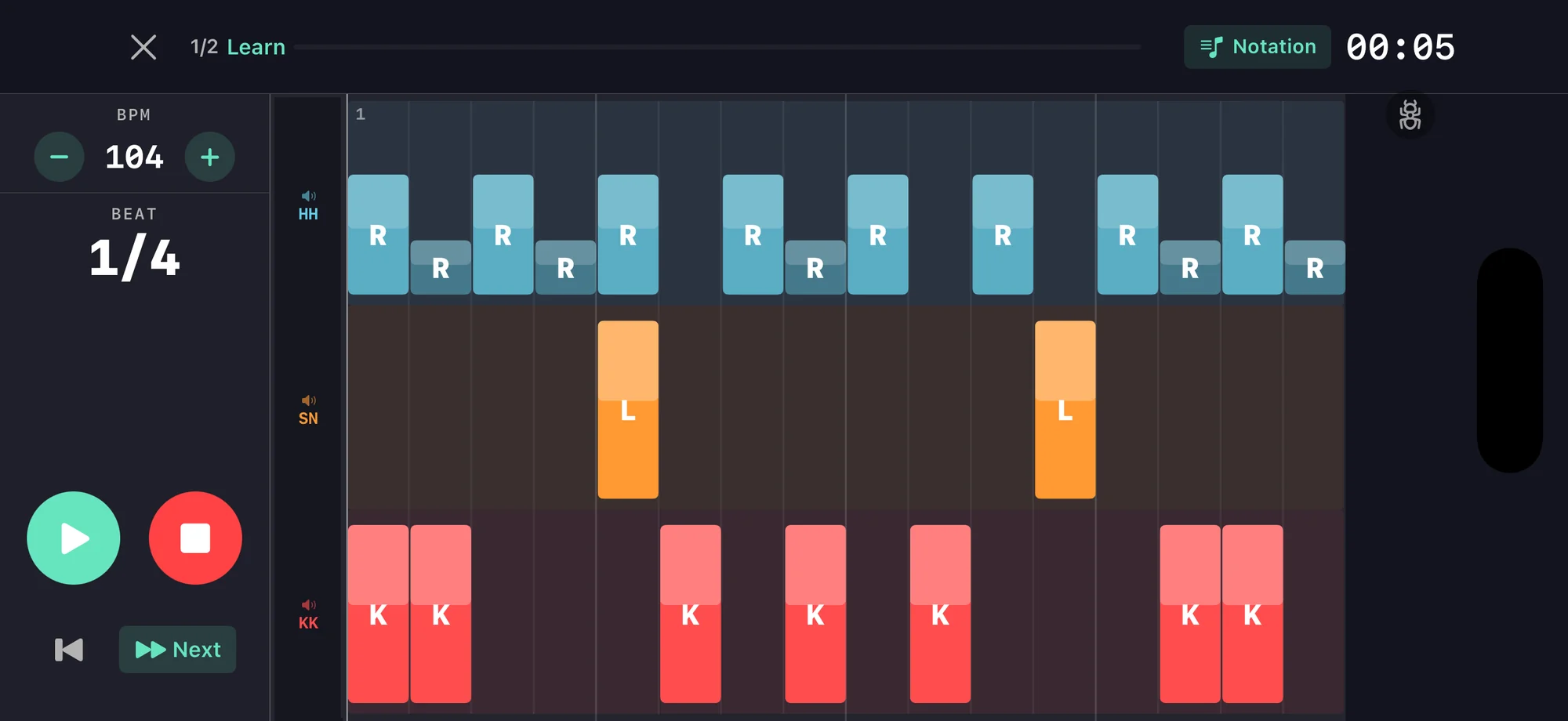
One groove, four upgrades
Take the plainest beat you own — kick on 1 and 3, snare on 2 and 4, eighths on the hat. Build each version in the Beat Builder, then drill the one that fights back.
Ghost the e of 2
Add a barely-there snare on the e of 2. Same beat, twice the pocket. Get it clean at 70 BPM before you let it creep back to 90.
Open the hat on the a of 4
Open on the a of 4, close on 1. That little sigh at the end of the bar. Solid at 85 BPM — if the close lands late, slow down.
Flip it to half-time
Same hands, snare moves to 3. Instant weight. Switch between straight and half-time every four bars at 80 BPM without rushing the seam.
Shuffle it
Swing the hat and keep everything else where it was. Same beat, now it swaggers. Comfortable at 95 BPM, then chase 110.
Six things to drill next
Ghost notes
Add ghost notes to your grooves with the beat builder. Route them to specific drums with independent probability for natural feel.
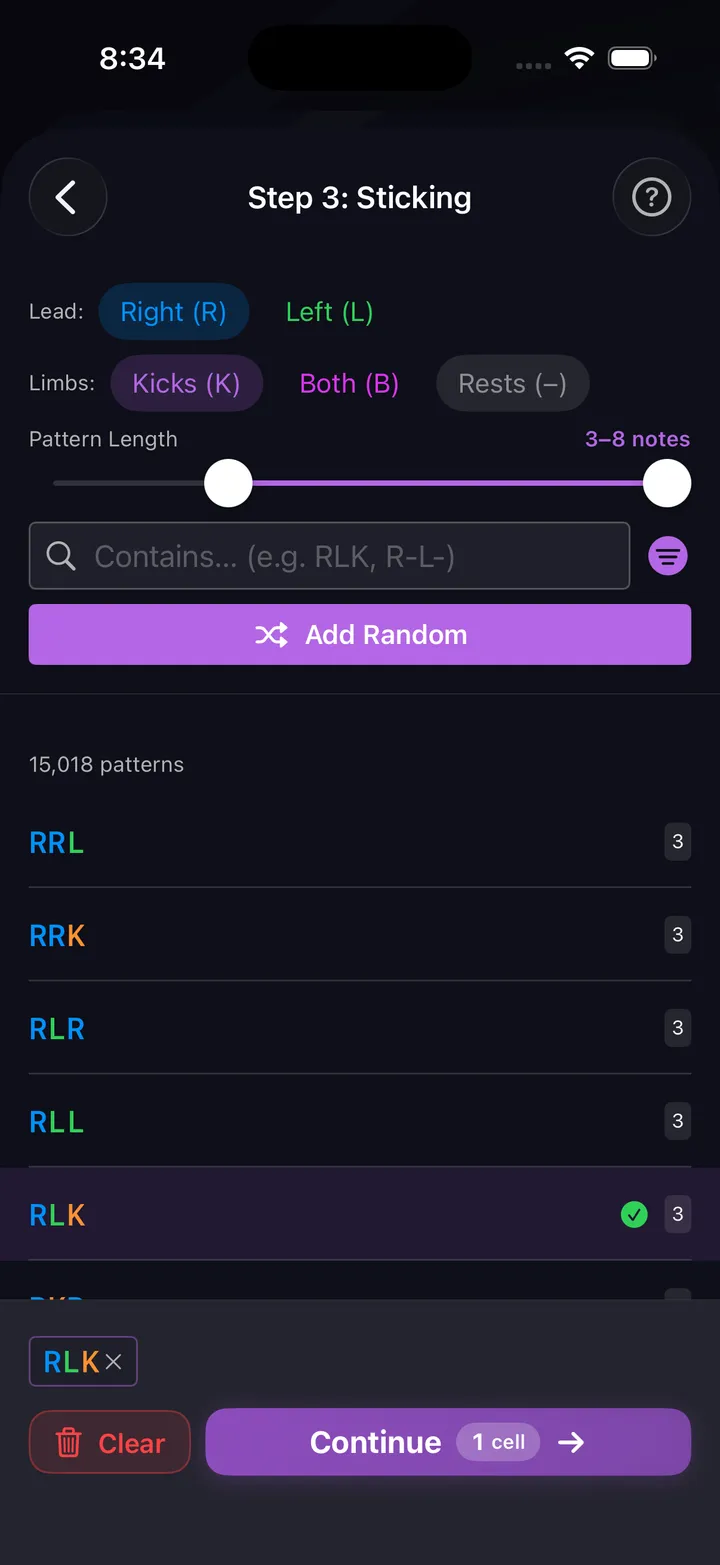
Fill builder
36,700+ stickings, 18 accent shapes, and 11 voice strategies. Build fills that are musical, not just fast.
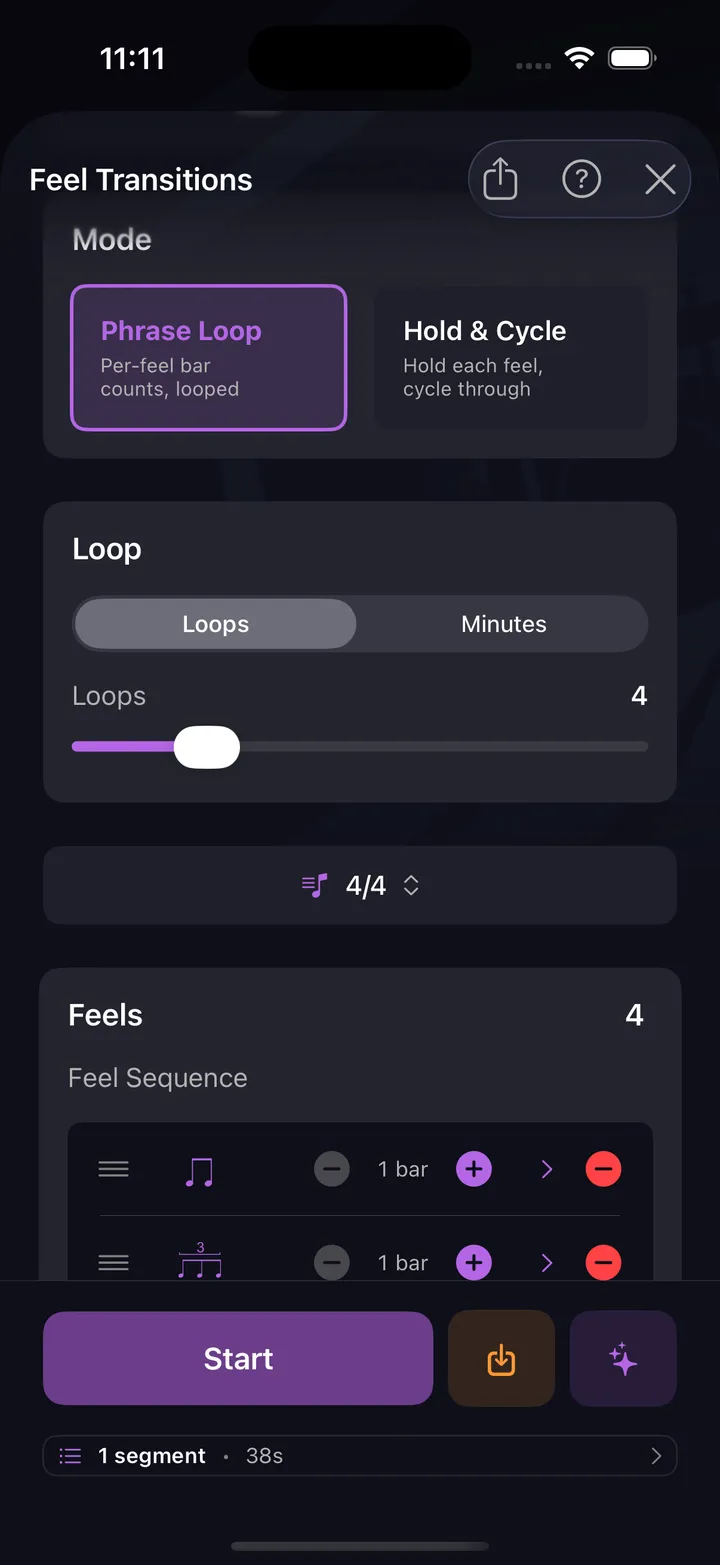
Feel transitions
Straight verse into a shuffle chorus, back again, without rushing the handoff. The drill cues the switch and you hit it cold.
Dynamic control
Hit a wall of accents, then drop to ghost-note whisper on cue. The gap between loud and soft is where pocket lives.
Accent placement
Walk the accent off the downbeat and onto the e and the a. The same notes, suddenly with a backbeat.
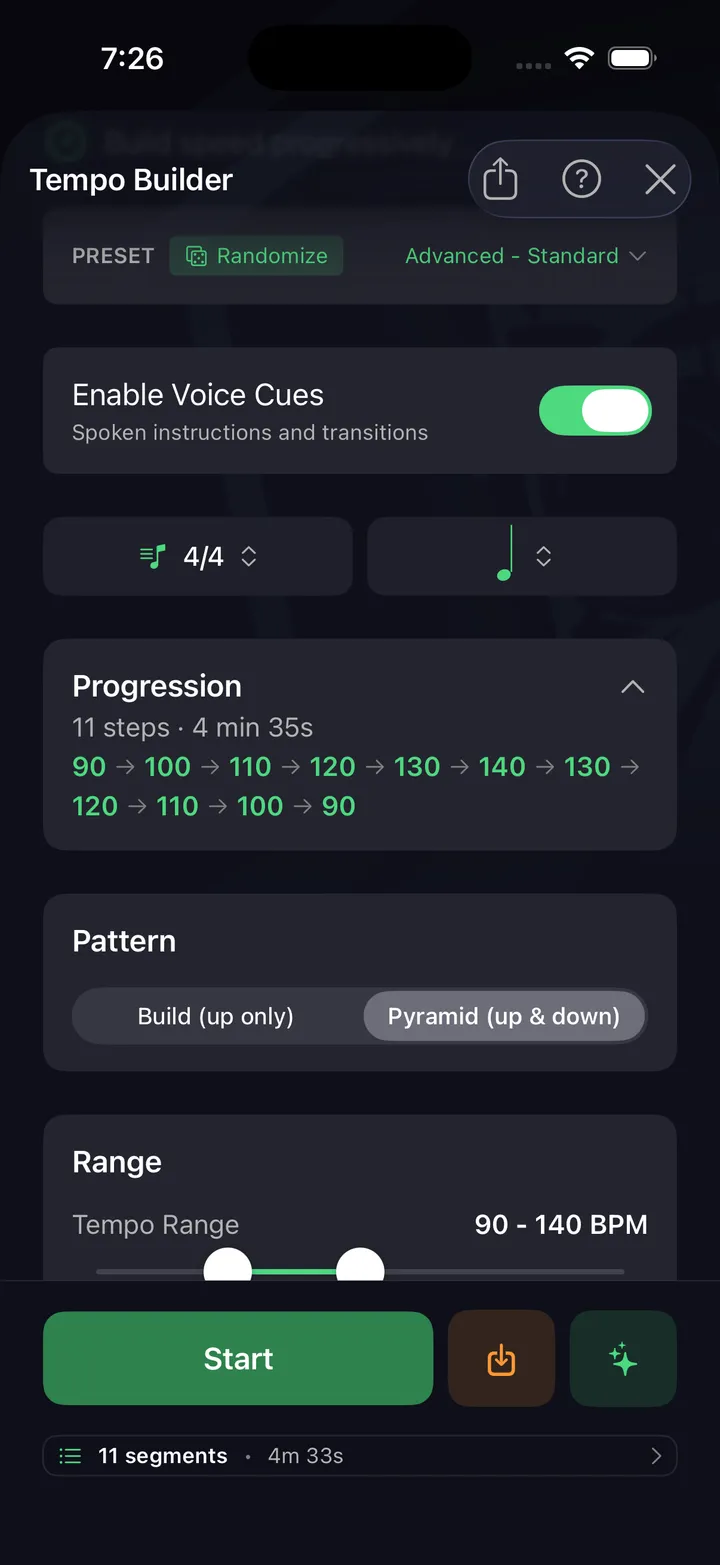
Tempo building
Automatically ramp tempo from comfortable to challenging. Build speed without sacrificing accuracy.
Practice this in DrumShed
Free on the App Store & Google Play
Every drummer needs
a home base.
Play grooves that make people move.