Slow the song down.
Keep the key. Lose the drums.
Upload a song and run it at half speed, same pitch, with the original drums pulled out and a click that follows the take. Learn the part at the speed you can play it, then bring it up.
Slow-down built for a drummer
0.5× to 1×, same pitch
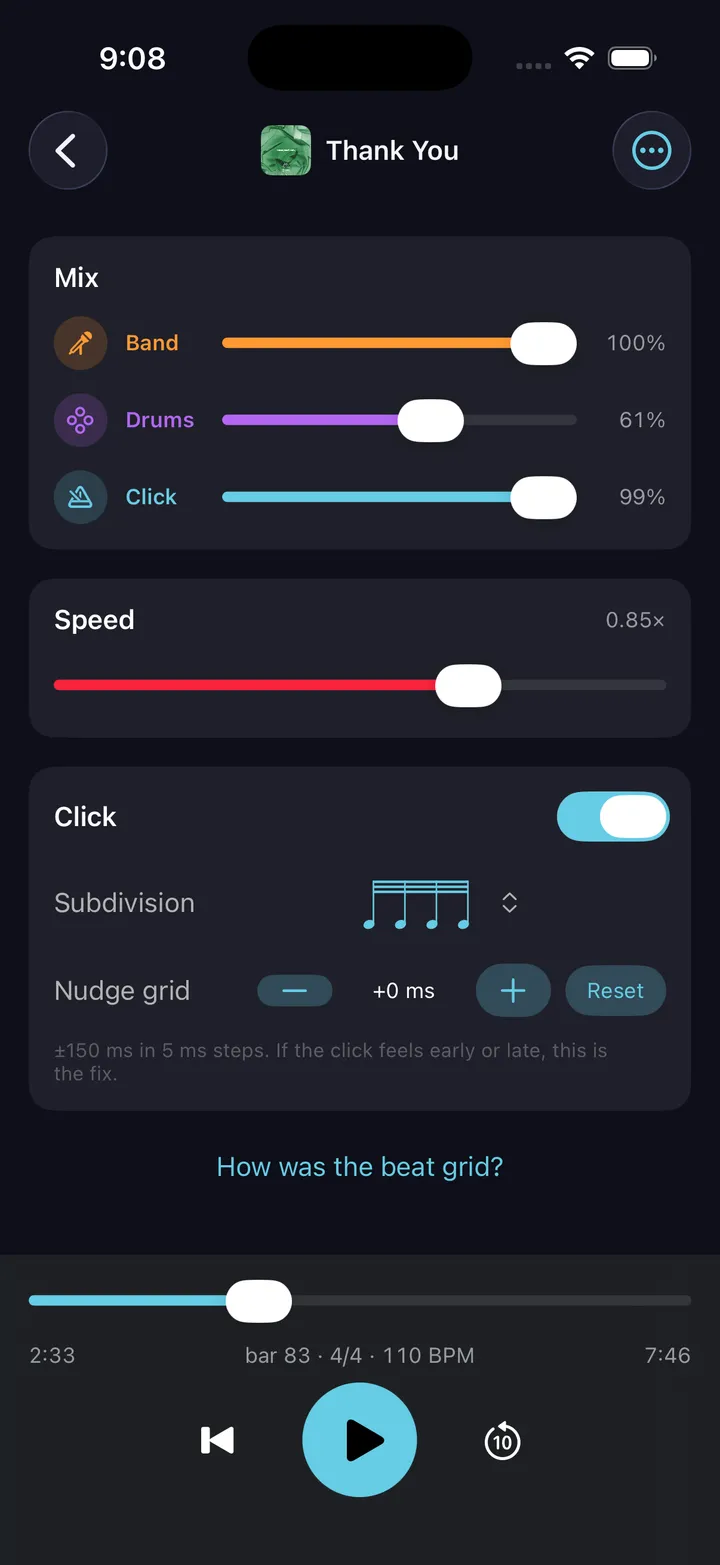
Time stretches, pitch stays. The band plays slower in the same key, so what you hear at 0.6× is what you will play at full speed.
Slow it with the drums out
Most slow-down apps leave the original drummer in, so you double them slowly. Here the drums are on their own fader.
The click slows with it
The click follows the song’s own grid at any speed — no re-tapping the tempo every time you move the slider.
Loop the eight bars that matter
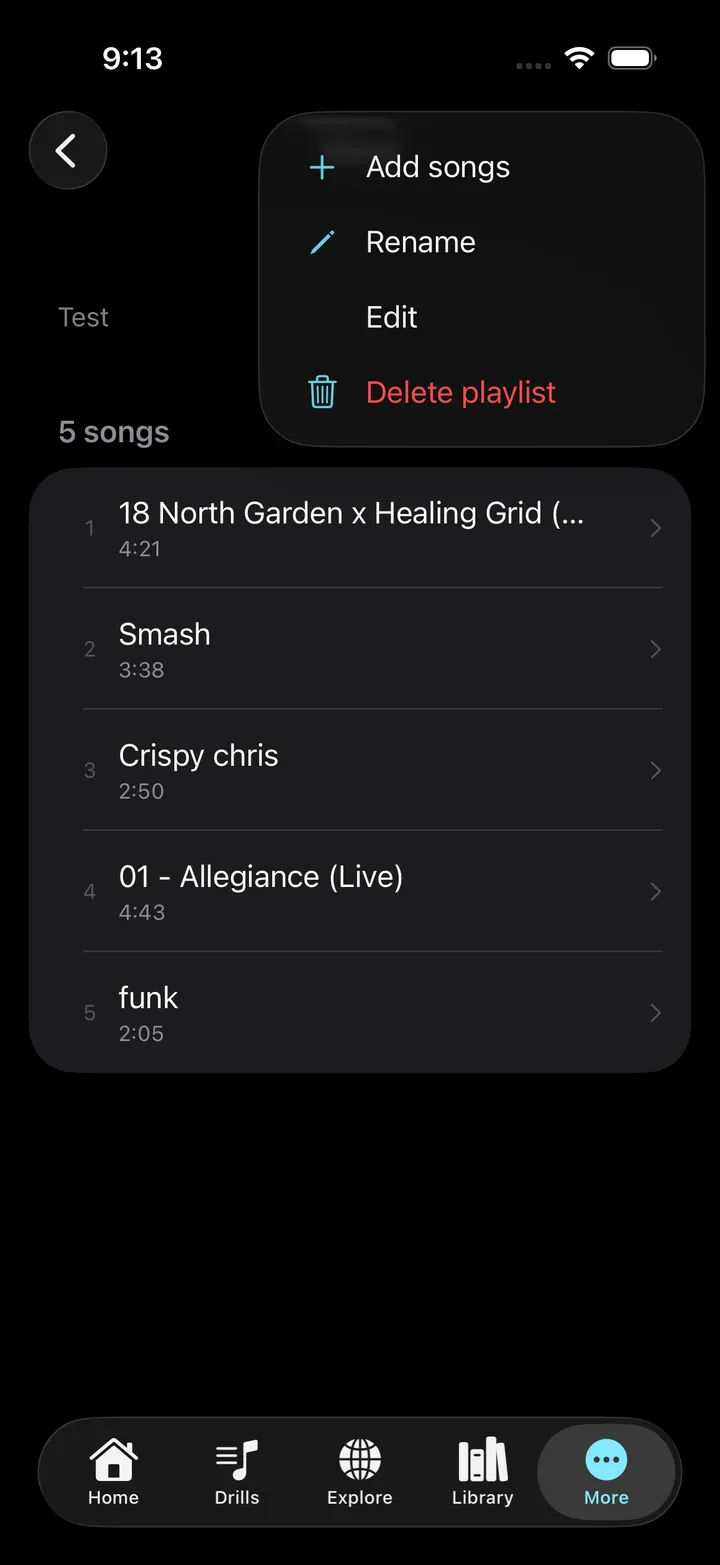
Pick a bar range, loop it, run it slow until it is clean. Put it in a session next to the drills that feed it.
Drums only, slowed
Solo the drum part at 0.5× and the fill you could not hear becomes six hits you can count.
Bring it up in steps
Practice at 0.7×, then 0.8×, then 0.9× — the tempo ladder DrumShed uses for drills, applied to a song.
How it works
01
Pick a track, or upload a song
Nearly 200 built-in backing tracks by genre and tempo, drums already out — or an MP3, M4A, WAV or FLAC up to 15 minutes: a rehearsal take, a demo, the track you’re learning. Files only, never a streaming link.
02
DrumShed takes the drums out
The drums are separated from the band, the tempo and downbeats are found, and a grid is laid over the take bar by bar.
03
Sit in
Play along with the band and no drums, solo the drums to learn the part, slow it to half speed at the same pitch, and loop the bars you need.
A slow-down that keeps the grid
Slowing a song down is easy; slowing it down usefully is not. When you upload, DrumShed finds the tempo and downbeats and lays a grid over the take, so the speed control moves the whole thing together — the band, the separated drums, the click, the bar counter, the loop points. Nothing to re-sync when you nudge from 0.7× to 0.8×.
That grid is also what lets a slowed section become a drill. A bar range at 0.75× can sit inside a session between a paradiddle warm-up and a tempo ladder, and the time you spend on it counts toward your history and your streak like any other rep.
Play it your way
What you can upload, and who can hear it
- Audio files you have the rights to use for your own practice — your band’s recordings, demos, rehearsal takes, lesson material. MP3, M4A, WAV or FLAC, up to 15 minutes. We don’t accept links from streaming services.
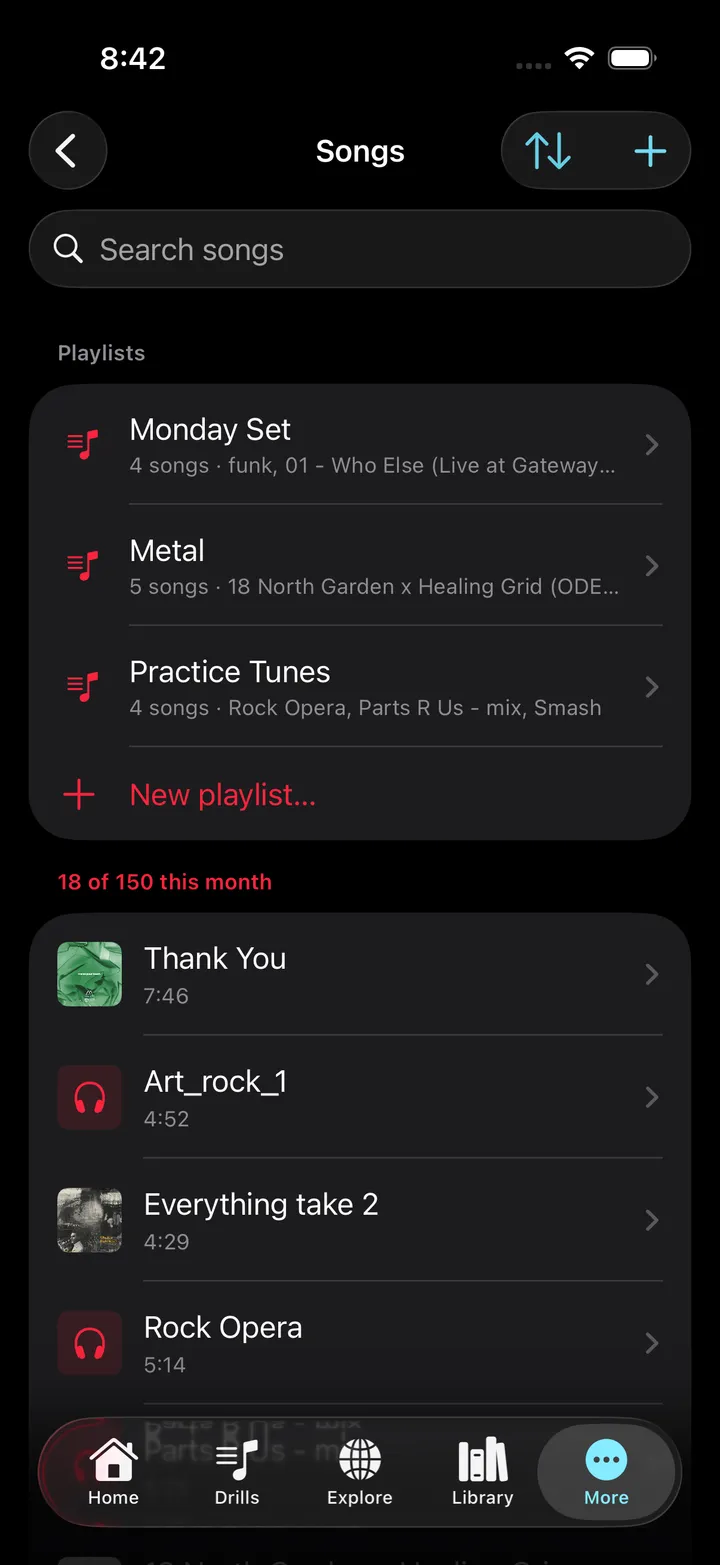
- Private by construction. Uploads are never shared, listed, or searchable, and they’re deleted with your account.
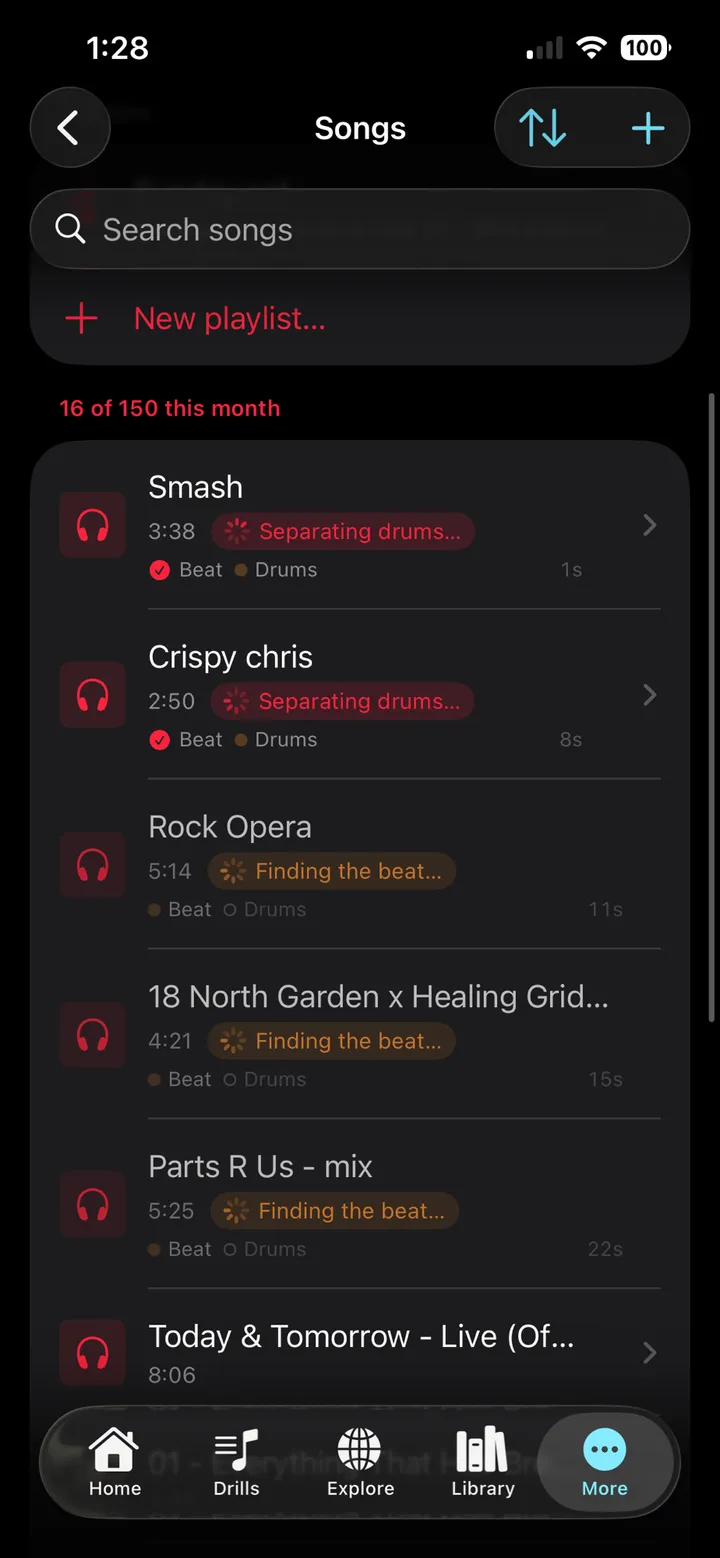
- Three songs a month are free. All Access includes 150 song & sheet-music uploads a month (beta), and the separated stems stay for the life of the upload.
How we handle infringement notices is in our Copyright Policy.
Common questions
How do I slow down a song without changing the pitch?
Upload it to DrumShed and drag the speed control. The player stretches time without shifting pitch, from half speed to full, so the song stays in its key while the band plays slower. Because the drums are separated at upload, you can slow the band with the drums out — which is the version worth practicing to.
Why practice a song slowed down?
Because speed hides mistakes. At 0.6× you hear where the kick actually lands against the bass, whether the fill is in time or just loud, and what the hi-hat is doing under the vocal. Learn it clean slow, then bring it up in steps — the same tempo-ladder idea DrumShed uses for drills, applied to a song.
Do I need my own songs?
No. Songs › Built-in has nearly 200 royalty-free backing tracks spanning sixteen genres — rock, funk, jazz, gospel, Latin, metal and more — each with the drums already separated and a click on its grid. Filter by genre, pick a tempo, play. Uploading is for when it has to be a particular song.
Does it change the pitch when I slow a song down?
No. Speed runs from half speed to full at the same pitch, so a song at 0.6× still sits in its key — you are hearing the band slower, not lower.
How does the click know where the beats are?
When you upload, DrumShed finds the tempo and the downbeats of the take and lays a grid over it bar by bar. The click follows that grid — including tempo drift in a live recording — and you can nudge it earlier or later until it sits right to your ear.
Can I put a song inside a practice session?
Yes. Add a whole song or a bar range — say bars 9 to 16 — as a session item next to your drills, loop it, and it counts toward your practice time and streak like any drill.
Is it free?
Three songs a month are included on every account. All Access includes 150 song & sheet-music uploads a month (beta). The separation runs on our servers, which is why it is metered.
Every drummer needs
a home base.
Learn it slow. Play it right.