Melodics teaches you lessons.
DrumShed builds your practice.
Melodics is a lesson platform: 1,200+ interactive lessons that score every hit you play. DrumShed is a practice system for your own material — build any drill you can describe, run it hands-free, and schedule it into a plan.
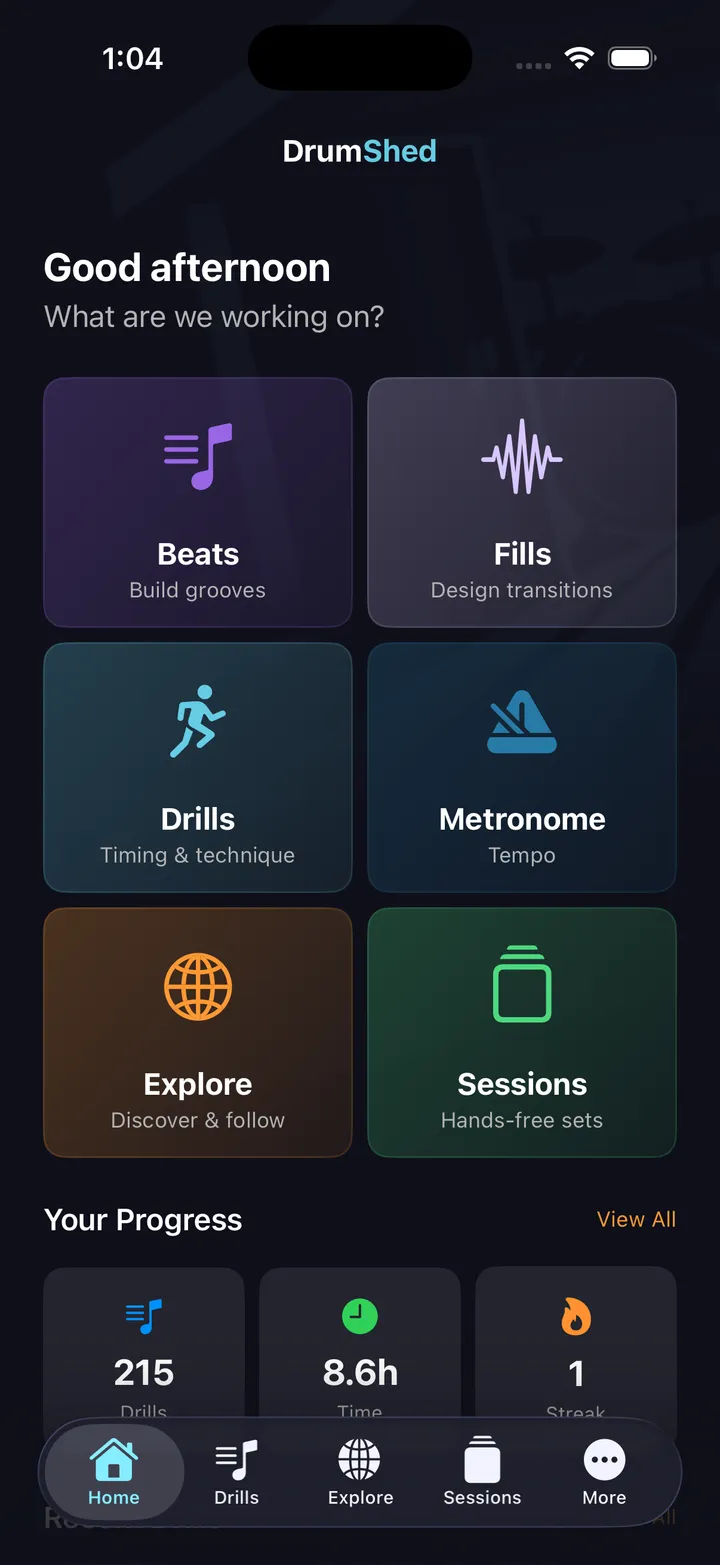
Different approaches to practice
| Feature | Melodics | DrumShed |
|---|---|---|
| Gamified lessons | ✓ | — |
| MIDI e-kit input | ✓ | — |
| Works with acoustic kit | ✓ (via mic) | ✓ |
| Play along with a song, drums out | — | ✓ (upload a song; separated, on the grid, click follows) |
| Standalone metronome + timing drills | — | ✓ (10 configurable drill engines — all free) |
| Beat builder | — | ✓ |
| Fill builder (36,700+ stickings) | — | ✓ |
| AI generation | — | ✓ |
| Pattern editor | — | ✓ |
| Community sharing | — | ✓ |
| Video export | — | ✓ |
| Structured sessions | — | ✓ |
| Multi-day practice paths (auto-drafted for any pattern) | — | ✓ |
| Platform | iOS, Mac, Windows | iOS & Android |
| Price | $24.99–29.99/mo | Free · $5.99/mo · Founding Member — $179.99 one-time (lifetime) |
Melodics Standard runs about $119.99 a year — every year. DrumShed's Founding Member is $179.99 once: less than two years of Melodics, and it never renews.
“It is very easy to use, has tons of great sounds and tools, and makes creating beats feel fun and effortless.” ★★★★★ · Justsomeguy47, App Store review
See DrumShed in action
Build a groove, watch it scrub across every voice in the grid, then drill it at tempo. The same beat you describe to the AI is the one you sit down and play.
Live Playback
The beat you just made, on the stand — grid, notation, sticking, tracking you in real time
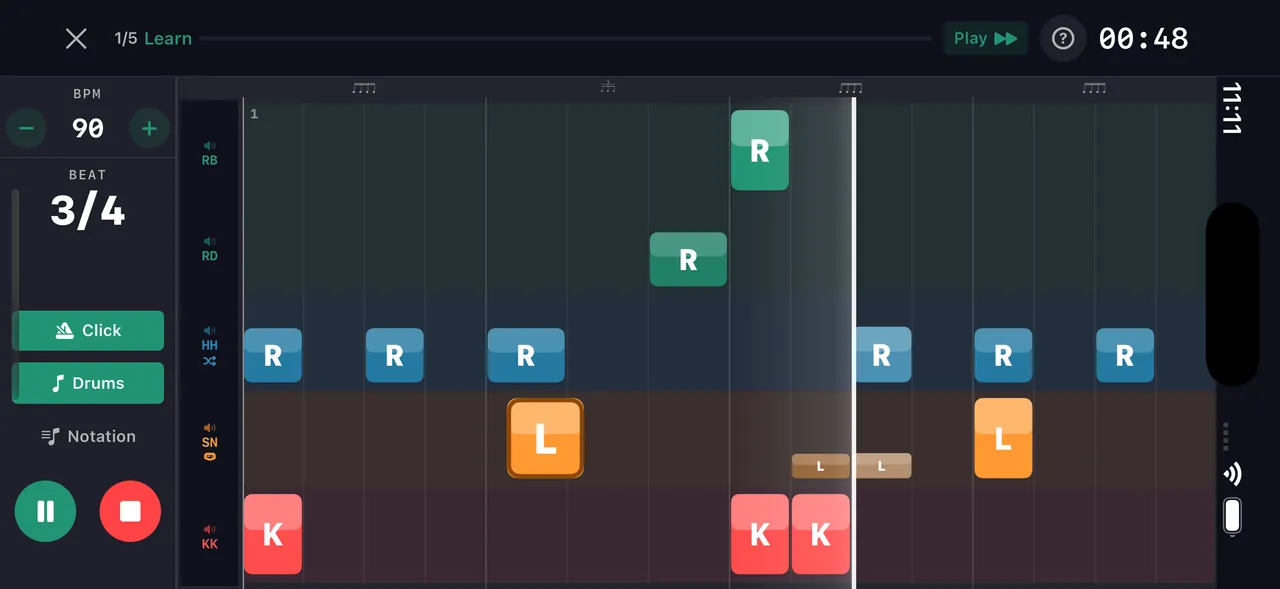
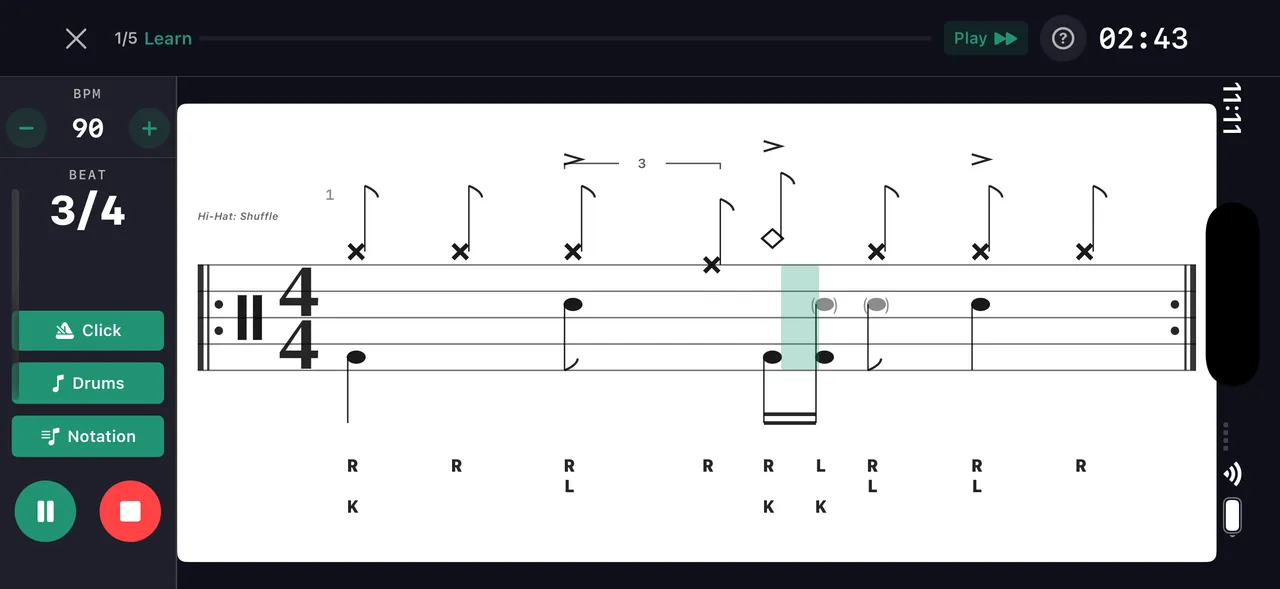
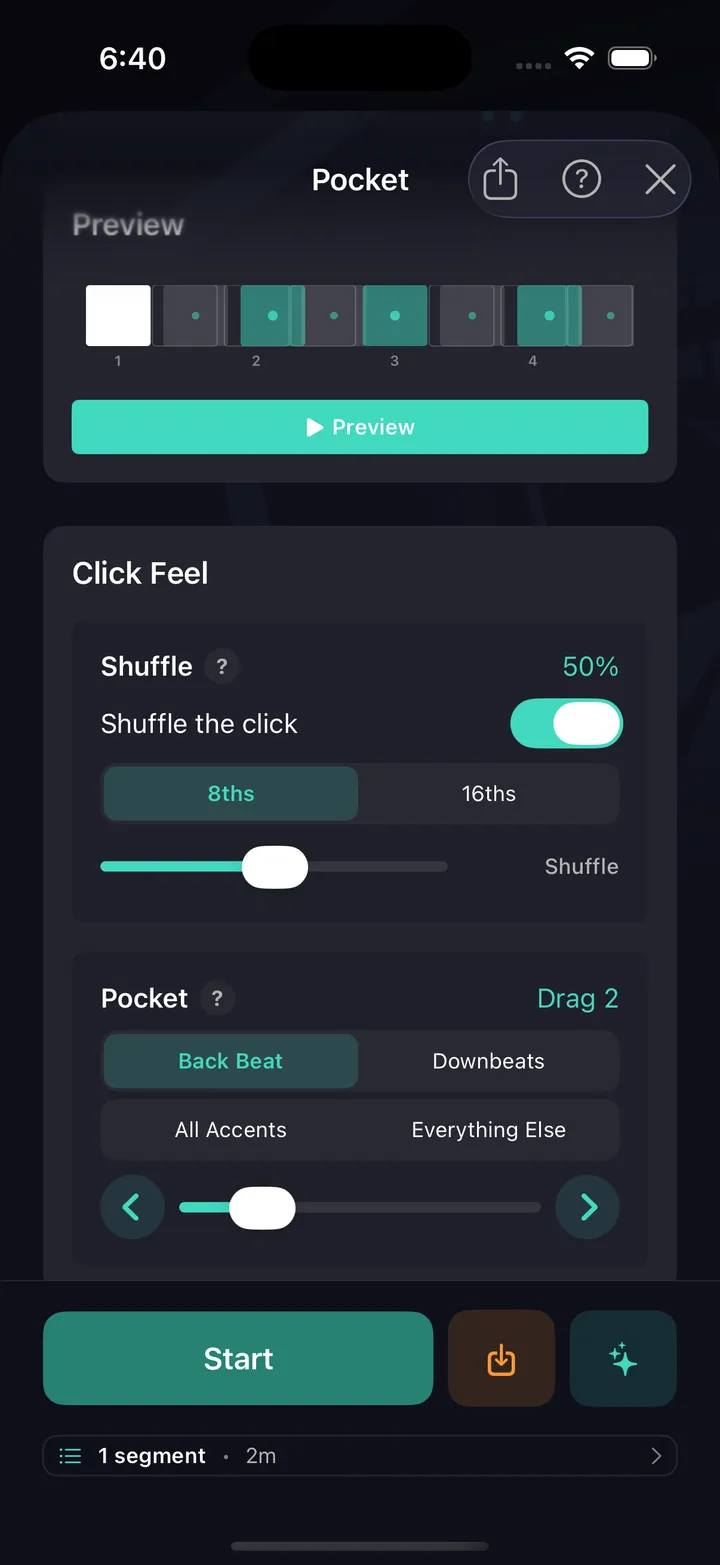
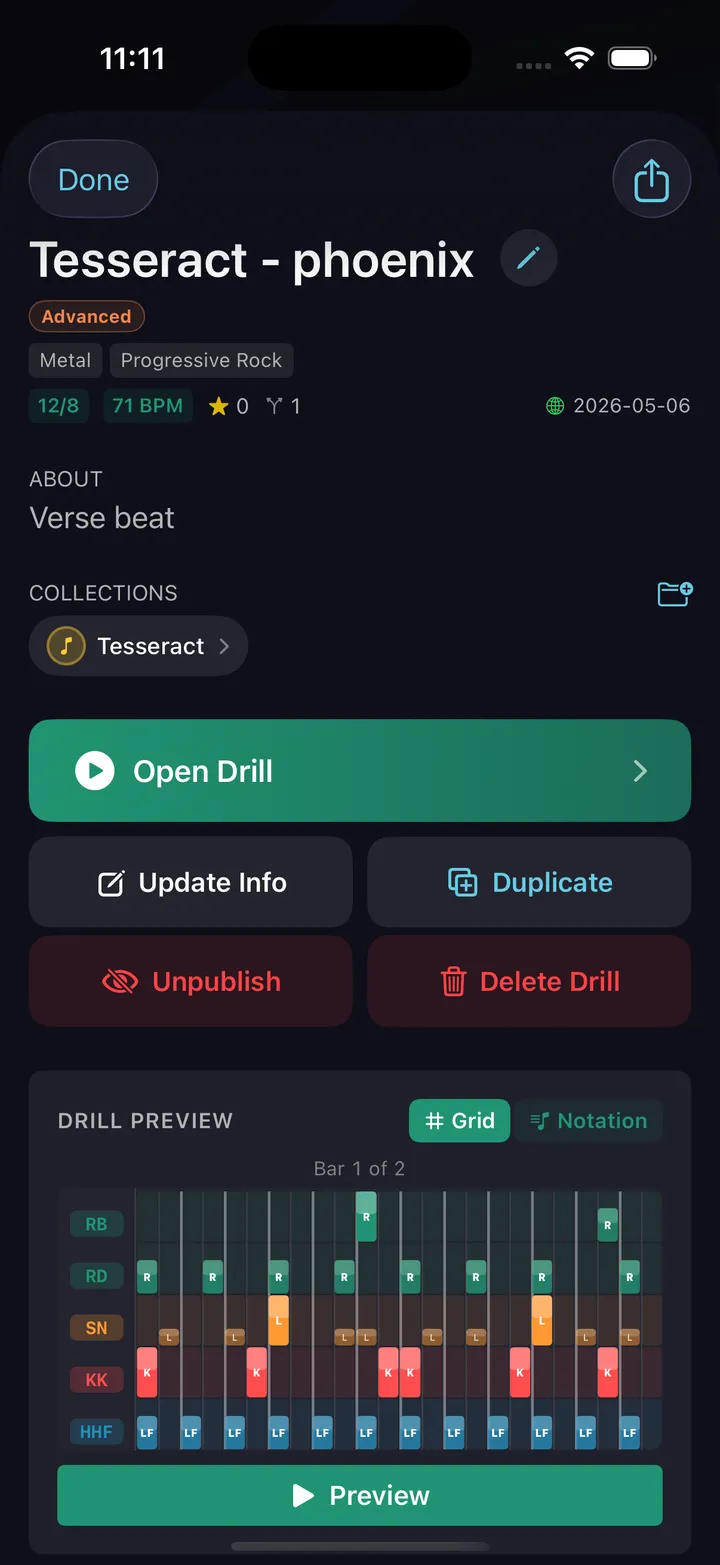
The beat you just built goes straight to the stand — phone or iPad, sticks in your hands. Every pattern and drill runs with a live playback view that tracks your position in real time. Grid view shows every voice color-coded. Notation view shows standard drum notation with sticking. Toggle counting syllables — 1 e & a — above the staff, ghost notes read as lowercase sticking, and any shuffle or pocket feel is captioned right on the notation. And the metronome itself plays that pocket — drag or rush the backbeat and shuffle the click, free on the main screen.
Ten Drill Engines
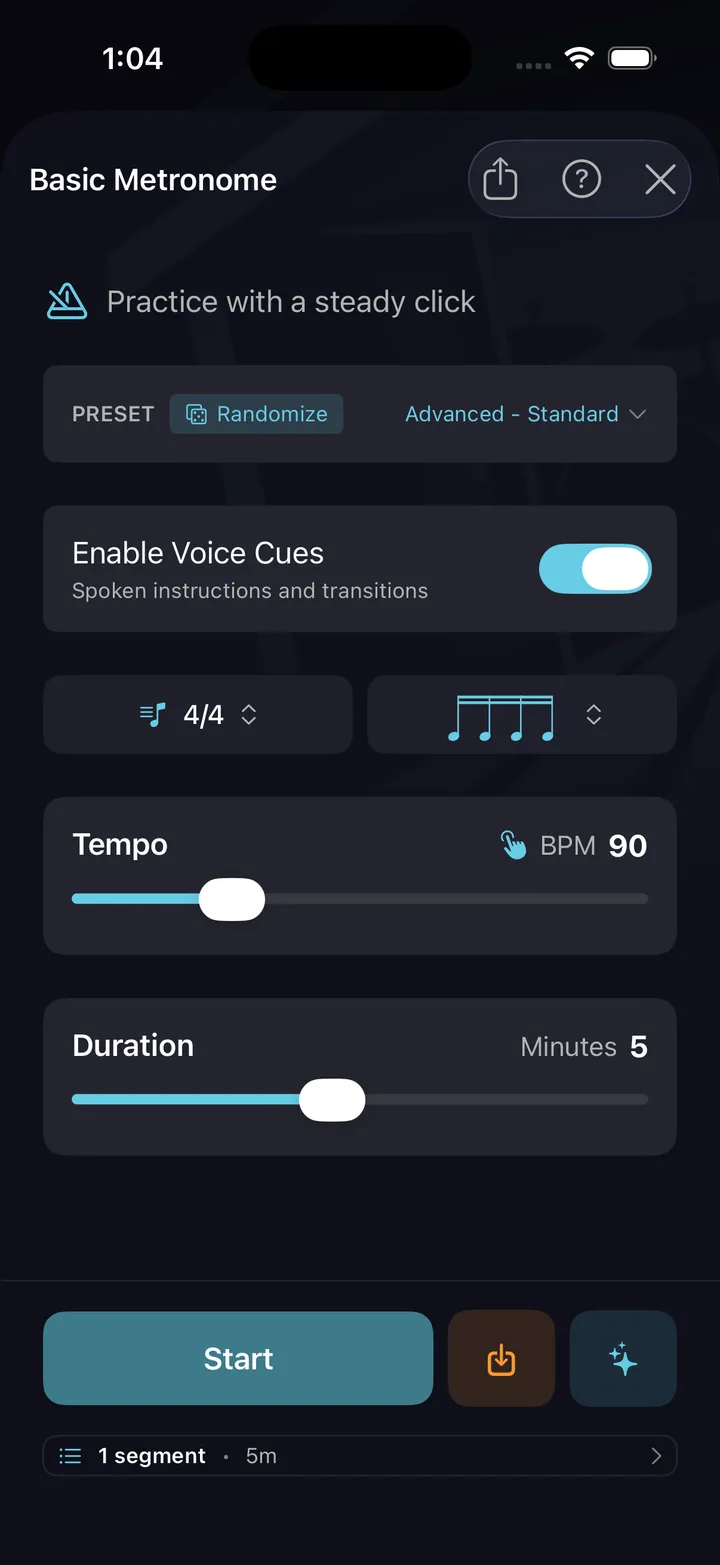
Ten ways to harness the metronome — focused, configurable, savable
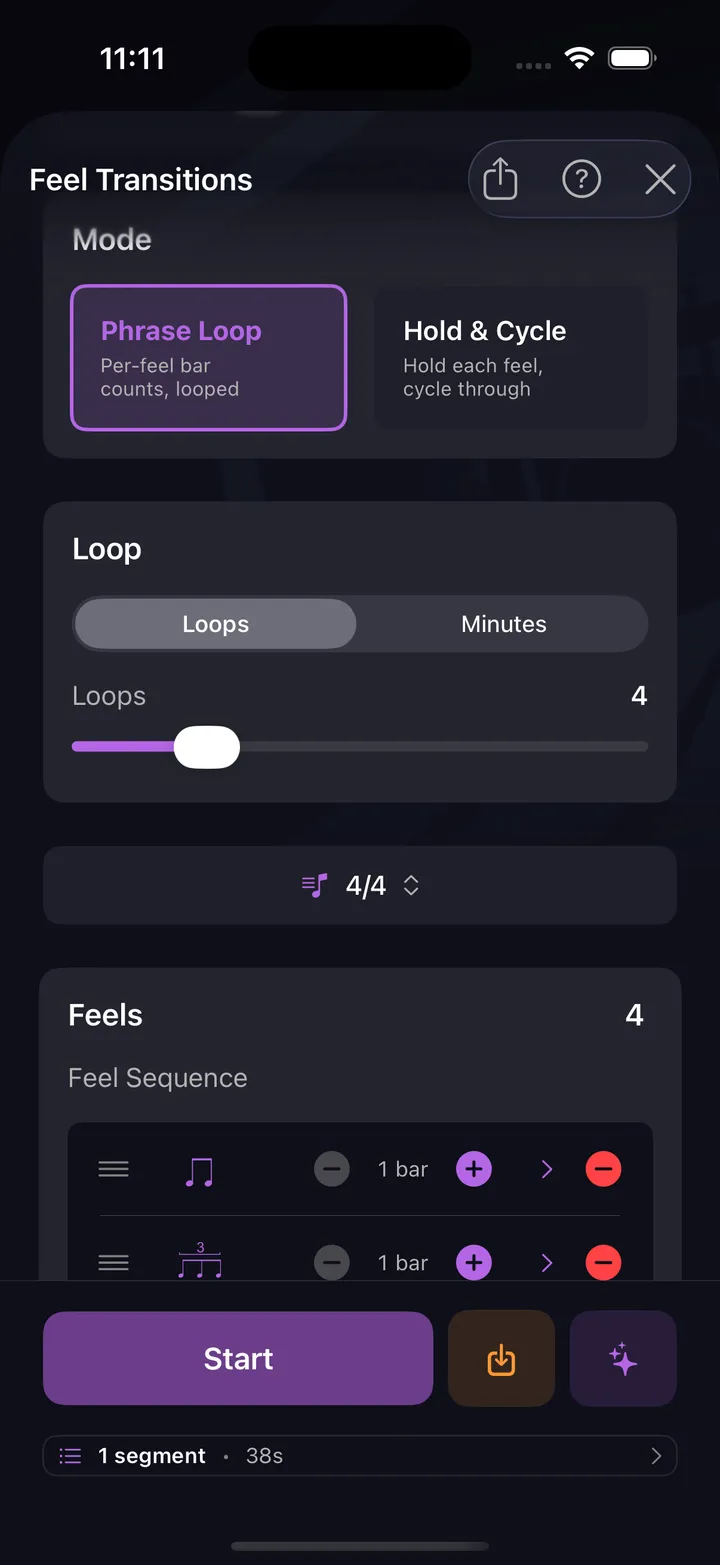
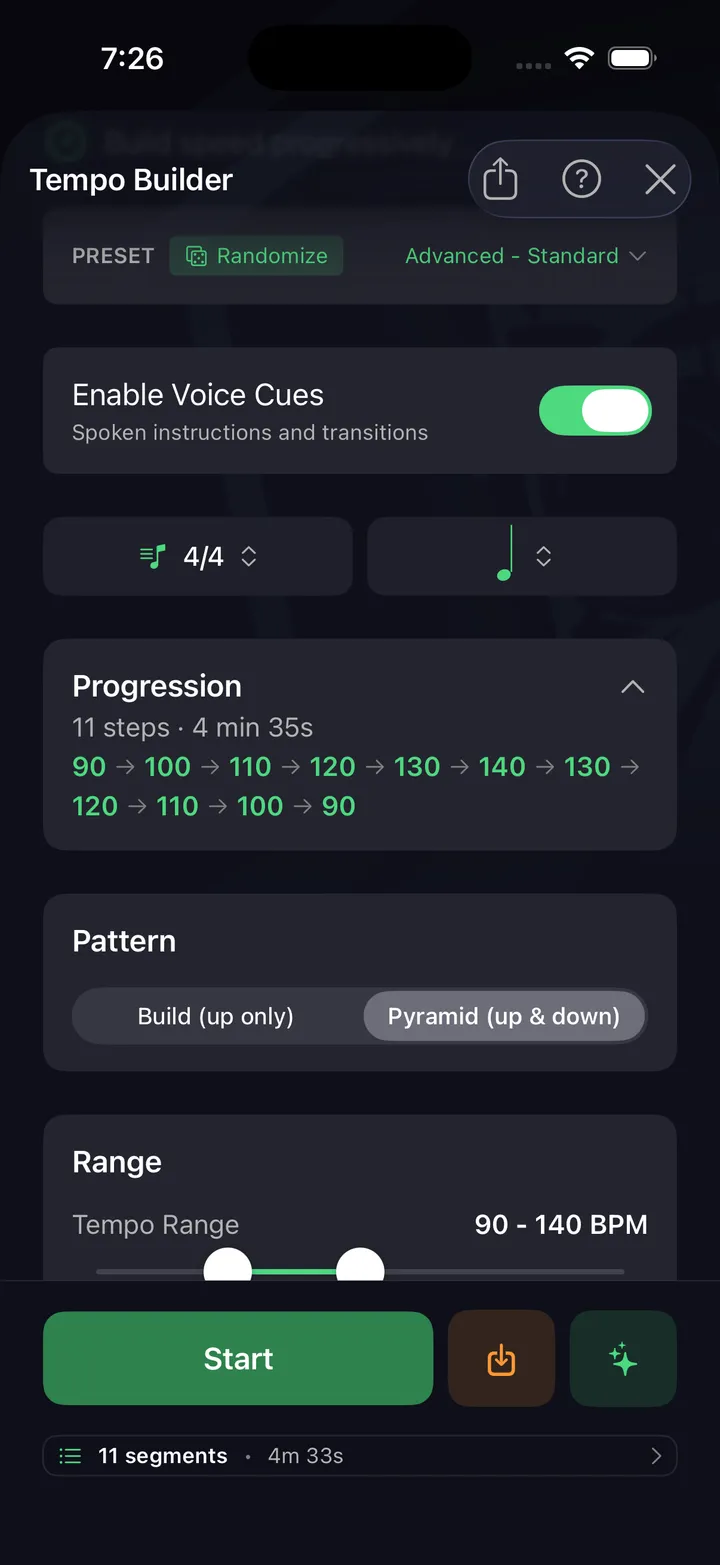
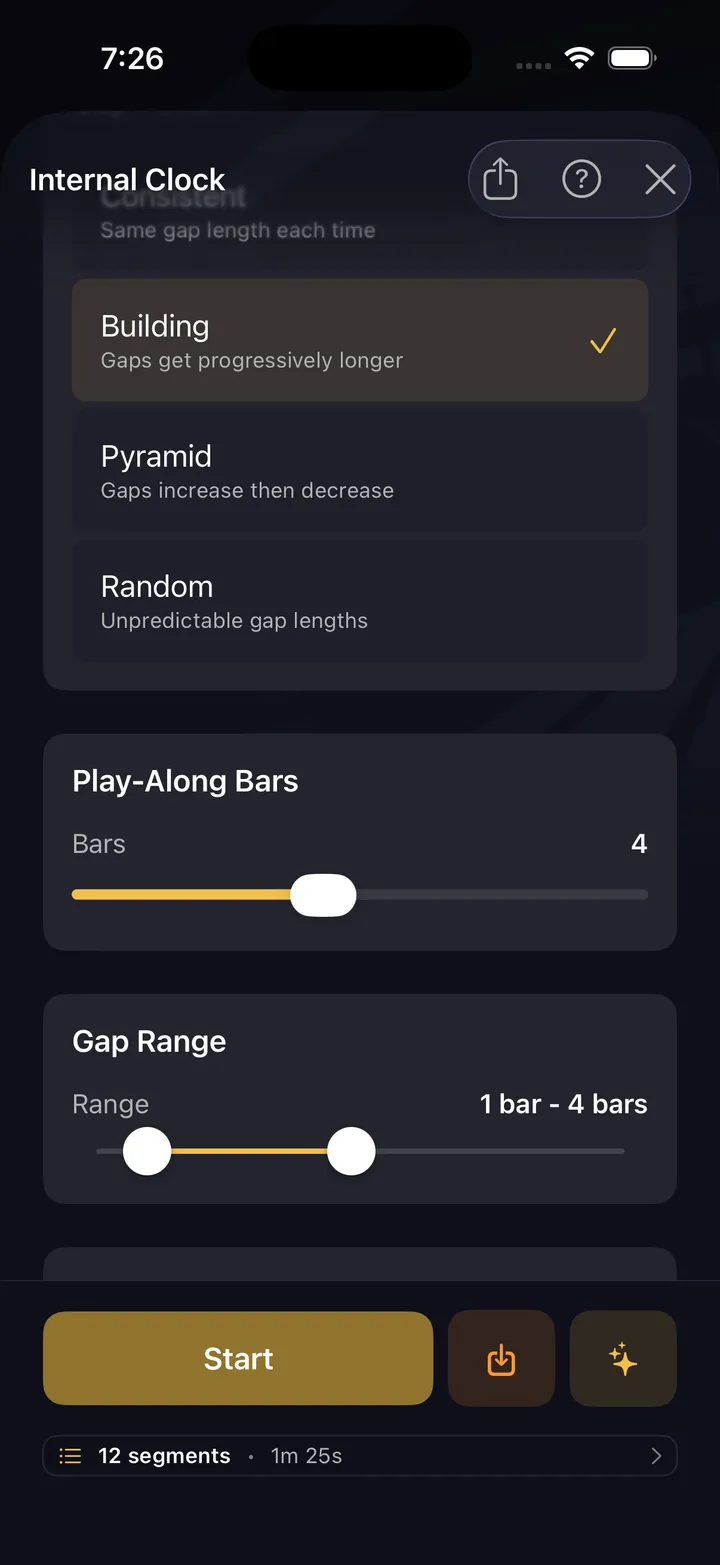
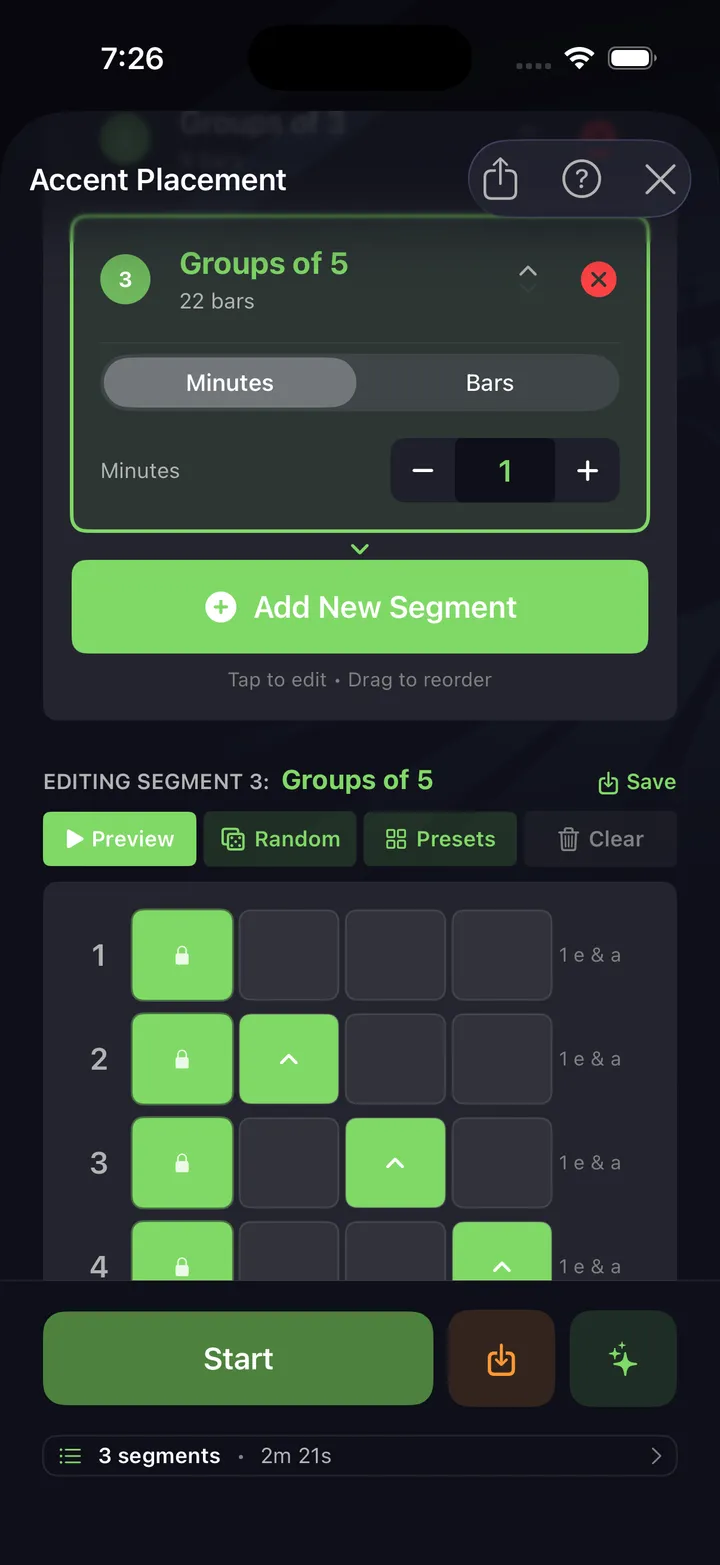
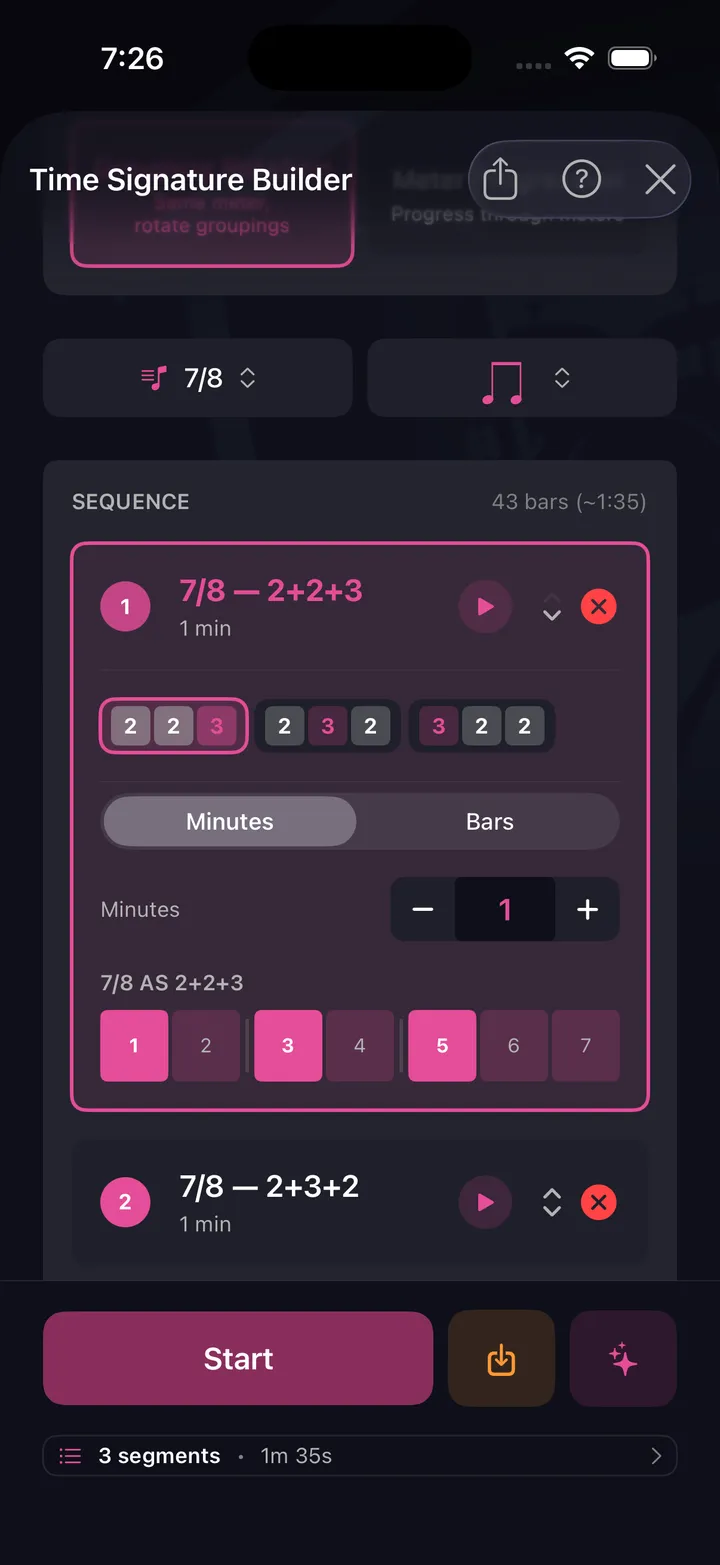
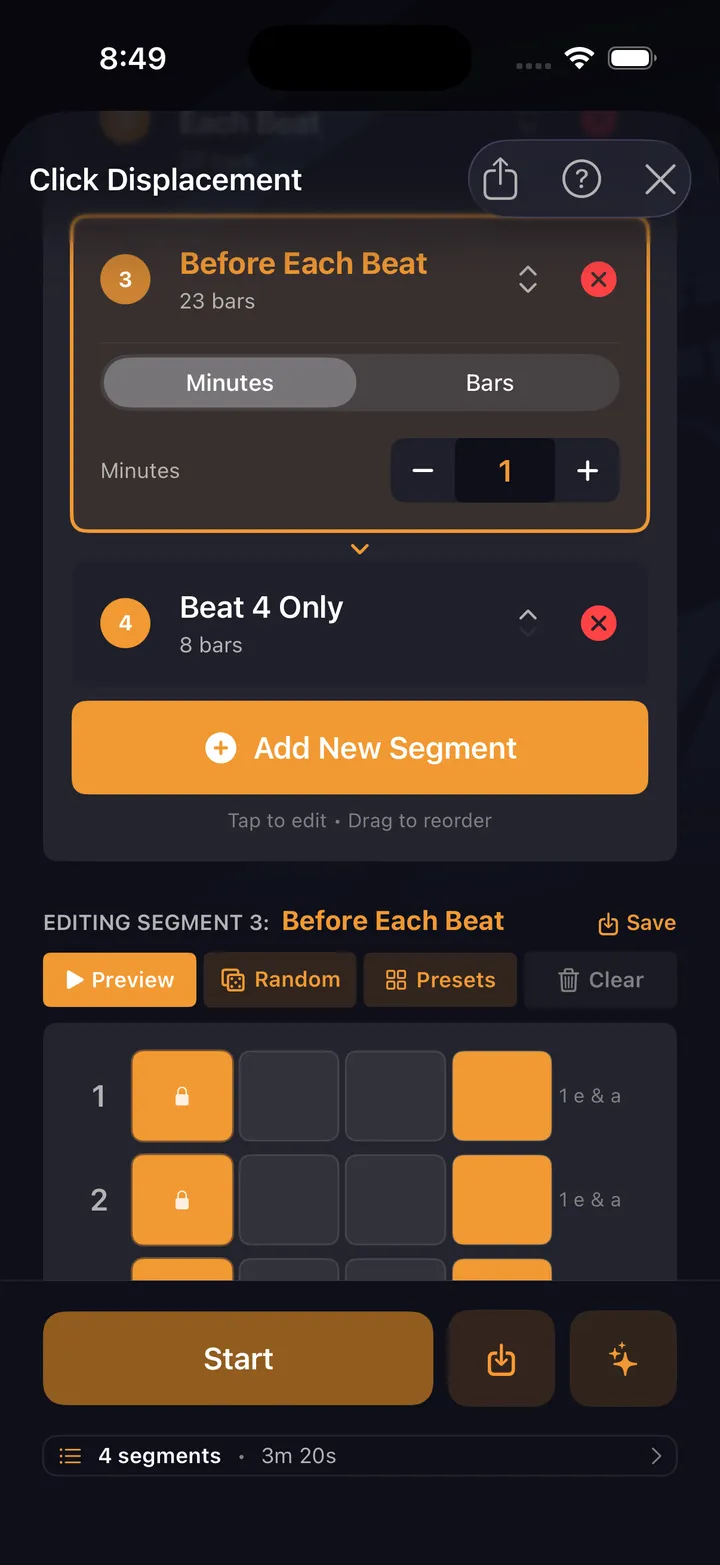
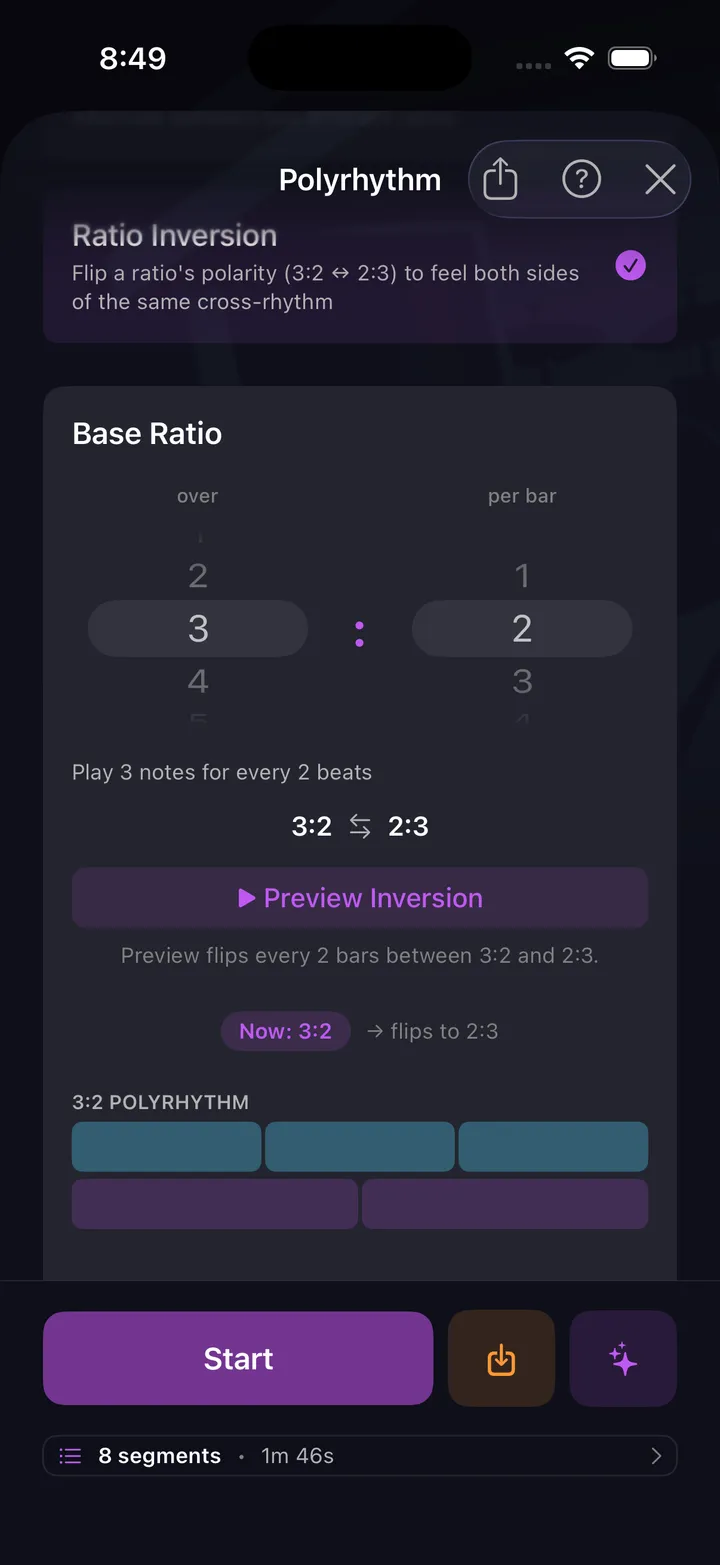
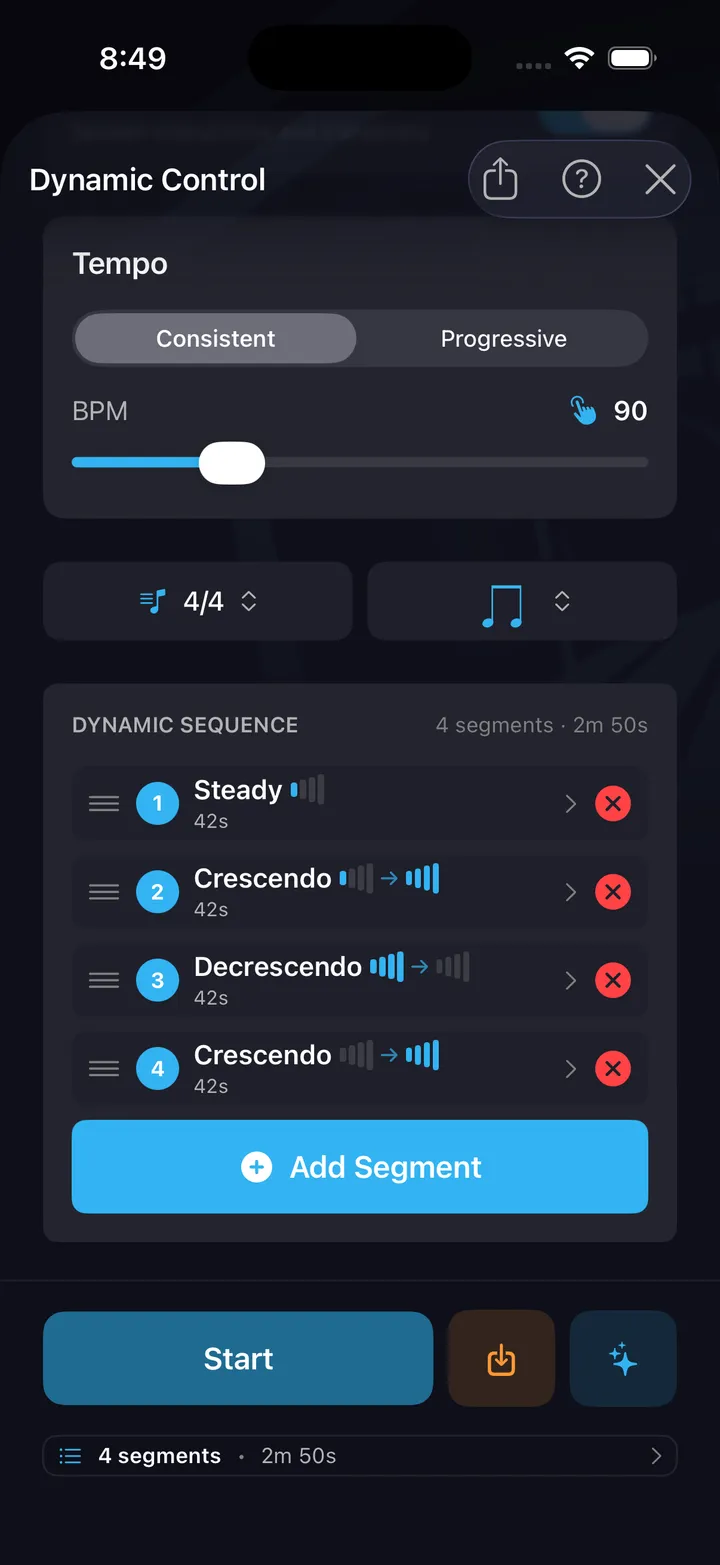
A metronome on its own just keeps time — these ten drills harness it. Each one points the click at something specific and wraps it in structure: a focus, a timed run, and a configuration you can save and come back to. Click Displacement rewires how you hear the pulse. Polyrhythm builds independence. Time Signature Builder breaks down odd meters. Dynamic Control sequences crescendos and decrescendos. Pocket drags or rushes the backbeat so you learn to sit against a click that grooves. And none of them are presets — every drill is configurable end to end: meter, subdivision, accents, dynamics, duration, down to the click itself. Dial in the exercise once, save it, and it's waiting next session. All ten are free — the whole harness, not a sampler.
AI Co-Pilot
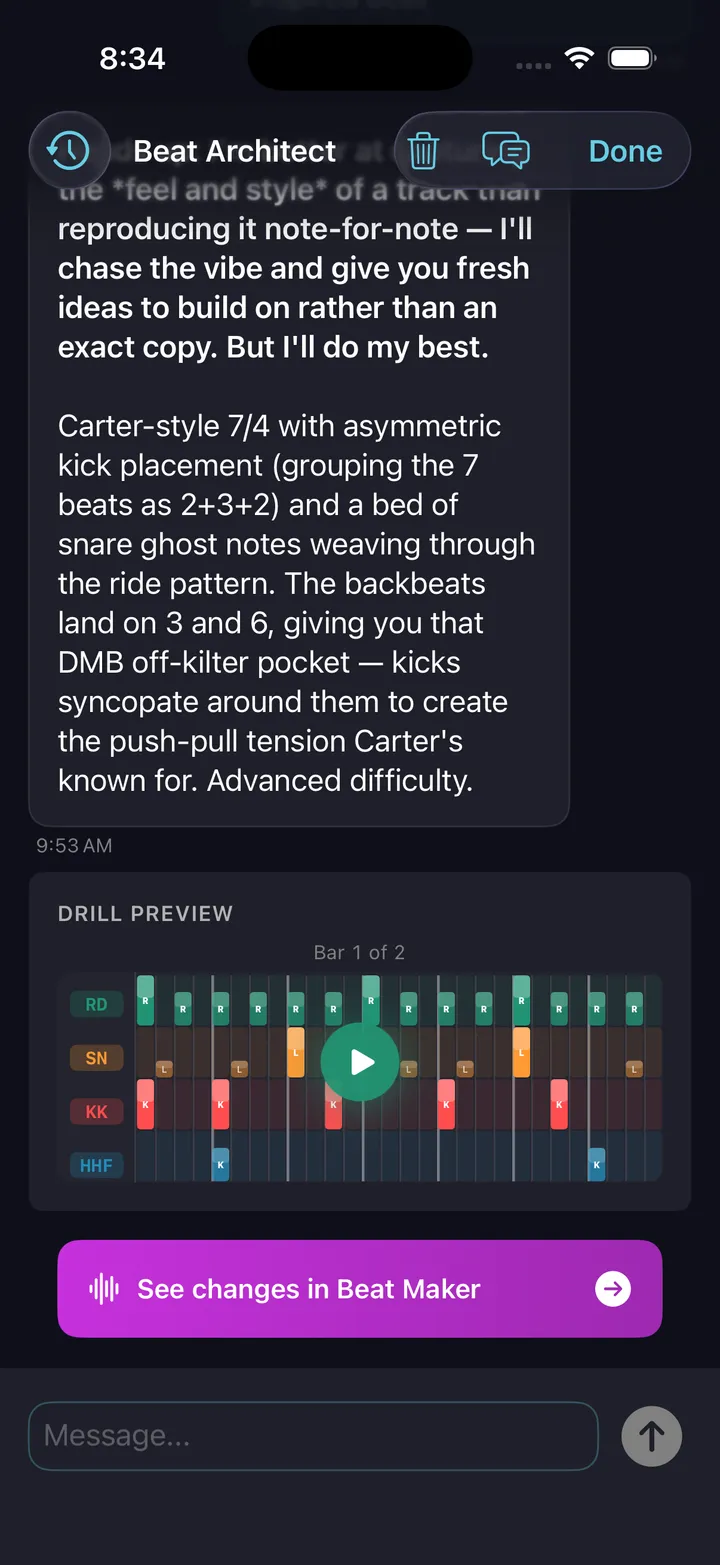
BetaDescribe any groove in plain English, hear it back
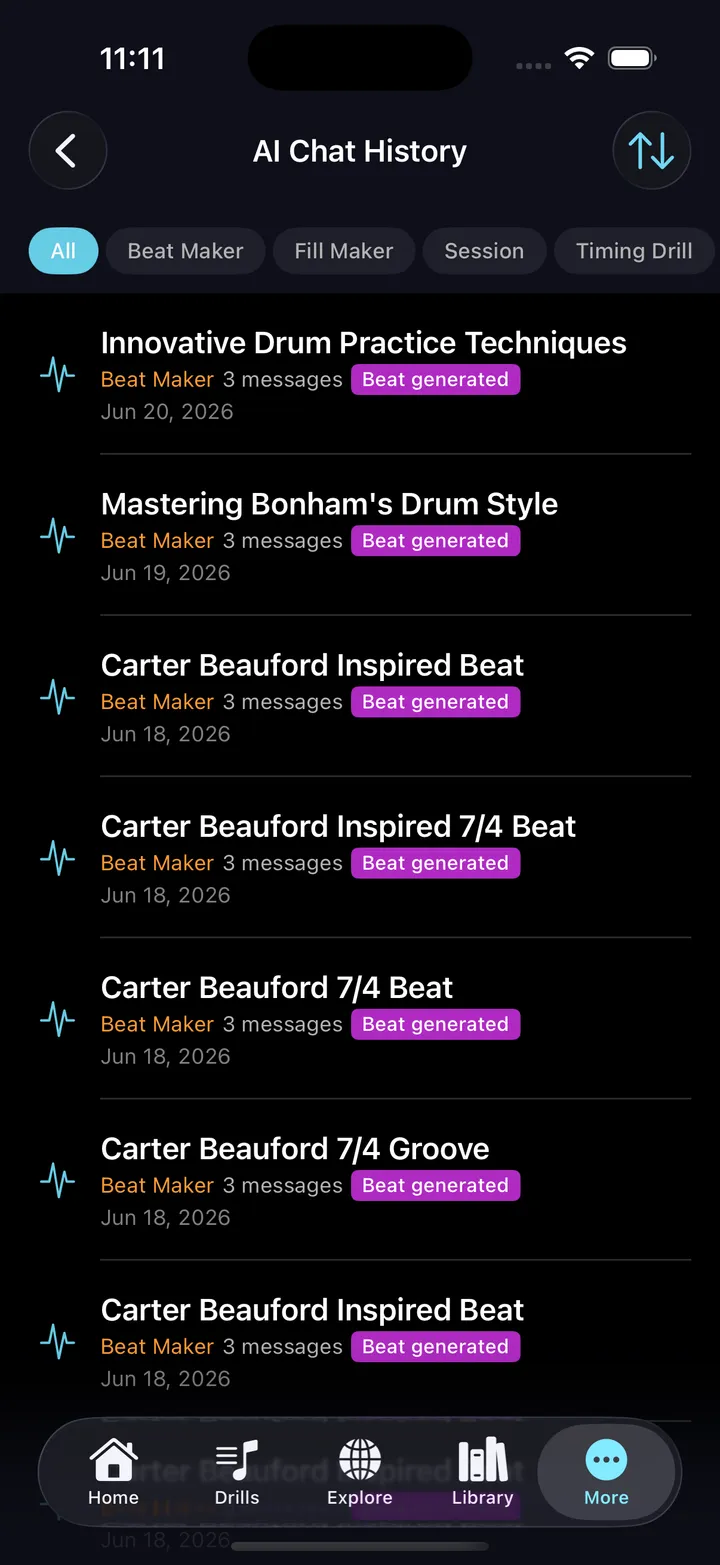
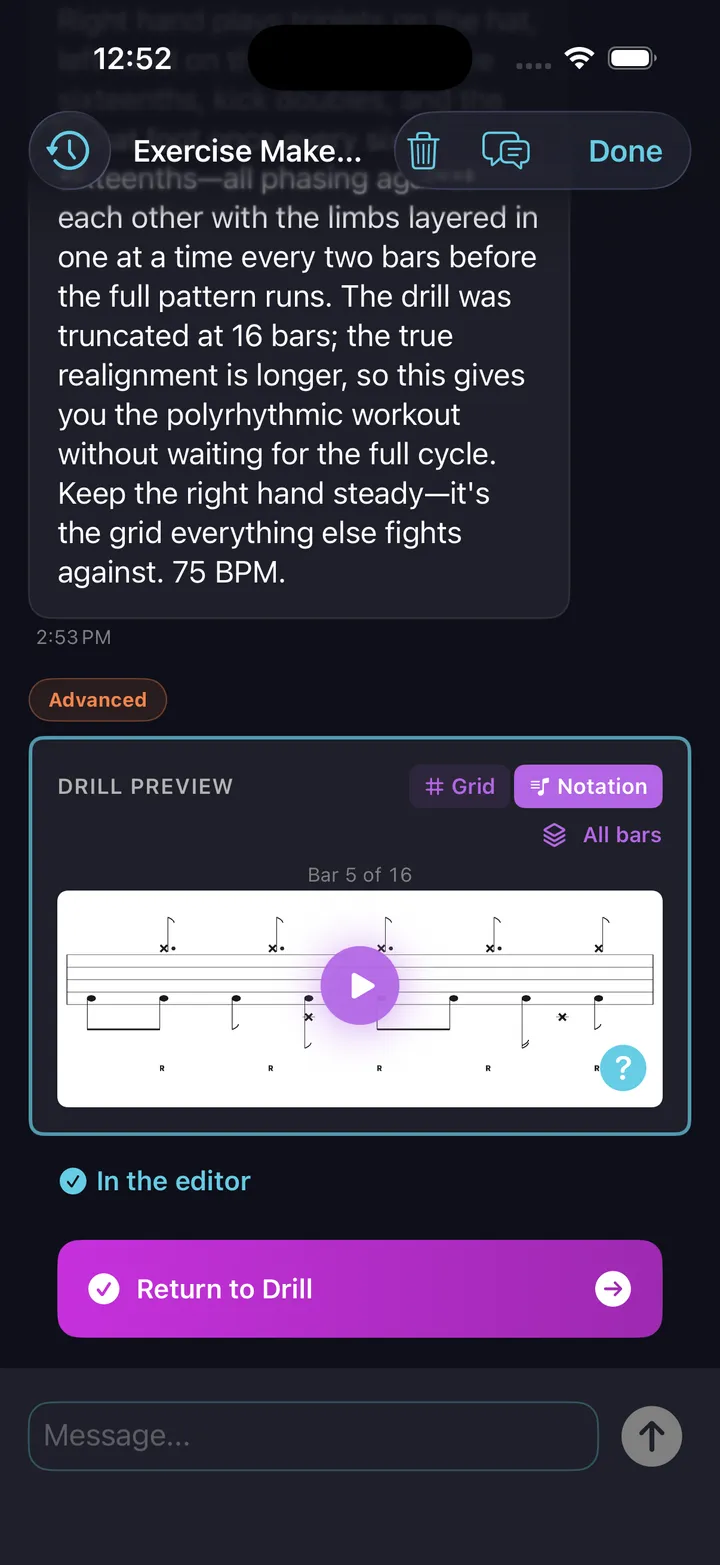
Ask for a specific beat, fill, or session in plain English — and get exactly that. Musical, playable on a real kit, and ready to edit. It thinks like a drummer.
- Works for beats, fills, exercises, and complete practice sessions
- Iterate naturally: "add ghost notes," "swing the hi-hat," "make it harder"
- Describe a problem instead of a pattern — "my doubles are uneven," "my left foot is useless" — and the exercise coach names the mechanism, offers a progression, and tells you what to listen for
- Reads your practice history and recommends what to work on next
- Every result is editable in the pattern editor
The AI Co-Pilot is in beta — it drafts, you play and decide what’s good. In-app feedback is one tap away.
Explore & Share
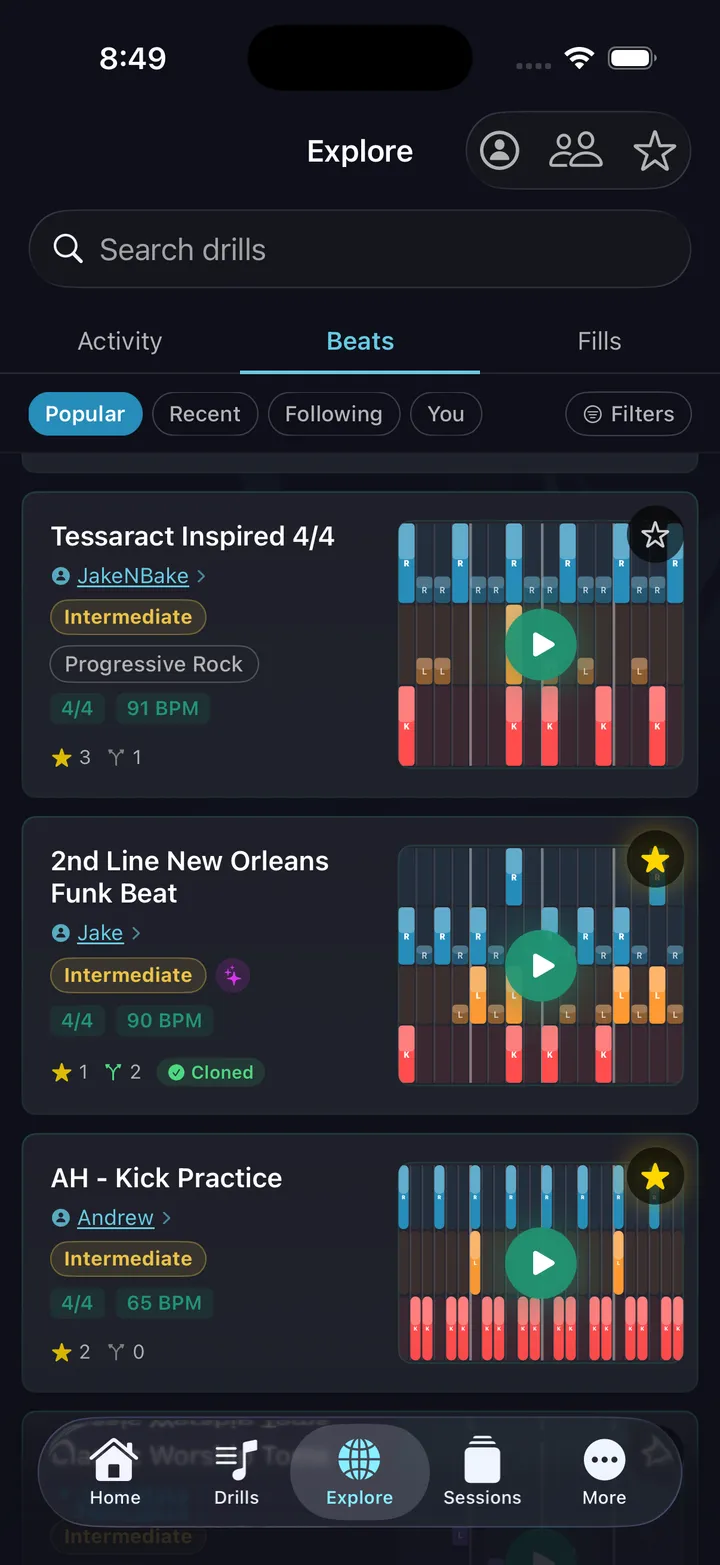
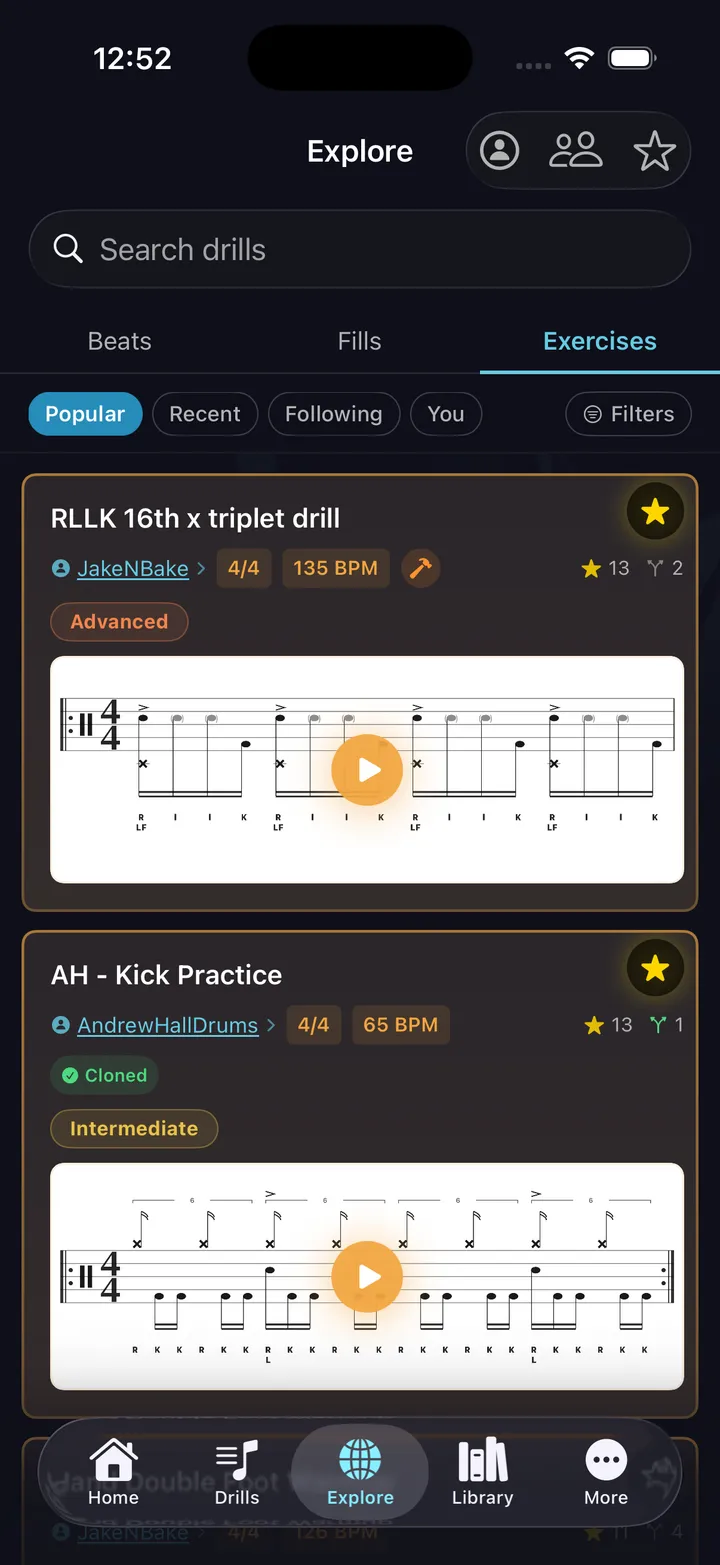
Hundreds of beats, fills, and exercises from drummers worldwide — plus a live activity feed
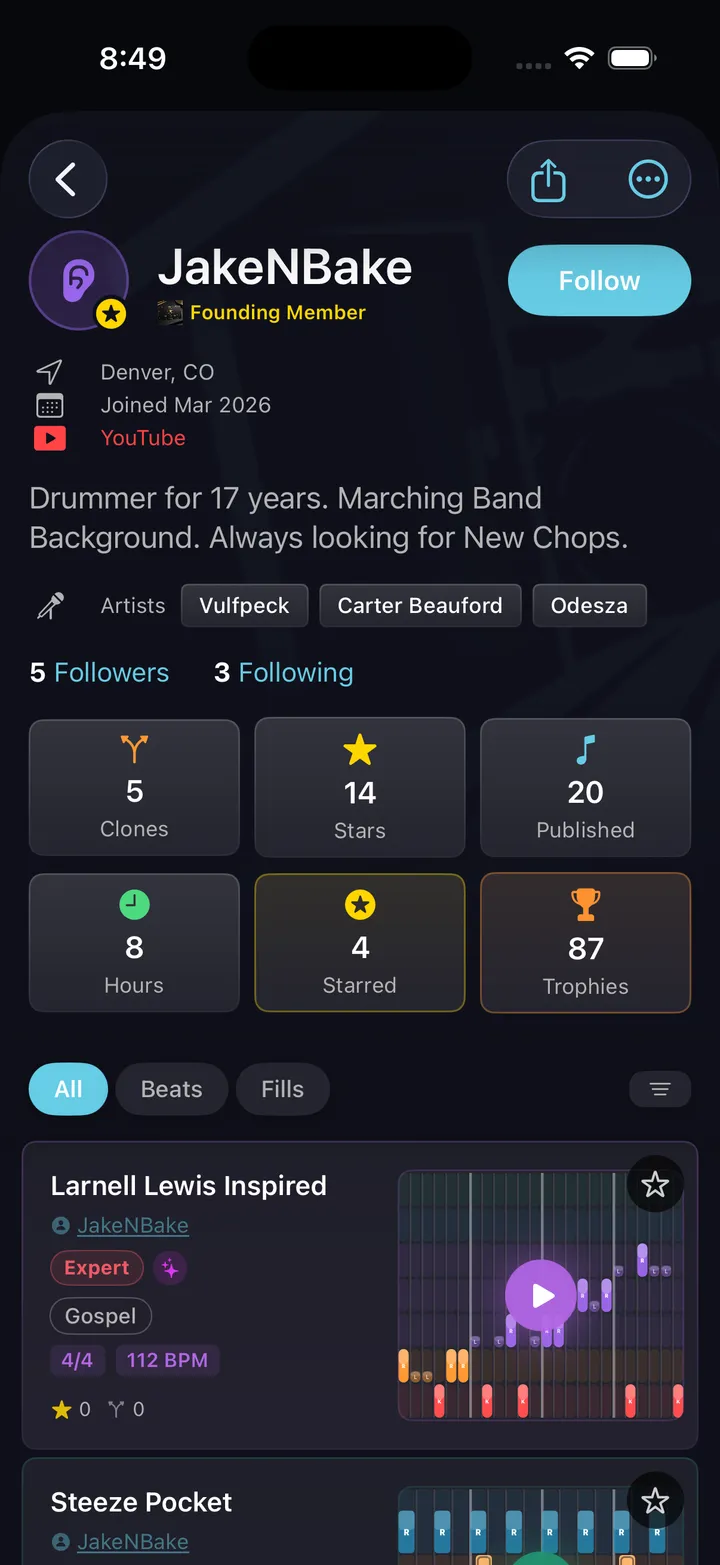
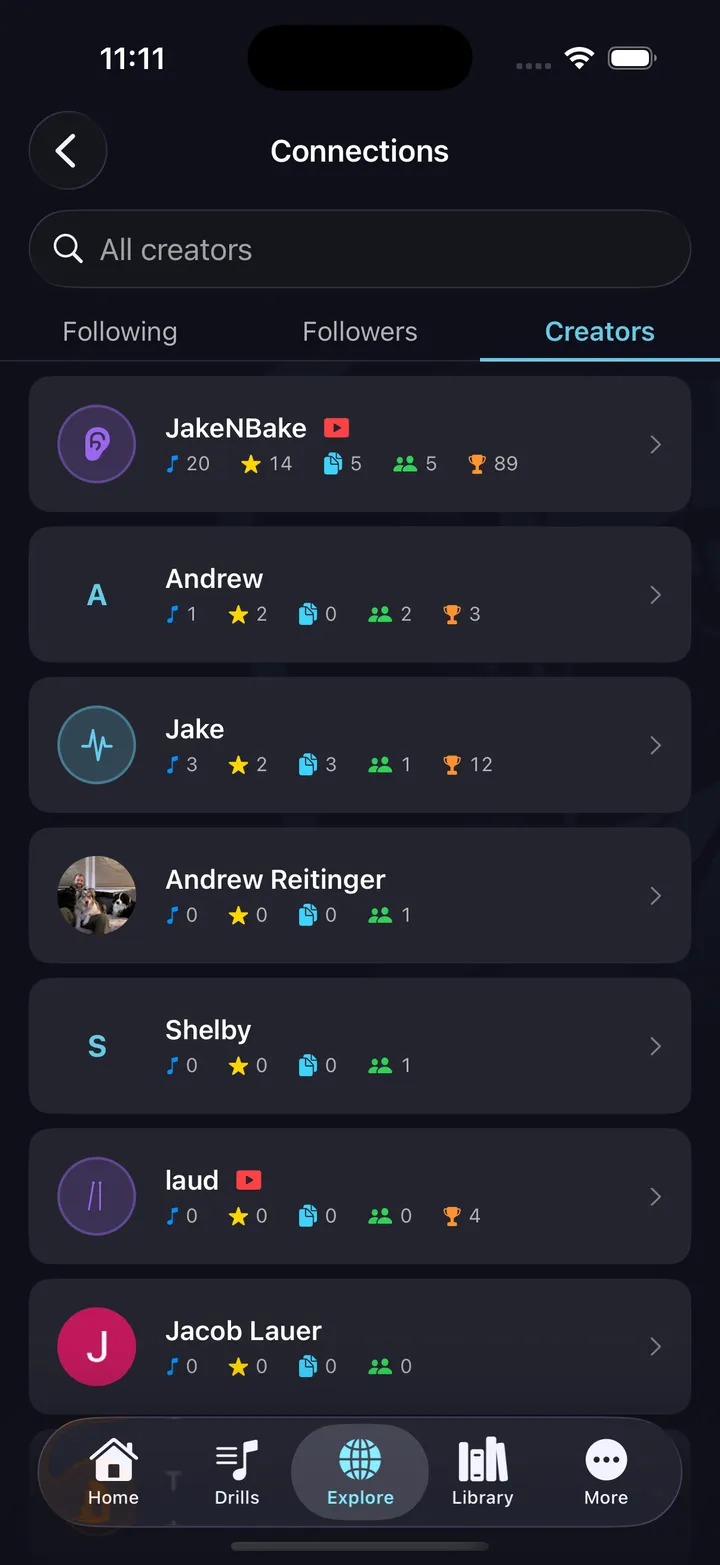
Browse hundreds of beats, fills, and exercises published by drummers around the world — three shelves, each with its own filters for genre, difficulty, time signature, or BPM. Clone anything you like, star your favorites, and share your own creations with a link anyone can open straight into the app.
- Search by genre, difficulty, time signature, BPM
- Star and collect patterns from drummers you follow
- Share with a link — opens directly in the app
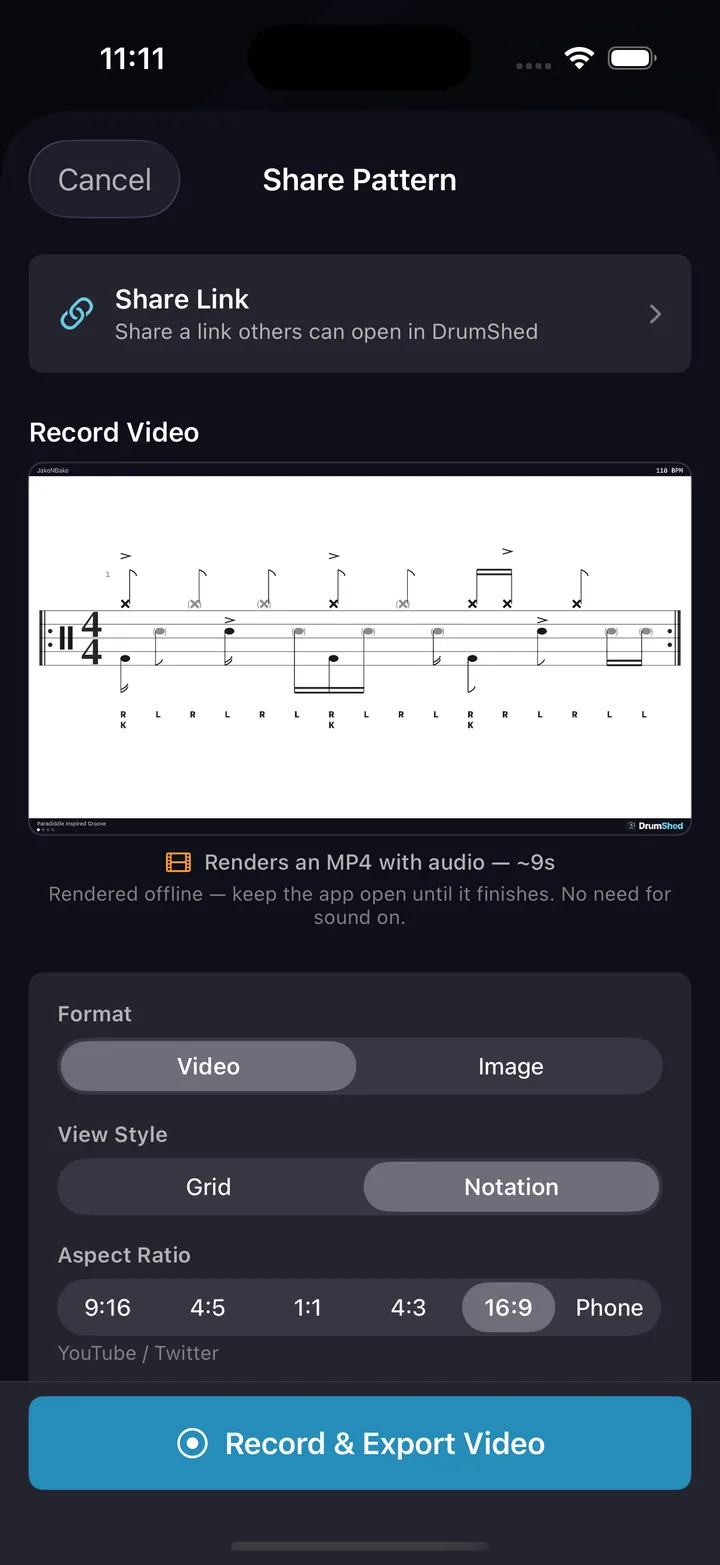
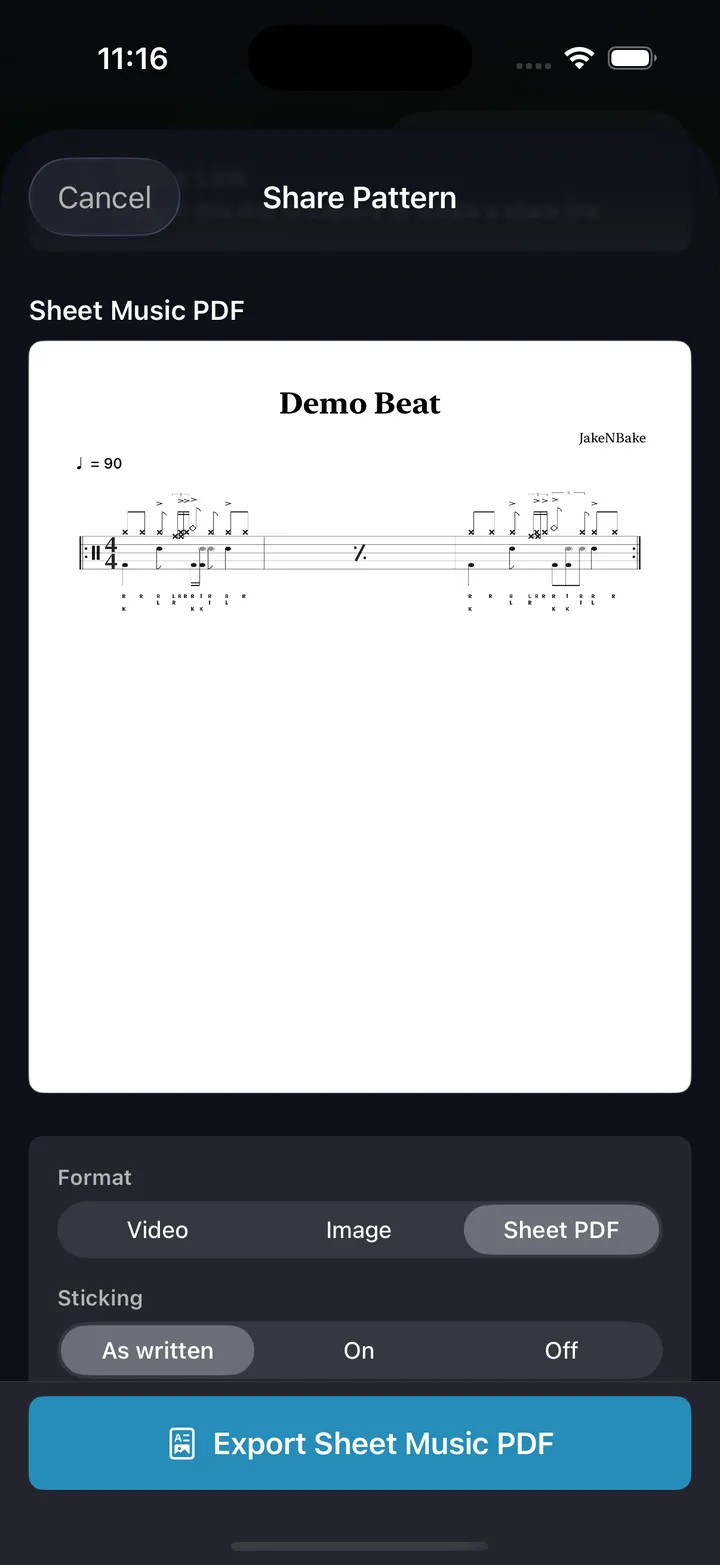
- Export video or notation for TikTok, YouTube, lessons
- Print any pattern as an engraved sheet-music PDF — a worksheet with the sticking and counts you choose
- Send a pattern to your DAW as MIDI, or to a notation app as MusicXML
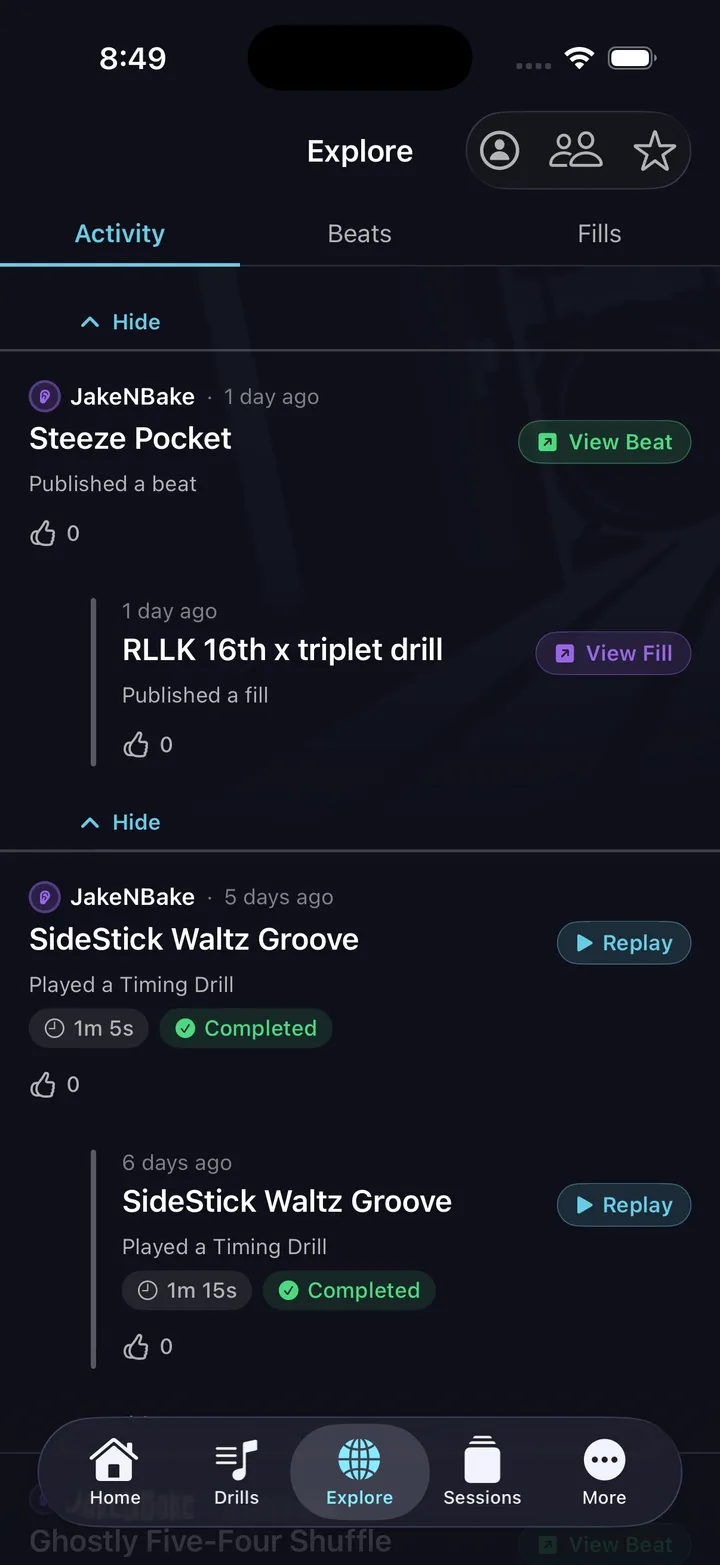
See what your network is practicing.
The Activity tab is a live feed of what people you follow are actually doing — which drills they're running, sessions they completed, and patterns they just published. High-five anything, or replay their exact drill or full session in one tap.
- High-five drills and sessions from drummers you follow
- Replay their exact drill — same pattern, same tempo
- Replay a full session another drummer just ran
- See new beats, fills, and exercises the moment someone publishes them
Choose Melodics if...
You want guided lessons: 1,200+ of them across 170 courses, with 180+ song lessons on Premium. Per-note feedback is excellent, especially on a MIDI e-kit. If you want to be taught, it's the stronger pick.
Choose DrumShed if...
You practice on an acoustic kit (or pad), want deep creative tools, and need practice structure beyond guided lessons. Works on iPhone, iPad and Android.
The ten timing drills — all free
A click tells you where the beat is. It will never tell you what to do about it — that is the part these ten add. Each aims the metronome at one specific weakness and drills it in reps, and every setting on these screens is yours to change.
All ten are free — no card, not a timed trial. See every drill explained.
Every drummer needs
a home base.
Practice on the kit you actually play.