The click shifts.
Can you hold the pulse?
Click displacement moves the metronome off the downbeat — to the &, the e, or the a. It forces you to feel the pulse internally instead of following the click.
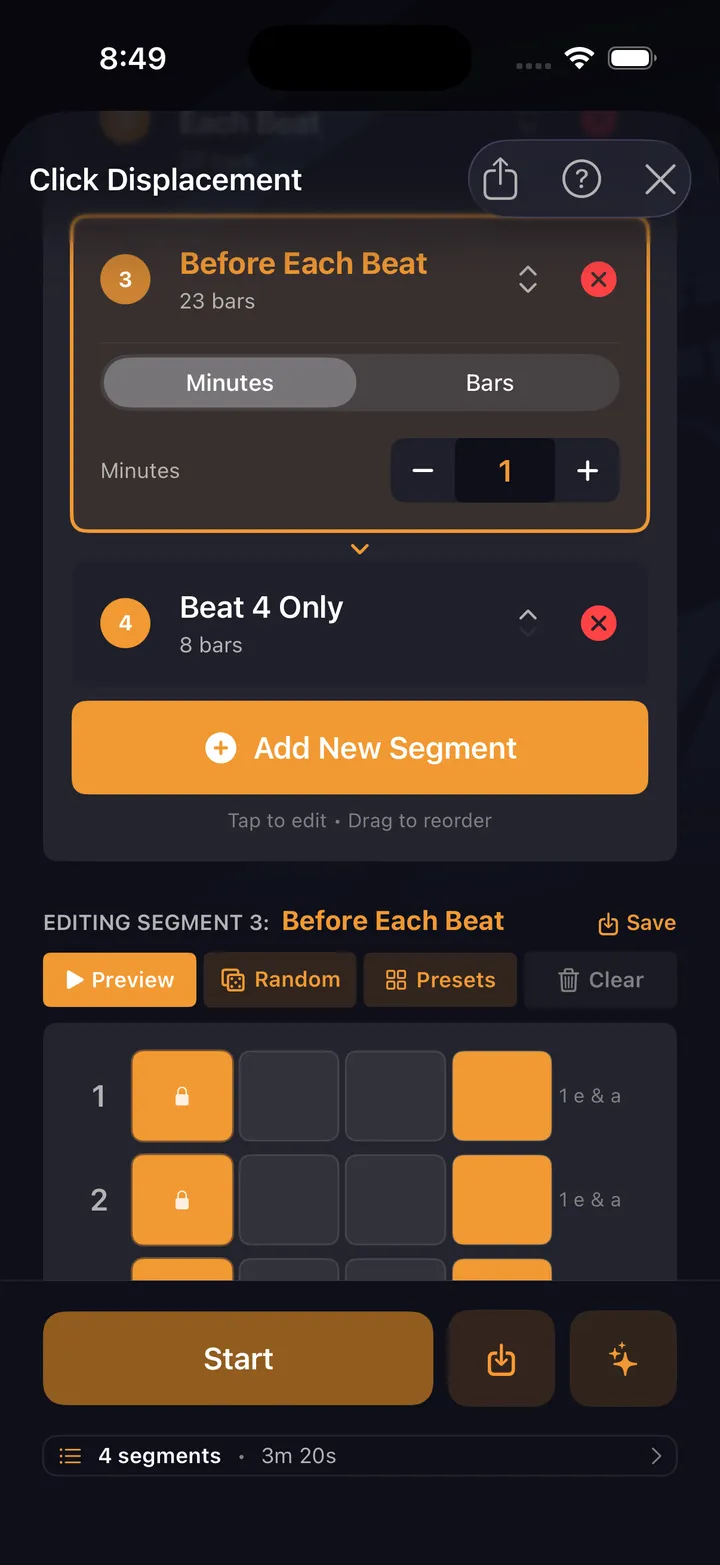
When the click moves off beat 1
Put the click on the & of 2 and most drummers lock onto it as the new downbeat within a bar. This drill keeps your 1 where it belongs while the reference sits somewhere else.
Whole-bar click patterns
The drill generates a full bar of displaced clicks — backbeat only, every upbeat, one hit per bar — and you hold your groove against it.
Progressive difficulty
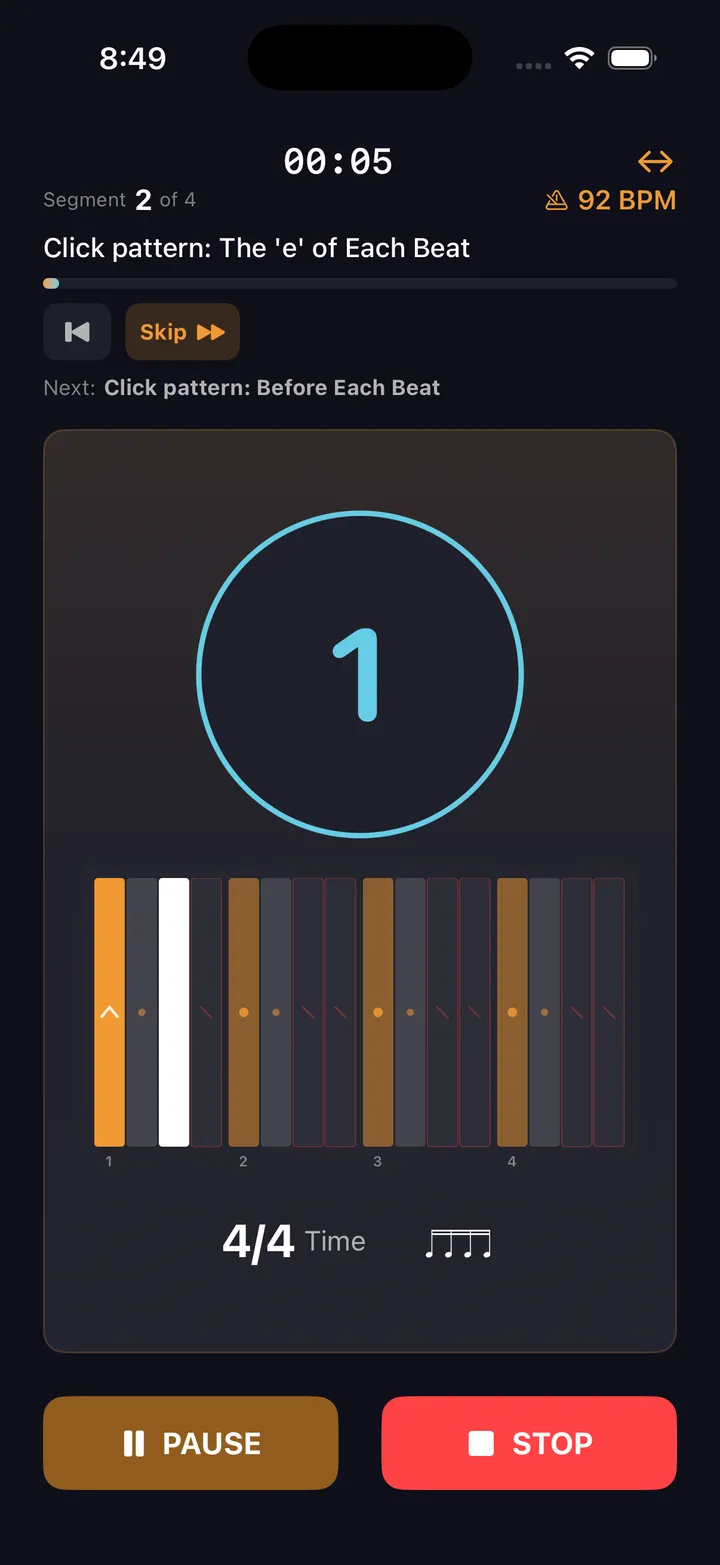
Start with Backbeat (2 & 4). Progress to the 'e' of Each Beat, then Beat 4 Only. Build incrementally.
Internalize the pulse
When the click isn't on 1, your body has to generate the downbeat. That's the skill.
Rotation patterns
The drill can cycle through different displacements automatically. Stay on your toes.
Configurable tempo
Start slow — this is harder than it sounds. Increase tempo only when the displacement feels natural.
Practice history
Every displacement session is logged — pattern, tempo, duration. Your history shows which placements have actually gotten reps.
Common displacement patterns
Each placement removes a different anchor. Start with backbeat — it's the most forgiving. Work toward Beat 4 Only.
Backbeat only
Mute everything except beats 2 and 4. Play a groove and find the pocket with minimal reference.
Upbeats only
Click on the 'and' of each beat. Play quarter notes against it — forces you to generate downbeats internally.
Beat 4 only
Minimal anchor. One click per bar — and it lands on 4, not 1. You supply the downbeat and keep the groove steady through three beats of silence.
Practice this in DrumShed
Free on the App Store & Google Play
The Click Displacement drill is free.
Not a trial, not a preview. The metronome underneath is complete — no limits, nothing held back — and this drill, along with all ten that aim it, ships in the free app, with hands-free sessions and your full drill history, stats and streaks. No ads, no card, not a timed trial. A subscription only comes in when you want to build your own beats and fills, publish them, or use the AI co-pilot.
Every drummer needs
a home base.
Own the pulse from anywhere in the bar.