Start drumming
without the overwhelm.
A free pro-grade metronome, a clear drill progression, and a structured 30-day on-ramp. No YouTube rabbit holes. No information overload.
The hardest part isn't the drumming.
It's knowing what to practice. Most beginners quit because every YouTube video sends them somewhere different. DrumShed gives you one place, one path, one drill at a time.
Free where it matters
A pro-grade metronome, free forever — plus all ten timing drills, sessions and practice history, free today. The fundamentals don't sit behind a paywall.
One next step at a time
The drill progression makes the curriculum decision for you. Every day you know what to work on and why.
Guided starter paths
Getting Started paths ship in the app: multi-day plans that put one skill on the calendar at a time, with the tempo ramp handled for you. Enroll on the days you practice and follow along.
AI when you're stuck (beta)
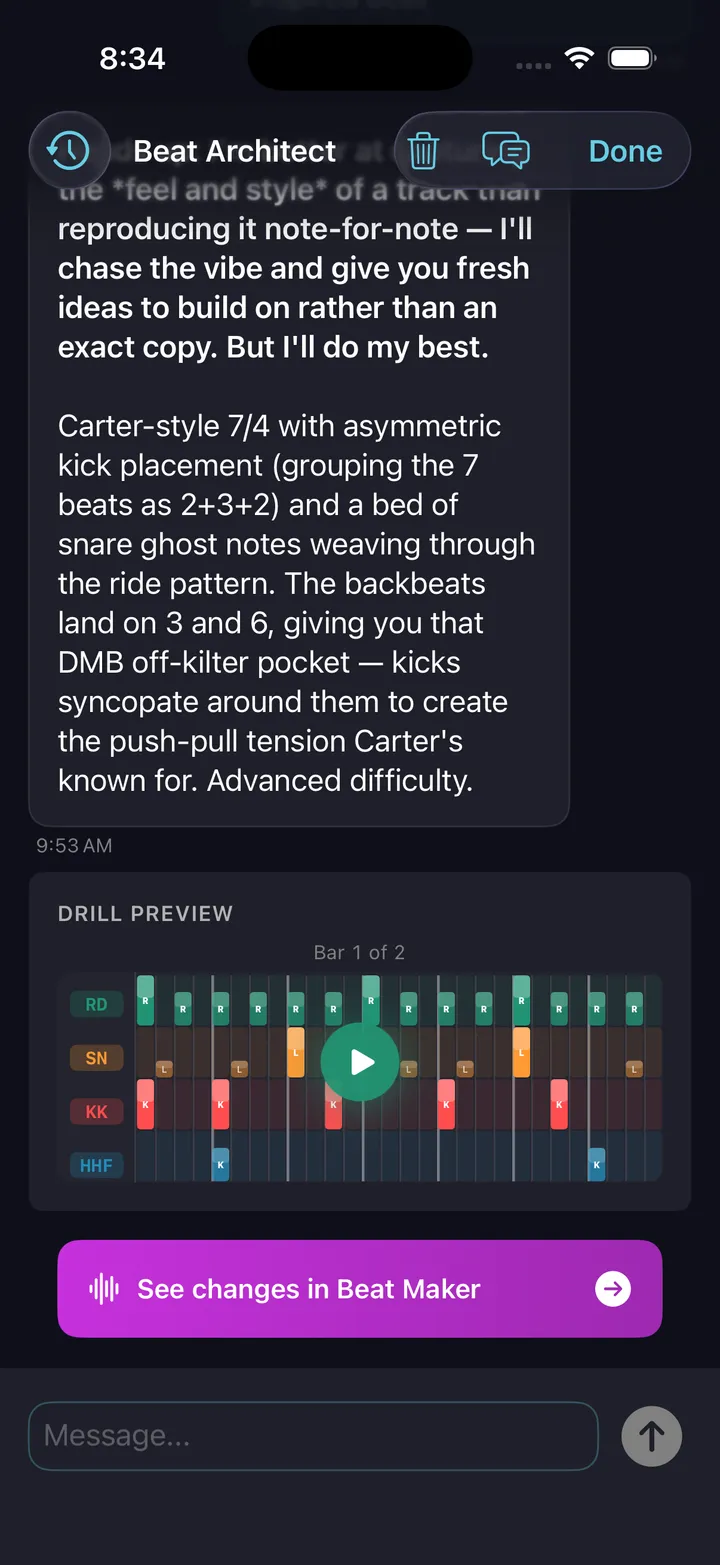
Don't know what 'shuffle feel' sounds like? Ask. The AI generates a beat in plain English so you can hear and drill it.
Your first beat — without the grid-staring
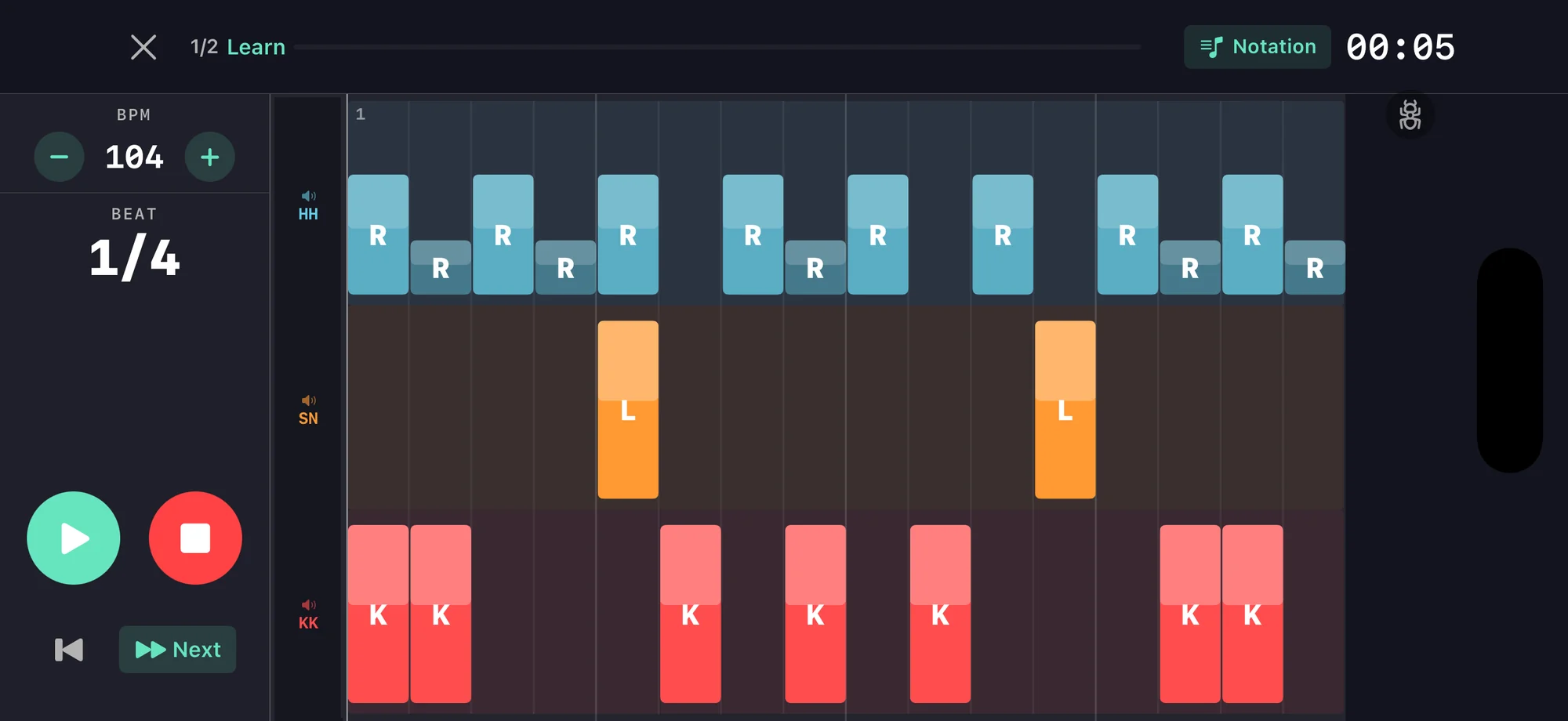
The Beat Builder walks you through it layer by layer. Pick a kick and snare. Add a hi-hat. Tweak velocity. Done. Turn on the count overlay and the notation shows 1 e & a right where the notes land — reading comes for free.
The full wizard, end to end.
Your drill progression
Five drills, in the order a beginner should meet them. Each one builds on the last. The first one is free.
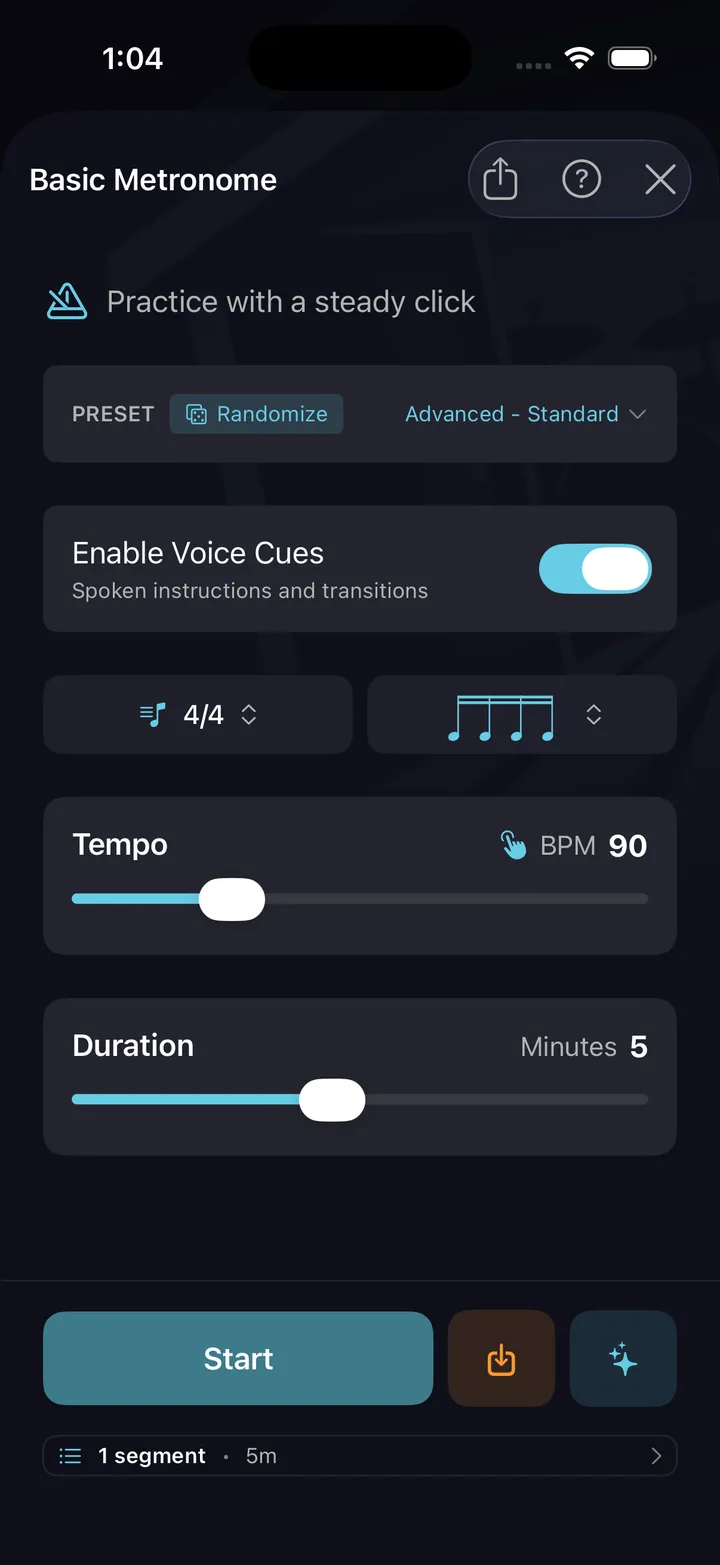
Basic Metronome
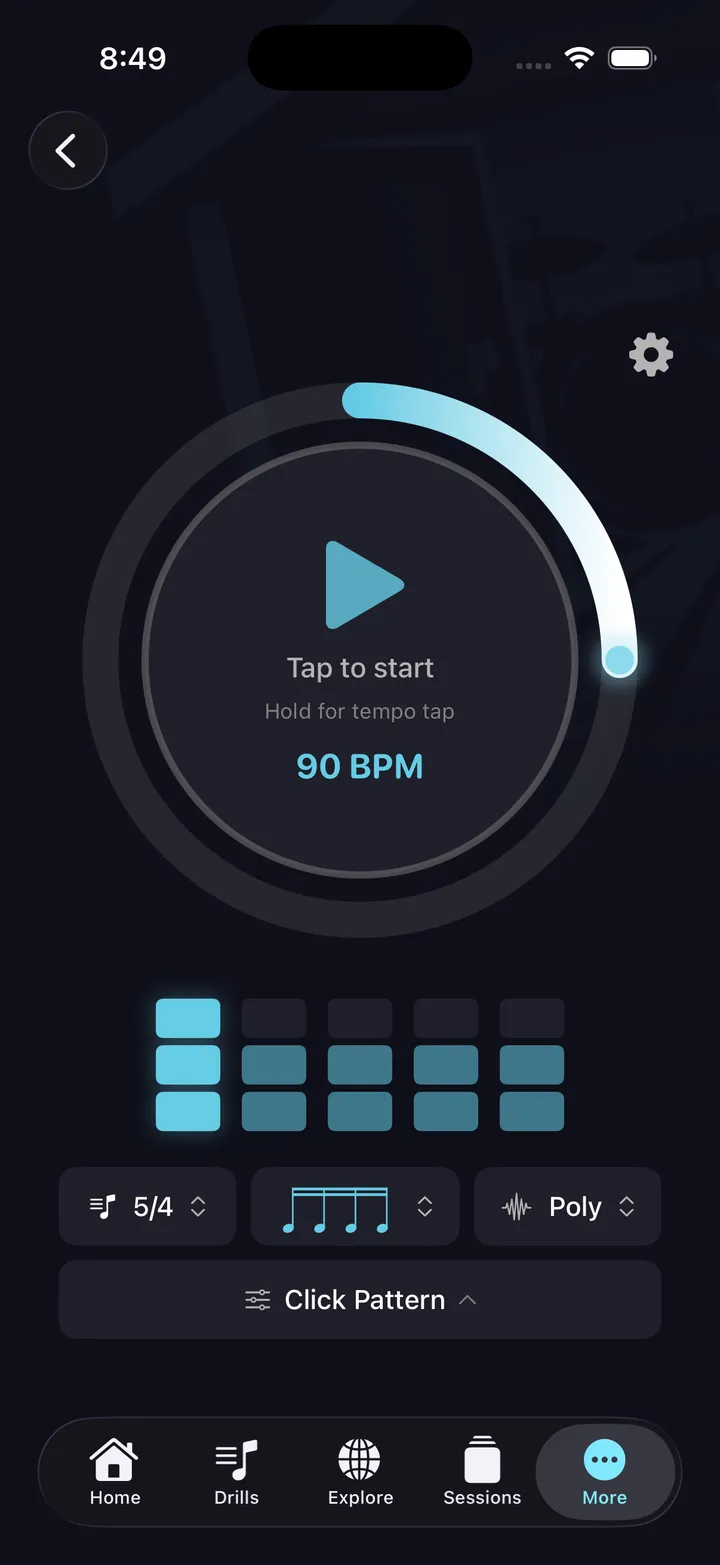
A clean click track with 14 subdivision types, 24 accent patterns, and 19 click sounds. The whole foundation, free.
Before anything else, you need to play in time. Start at 60 BPM, subdivide quarter notes into eighths, then sixteenths. Twenty minutes a day.
Tempo Builder
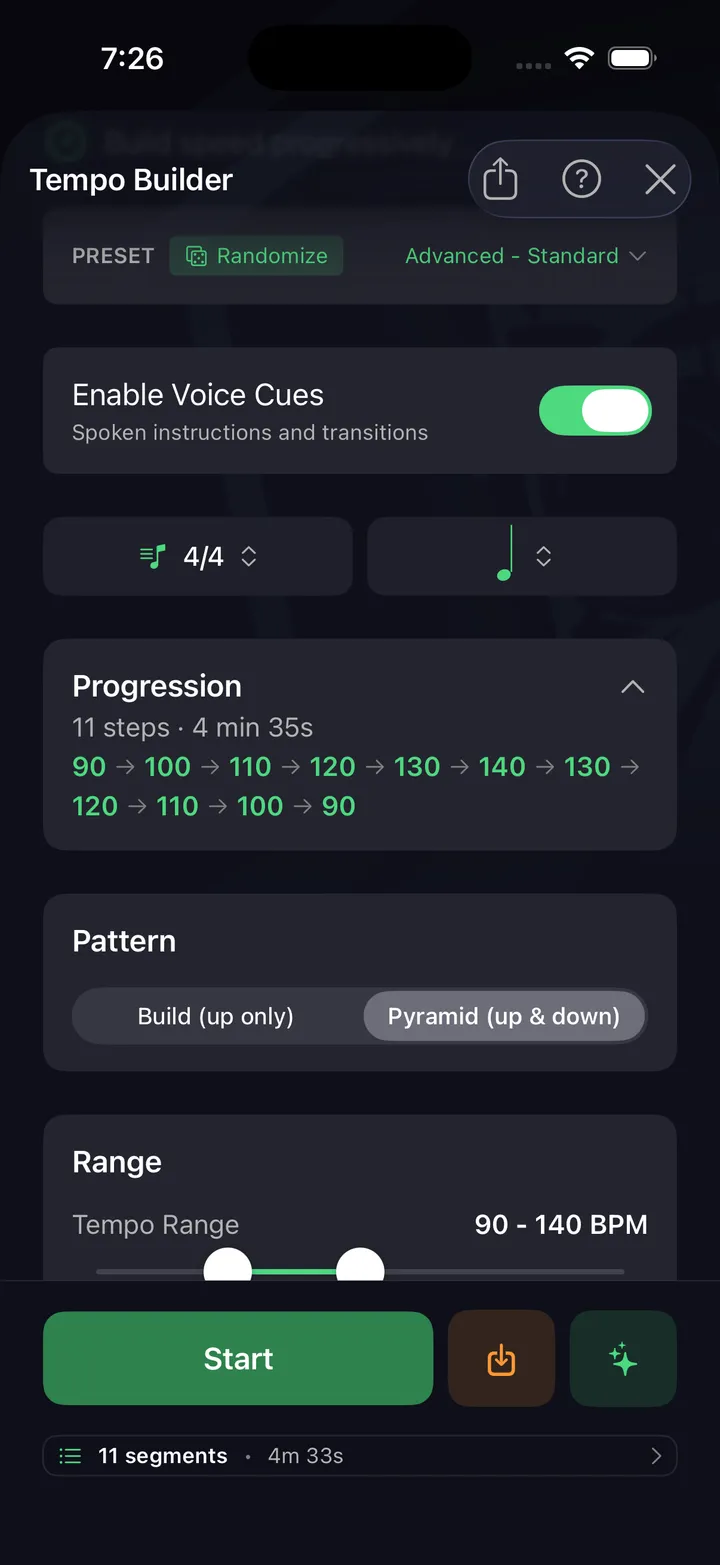
Set a starting tempo, an ending tempo, and a step. The drill ramps you up automatically, 20 to 60 seconds per step.
You'll plateau at 90 BPM if you only practice at 90 BPM. Tempo Builder pushes the ceiling without you having to think about it.
Internal Clock
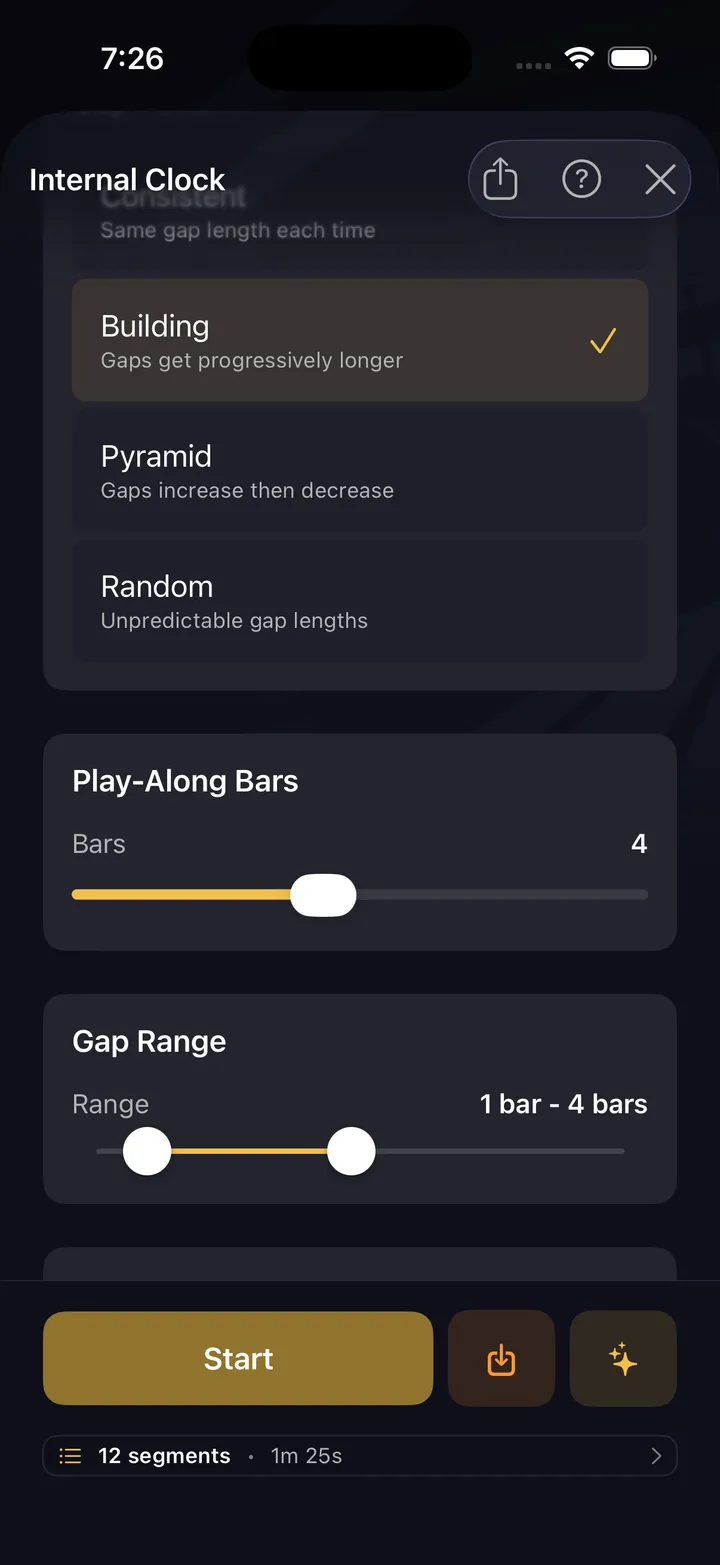
The metronome plays for four bars, then drops out for four. You keep playing. When it returns, you hear whether you're still with it.
This is the drill that builds your internal sense of time. The click is training wheels — Internal Clock is when you take them off.
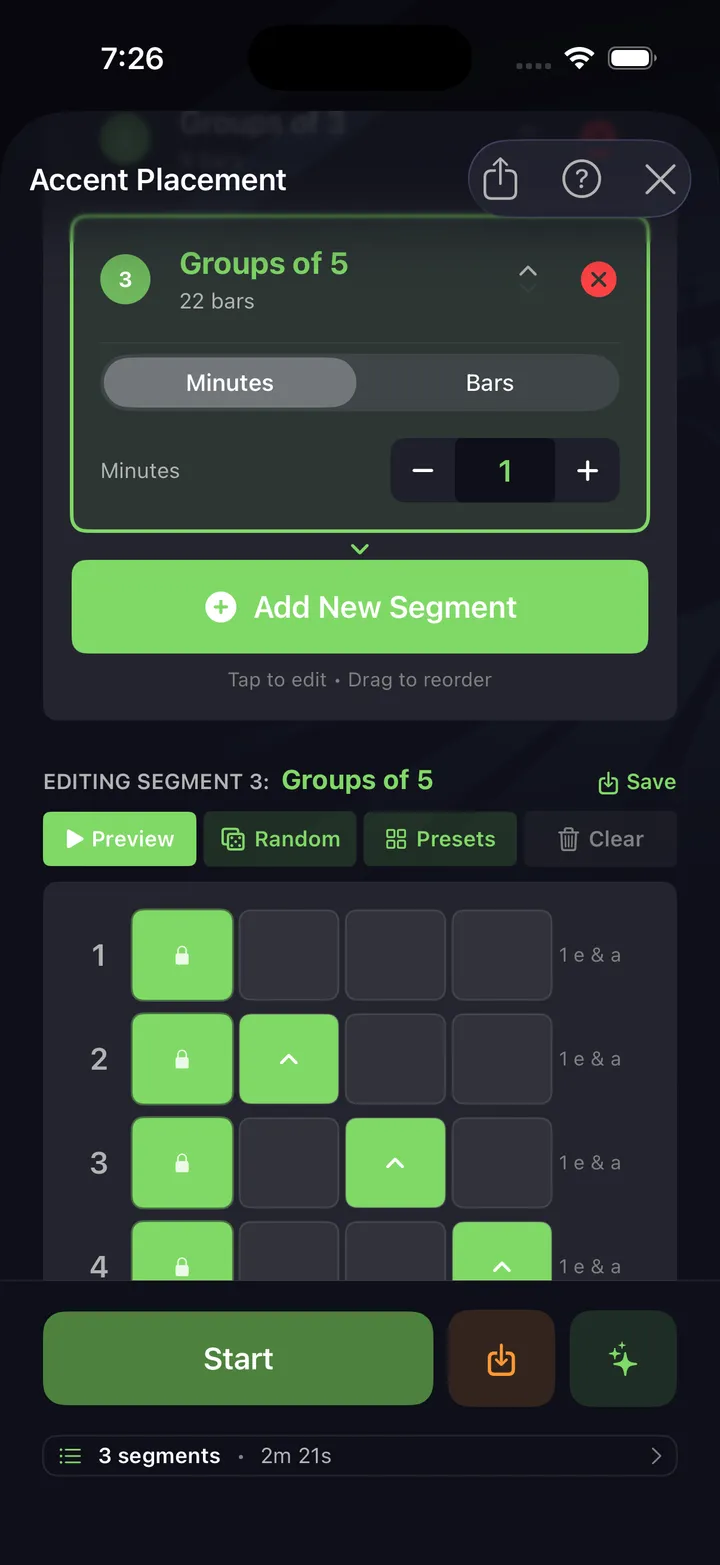
Accent Placement
The click accents specific subdivisions, shifting your rhythmic anchor. Practice locking in while the metronome emphasizes beats you wouldn't naturally feel.
Accent Placement is how you go from "playing the beat" to "feeling the beat." The first taste of music behind the click.
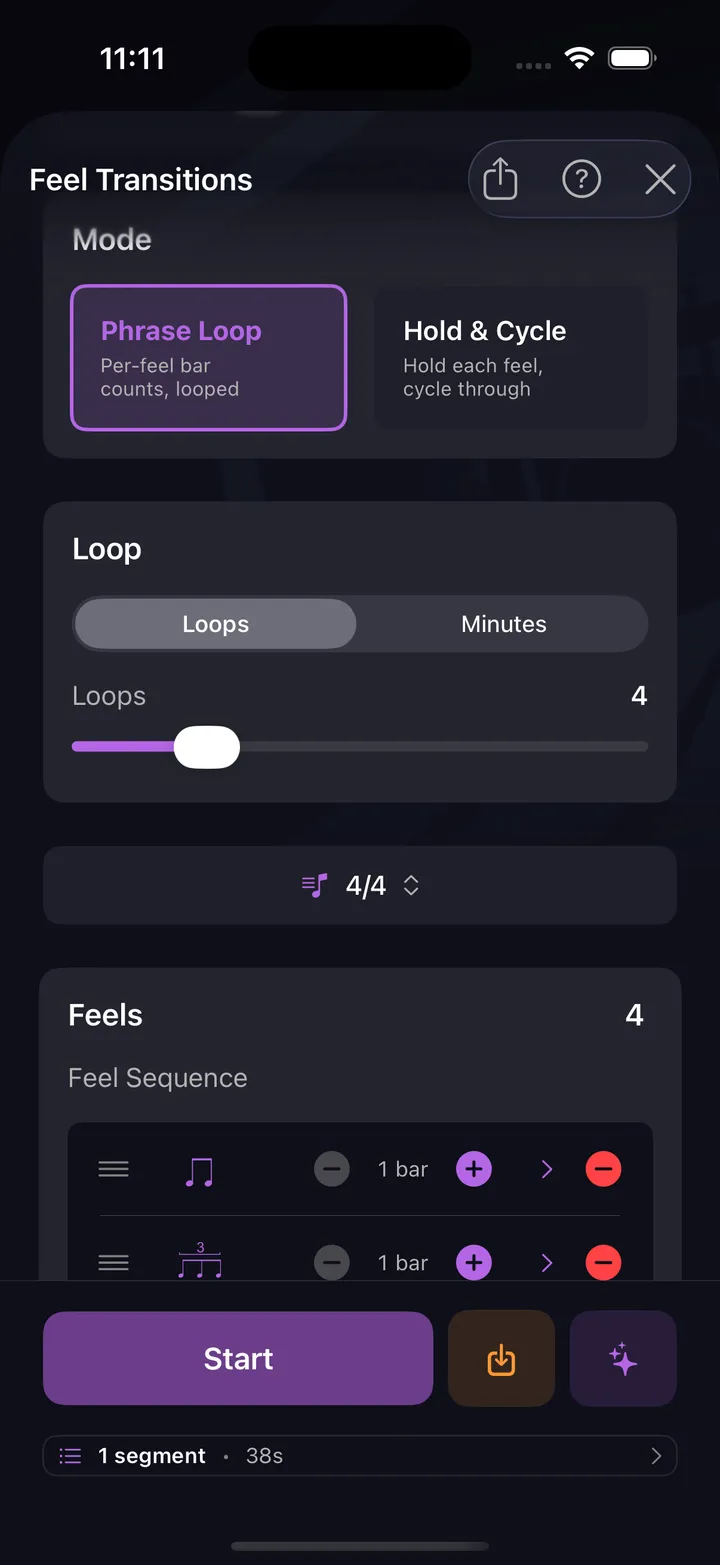
Feel Transitions
Switch between feels — straight to swung, eighths to triplets, simple to compound — on the fly. The drill cues you, you adapt.
When you can flip feel without dropping time, you've graduated from "drummer who can play to a click" to "drummer." This is that drill.
Your first 30 days
A four-week on-ramp. 15 minutes a day, no kit required (a practice pad works).
Meet the metronome
15 minutes a day with Basic Metronome. Learn subdivisions. Find your comfortable tempo, then push 5 BPM faster.
Build the ceiling
Add Tempo Builder. Set ramps that take you from comfortable to slightly uncomfortable. End each session 5 BPM higher than last time.
Find your internal pulse
Internal Clock drill, three days. Build your first beat in the Beat Builder wizard, two days. By the end, you'll have a groove that's yours.
Feel + flow
Stack everything into a single hands-free session. Voice cues take you through warm-up, drills, and free play. No phone-touching required.
Stuck? Just ask.
AI isn't for advanced drummers showing off — it's the translator a beginner needs most. You don't have the vocabulary yet, you can't read complex notation, and YouTube tutorials assume you already know what a shuffle feels like.
Describe what you want at your level. The AI generates a pattern you can actually play, then lets you scale complexity up as you grow. And you drive: every result lands in the editor as a normal pattern, fully editable — you shape it from there.
What you get free
You can become a real beginner drummer without paying us a cent. The fundamentals are free.
Pro-grade metronome
19 click sounds. 14 subdivision types. 24 accent patterns with per-beat control. Most apps charge for these.
Basic Metronome drill
A structured warm-up that takes the metronome and turns it into a real practice tool. Subdivisions, accent patterns, all free.
Browse Explore
See what other drummers are building. Filter by genre and difficulty to find beginner-friendly grooves. Inspiration without an account.
All 10 drills, hands-free sessions, Apple Music play-along (iOS, with your own Apple Music subscription), history and streaks are free. When you're ready to build your own beats and fills, publish them, or use the AI co-pilot — All Access is $5.99/mo ($47.99/yr).
“It genuinely feels like you could get good at home with this, no lessons, no excuses.”
★★★★★ · JayceNat, App Store review
The ten drills you start with
You will not need all ten on day one. They are there when you do — none of them costs anything.
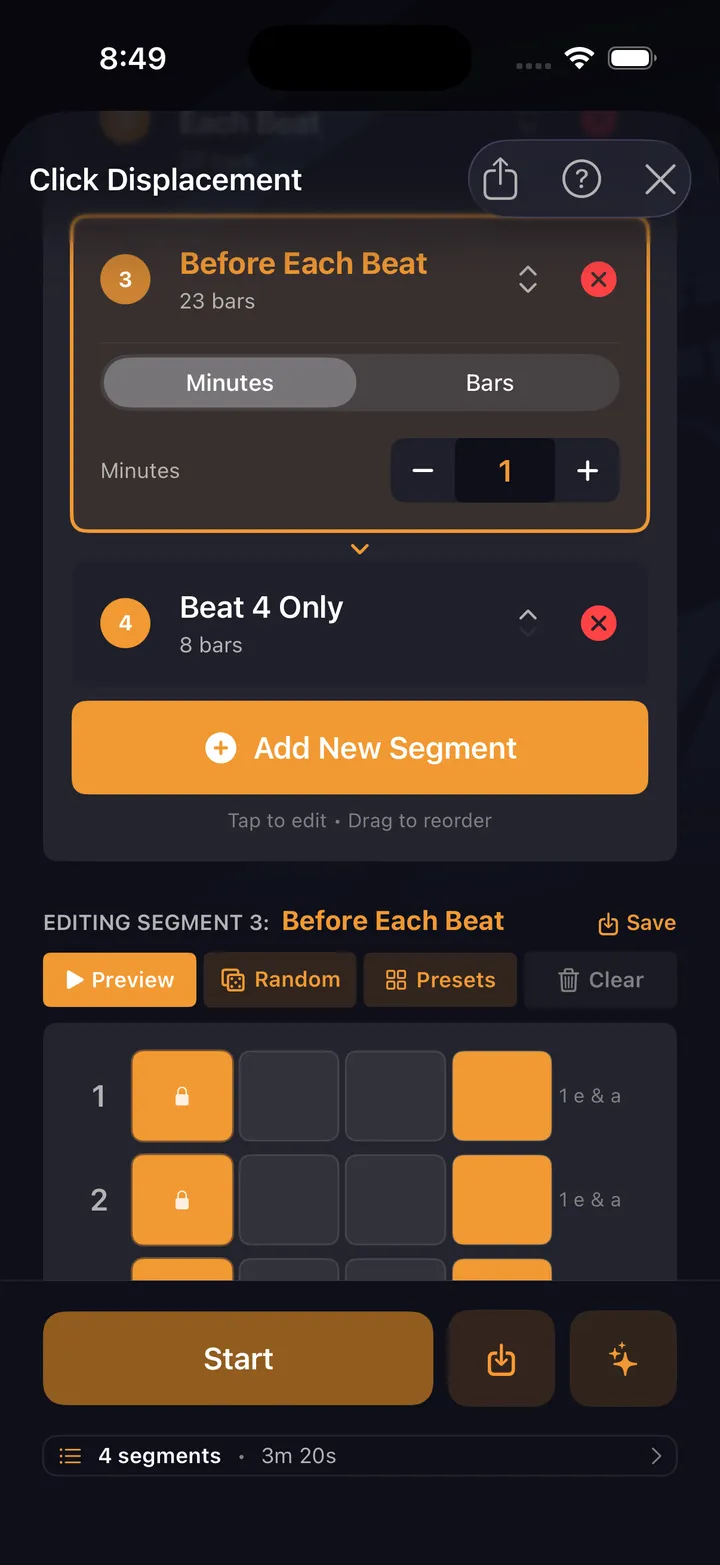
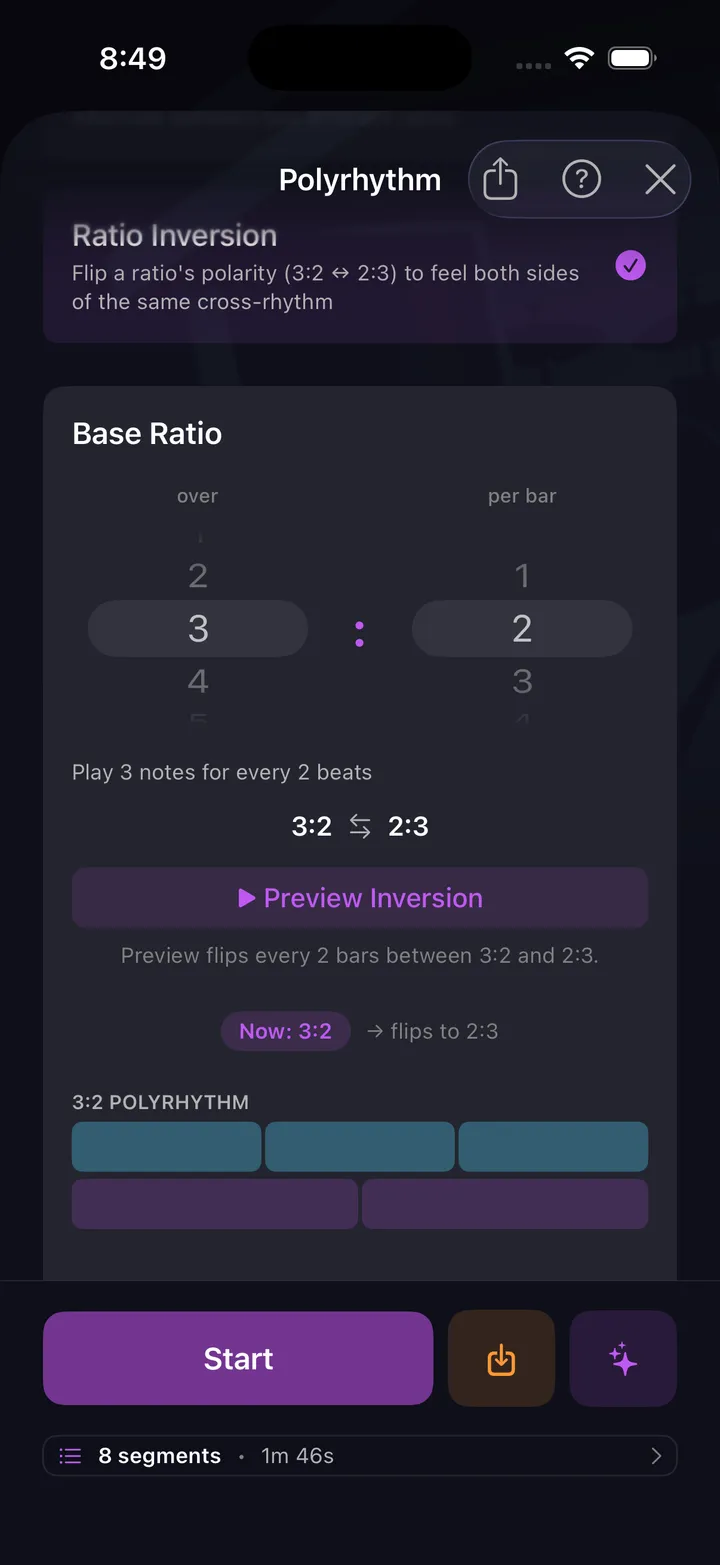
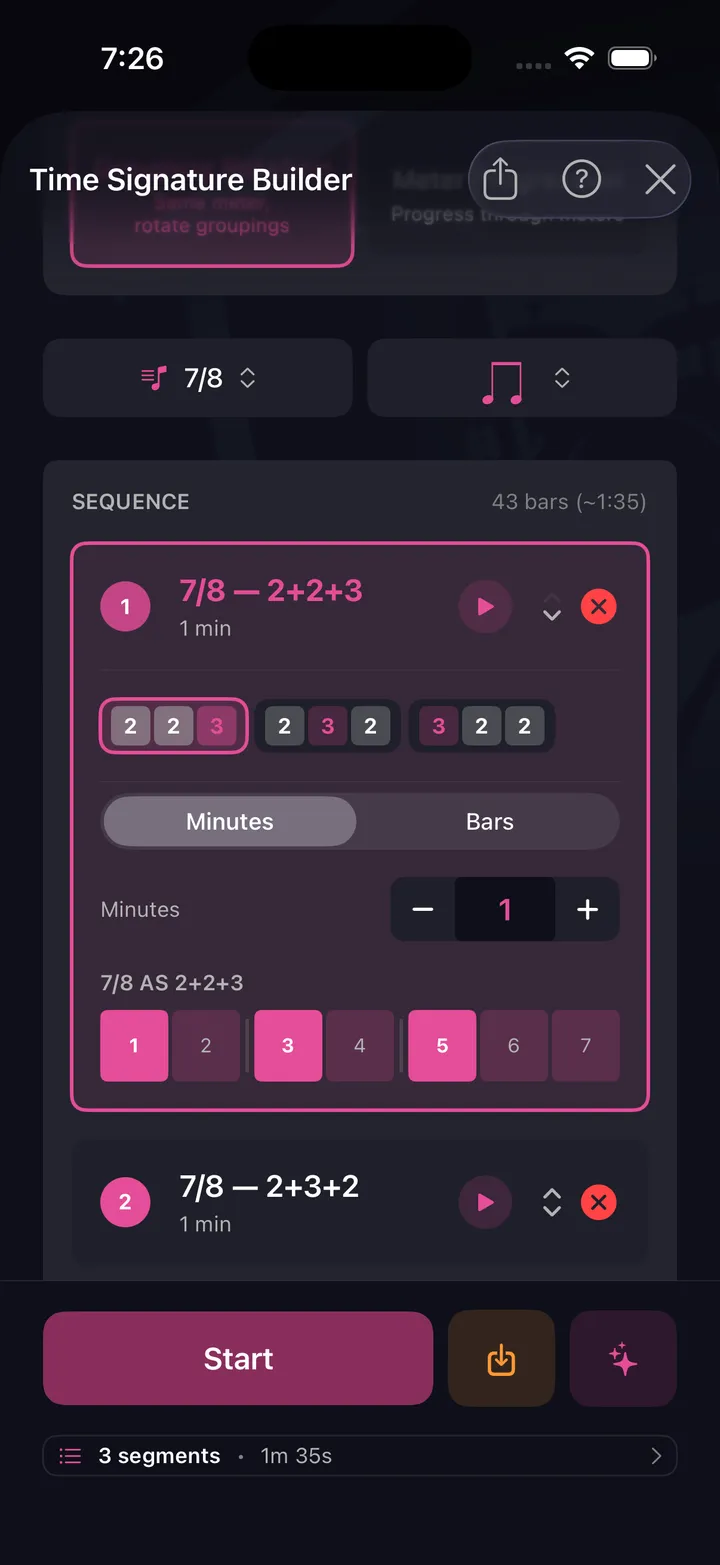
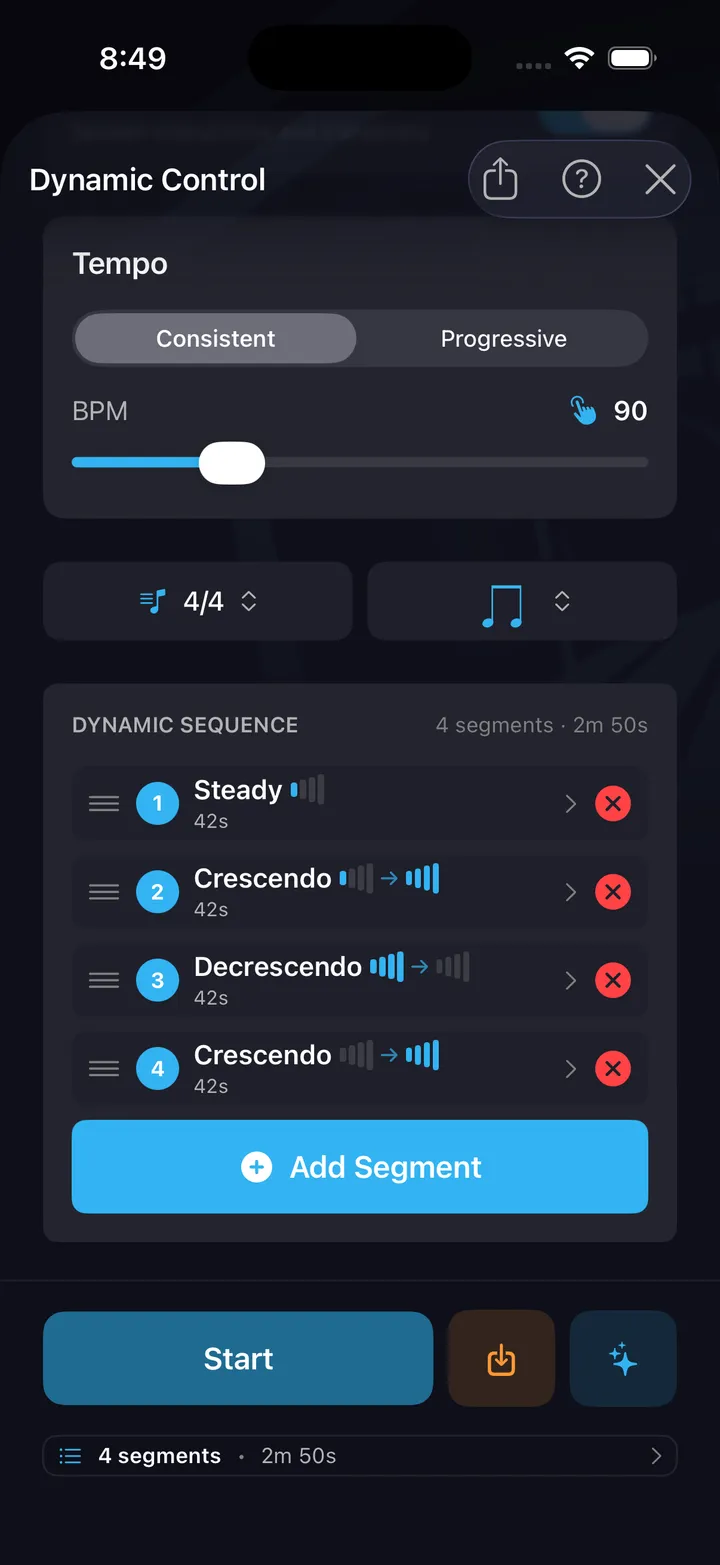
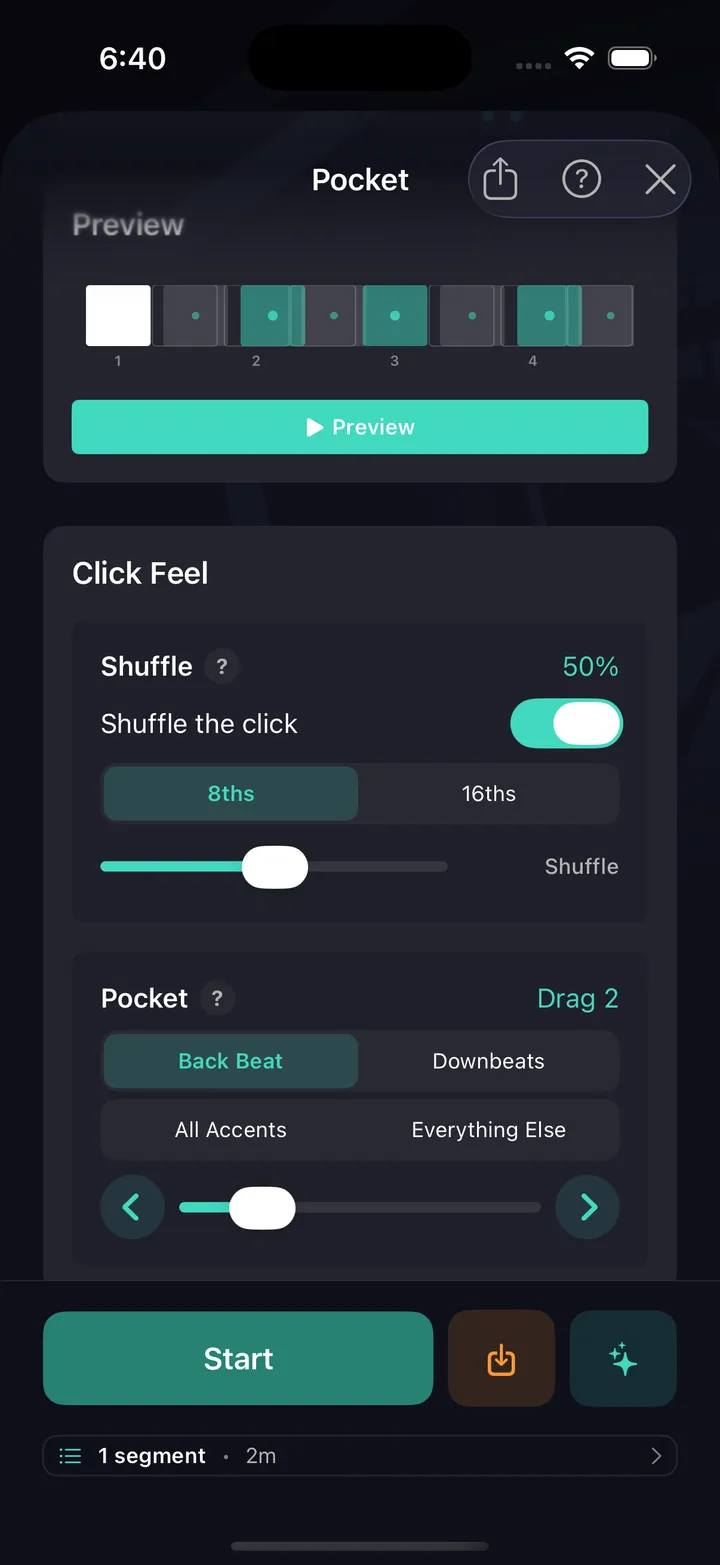
All ten are free — no card, not a timed trial. See every drill explained.
Every drummer needs
a home base.
Your first 30 days starts the moment you press play.