Build tasteful grooves.
Play for the song.
The verse rides on the hat at a whisper, the bridge builds, the chorus opens up. DrumShed drills the dynamics and feel changes a worship set lives on.
Practice what worship demands
Feel transitions
Move from a straight eighth verse into a half-time chorus and back, on cue, without dropping the pulse.
Dynamic control
Play at whisper volume for verses, build through the bridge, and open up for the chorus. All on cue.
Ghost notes
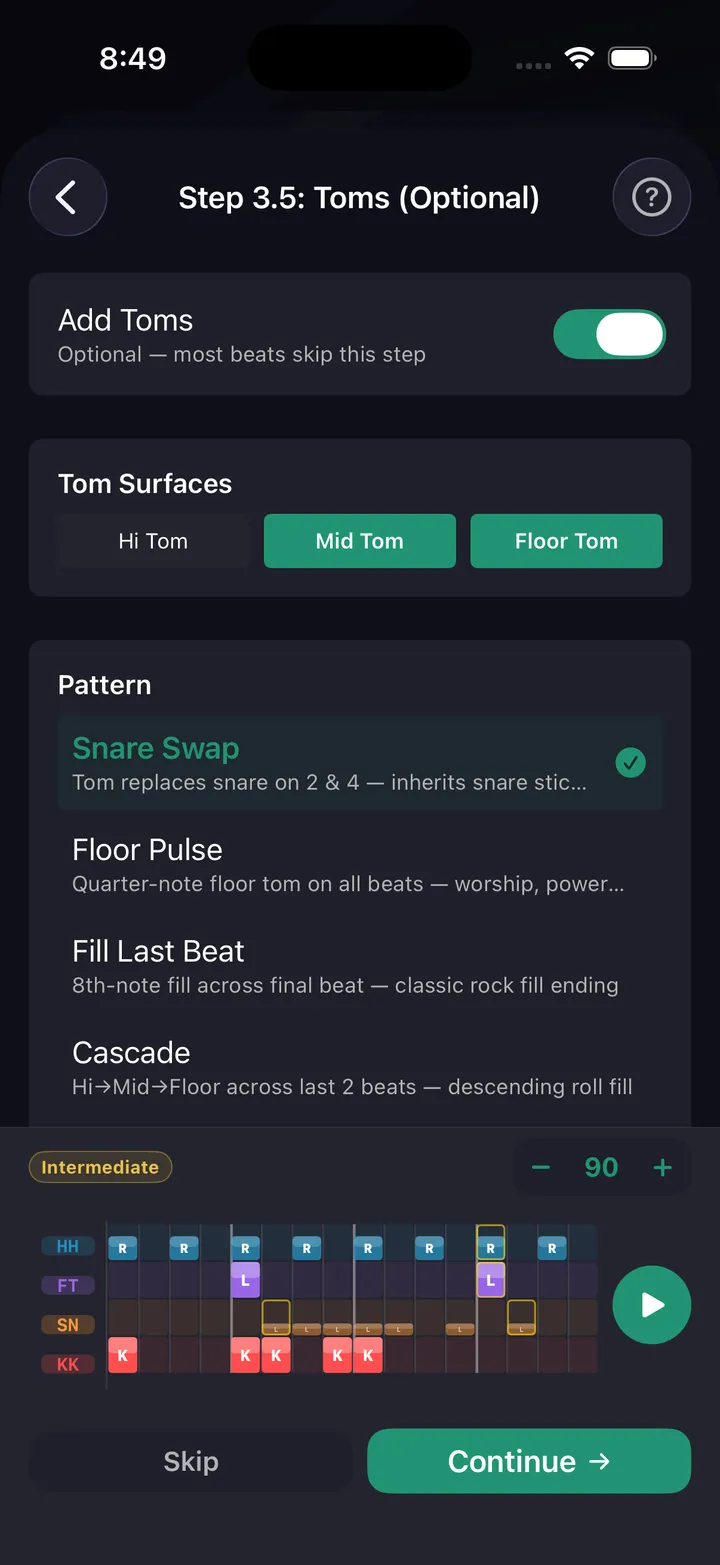
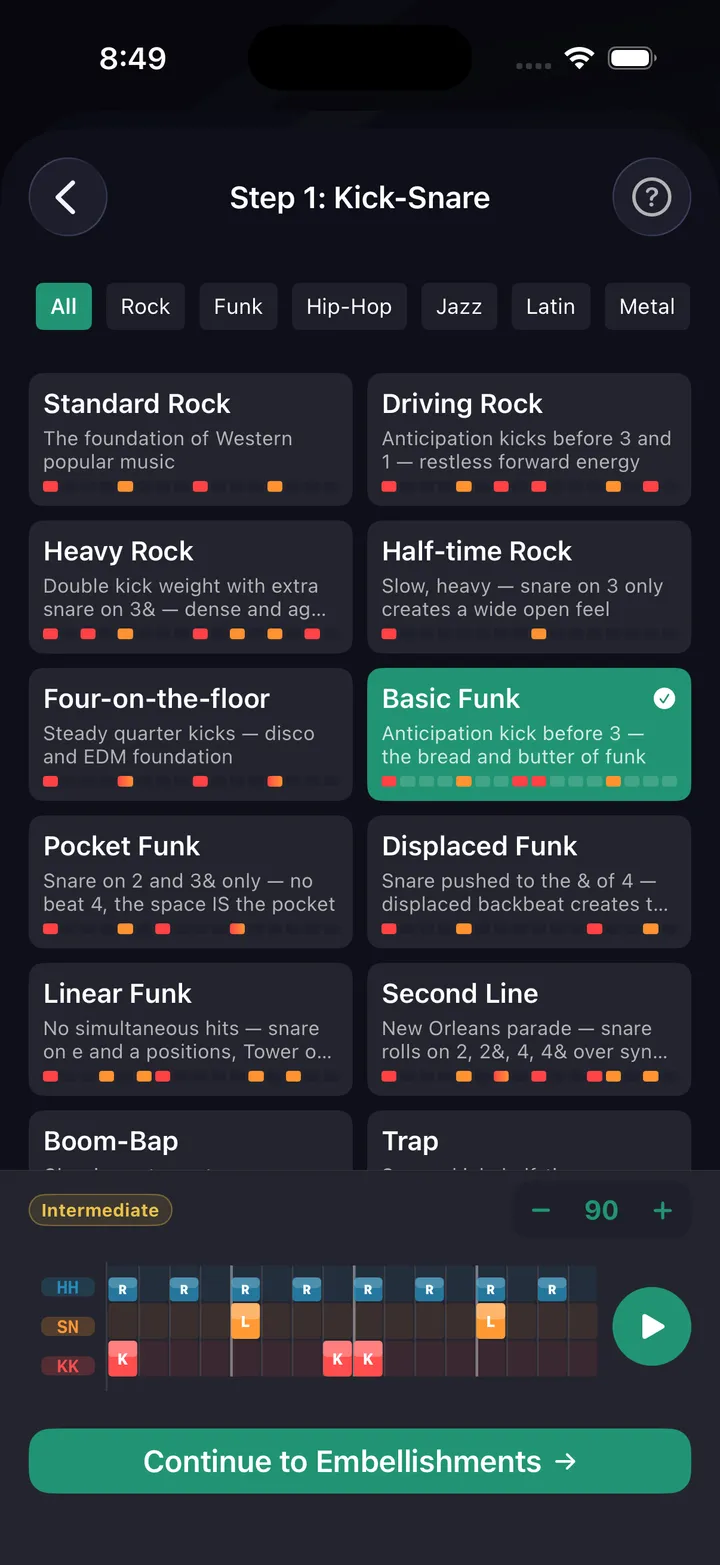
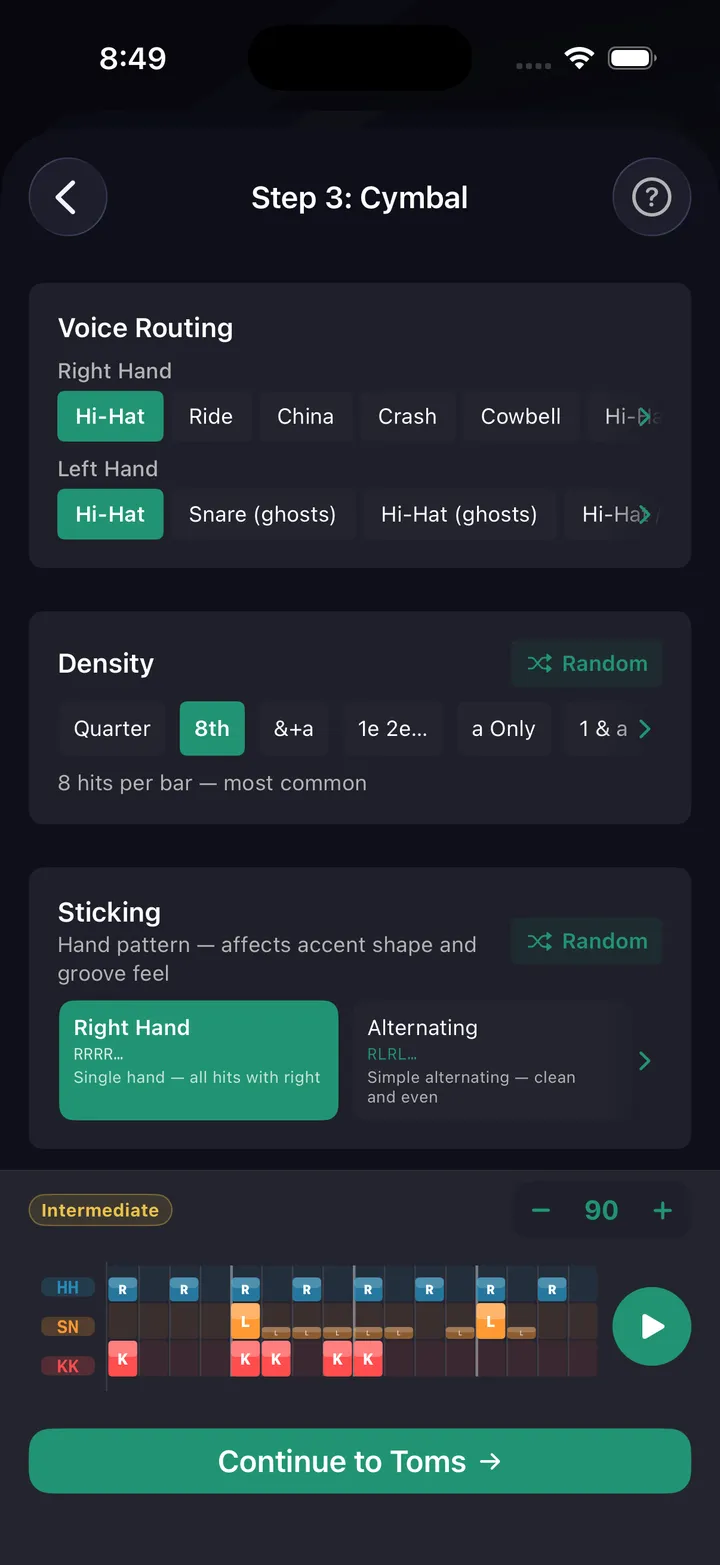
Build grooves with tasteful ghost notes using the beat builder. Route them to specific drums for natural feel.
Worship presets
Beat builder includes worship genre presets. Start from common worship patterns and customize.
Play along to music
Put worship tracks from Apple Music between drills in a session (iOS, with your own Apple Music subscription).
Set list practice
Build sessions that mirror a set list. Practice transitions between songs with appropriate feel changes.
Sunday runs on the click
Most worship sets run to a click and tracks in your in-ears, so burying the click is the baseline skill. DrumShed's metronome gives you 19 click sounds, count-in, and independent click subdivisions — find the click that sits like the one in your Sunday mix and practice against it all week.
Then build Sunday's set as a session: one segment per song, each with its own tempo and time signature. Voice cues call out the next segment and its tempo, so you run the whole set hands-free — the same way you'll play it, transition to transition.
Practice this in DrumShed
Free on the App Store & Google Play
Every drummer needs
a home base.
Serve the song, every time.