Name a drill. Any drill.
If you can describe it, you can build it.
Your teacher's displacement exercise. That 5-over-4 thing from a clinic. Ghost-note doubles at a tempo that scares you. Ten drill engines with every parameter exposed — configure exactly the exercise you need, run it hands-free, save it, and schedule it into a practice path.
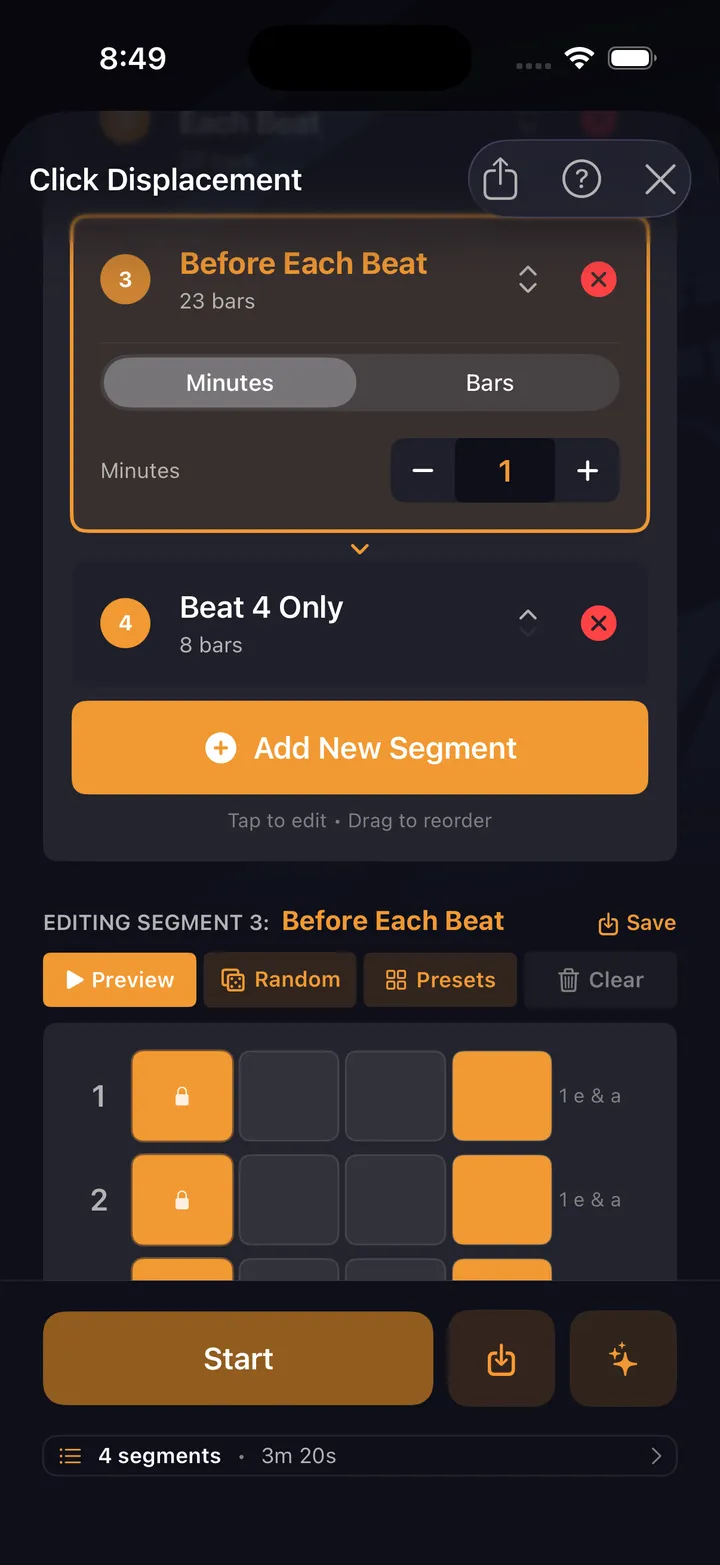
Then the important part: run it hands-free, save it, stack it into a session, and schedule it into a path. Your practice — not a preset list.
Every knob exposed
Ten drill engines
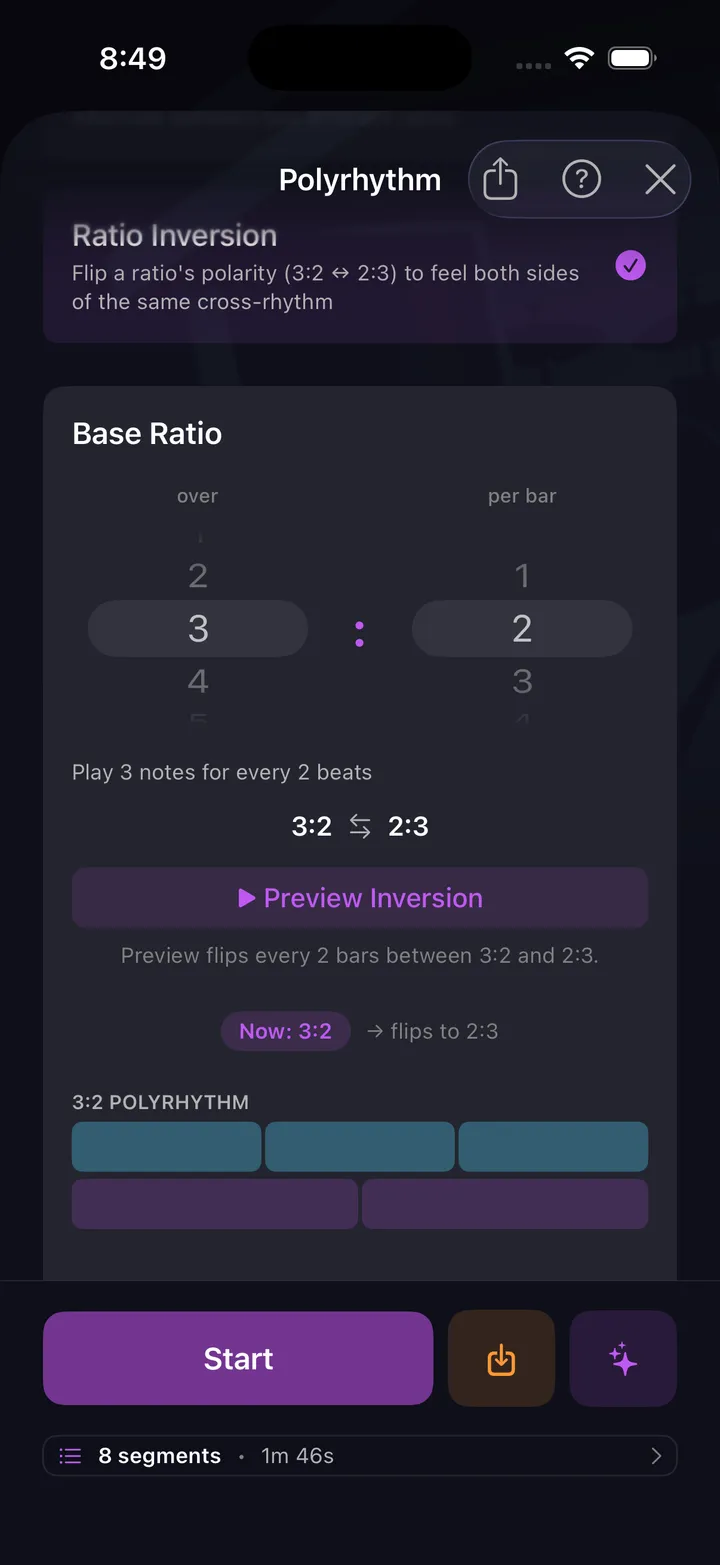
Click displacement, polyrhythm, pocket, dynamics, accents, feel transitions, tempo builder, internal clock, time signatures, and the metronome itself — each one a configurable engine, not a canned exercise.
Any meter, any grid
Odd meters included, with mixed subdivisions per beat — even triplets on one half of a beat and 16ths on the other. If the exercise lives on a grid, the grid bends to it.
Feel is a parameter too
Swing and pocket per voice, shuffle in the click itself, accents and ghost notes anywhere. Drill the feel, not just the notes.
Hands-free from start to finish
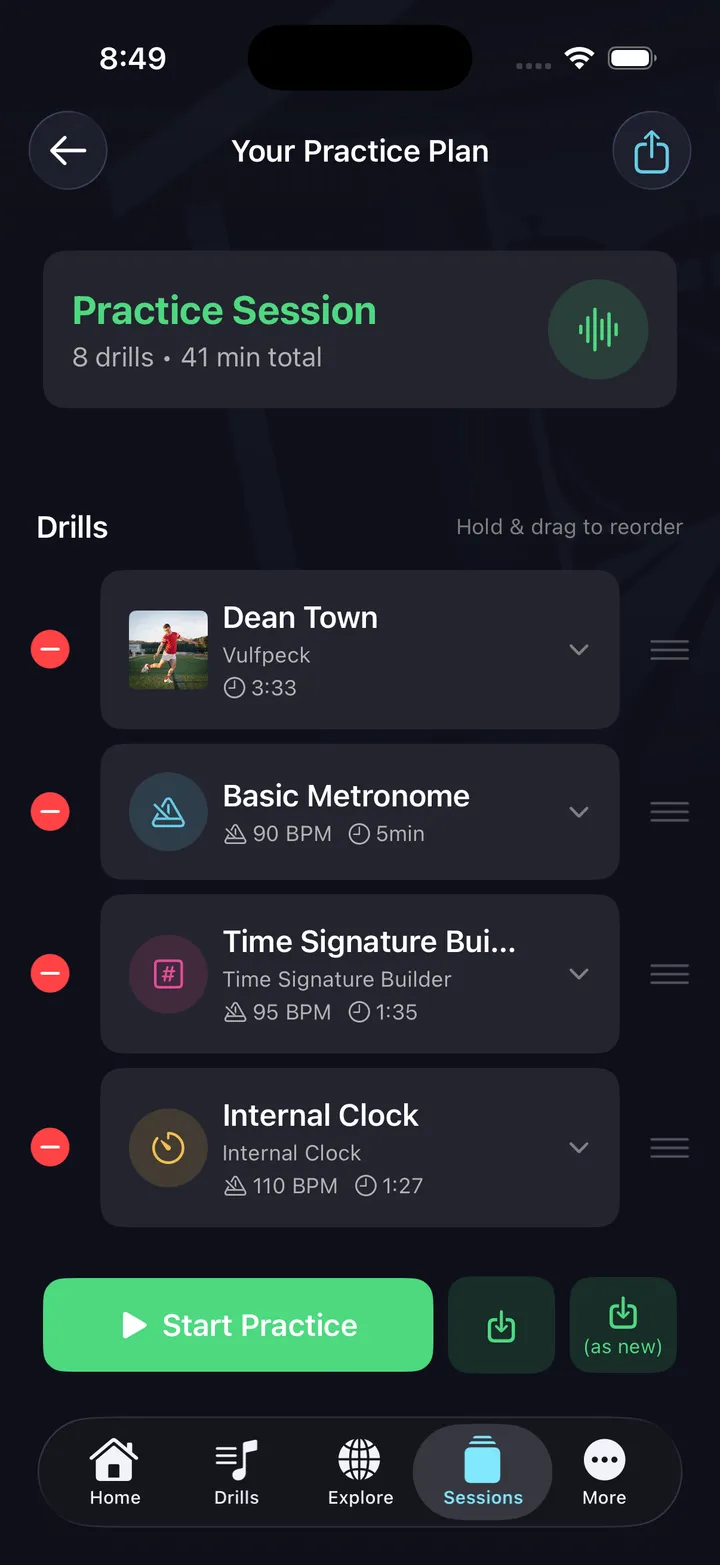
Stack drills into a session with tempos and durations, hit start, and voice cues announce every transition. Sticks stay in your hands.
Save it, reuse it, share it
Every drill config you build lands in your library — organize them into collections, replay them any time, or share with a link.
Schedule it into a path
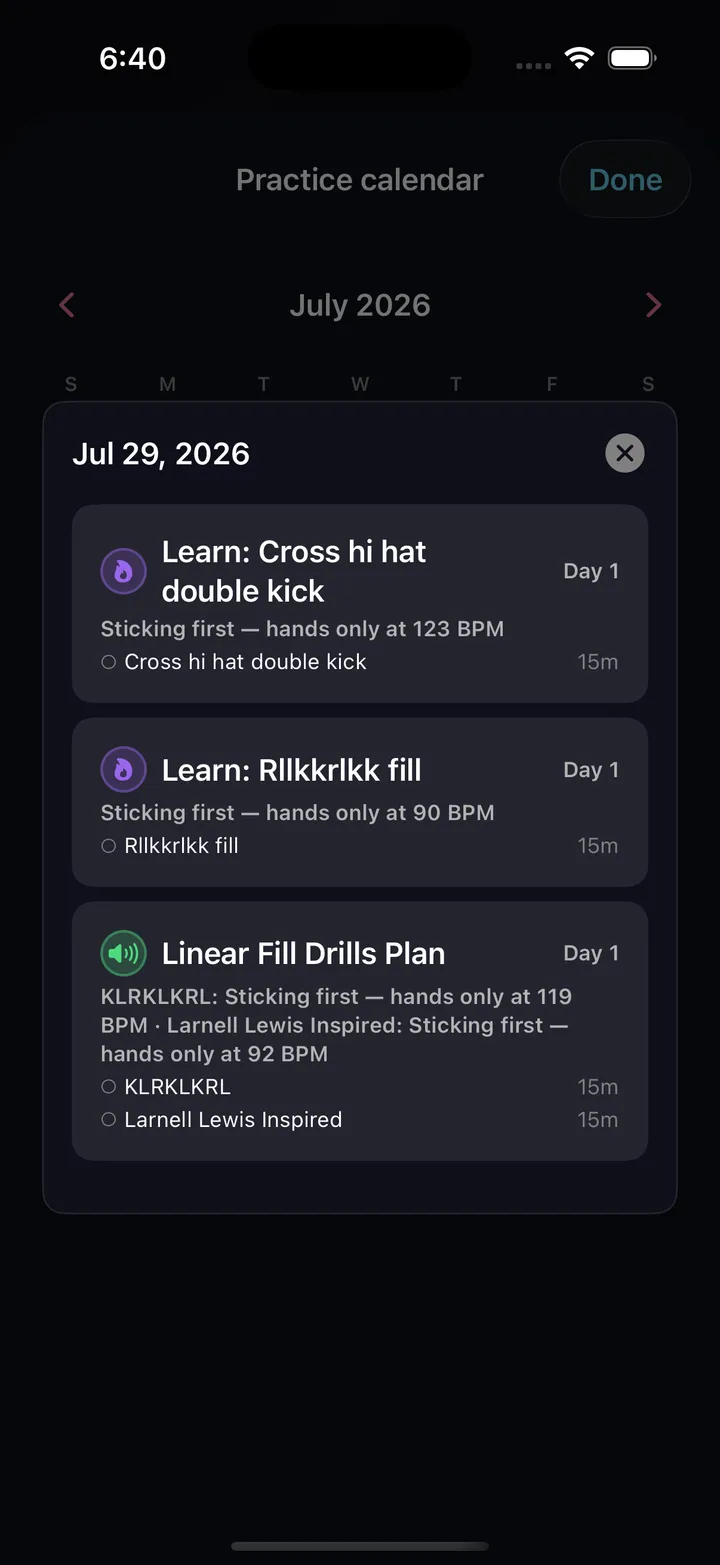
Turn any drill into a multi-day plan: pick your practice days, set the tempo ramp, and follow a dated calendar until you've earned it.
Configure it. Run it. Schedule it.
Free on the App Store & Google Play
Ten drill engines to build on
Every one is configurable end to end — meter, subdivision, accents, dynamics, duration, down to the click itself.
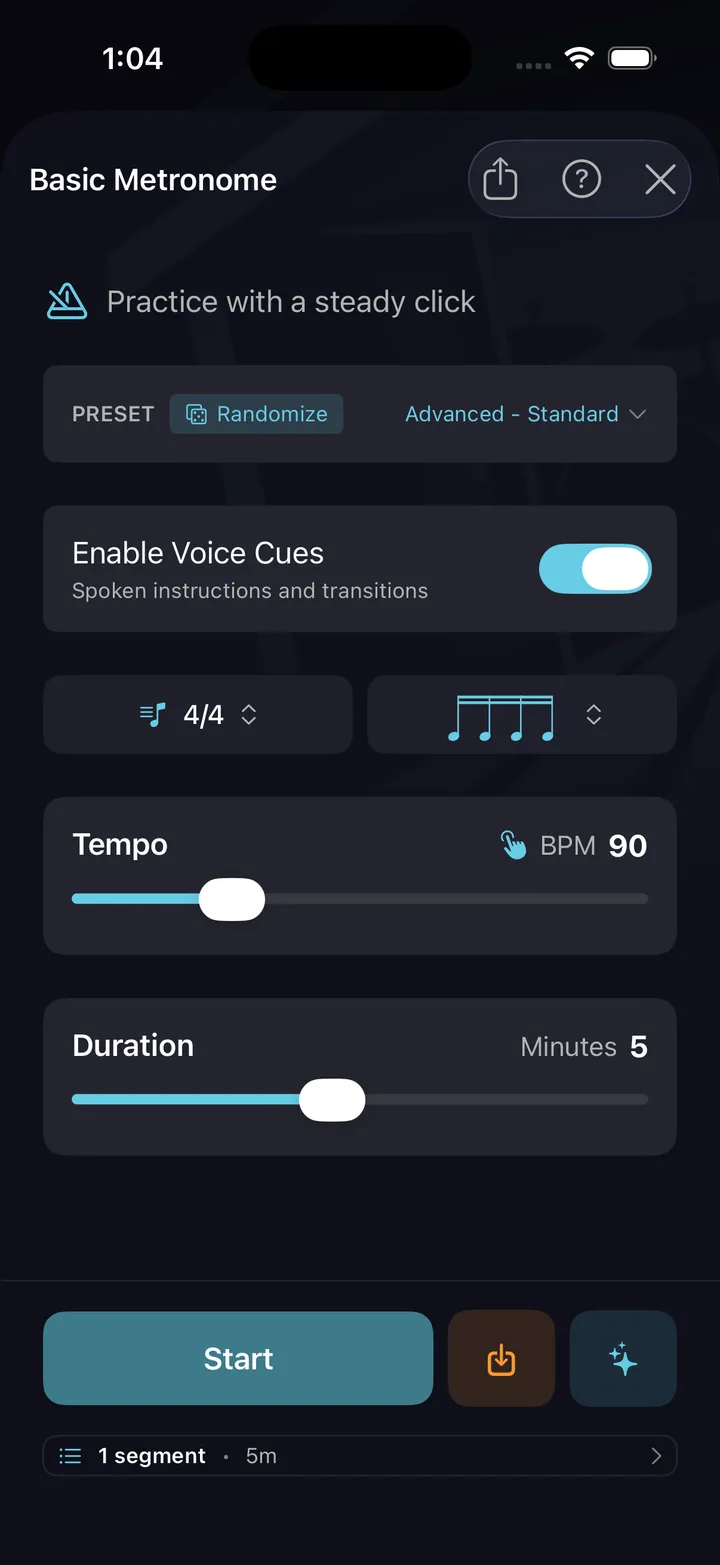
The foundation. A clean click with subdivision control, for as long as you set it.
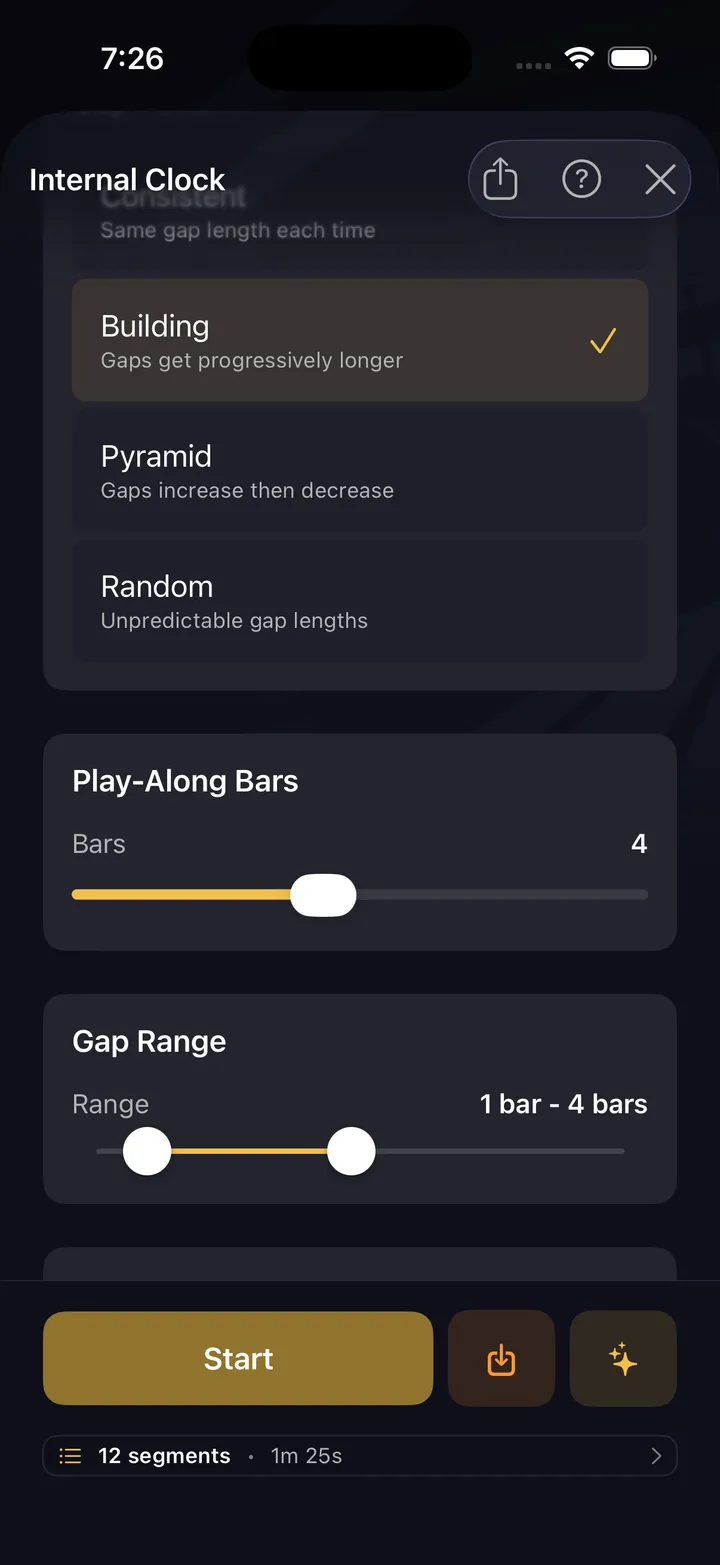
The metronome drops out for bars at a time. You keep playing. It comes back — were you still in time?
The click shifts off the downbeat — to the &, e, or a. Forces you to feel the pulse, not just follow it.
Two independent rhythms stacked. Eight preset ratios like 3:2, 4:3, 5:4 — or dial in anything from 1–16 against 1–16.
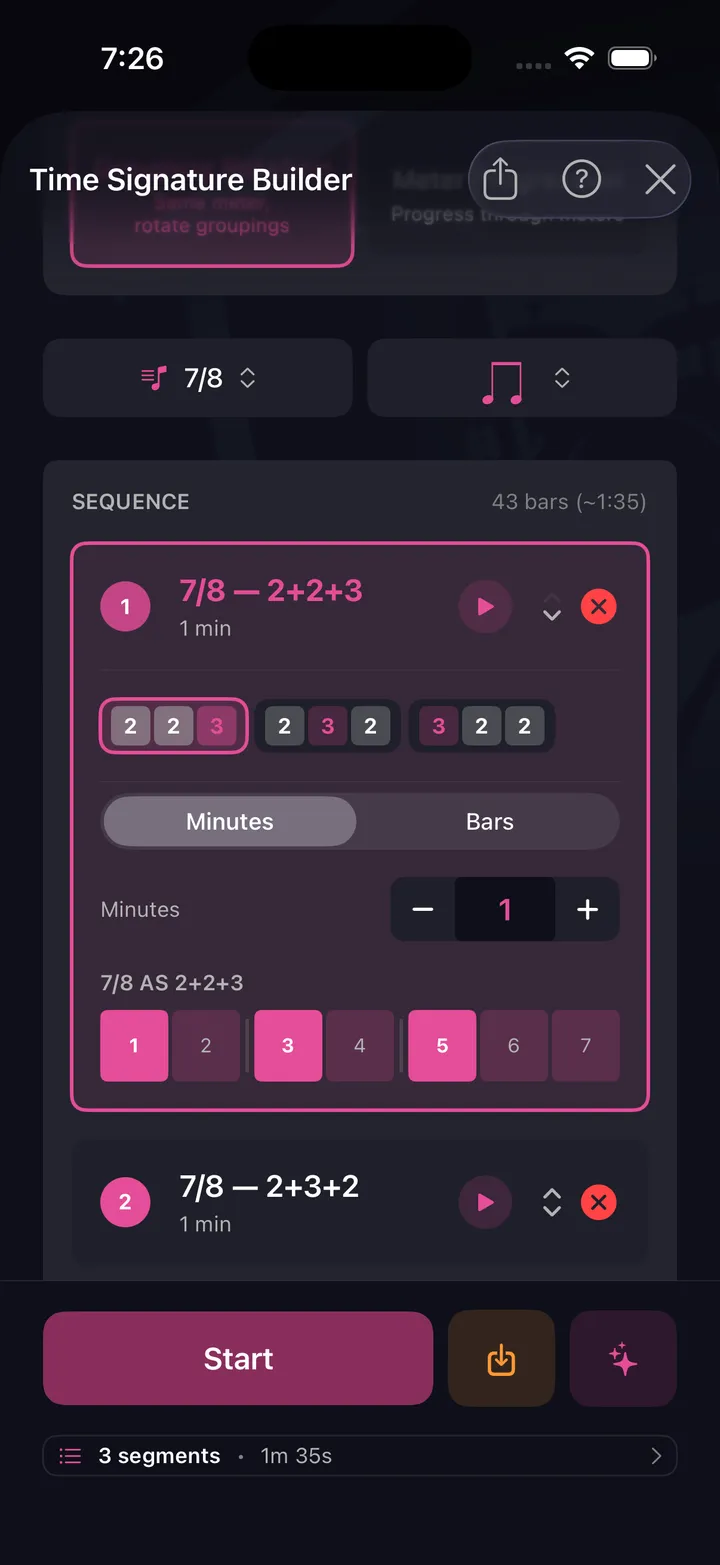
Odd meters up to 13/8 — 5/4, 7/8, 9/8, 11/8 — with your own 2s-and-3s groupings.
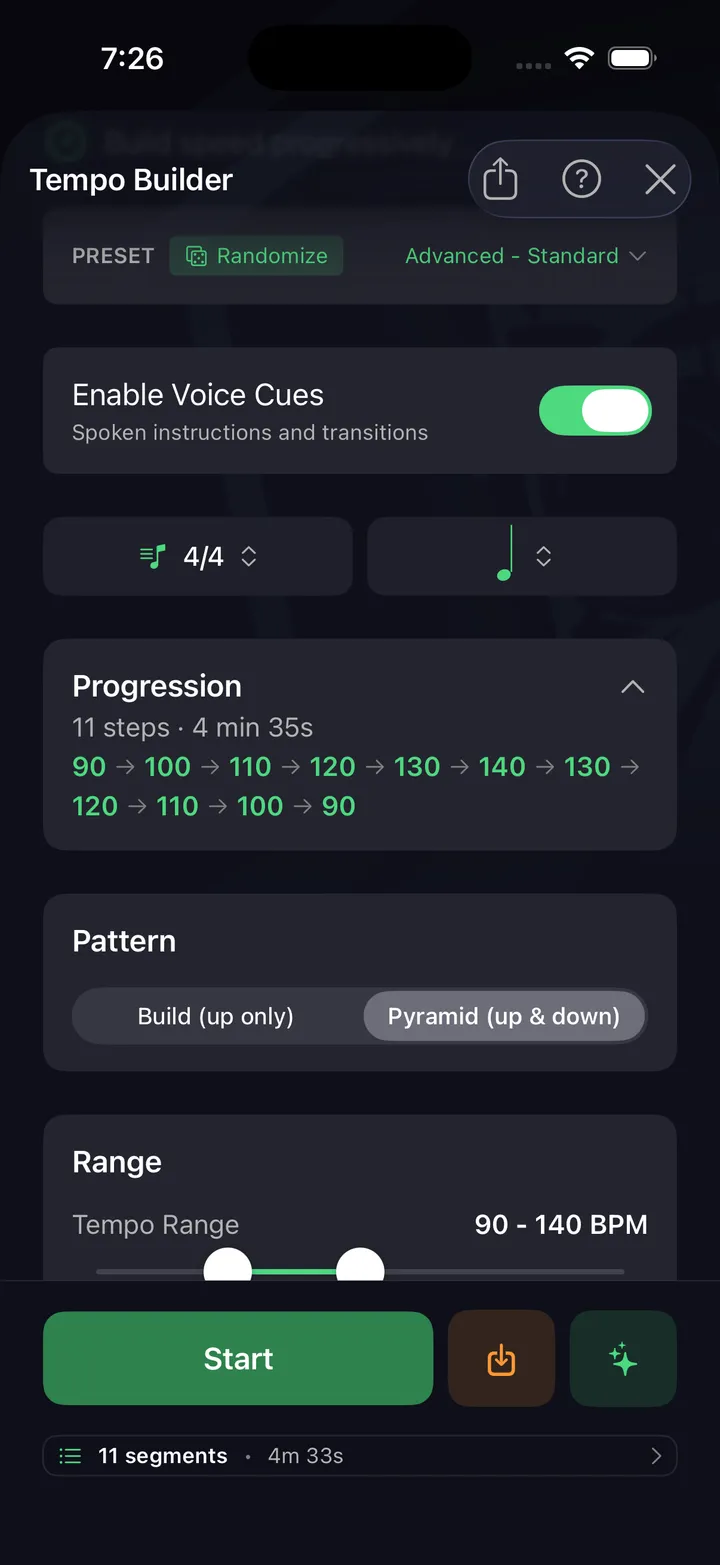
Start slow, end fast. Automatic tempo ramps with configurable increments and target BPM.
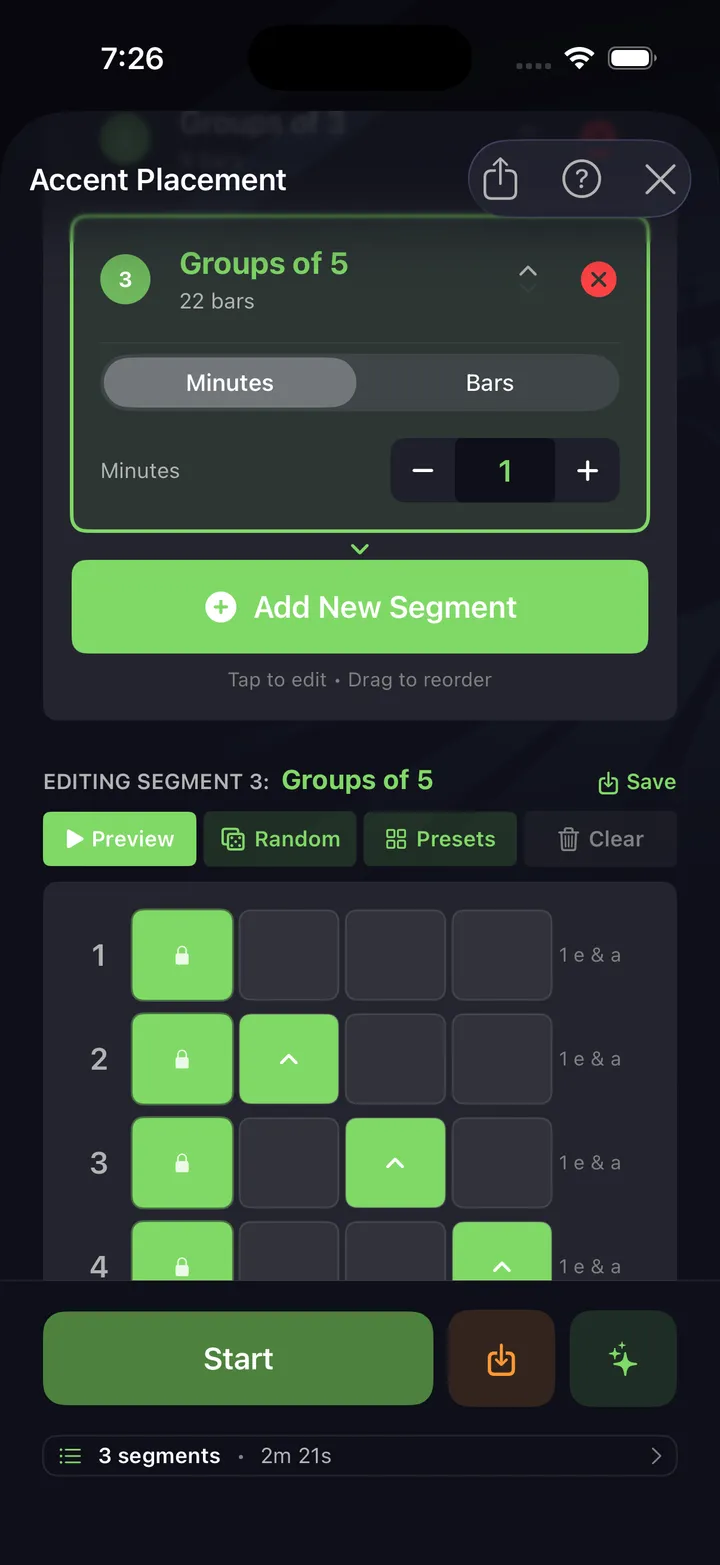
Practice placing accents on specific beats and subdivisions. Essential for musicality.
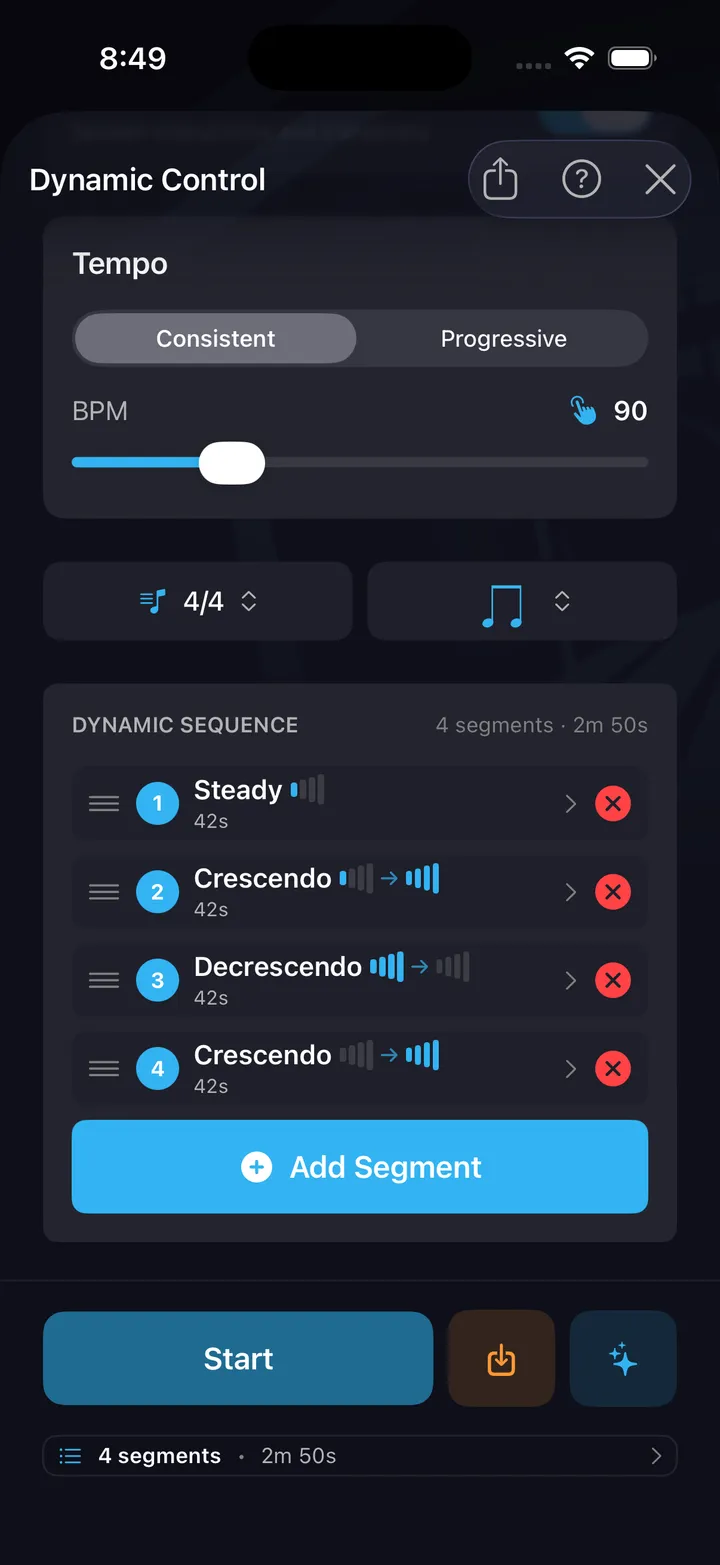
Play at different volume levels on cue. Build control over your dynamic range.
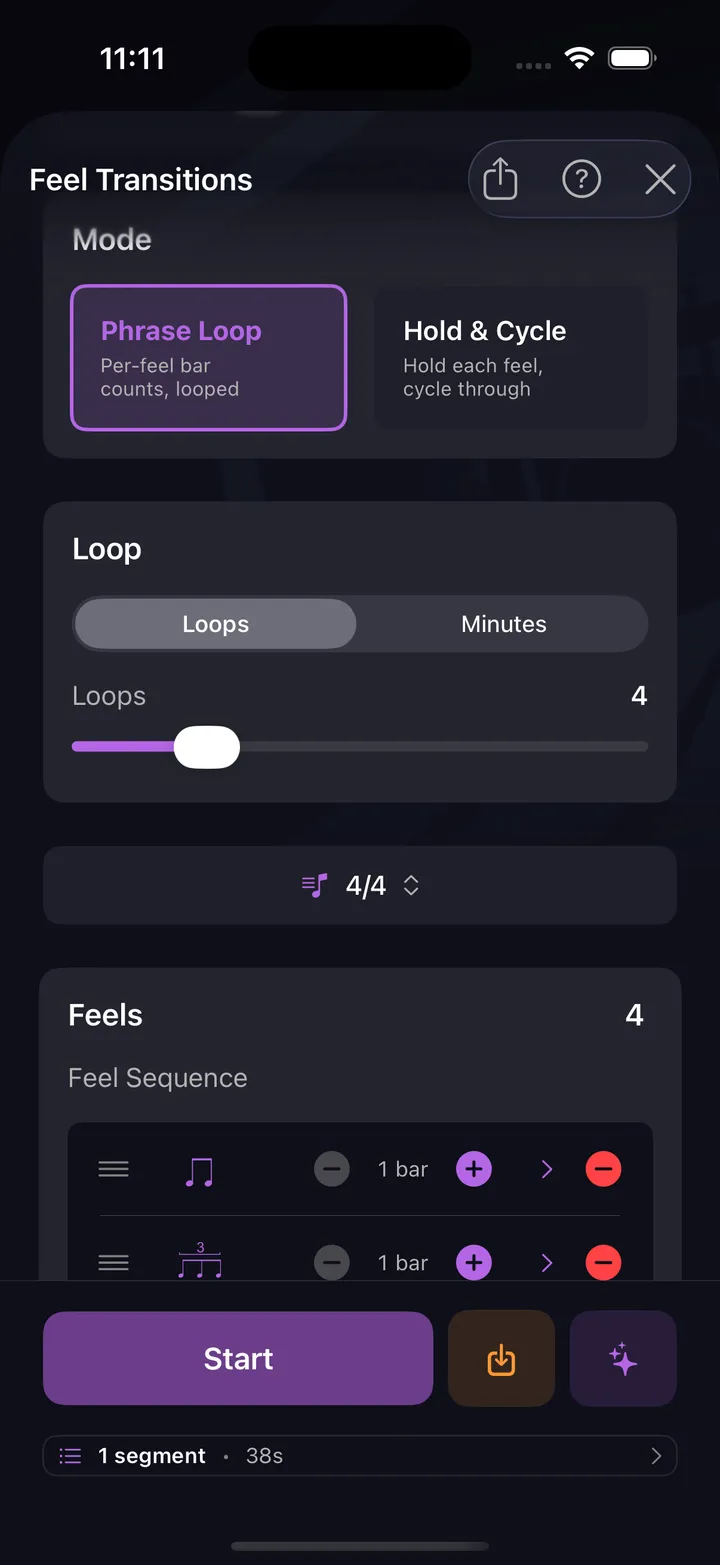
Switch between straight, swing, and shuffle feels mid-drill. Master the transitions that trip up most drummers.
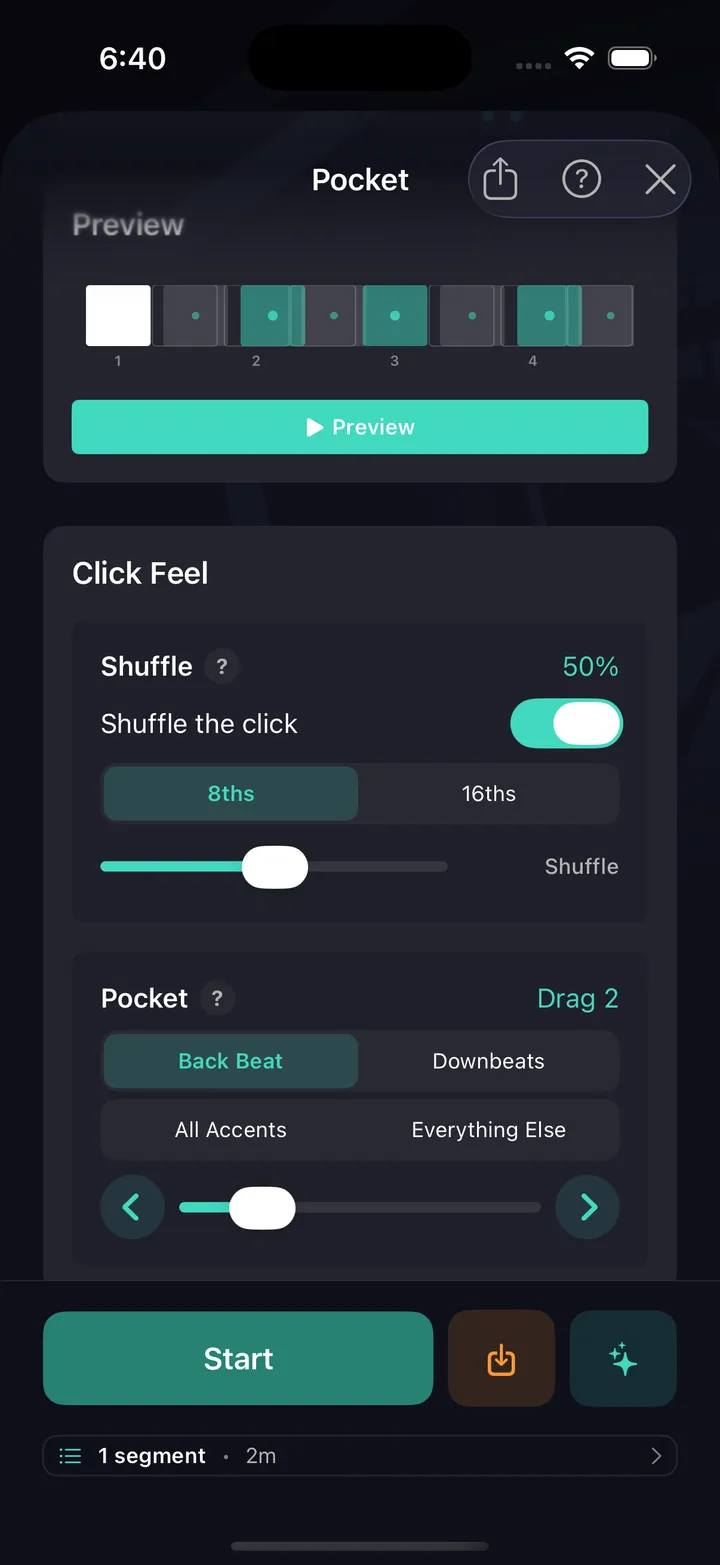
The click drags or rushes the backbeat — or everything around an anchored back beat — in discrete steps. Sit against a click that grooves instead of one that sits dead on the grid.
All ten are free — no card, not a timed trial.
Every drummer needs
a home base.
Your practice, not a preset list. Build the drill.