Built for iPhone.
Optimized for iPad.
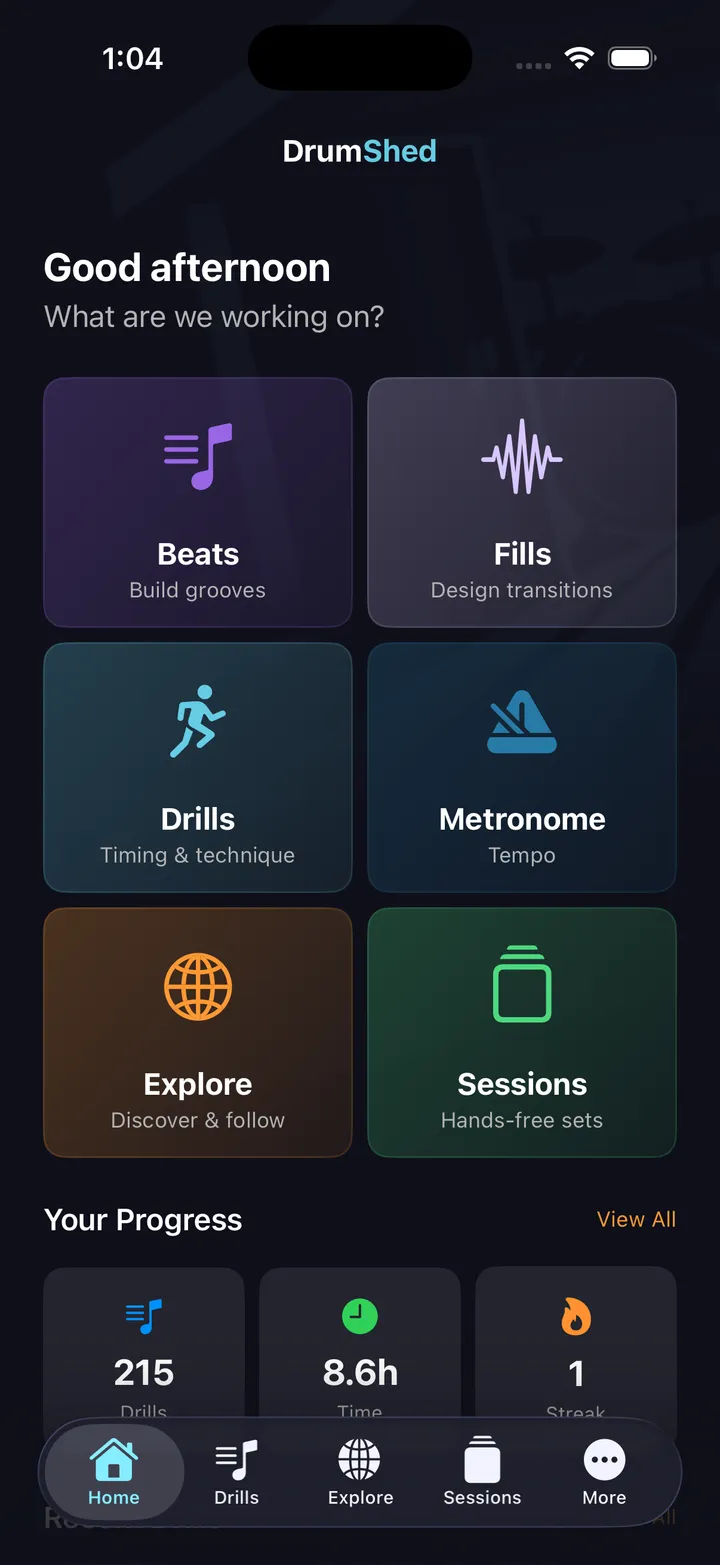
A native iOS app built for how drummers actually practice. iPhone in your pocket for a quick run-through; iPad on the music stand with the full grid in landscape.
Native iOS, not a web wrapper
DrumShed is built with SwiftUI for iOS. That means real performance, native animations, smooth scrolling, and full integration with iOS features like Apple Music, haptics, and system audio.
On Android too: the Android app ships with full parity — every drill, builder, and feature including video export — as a native app on Google Play. This page covers the iPhone and iPad experience.
iPhone optimized
Every screen is designed for one-handed use. Tap to configure drills, swipe between views, and start practice sessions without fumbling.
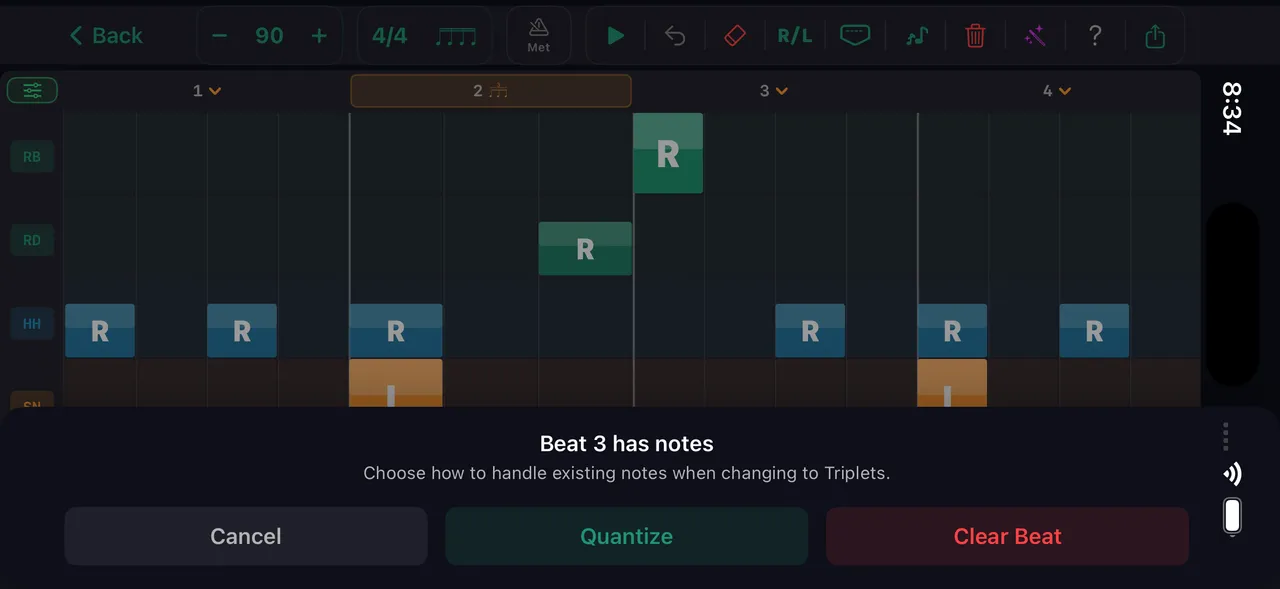
iPad landscape grid
The grid view fills the iPad in landscape — every voice, every subdivision, every sticking label visible without scrolling.
Apple Music integration
Add songs from your Apple Music library directly into practice sessions. Play along to real music between drill segments.
Low-latency audio
Native audio engine means precise click timing and responsive playback. No web audio lag, no Bluetooth delay compensation hacks.
iPad sidebar navigation
On iPad, the full navigation sidebar stays visible. Jump between Drills, Sessions, Explore, and More without leaving your current view.
Native share sheet
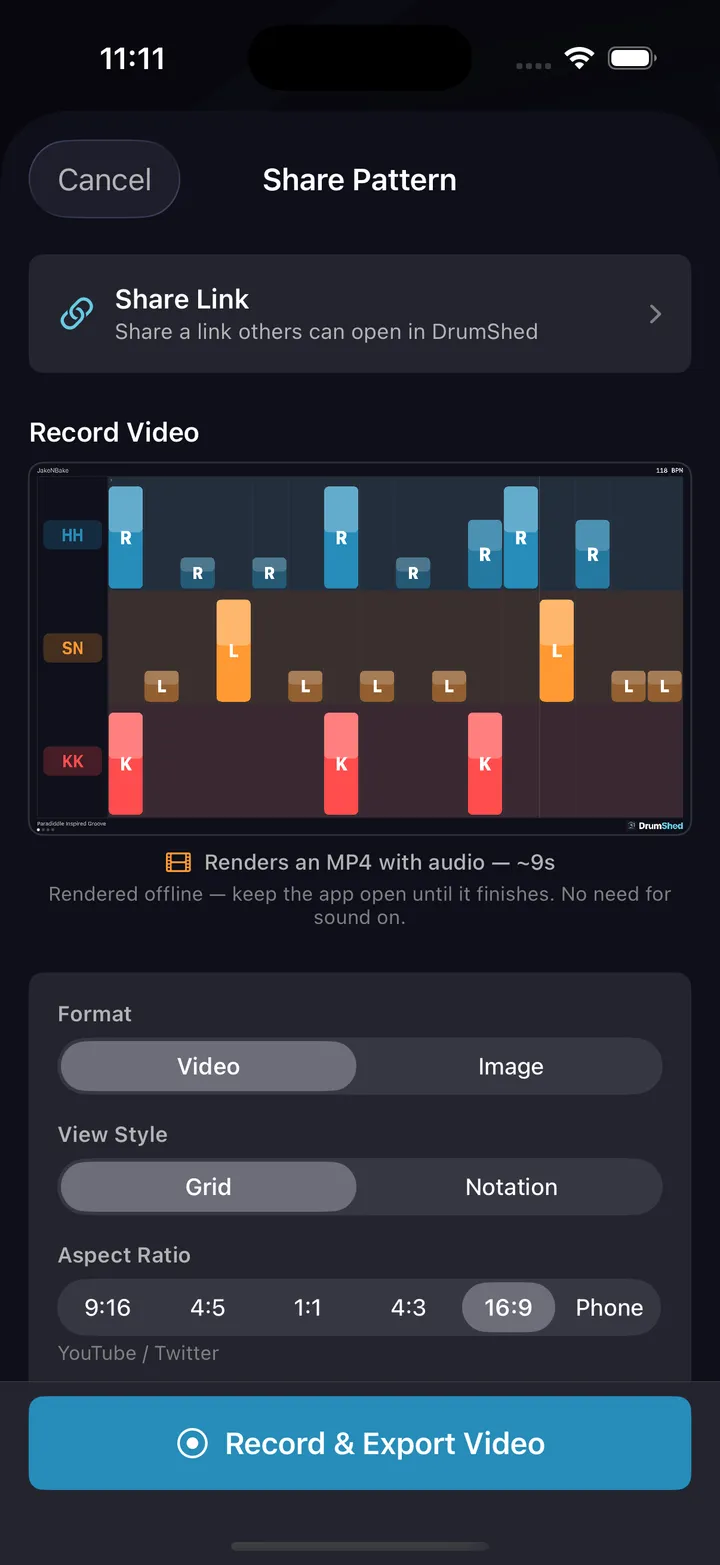
Share patterns via the iOS share sheet. Export video and notation images directly to Photos, Files, Messages, or any app.
iPad: the practice station
Prop your iPad on a music stand and practice with the full grid visible. Landscape mode shows more voices and more subdivisions than any phone screen can.
Every feature on every device
10 timing drills
Ten engines, each isolating one timing problem — configurable end to end, and free. The full set is below.
Beat & fill builder
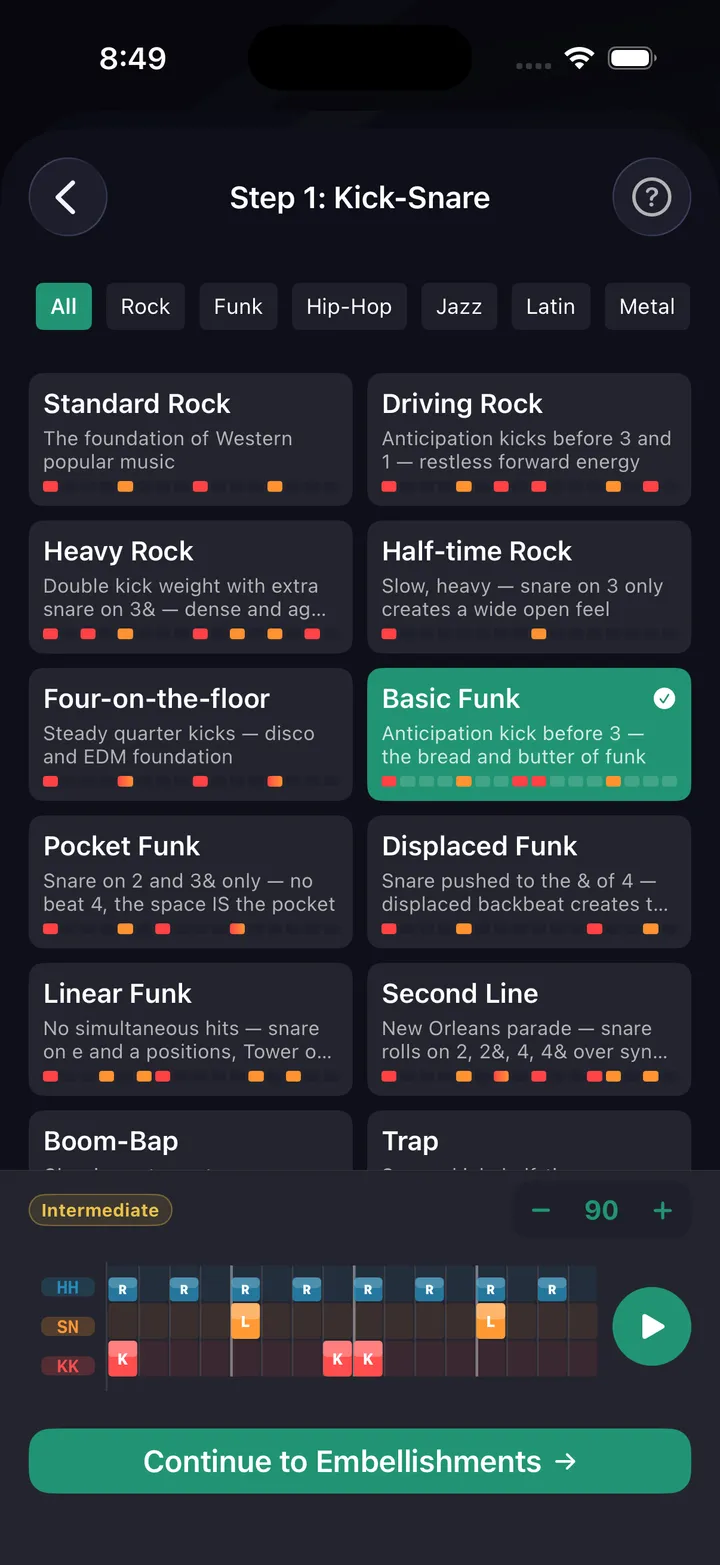
Guided wizards for building grooves and fills. 36+ curated beat presets, 45+ fill presets, genre filters, AI generation. Works identically on iPhone and iPad.
Pattern editor
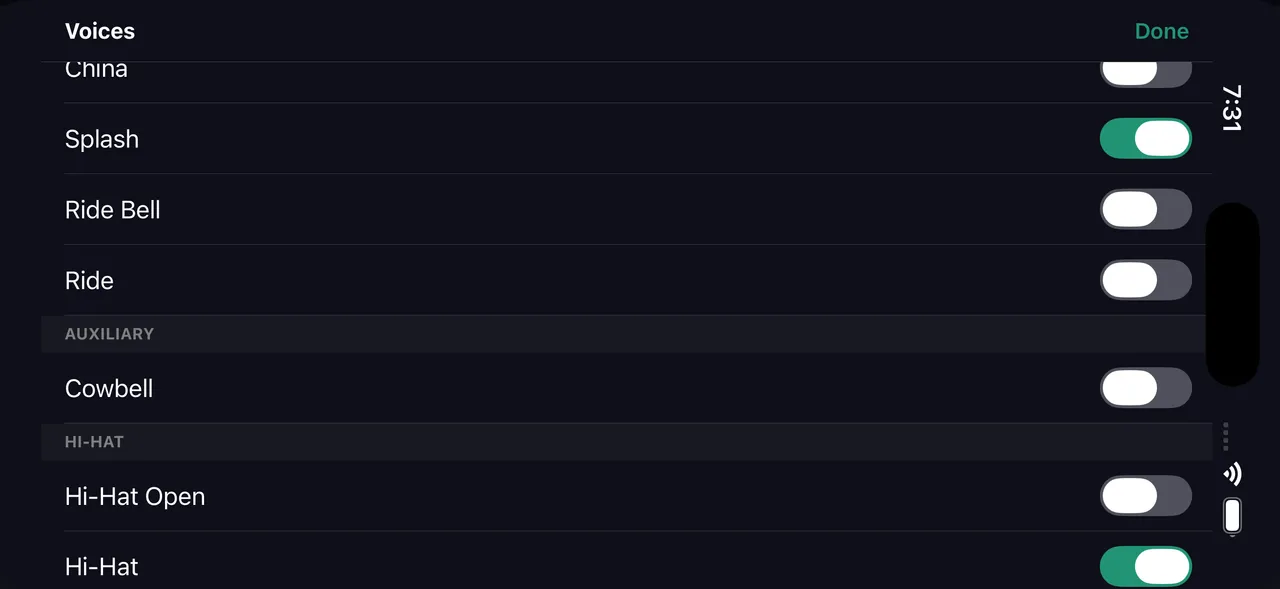
Full grid editor with per-beat subdivision, voice toggles, sticking mode, and physical warnings. Landscape on iPad shows the complete picture.
AI co-pilot (beta)
Describe grooves in English. The AI drafts beats, fills, and complete practice sessions. Conversational — iterate until it's right.
Hands-free sessions
Stack drills with Apple Music. Voice cues announce transitions. Start Practice and never touch the screen again.
Share & export
Export video with grid or notation view. Share links that open directly in DrumShed. Publish to the Explore community.
Requirements
iPhone
Requires iOS 17 or later. Works on iPhone XS and newer.
iPad
Requires iPadOS 17 or later. Full landscape support. Optimized for iPad Pro 13" with sidebar navigation.
Free tier
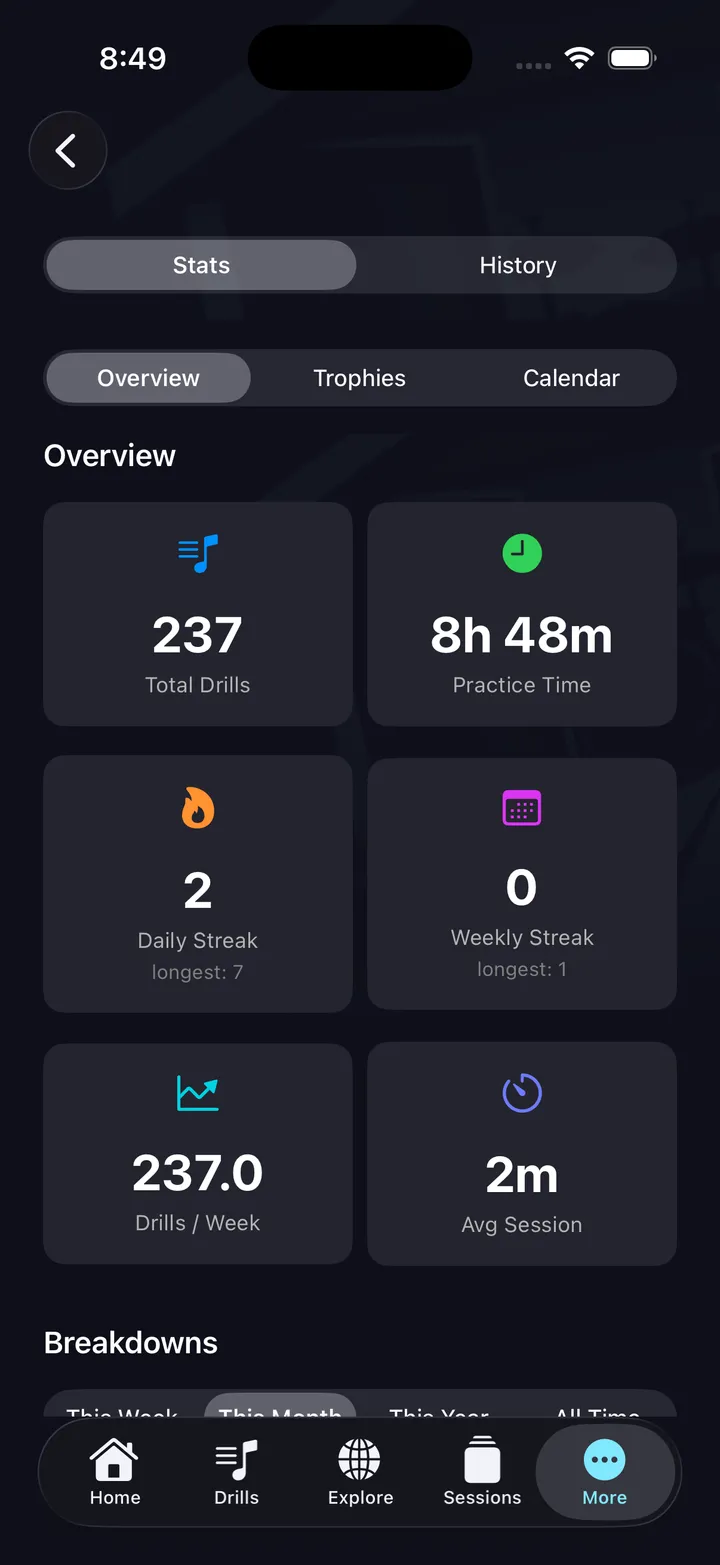
All 10 timing drills, hands-free sessions, and your practice history are free. No ads, not a timed trial. Upgrade when you want to build your own.
Offline capable
All drills, builders, and pattern playback work without an internet connection. Only AI generation and Explore require connectivity.
See it on iPhone
Free on the App Store & Google Play. All 10 timing drills are free.
The ten timing drills
A click tells you where the beat is. It will never tell you what to do about it — that is the part these ten add. Each aims the metronome at one specific weakness and drills it in reps, and every setting on these screens is yours to change.
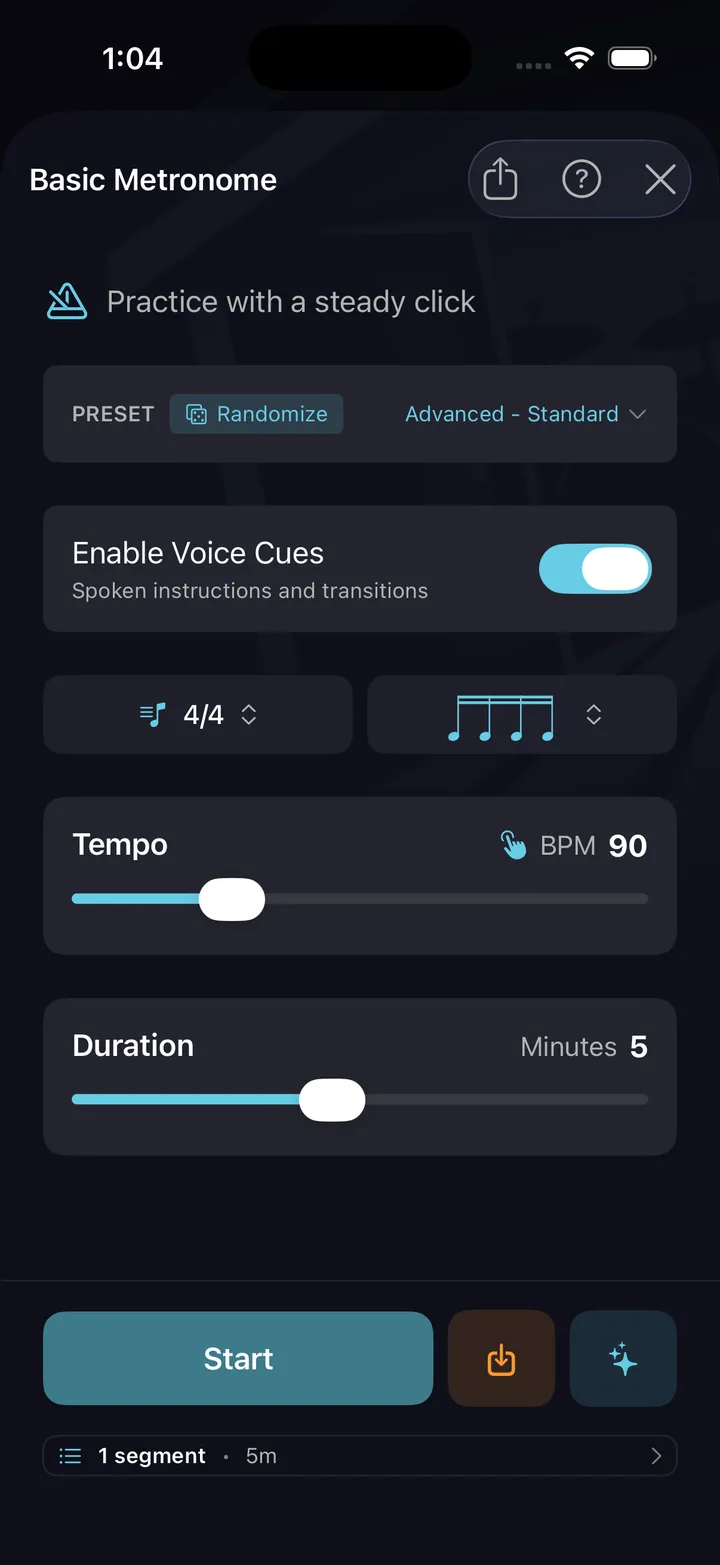
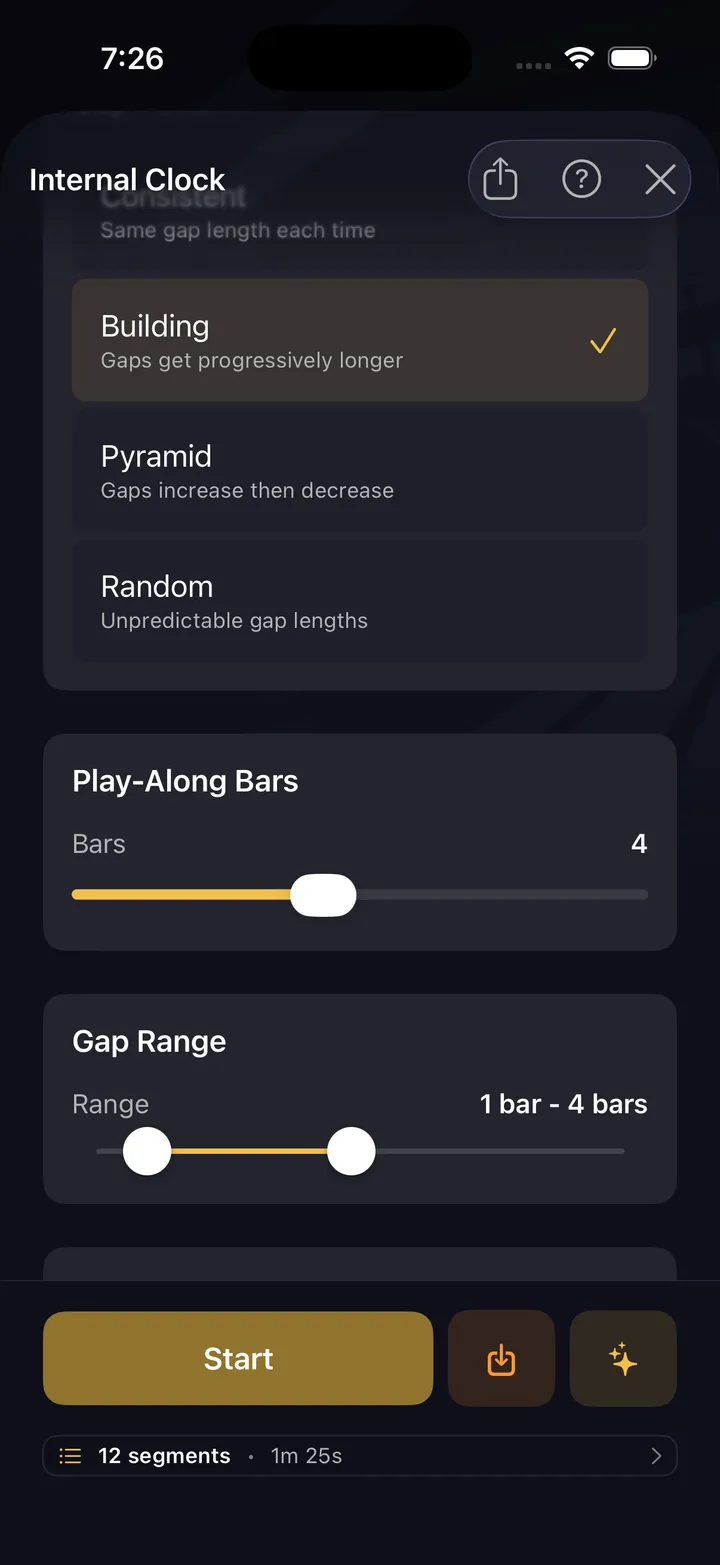
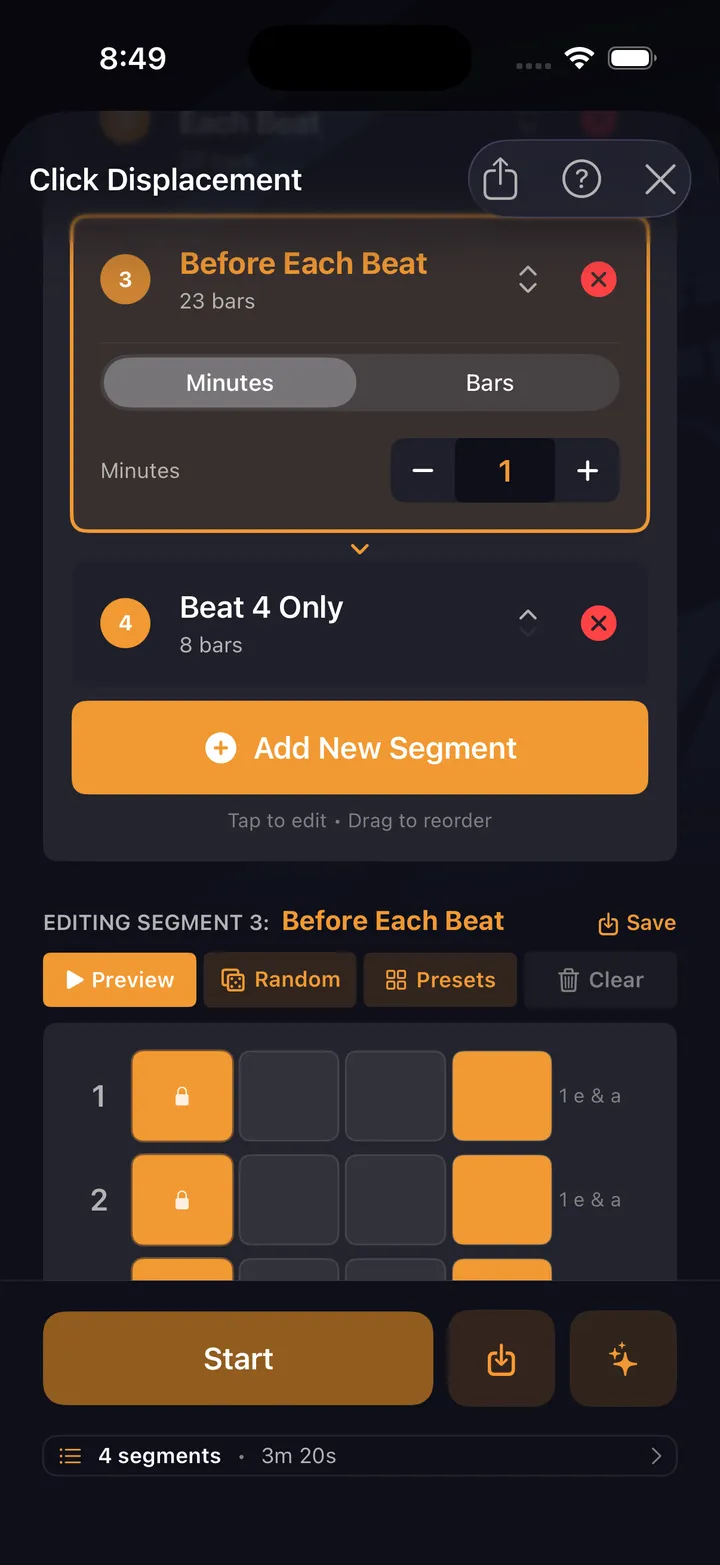
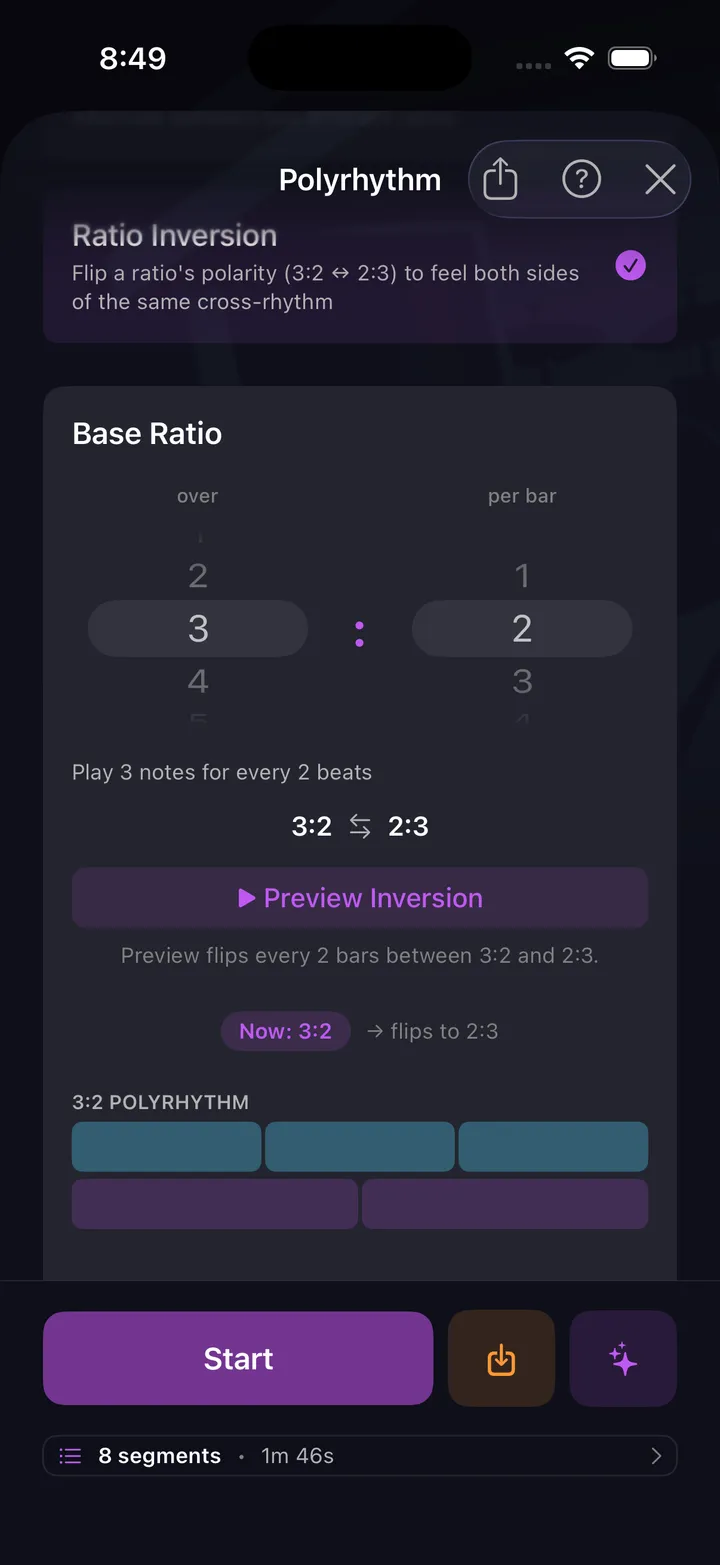
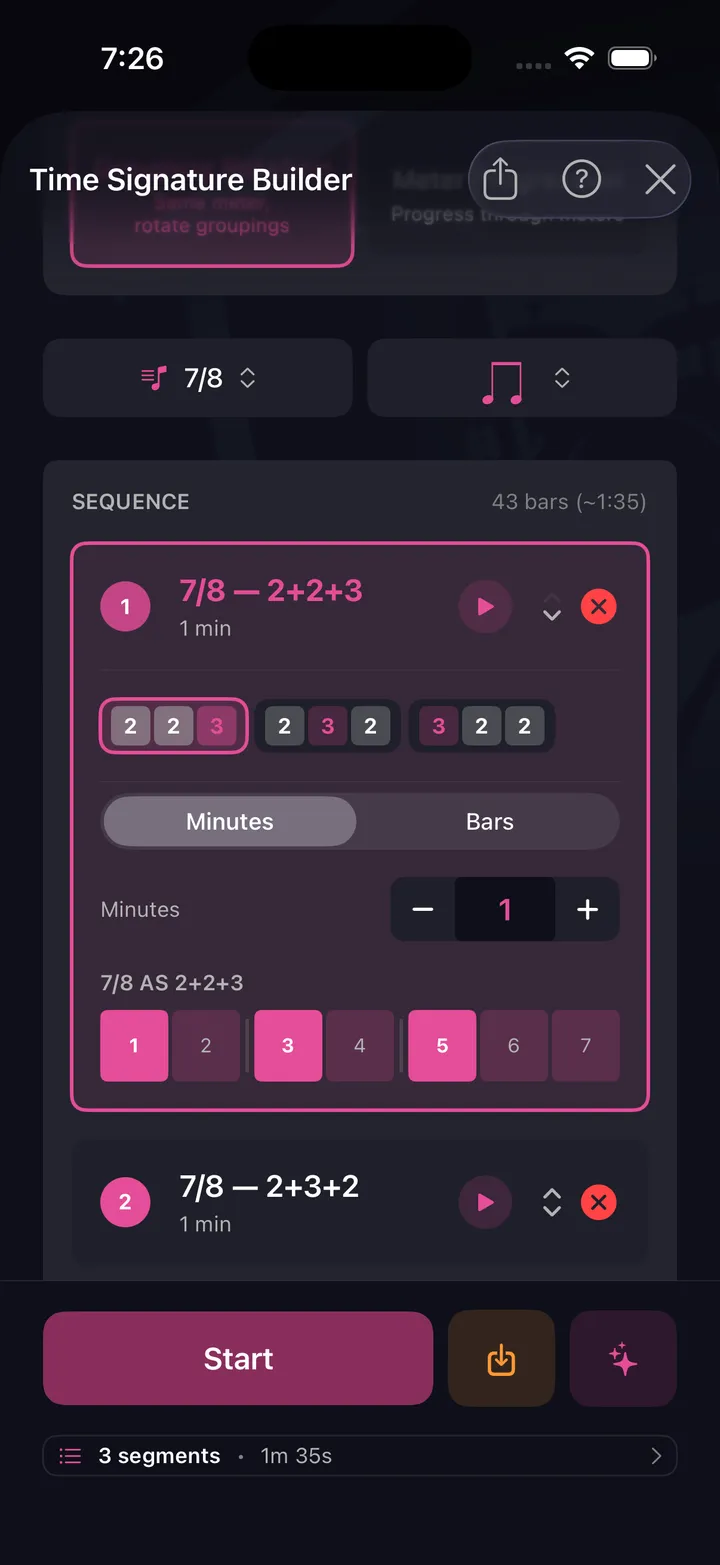
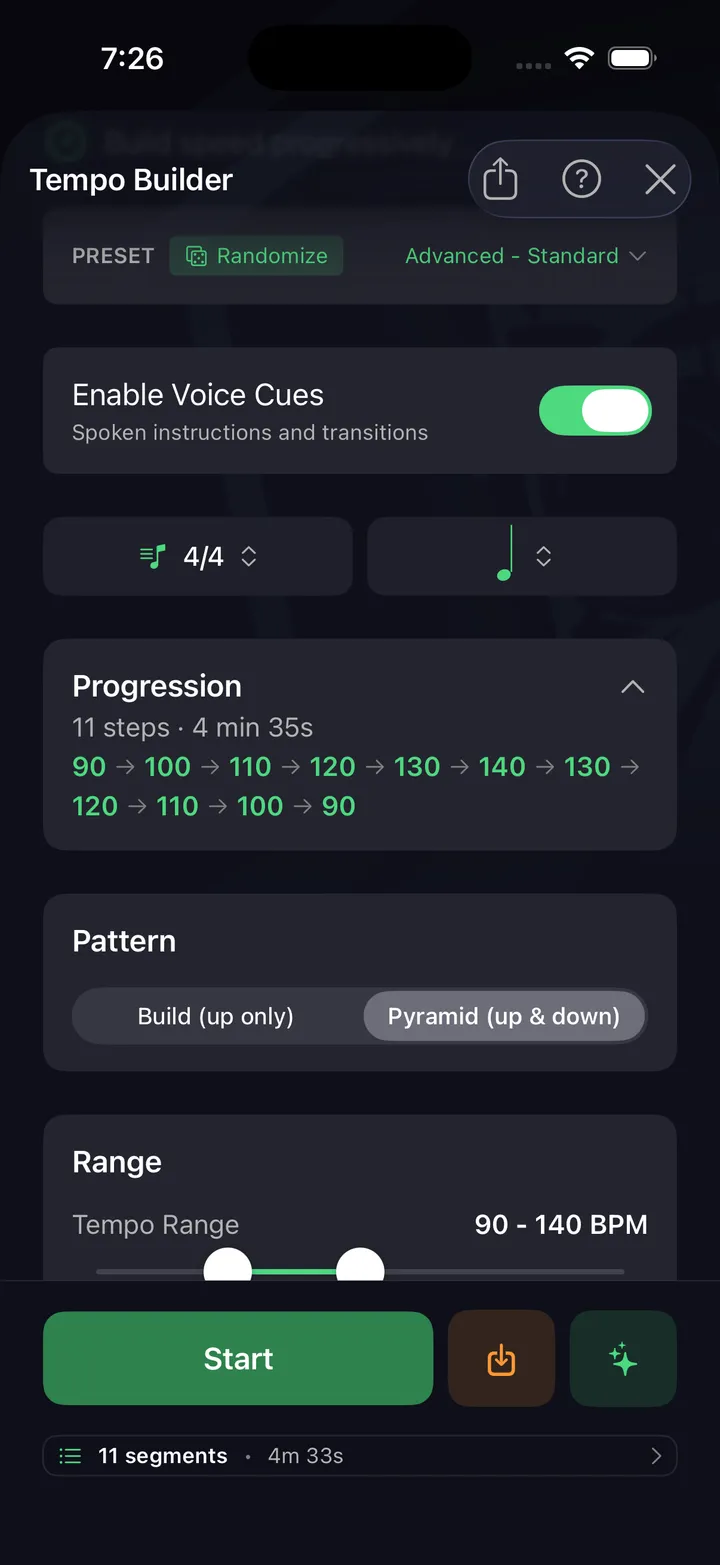
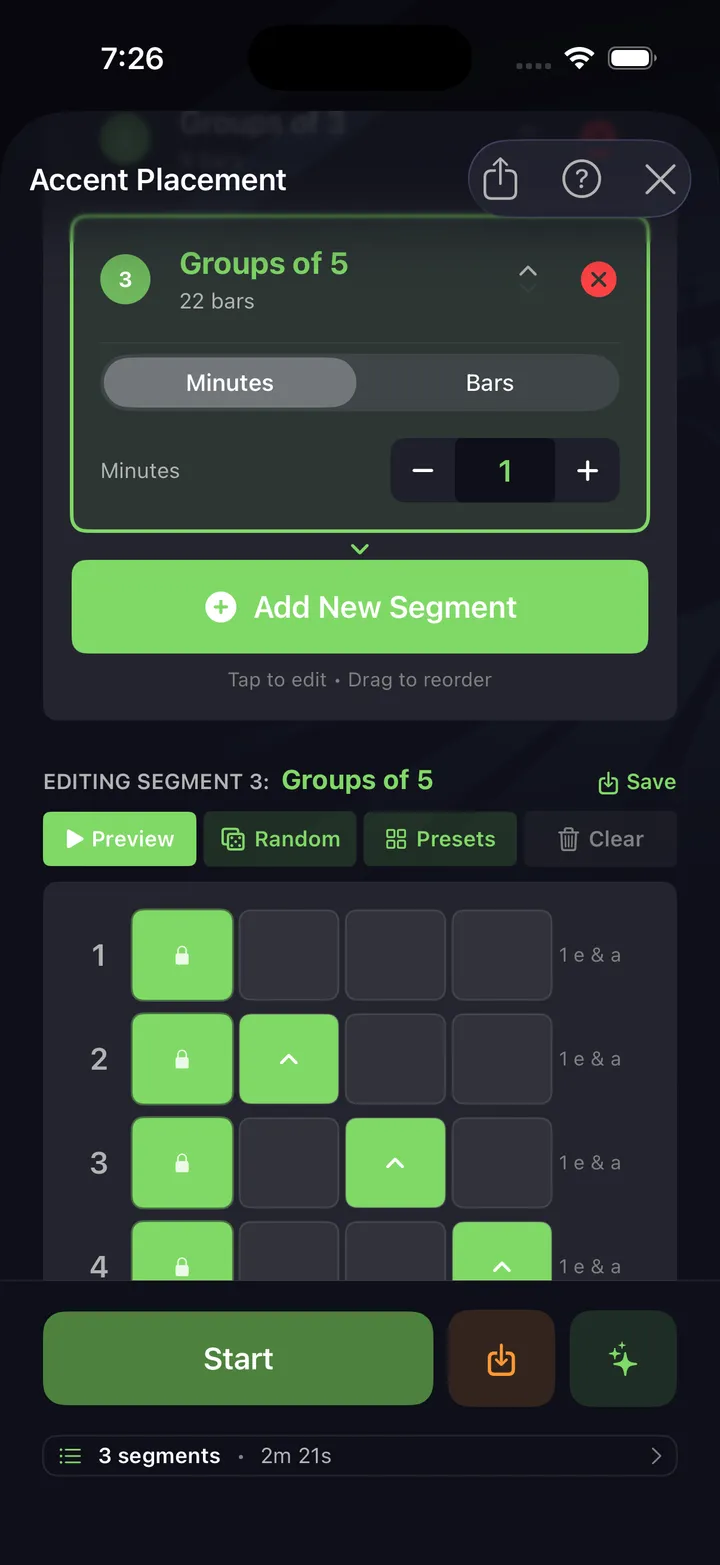
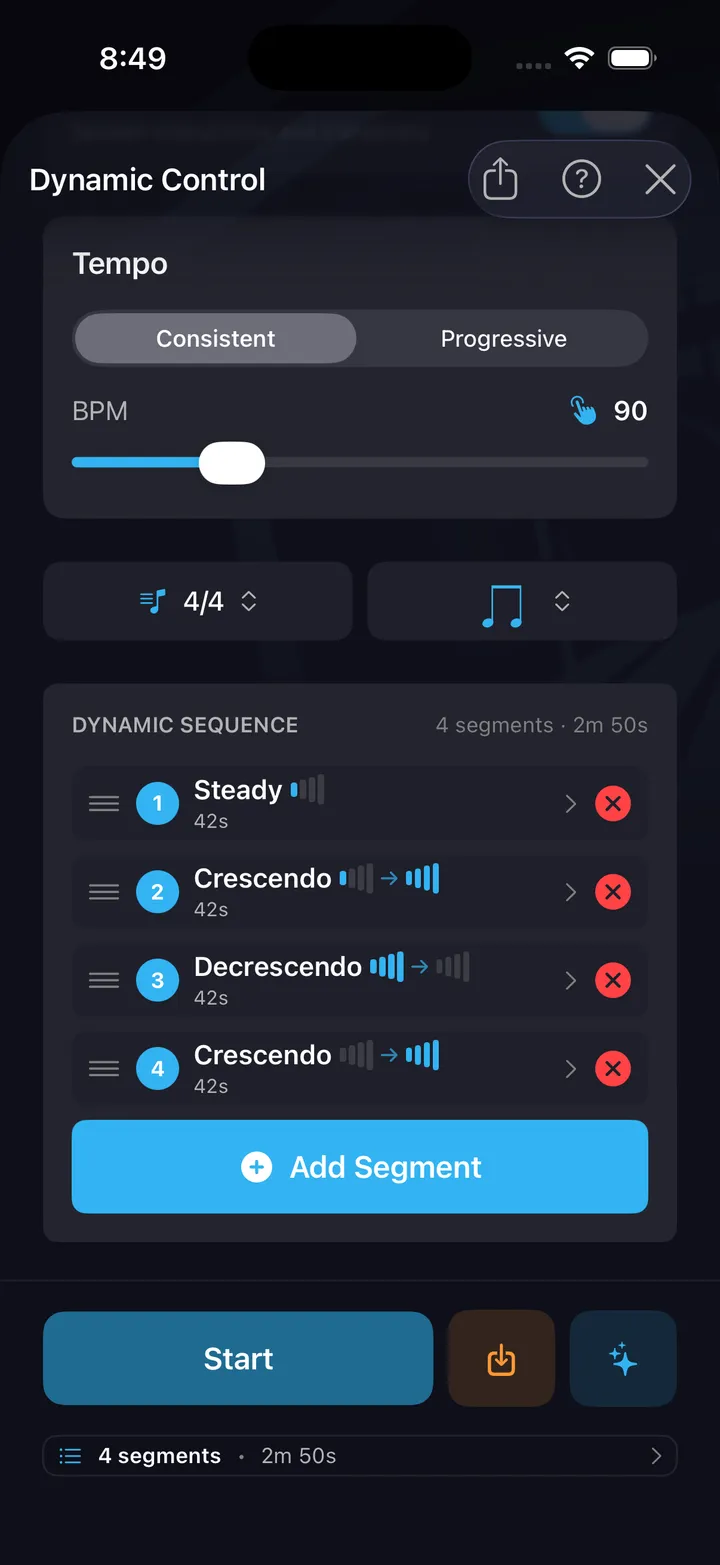
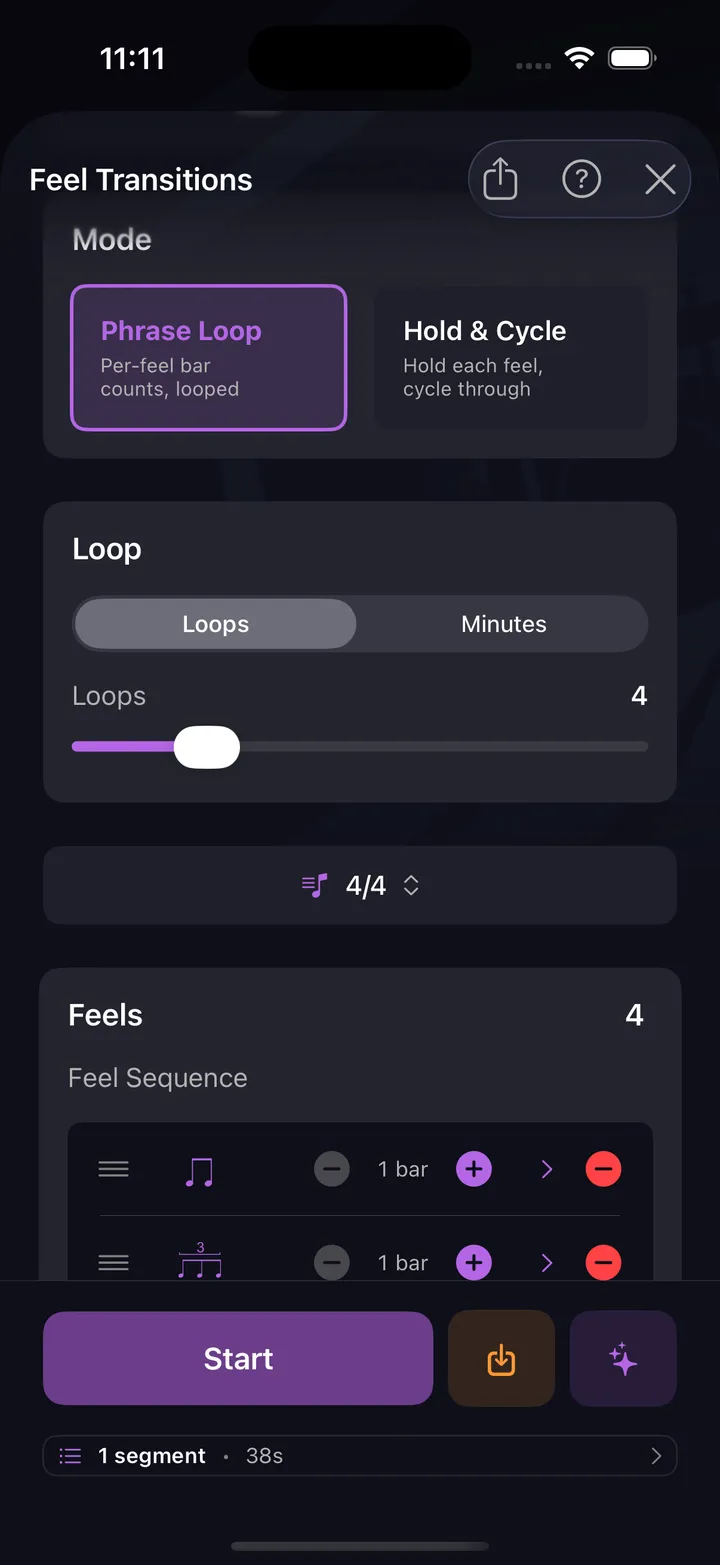
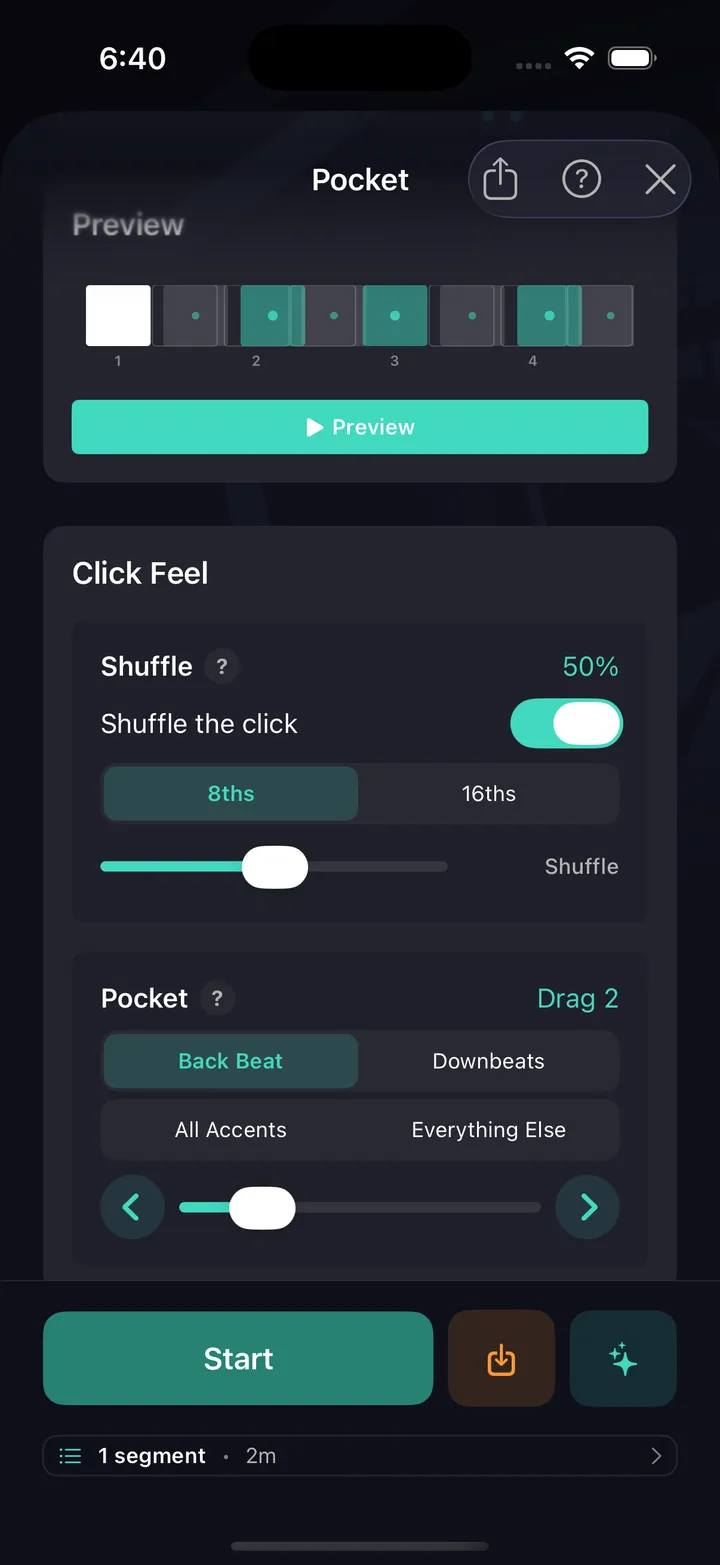
All ten are free — no card, not a timed trial. See every drill explained.
Every drummer needs
a home base.
Free on the App Store & Google Play. All 10 timing drills are free.