Your timing is the
foundation of everything.
The drift you can't hear yourself is the one the band feels. DrumShed has drills that take the click away — drop it out, shift it off the downbeat, or strip it to one hit per bar — then bring it back so you hear exactly how far you wandered.
Three drills that fix timing
A basic metronome shows you the beat. These three are entry points into DrumShed's ten drill engines — each develops the internal pulse that keeps you in time without one.
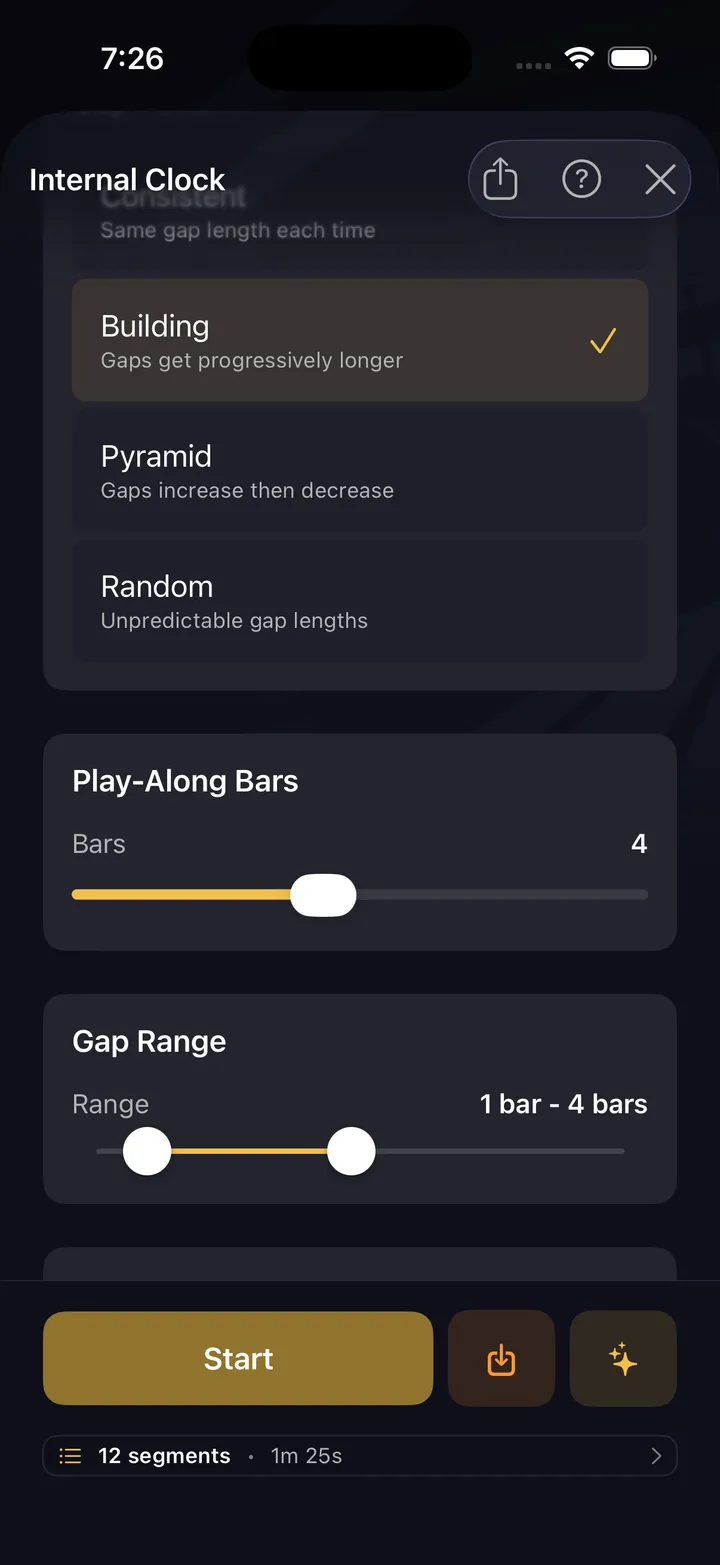
Internal Clock
The metronome drops out for bars at a time. You keep playing. When it comes back — were you still in time? This is the core timing skill.
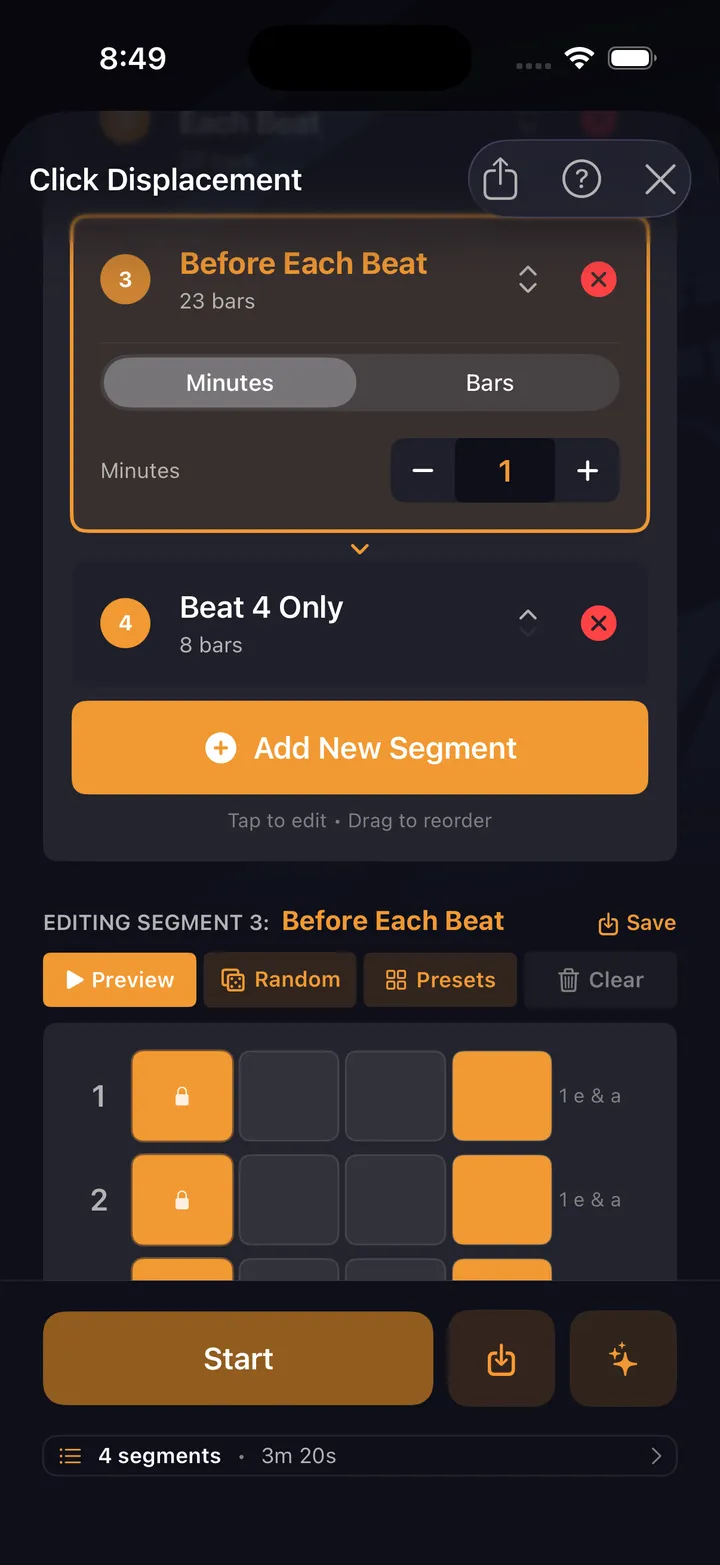
Click Displacement
Move the click off beat 1. Play with it on the &, the e, or the a. Forces you to generate the pulse internally.
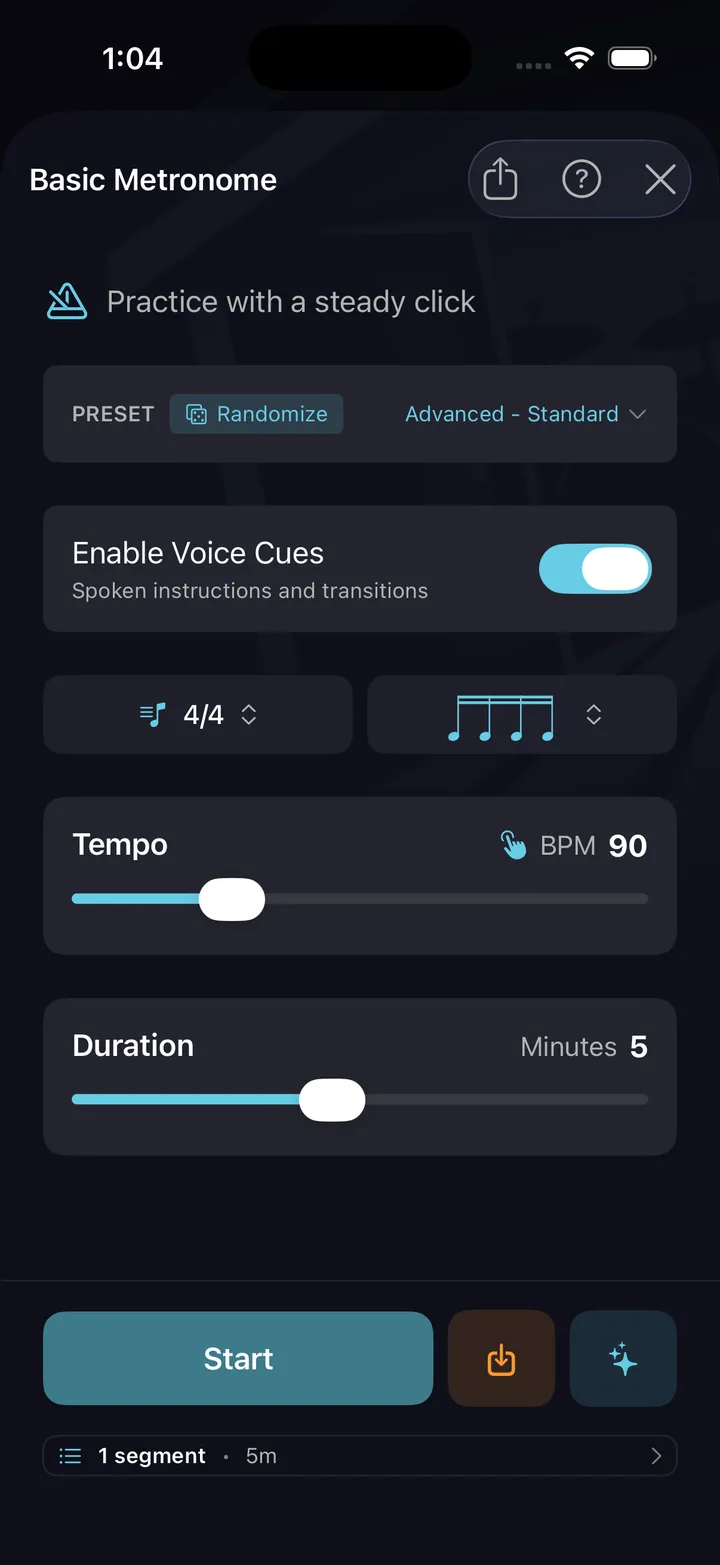
Basic Metronome
Start here. Clean click with subdivision control, accent patterns, and tempo ramping. The foundation for everything else.
Supporting tools
Tempo builder
Build speed without losing accuracy. Automatic tempo ramps keep you at the edge of your ability.
Practice history
Every timing drill session is logged — drill, tempo, duration. Your history shows exactly what you've been putting reps into.
Timing sessions
Build sessions focused entirely on timing: warm up with basic met, then internal clock, then click displacement.
Your first timing week
Ten minutes a day. Three checkpoints. By Friday you'll know exactly where your time stands.
Day 1 — Basic Metronome, 80 BPM
Straight eighths on the pad or hats at 80 BPM. Boring on purpose — you're calibrating your ear to where the click actually sits.
Day 3 — Internal Clock, 4 on / 2 off
Same tempo. The click plays 4 bars, drops out for 2. Keep playing through the silence and hear how far you drifted when it returns.
Day 5 — Displacement, backbeat only
The click moves to beats 2 and 4 — no downbeat. Hold a simple groove and supply the 1 yourself. This is where pocket starts.
Practice this in DrumShed
Free on the App Store & Google Play
The ten drills that build timing
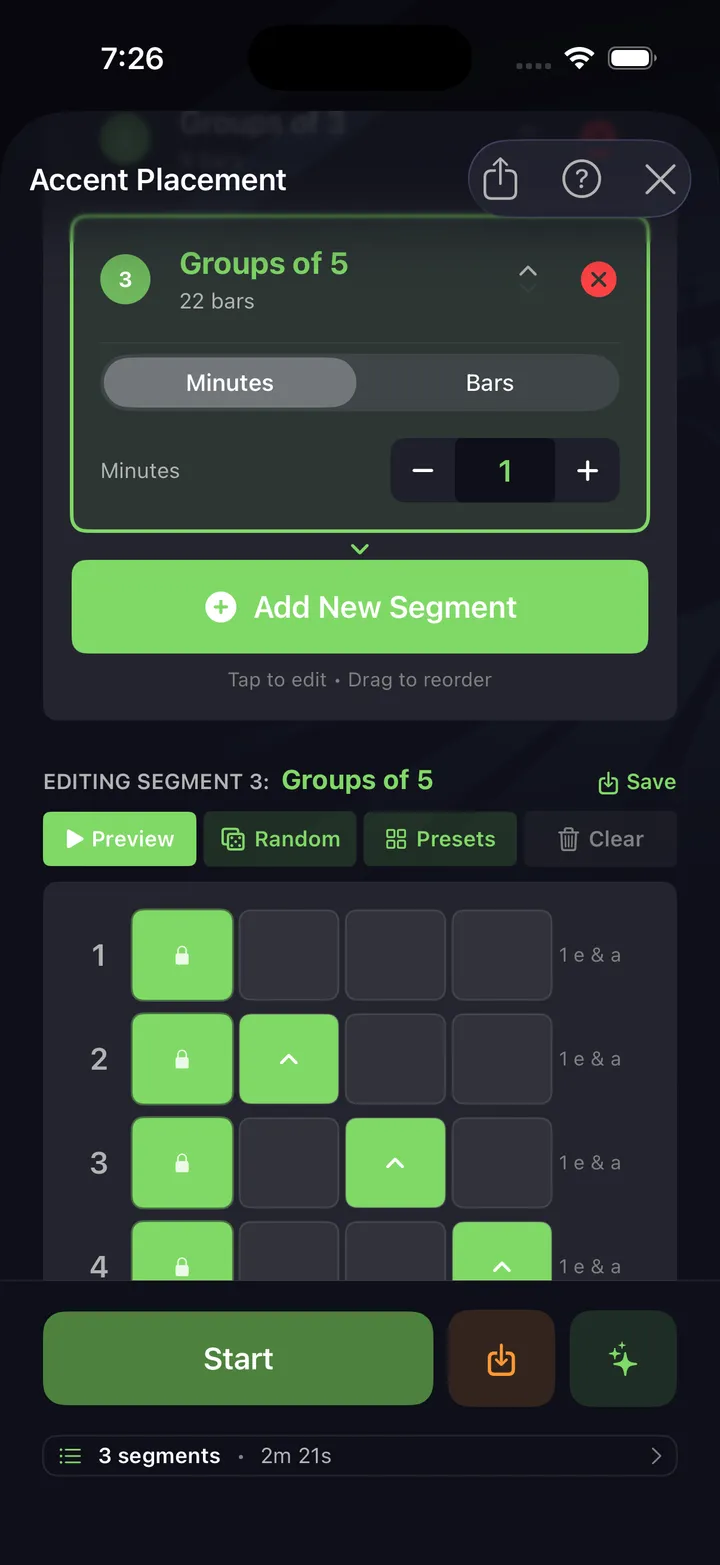
A click tells you where the beat is. It will never tell you what to do about it — that is the part these ten add. Each aims the metronome at one specific weakness and drills it in reps, and every setting on these screens is yours to change.
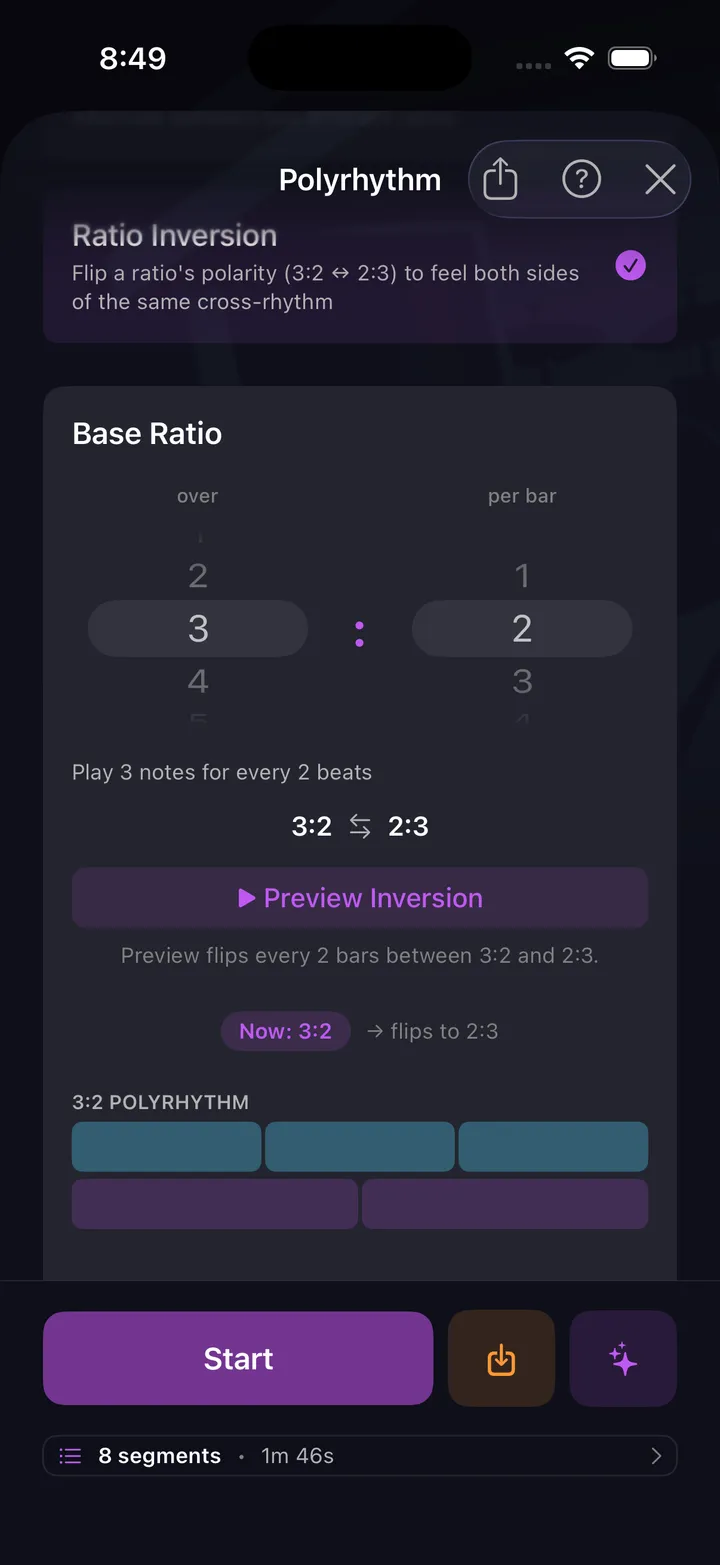
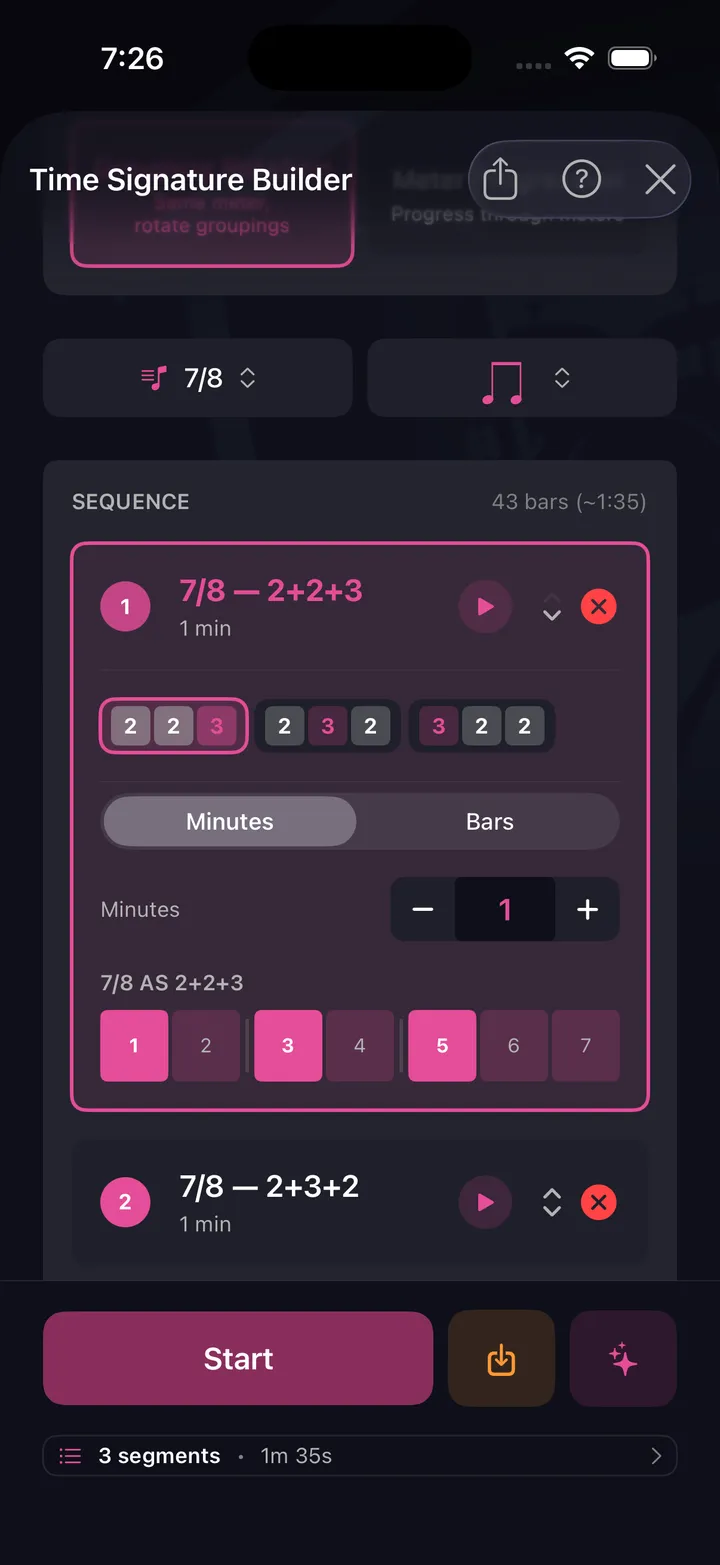
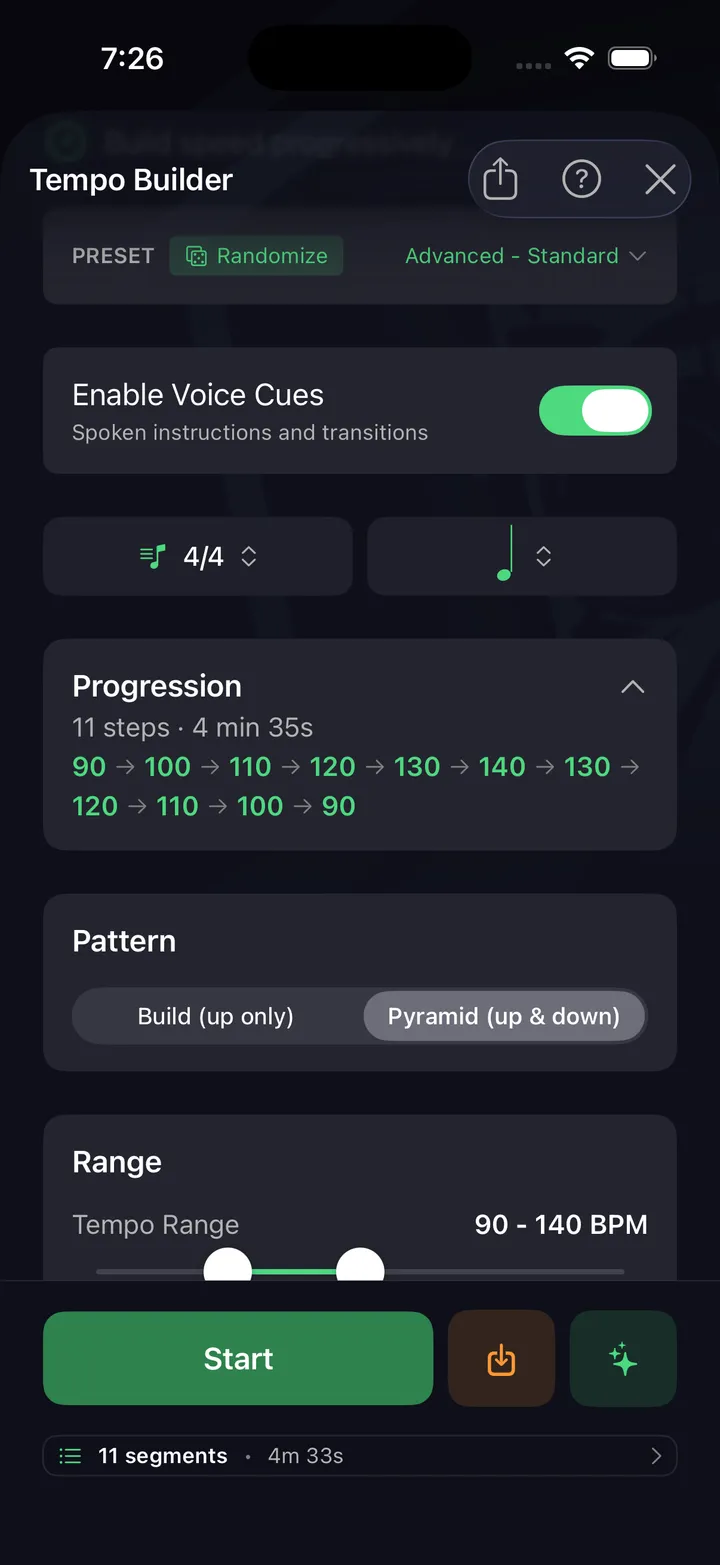
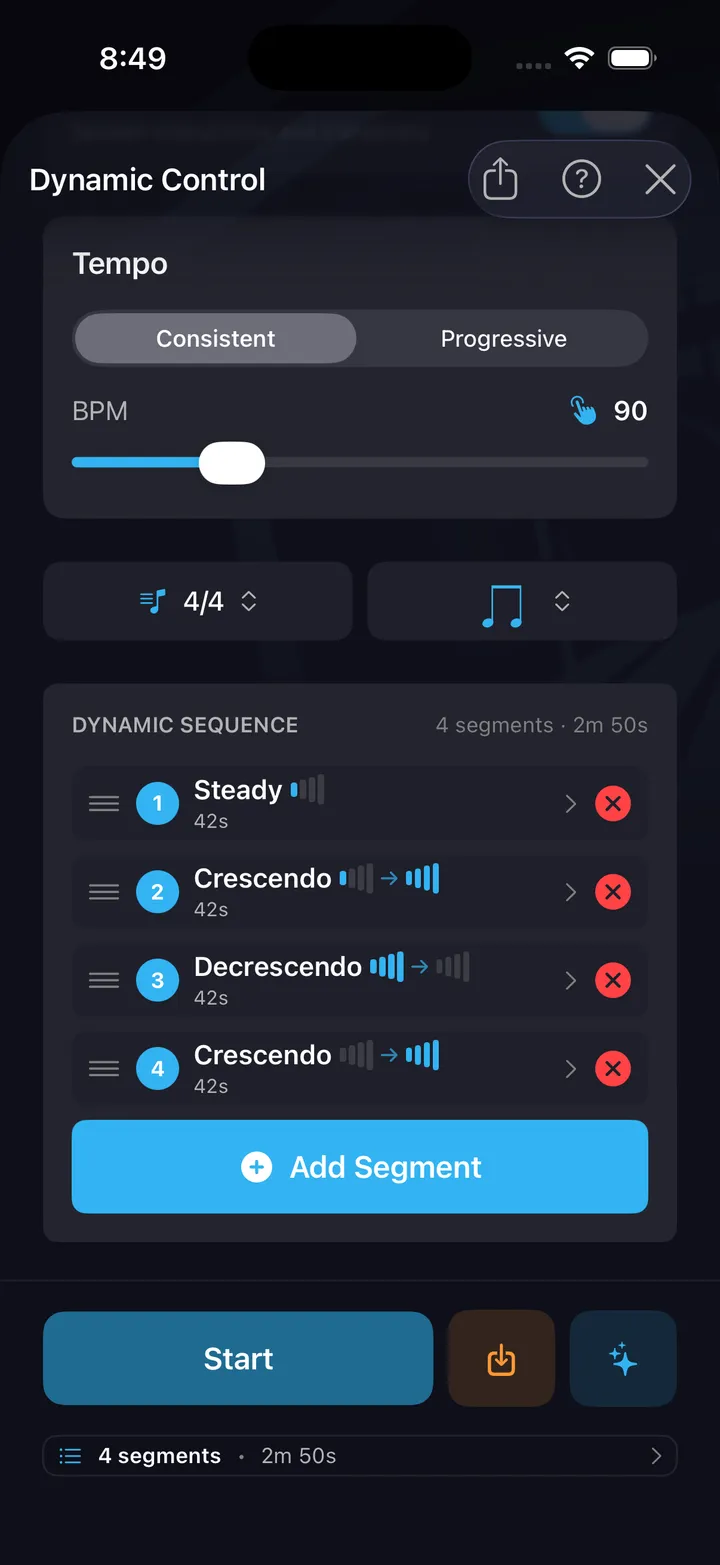
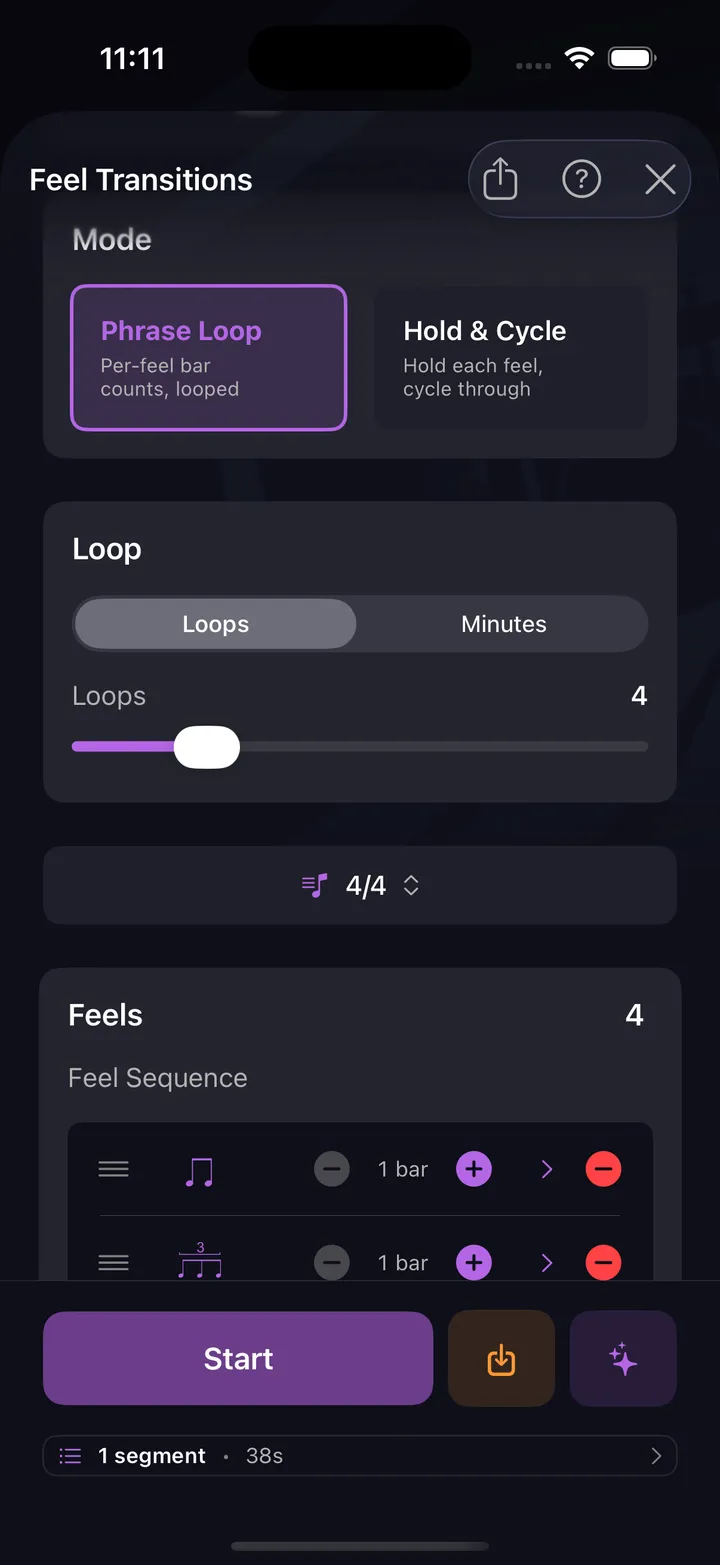
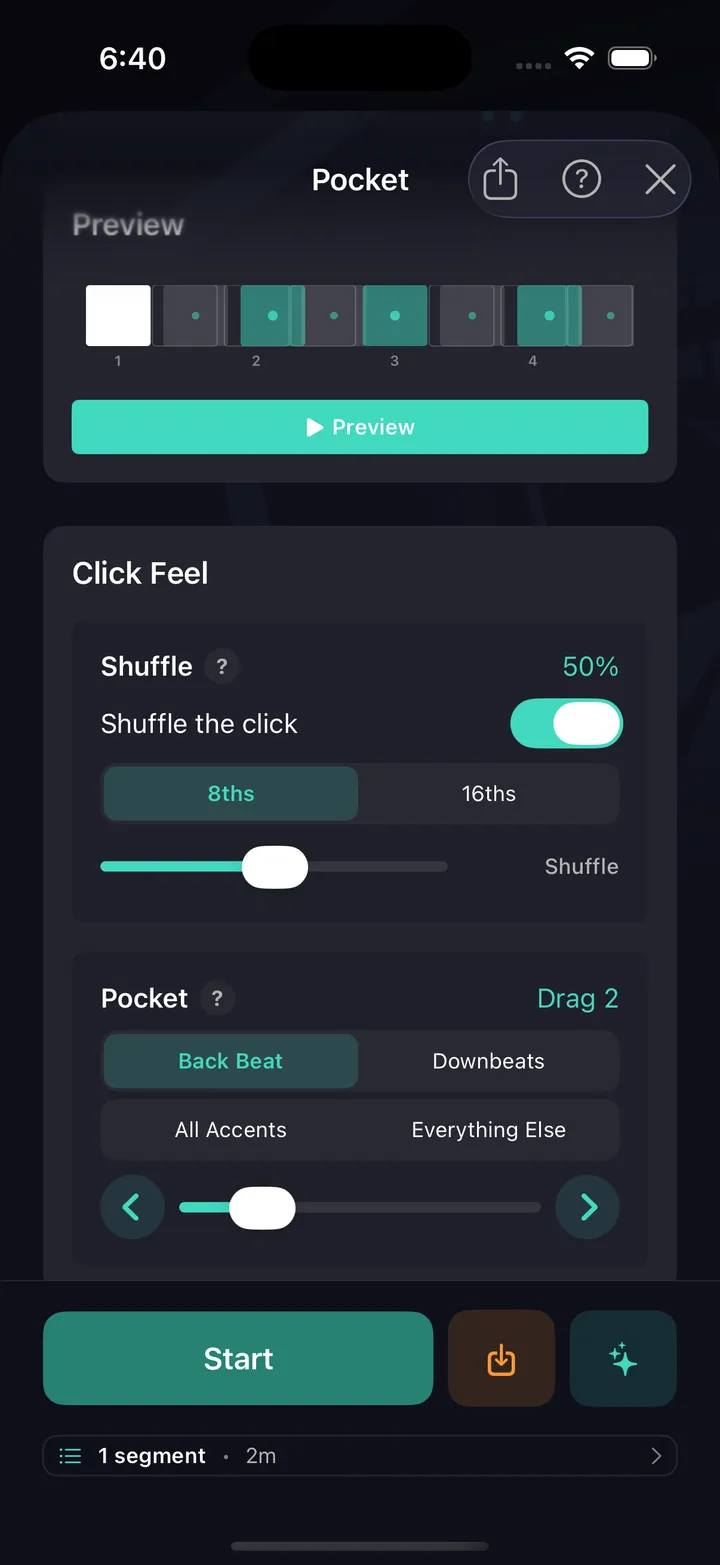
All ten are free — no card, not a timed trial. See every drill explained.
All ten timing drills are free.
Not a trial, not a preview. The metronome underneath is complete — no limits, nothing held back — and all ten drills that aim it ship in the free app, with hands-free sessions and your full drill history, stats and streaks. No ads, no card, not a timed trial. A subscription only comes in when you want to build your own beats and fills, publish them, or use the AI co-pilot.
Every drummer needs
a home base.
Build time you can trust without the click.