Explore
Explore is where drummers share beats and fills with the community. Browse, filter, clone, star, follow creators, and publish your own creations.
Browsing the feed
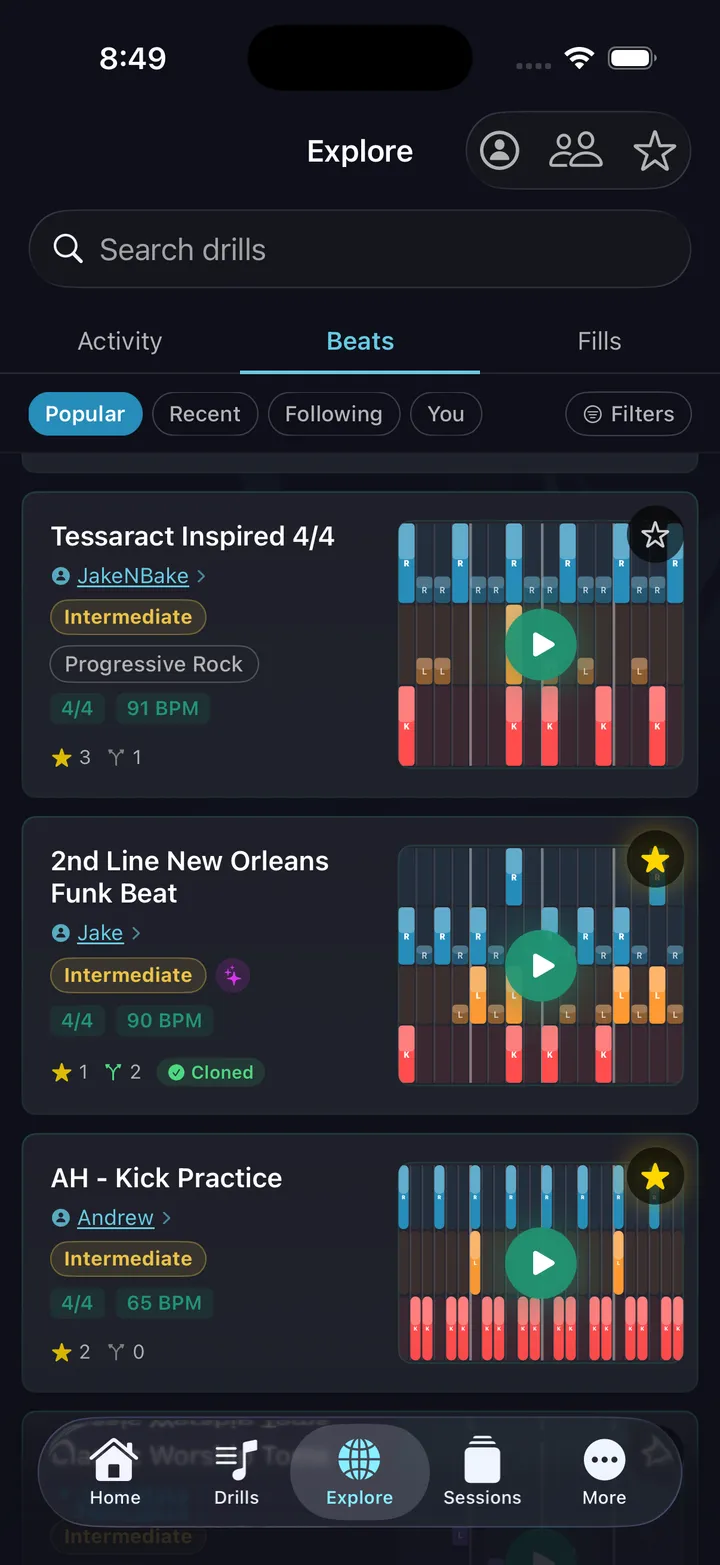
The feed has two tabs: Fills and Beats. Within each, sort by Popular, Recent, Following (creators you follow), or You (your own published patterns). Each card shows the pattern name, creator, difficulty badge, time signature, BPM, star count, play count, and clone count.
Filtering
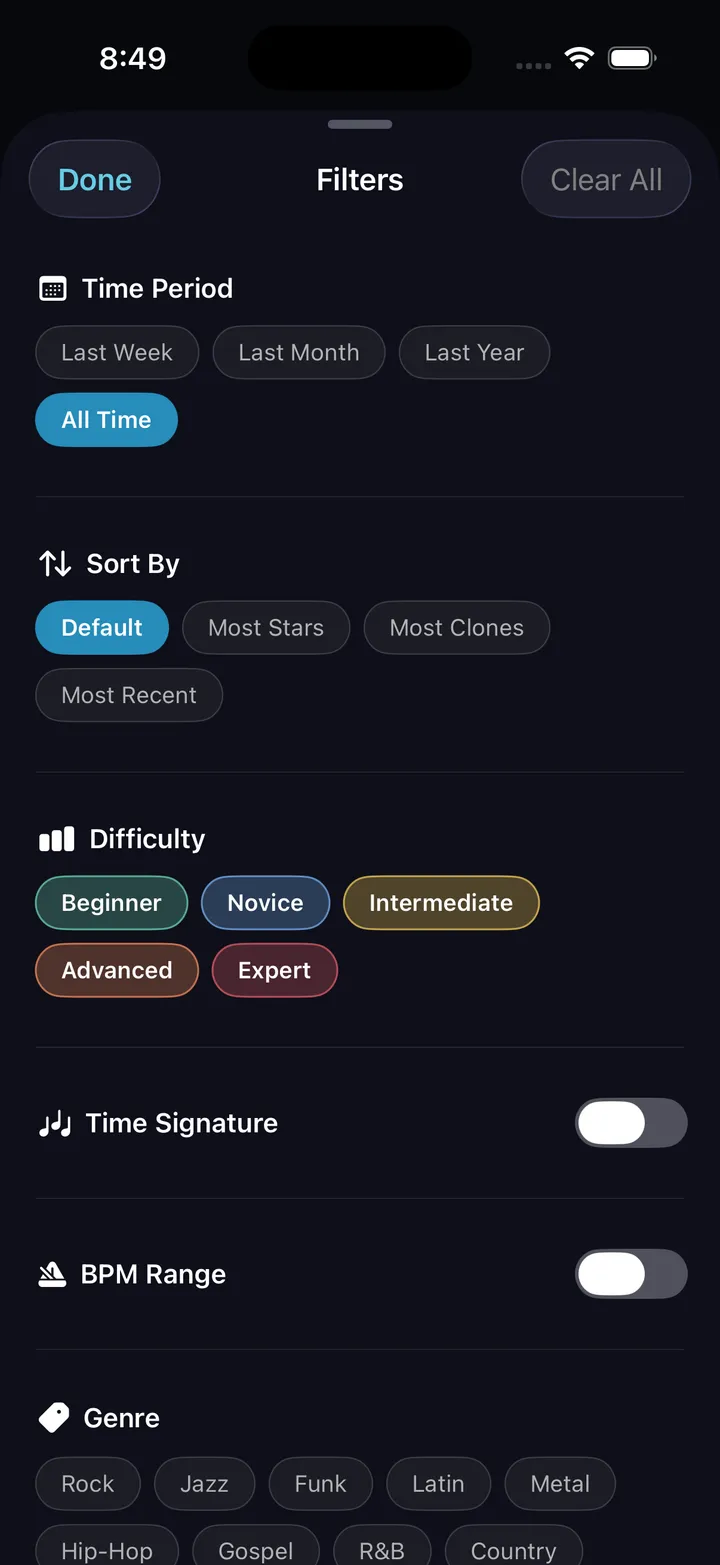
Tap Filters to narrow results by:
- Difficulty: Beginner, Novice, Intermediate, Advanced, Expert
- Genre: Rock, Jazz, Funk, Latin, Metal, Hip-Hop, Soul/R&B, Gospel, Worship, Double Bass
- Search: Text search across pattern names
Drill detail view
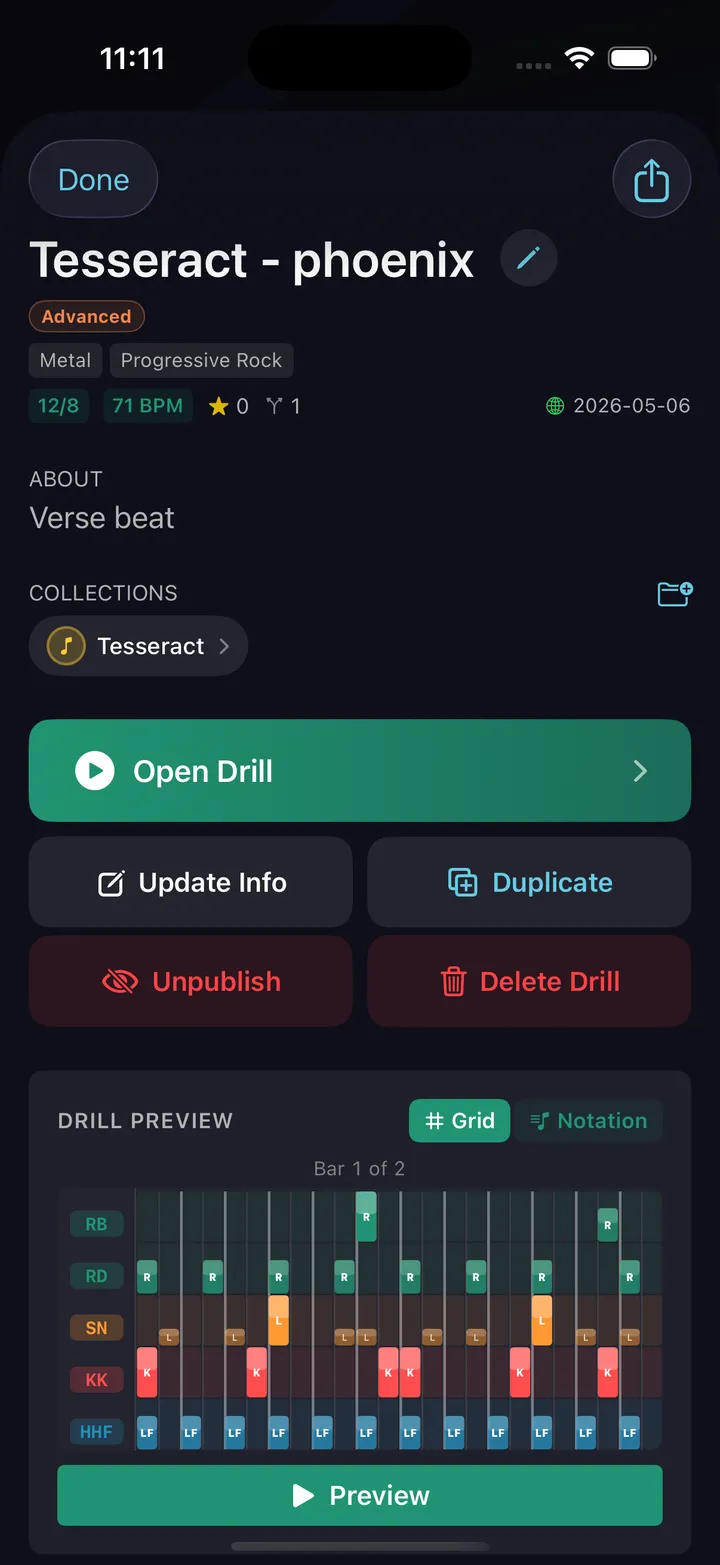
Tap any item to open the detail view. It shows the full pattern in a grid or notation preview, the creator's username, all metadata, and two buttons:
- Open Drill: Start the drill directly with this pattern
- Clone: Copy the pattern into your own library to edit or practice
If the creator attached a YouTube video, it appears here — watch the groove in context before you drill it.
Cloned patterns keep their provenance: a Forked from badge links back to the original, so credit follows the pattern wherever it goes.
Starring
Tap the star icon on any pattern to save it. Your saved patterns live behind the star icon in the Explore toolbar — Starred Drills (on iPad, they also show in the sidebar). Stars are public — creators can see their star count.
Publishing your patterns
Any beat or fill you create can be published to Explore. From the pattern detail view, tap Share with the community. Add up to 3 genre tags and optionally attach a YouTube video — difficulty is rated automatically from the pattern itself, so an "Advanced" badge actually means advanced. Once published, anyone can find, star, and clone your pattern.
You also get a shareable link — anyone with the link can open it directly in the app, even without searching.
Following creators
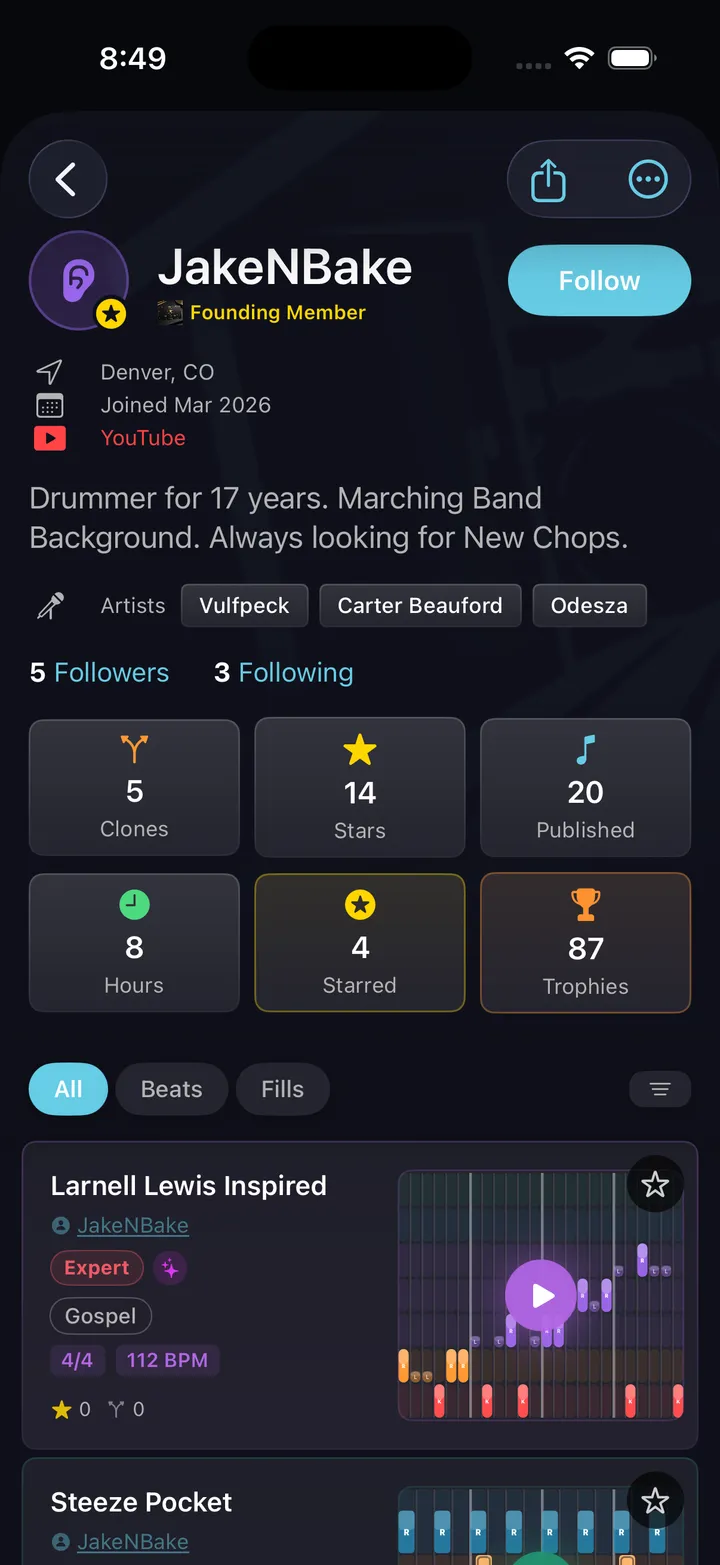
Tap a creator's username on any pattern to view their profile and follow them. Patterns from people you follow appear in the Following feed tab. There's also a Creators directory for browsing profiles directly — useful for finding people whose whole catalog fits what you're working on, not just one pattern.
Activity feed
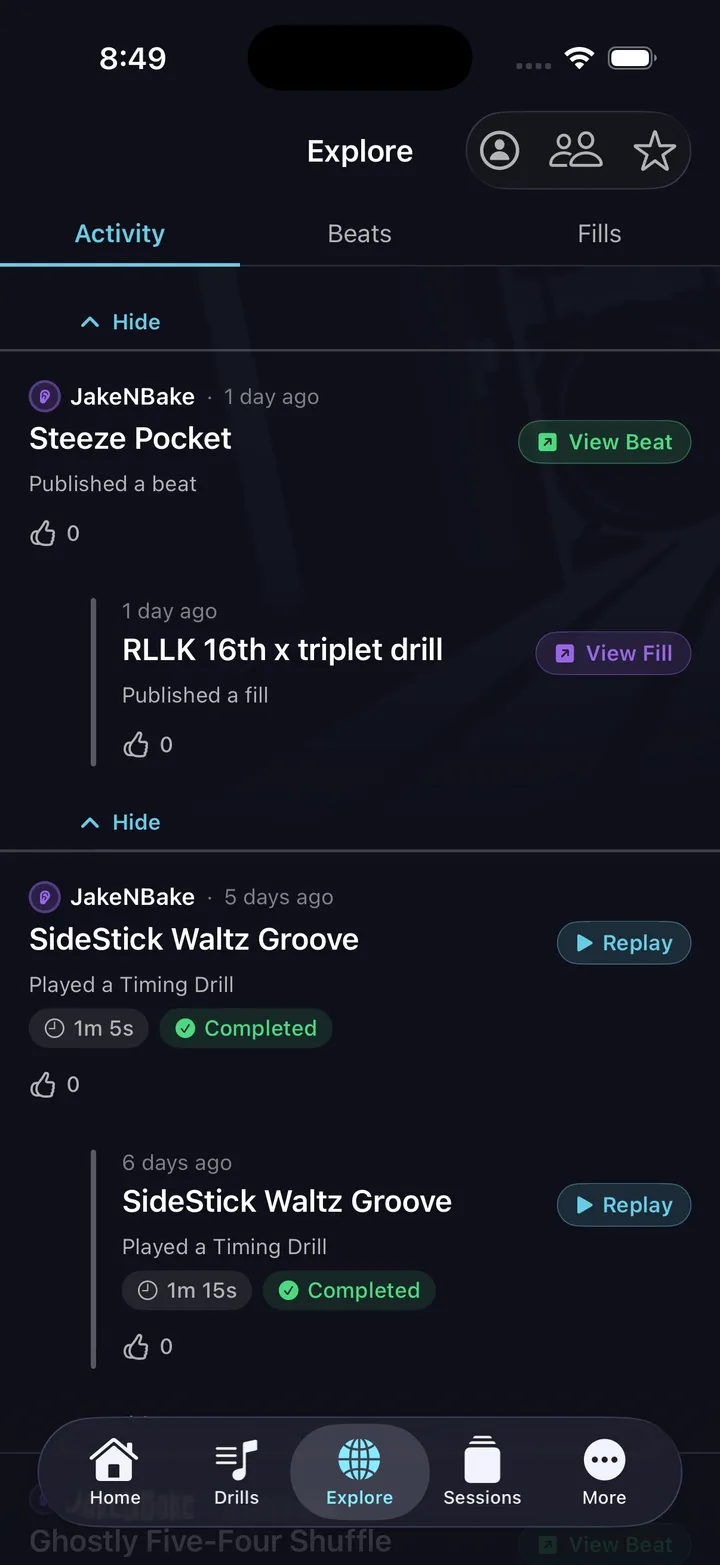
The activity feed shows what the drummers you follow are up to — new publishes, drill runs, milestones. Send a high-five, or tap a drill run to replay the same pattern yourself. It's the closest thing to trading licks at a drum shop counter.
Tips
- Use the Filters sheet to find patterns at your difficulty level in a specific genre.
- Clone before you practice — editing a cloned pattern doesn't affect the original.
- Check the YouTube link if one is attached. Hearing the pattern in a real song changes how you approach it.
- The "You" tab shows all your published patterns and their stats — a good way to see what resonates.