Metronome Drills
DrumShed™ includes 10 timing drills, each targeting a specific aspect of timing and feel — plus the Beat Maker and Fill Maker, which live in their own tabs. The metronome is the foundation, but these drills turn a steady click into something that actively challenges you.
All ten of these drills are free — not a trial, not three of them. So are hands-free sessions and your drill history. And even the metronome underneath does more than tick: you can drag or rush the backbeat and shuffle the subdivisions so the click plays a pocket, not just a grid. All Access ($5.99/mo) is for making your own — the Beat Maker, the Fill Maker, publishing to Explore, Practice Paths, and the AI co-pilot.
Foundation & Warmup
Basic Metronome
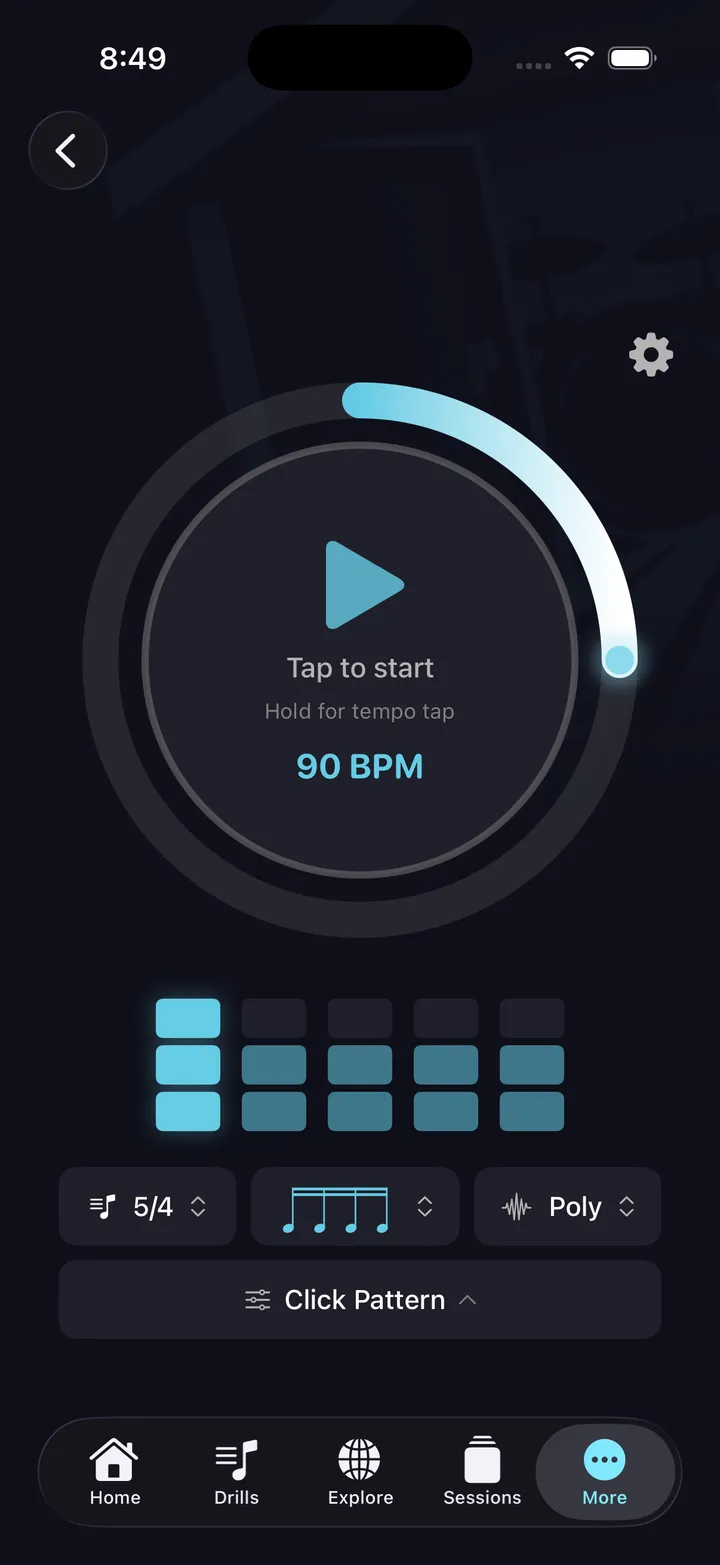
A clean click track with customizable time signature, subdivision, and polyrhythm mode. Use it to warm up, lock in a groove, or stay honest about your tempo. Available free.
Tempo Builder
Start at a comfortable tempo and gradually step it up over the course of the drill. Configure start BPM, end BPM, and step size. Great for pushing your ceiling without jumping straight to a target tempo.
Internal Clock
The click drops out periodically, leaving you to hold tempo on your own. When it comes back, you find out how far you drifted. Four modes: Consistent, Building (progressively longer silences), Pyramid, and Random. One of the most effective drills for building real internal time.
Feel Transitions
Switches between feels at set points — subdivision changes, swing and shuffle, accent patterns, muted or low beats — forcing you to transition smoothly. Two modes: Phrase Loop and Hold & Cycle. Invaluable for genres that mix straight and swung feels, and for developing the vocabulary to shift feels within a song without losing the pocket.
Timing & Rhythm
The click drags or rushes the backbeat — or everything around an anchored back beat — in discrete steps, so you practice against a click that grooves instead of one that sits dead on the grid. Layer the intact grid underneath the shifted click as a training reference, then drop it once the pocket sits in your body. Presets step from Beginner to Advanced, with a live preview, AI chat configuration, and session support. The same pocket and shuffle controls also live free on the main metronome screen.
Click Displacement
The metronome plays on unexpected beats — the &s, the "e"s and "ah"s — instead of the downbeats. Your job is to hear those off-beats as the click and still play the groove correctly. Many drummers consider this the standout drill in the app.
Accent Placement
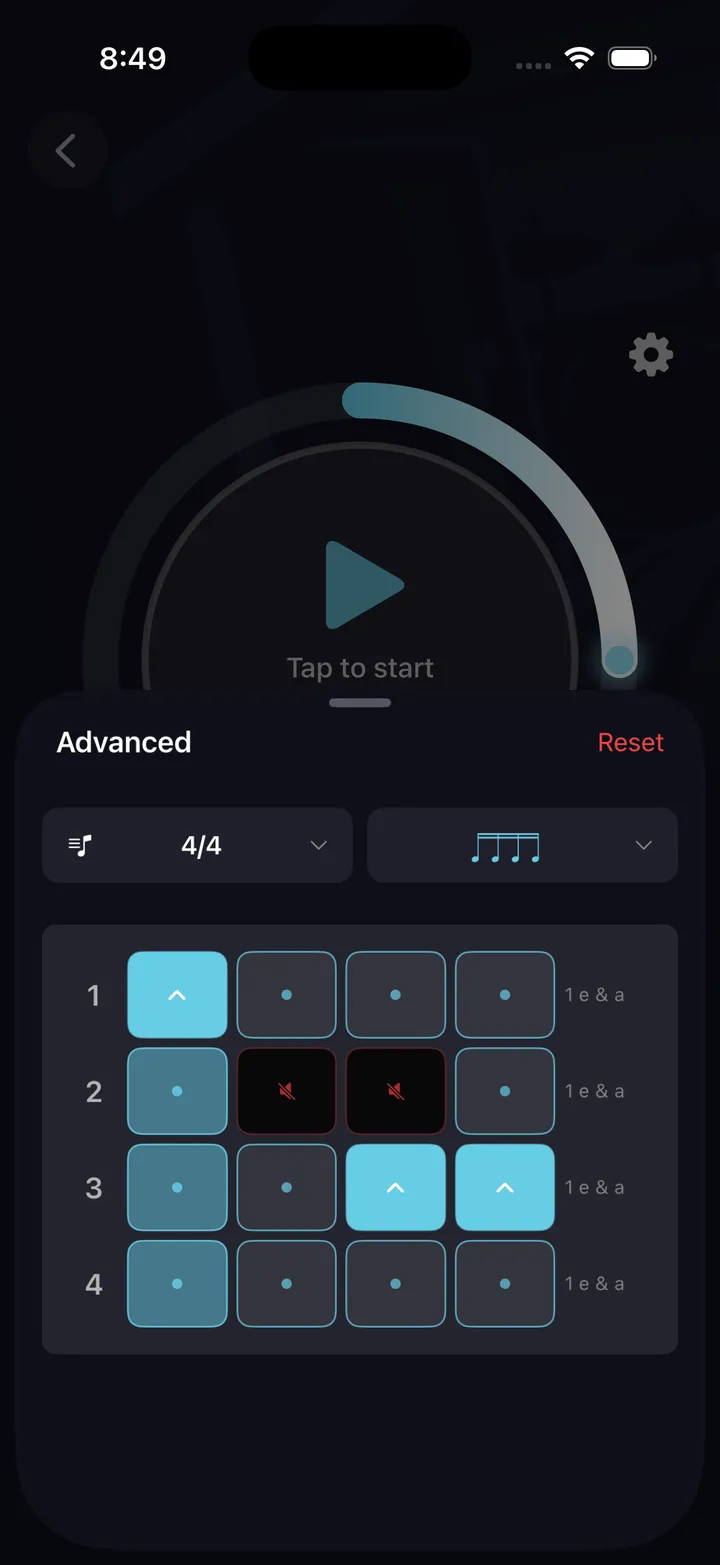
The click accents specific subdivisions within the bar, shifting your rhythmic anchor. Practice staying locked in while the metronome emphasizes beats you wouldn't naturally accent. Builds polyrhythmic awareness and the ability to play against a shifting pulse.
Polyrhythm
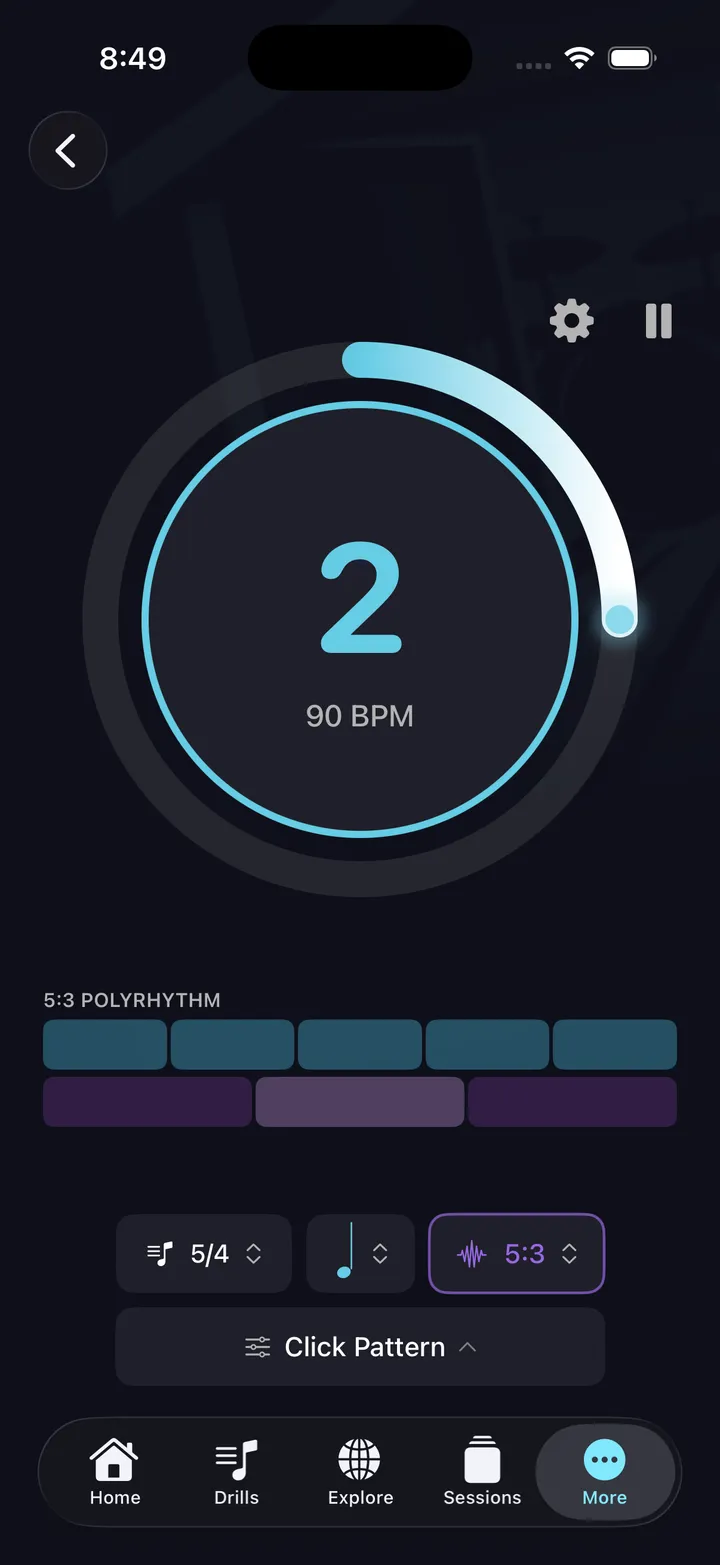
The click plays in a different subdivision than you are — for example, the click runs in 3 while you play in 4. Eight preset ratios (3:2, 2:3, 4:3, 3:4, 5:4, 4:5, 5:3, 3:5), or dial in anything up to 16:16 on the ratio wheel. A fundamental skill for odd-time playing and advanced feel work.
Time Signature Builder
Odd meters with real grouping control — 9/8, 11/8, and 13/8 with custom 2s-and-3s groupings, on top of the standard meters. Four modes: Single Meter, 4/4 Contrast, Grouping Rotation, and Meter Progression. Progression sequences a string of time signatures — say 7/8 → 4/4 → 9/8 → 4/4 — sets how many bars to spend at each meter, then loops the whole sequence. The click accents the downbeat of each meter so the transitions land in your hands.
Dynamics
Dynamic Control
The click signals dynamic shifts — loud to soft, soft to loud — at regular or random intervals. Practice matching your playing volume to the cue in real time. Builds the muscle memory for dynamic expression across the kit.
The two makers
Beat Maker and Fill Maker live in their own tabs — they're builders with a drill attached, not part of the 10 timing drills.
Fill Maker
Practice a specific fill in context: the app plays a groove for a set number of bars, cues you to drop in the fill, then returns to the groove. Works with fills you've built in the Fill Builder — making the creation-to-practice cycle tight.
Beat Maker
Practice a specific beat in context. Works with beats you've built in the Beat Builder or Beat Architect. The drill loops your beat at the tempo you set, with grid view or full notation during playback.
Tips
- Start at a tempo that's comfortable — then set it 10 BPM slower. Accuracy before speed.
- Use Internal Clock at least once per session. It's uncomfortable at first. That's the point.
- Click Displacement takes a few sessions to click. Stick with it.
- Let the hands-free session feature choose your drills if you're not sure what to work on.