— Exercise · Sticking Control

Singles to Diddles

by David

Open in DrumShedIntermediate
4/485 BPM★9⑂0Sticking Control
— The Pattern
Bar 1 of 2
SN
HHF
— About

Eighth-note singles for a bar, then sixteenth-note doubles for a bar, same tempo. Every stroke the same weight — the diddles should sound exactly like the singles, just twice as fast.
Open it. Make it yours. Learn it.

Clone it, bend it, then let Learn This ramp it into your hands — no floor, no ceiling.

Exercise Builder

Five labs over one engine — sticking, rudiments, chops, feet, and four-way coordination

An exercise isn’t a fill with the ending cut off. It repeats on purpose, and what makes it work is the thing that changes bar to bar — so the builder starts from the mechanism, not the notes.

  • Sticking chains that rotate their order, or count their repeats down
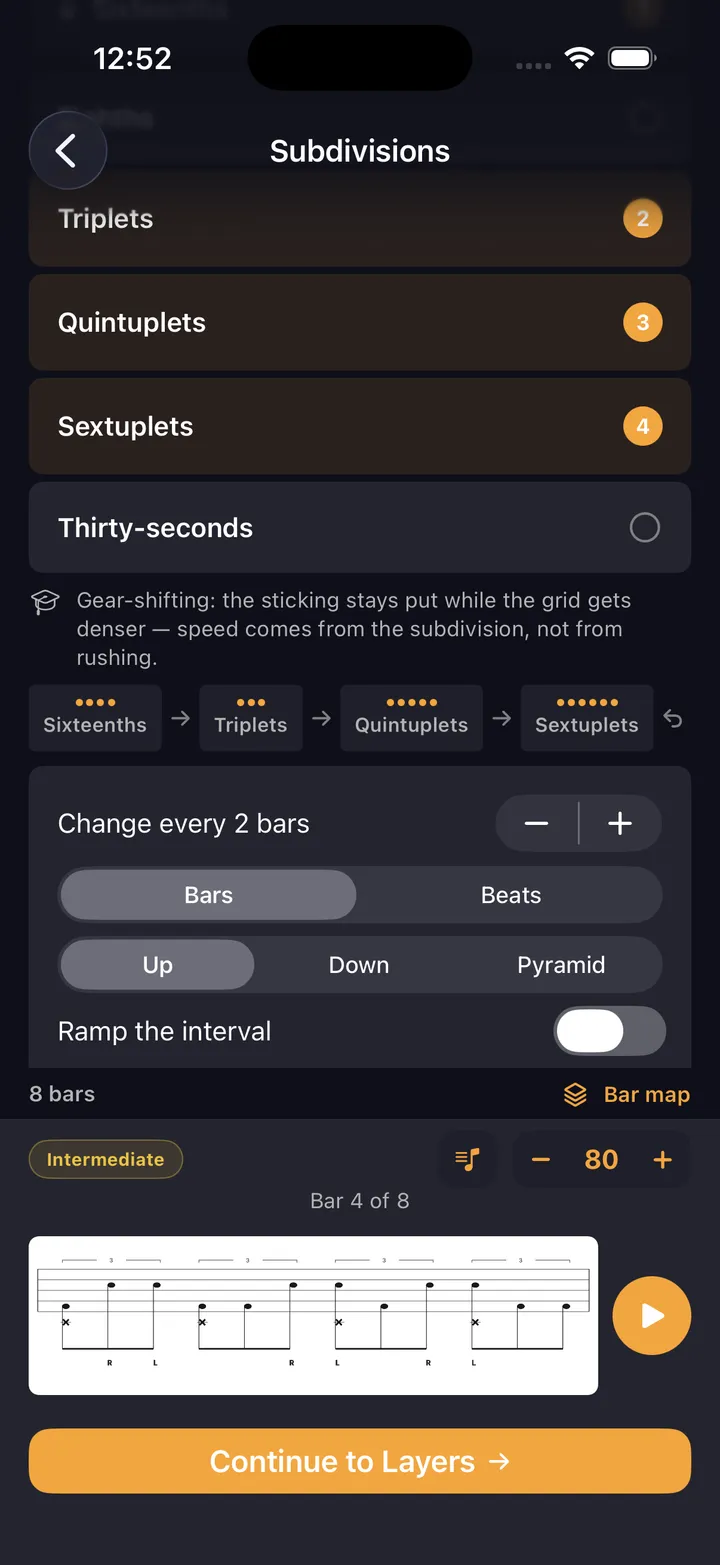
  • Subdivision ladders — up, down, or a pyramid that peaks and returns
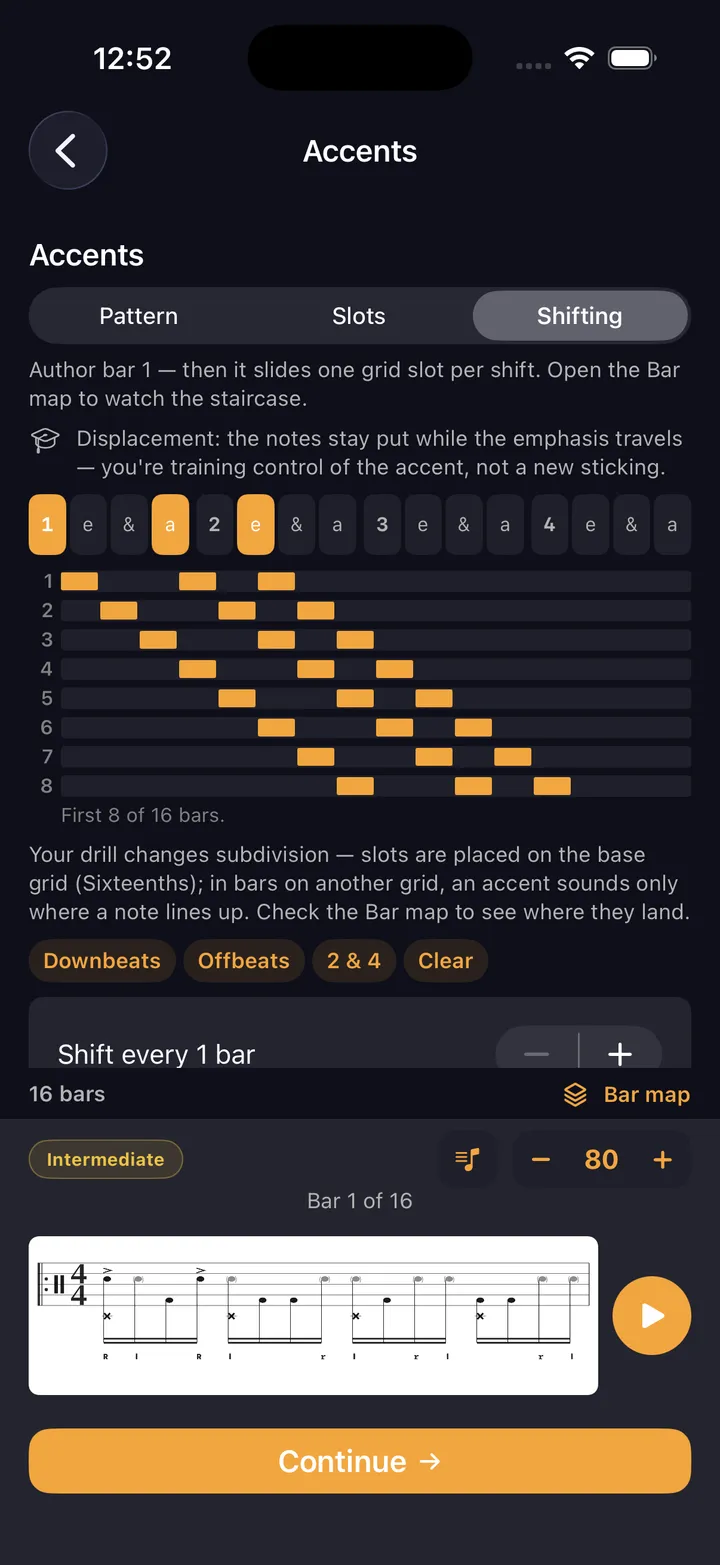
  • Shifting accents, drawn as a staircase before you play them
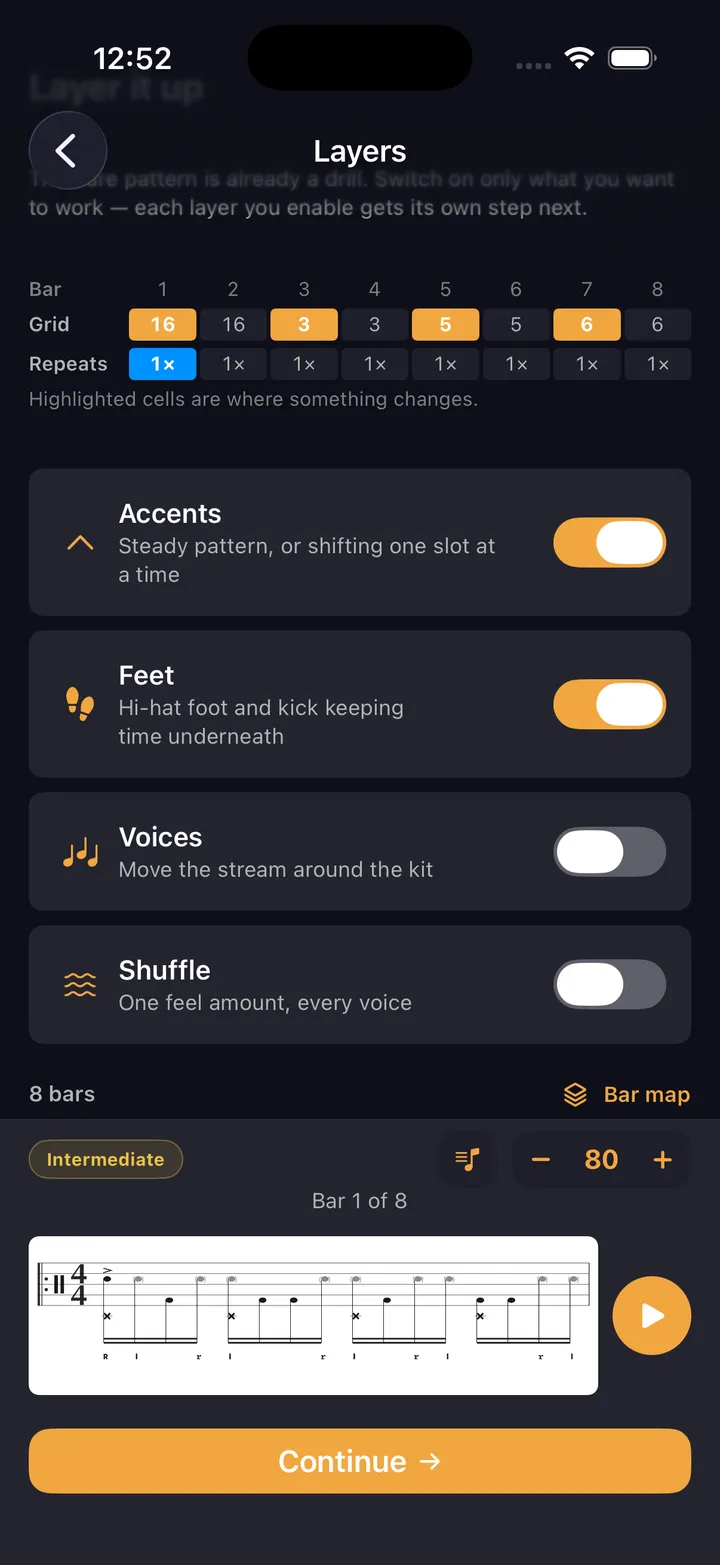
  • Hi-hat foot, kick, flams, shuffle and voicing — only the layers you check
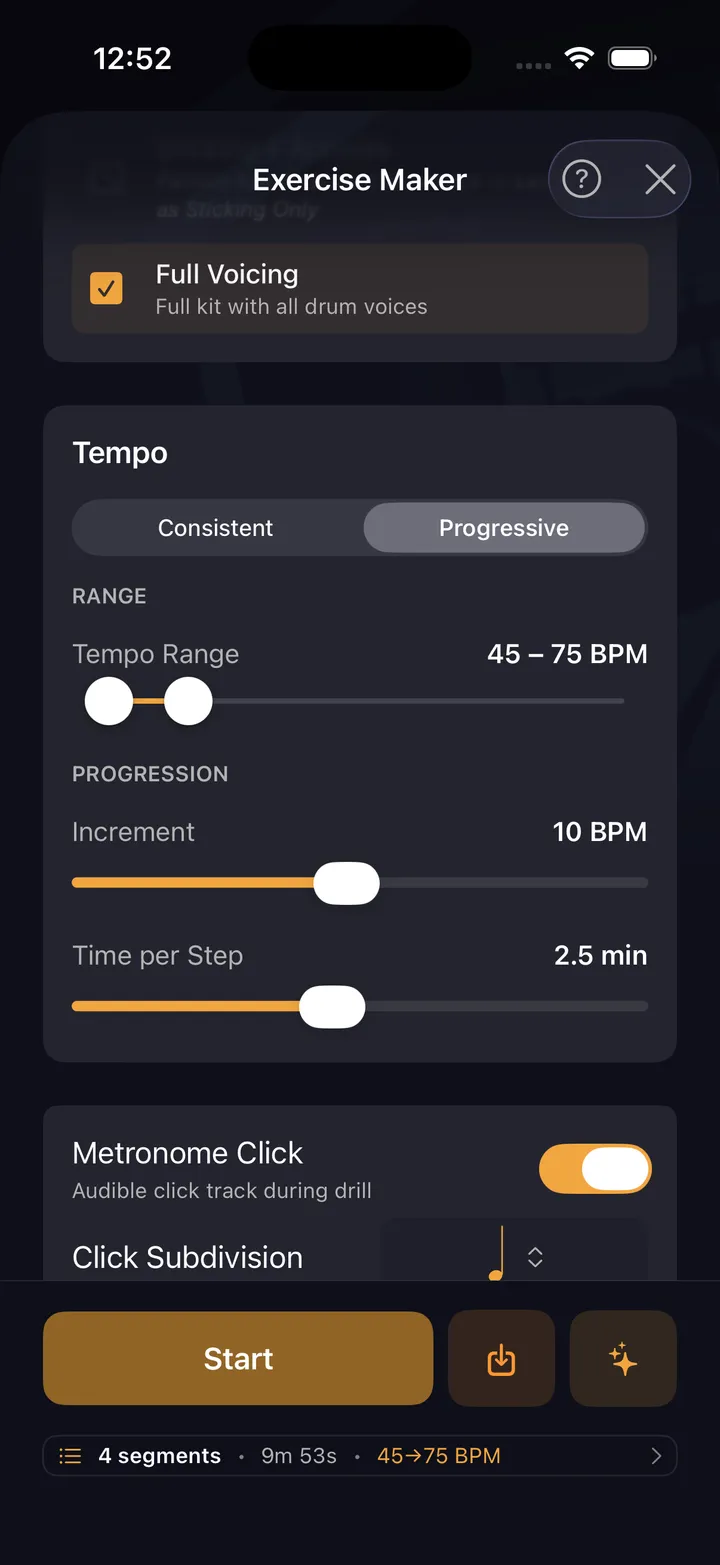
  • A tempo ladder instead of a tempo: start, target, step
How the labs work
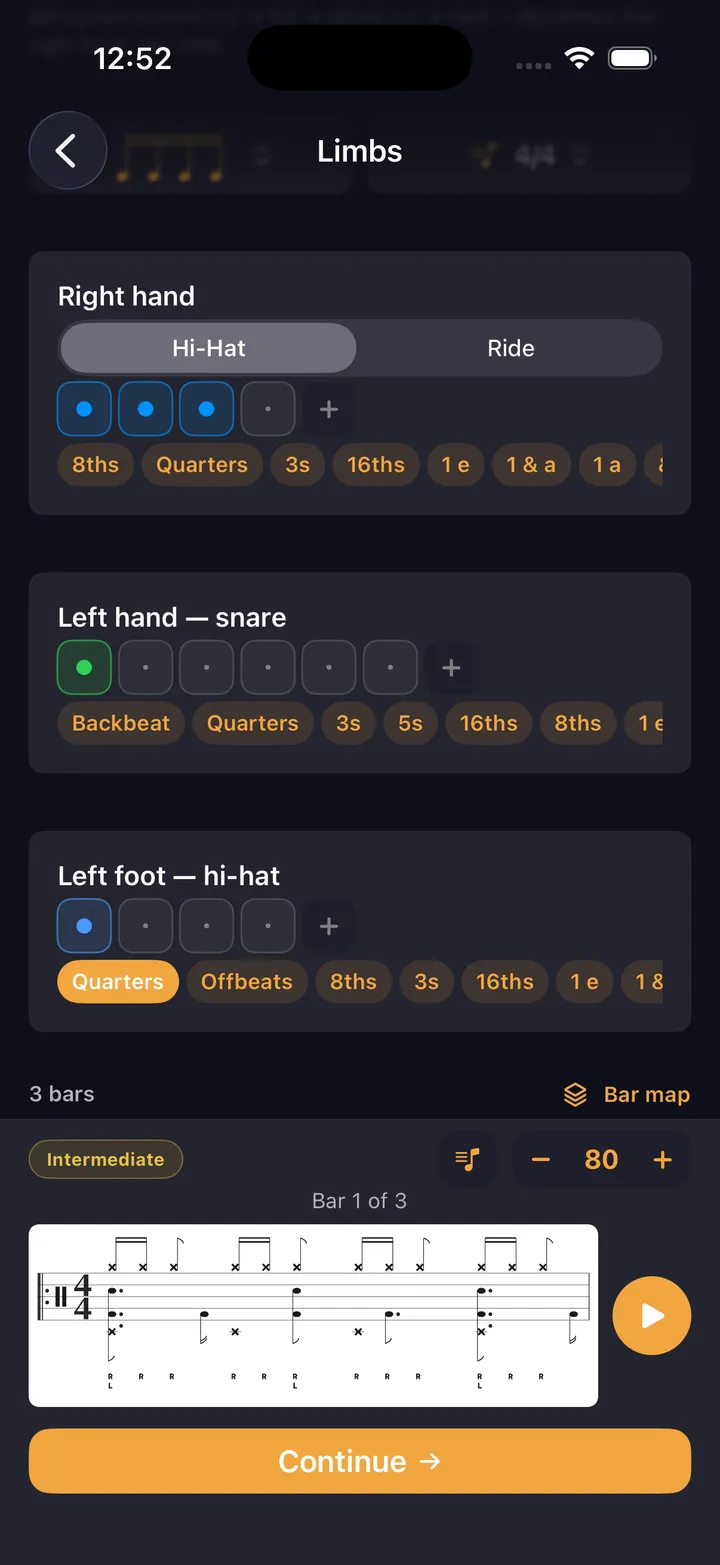
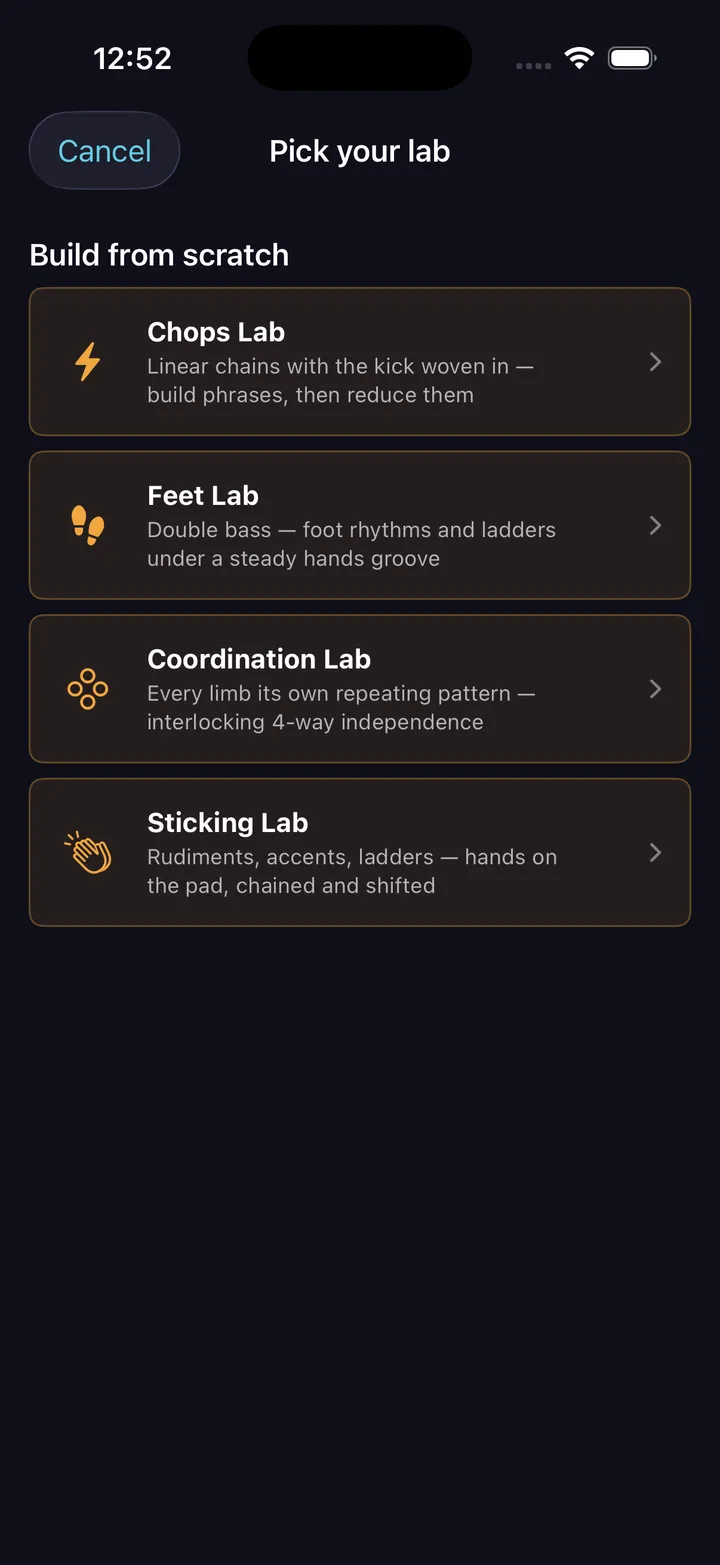
The five Labs — Sticking, Rudiments, Chops, Feet, and Coordination
Pick a lab
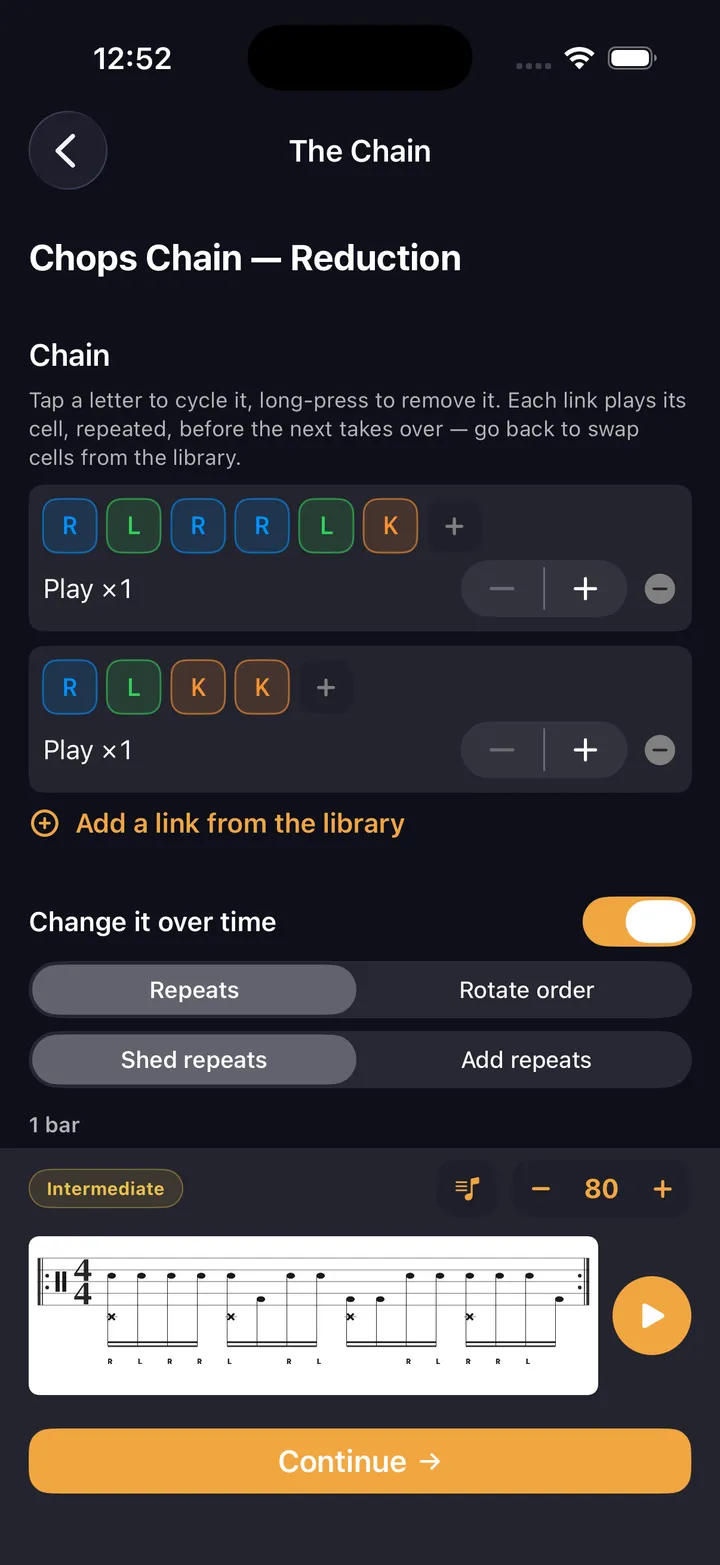
Sticking chain editor — link cells together with per-segment repeats
Sticking chain
Subdivision ladder — working subdivisions with up, down, or pyramid direction
Subdivision ladder
Add layers checklist — accents, feet, shuffle, and voicing
Add layers
Shifting accents — the accent moves one slot per cycle, drawn as a staircase
Shifting accents
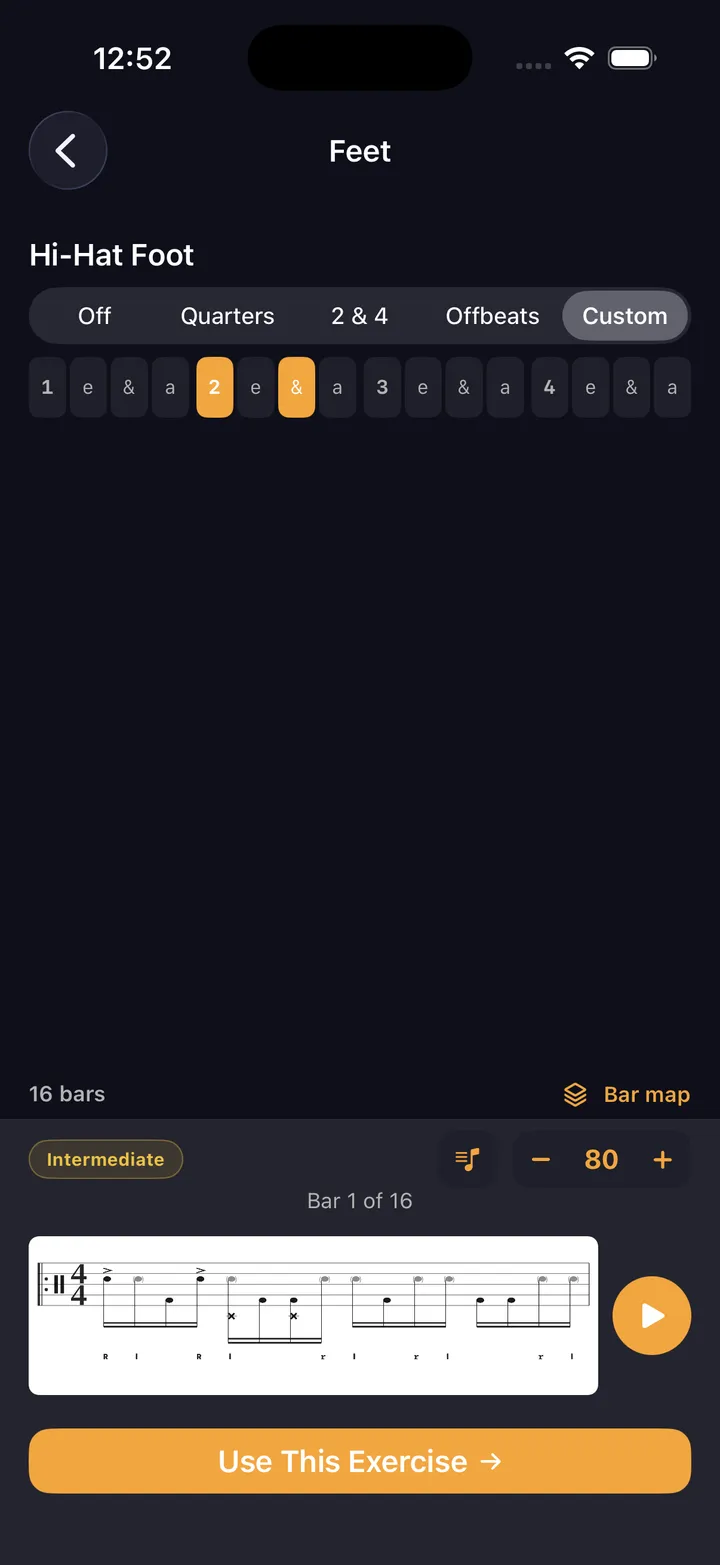
Hi-hat foot placement — off, quarters, 2 and 4, offbeats, or placed tick by tick
Hi-hat foot
Coordination Lab — each limb carries its own cell, cycling independently
Coordination Lab
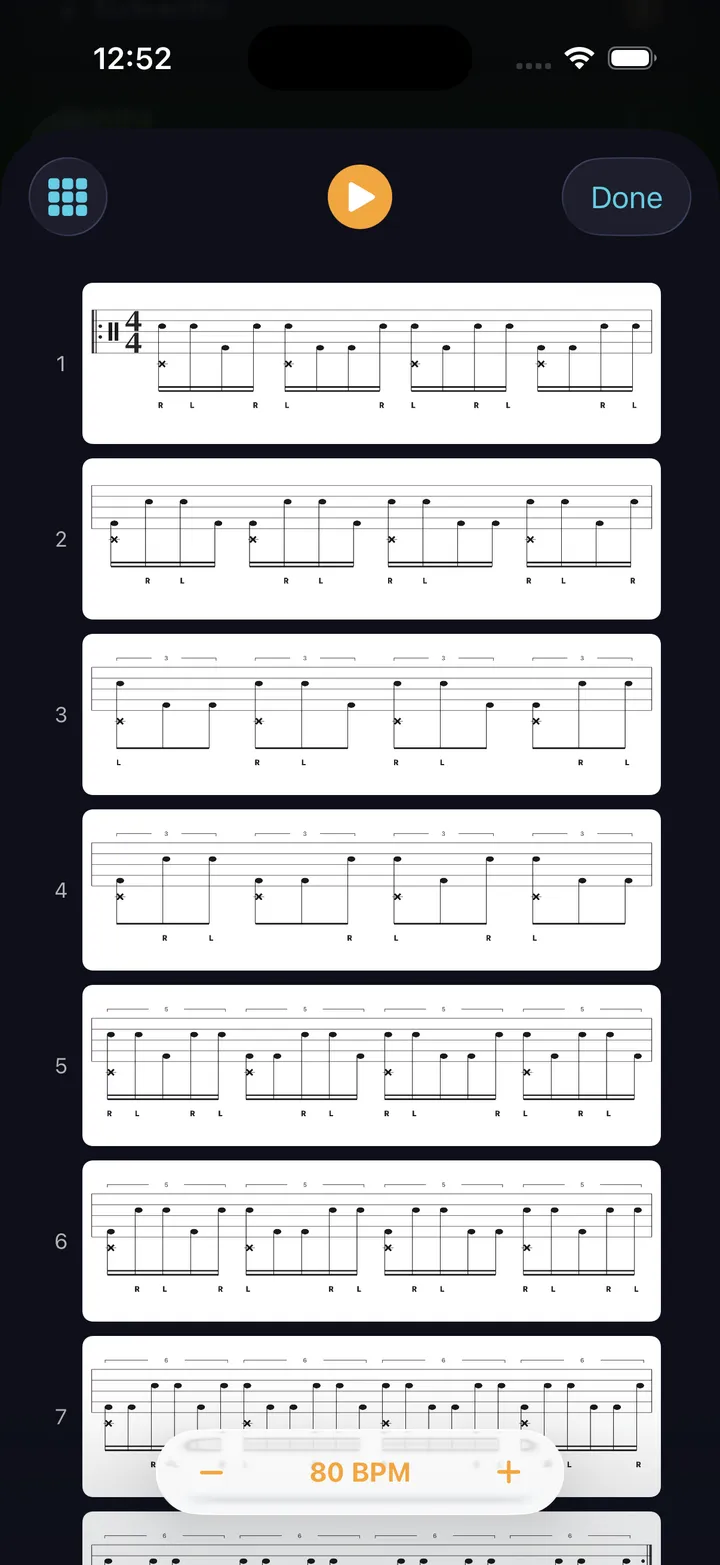
Bar map — every bar of the generated exercise, stacked one row per bar
Bar map
Tempo ladder — start tempo, target tempo, and the step between them
Tempo ladder

Sticking Lab

Hands, accents & ladders

Hands-only cells on the pad, chained and shifted — your own R/L strings.

Rudiments Lab

The PAS 40

Pick from the forty, chain them, ladder them, put them over hi-hat time.

Chops Lab

Gospel chops & linear

Kick-integrated cells chained, then reduced 4→3→2→1.

Feet Lab

Double bass & foot

A generated kick rhythm under a held hands ostinato.

Coordination Lab

Four-way independence

Every limb on its own cell, cycling on its own length.

Live Playback

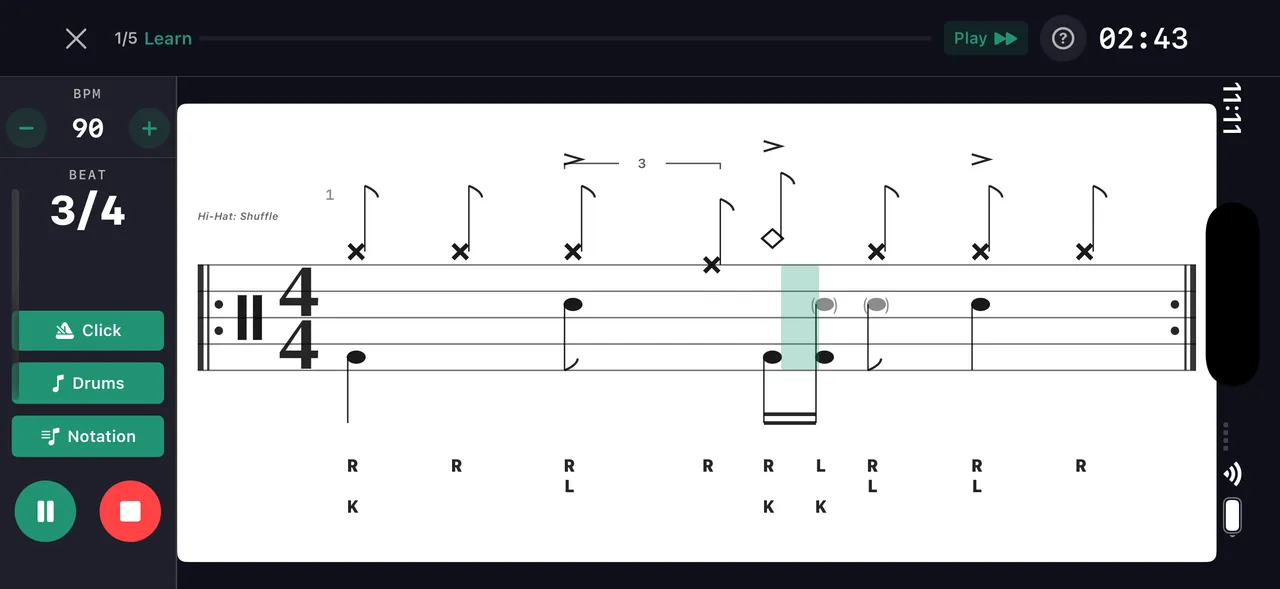
Sticking under the staff, counting syllables above it, and a playhead on the bar you’re in

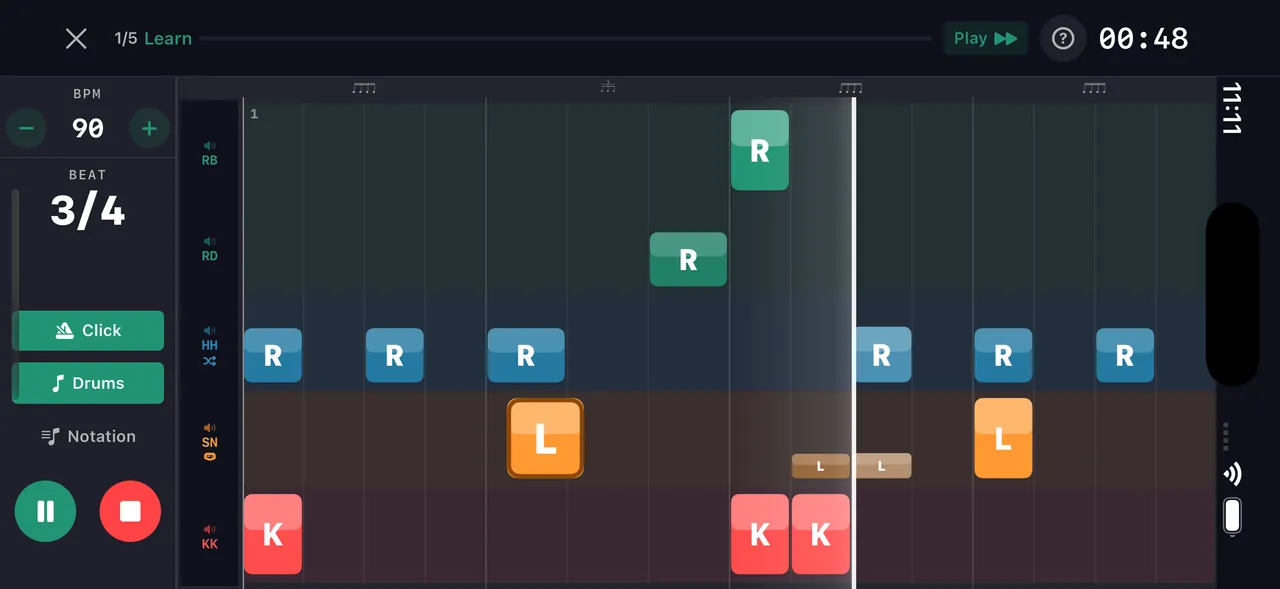
The beat you just built goes straight to the stand — phone or iPad, sticks in your hands. Every pattern and drill runs with a live playback view that tracks your position in real time. Grid view shows every voice color-coded. Notation view shows standard drum notation with sticking. Toggle counting syllables — 1 e & a — above the staff, ghost notes read as lowercase sticking, and any shuffle or pocket feel is captioned right on the notation. And the metronome itself plays that pocket — drag or rush the backbeat and shuffle the click, free on the main screen.

Beat maker live drill playback
Grid view — voices scrub live
Beat maker — live playback notation view
Notation view

Pattern Editor

Full cell-by-cell control over every hit

Place hits on a grid, adjust velocity and sticking per cell, add ghost notes and flams. Every pattern opens in the editor for fine-tuning — whether it came from the wizard, AI, or the community.

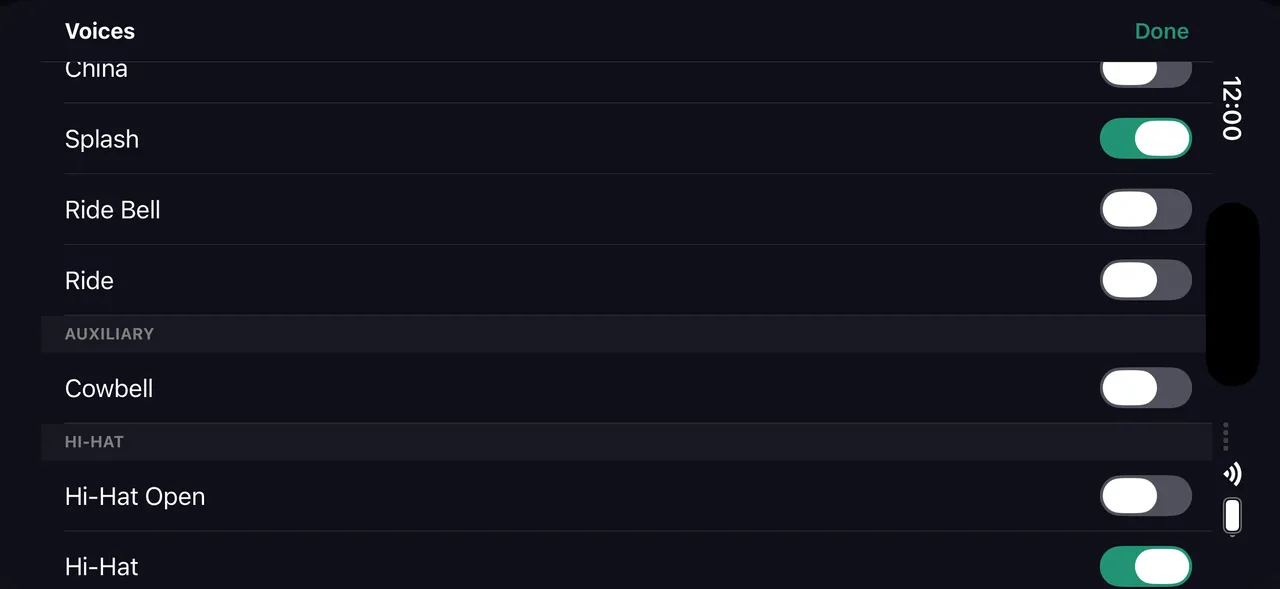
  • 24 drum voices — kick, snare, side stick, rim clicks, open/closed/pedal hats, three toms, ride (bow, bell, crash), crash, china and splash each with their choke, cowbell
  • Tap cells to place hits — velocity sets automatically by position
  • Drag to adjust velocity, long-press for flams and cross-stick
  • Mixed subdivisions per beat — triplets next to sixteenths
  • Any time signature from 2 to 13 over /4 or /8 — patterns up to 64 bars
Pattern grid editor — grid view
Pattern editor

Drum Notation

Place hits on the grid — see them as standard notation instantly

Beat maker notation view
Notation view

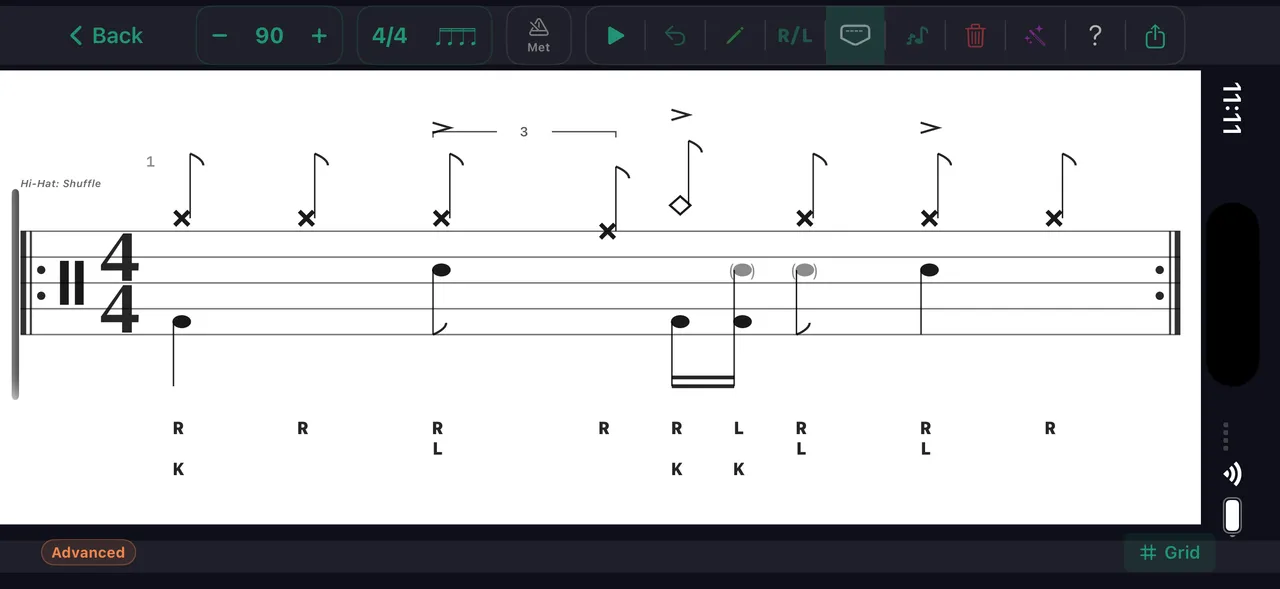
Every pattern you build or clone automatically converts to standard drum notation. Toggle between the color-coded grid and staff notation with one tap — both update in real time during playback.

  • Automatic conversion from grid to standard drum notation
  • Sticking labels (R/L/K) appear below the staff
  • Accent marks, ghost notes, and flams render correctly
  • Export notation as images for lessons or social media

Learn it

Any pattern can become a drill. Tap Learn This in the app and it turns into a day-by-day tempo ramp — a practice path built around the thing you actually want to play.

Get in touch

Questions, feedback, or a bug to report? Send a note and a human on the DrumShed team will get back to you.

Follow us on socials