 Open in DrumShedAdvanced
— The Pattern
RD
SN
KK
HHF
A vibrant 1-bar Latin groove featuring side stick snare and ride accents at 120 BPM in 4/4.
Open in DrumShedAdvancedA vibrant 1-bar Latin groove featuring side stick snare and ride accents at 120 BPM in 4/4.
Clone it, bend it, then let Learn This ramp it into your hands — no floor, no ceiling.
Build beats the way music actually works
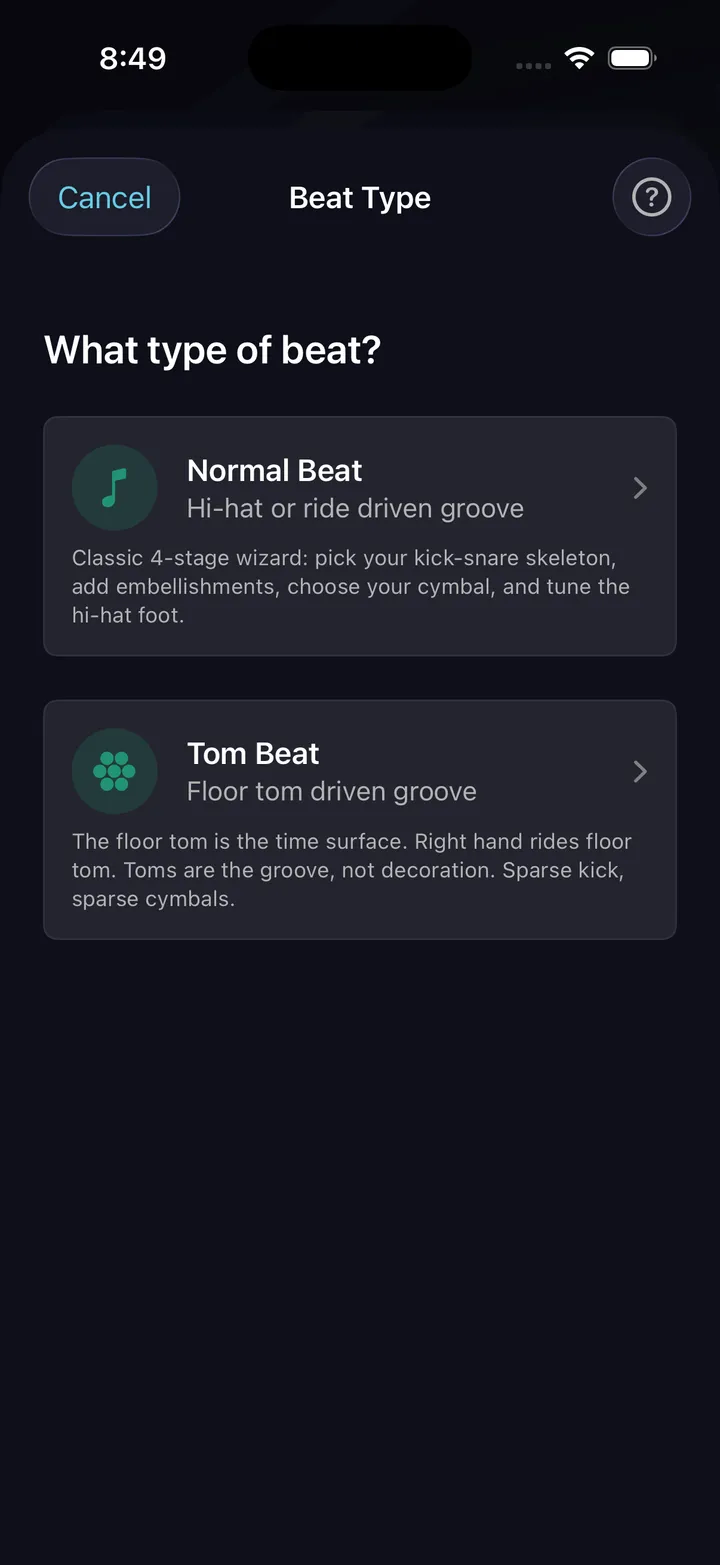
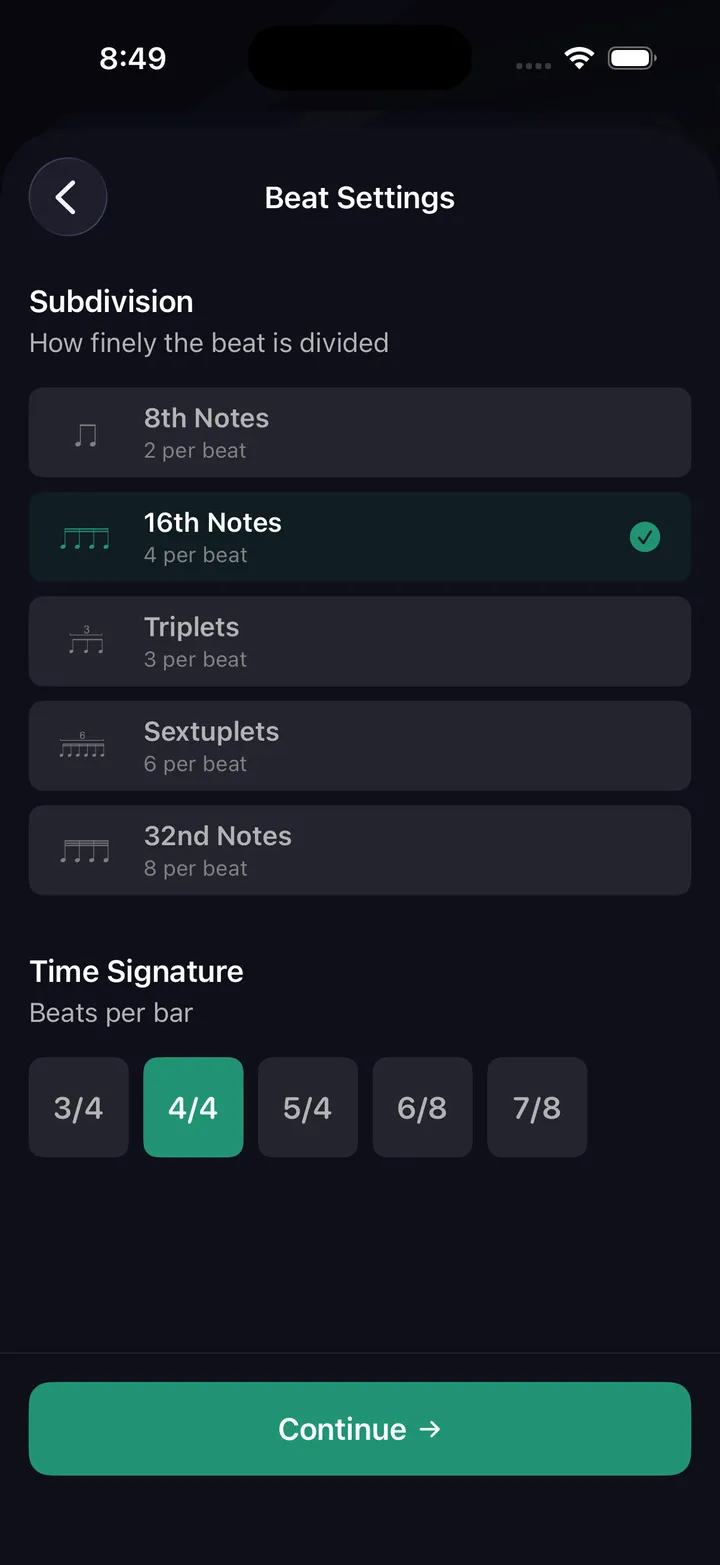
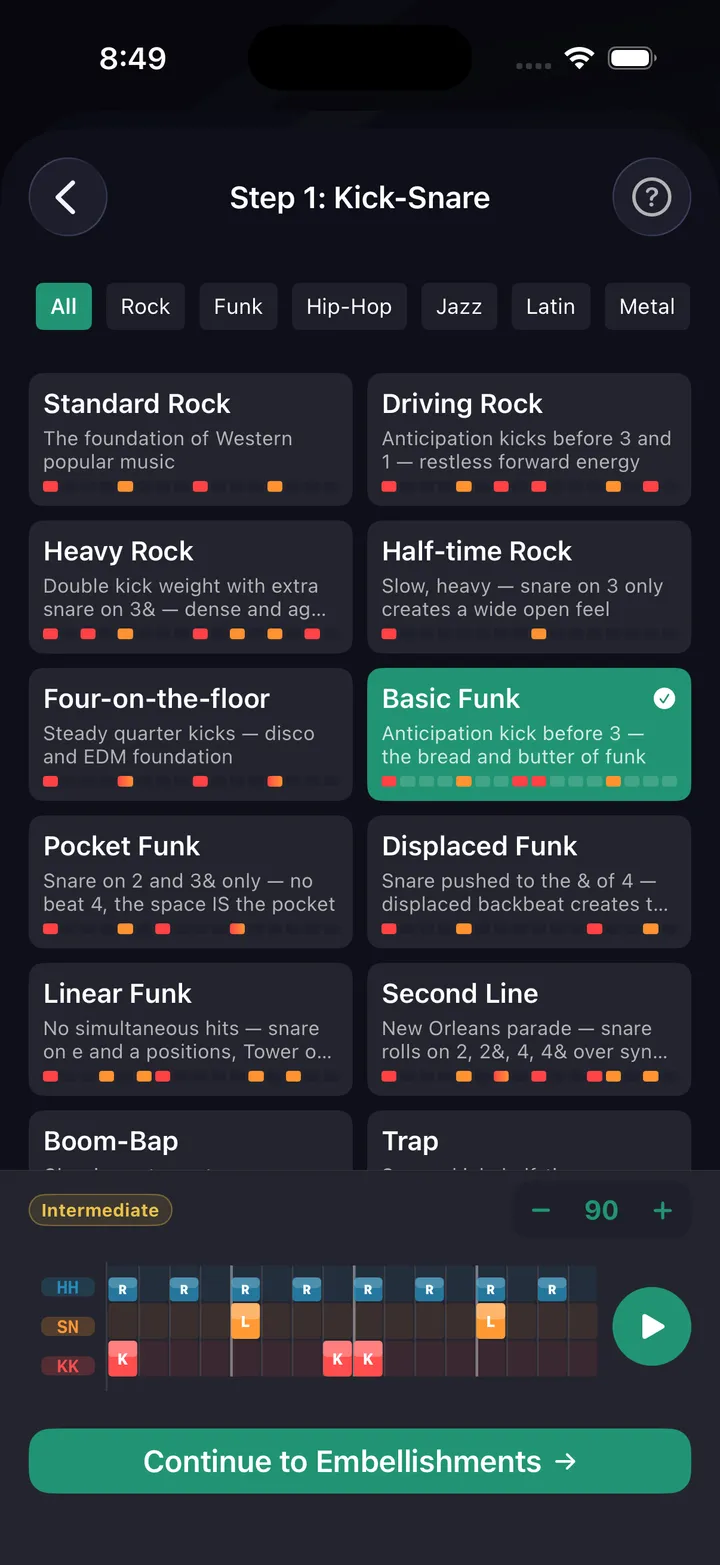
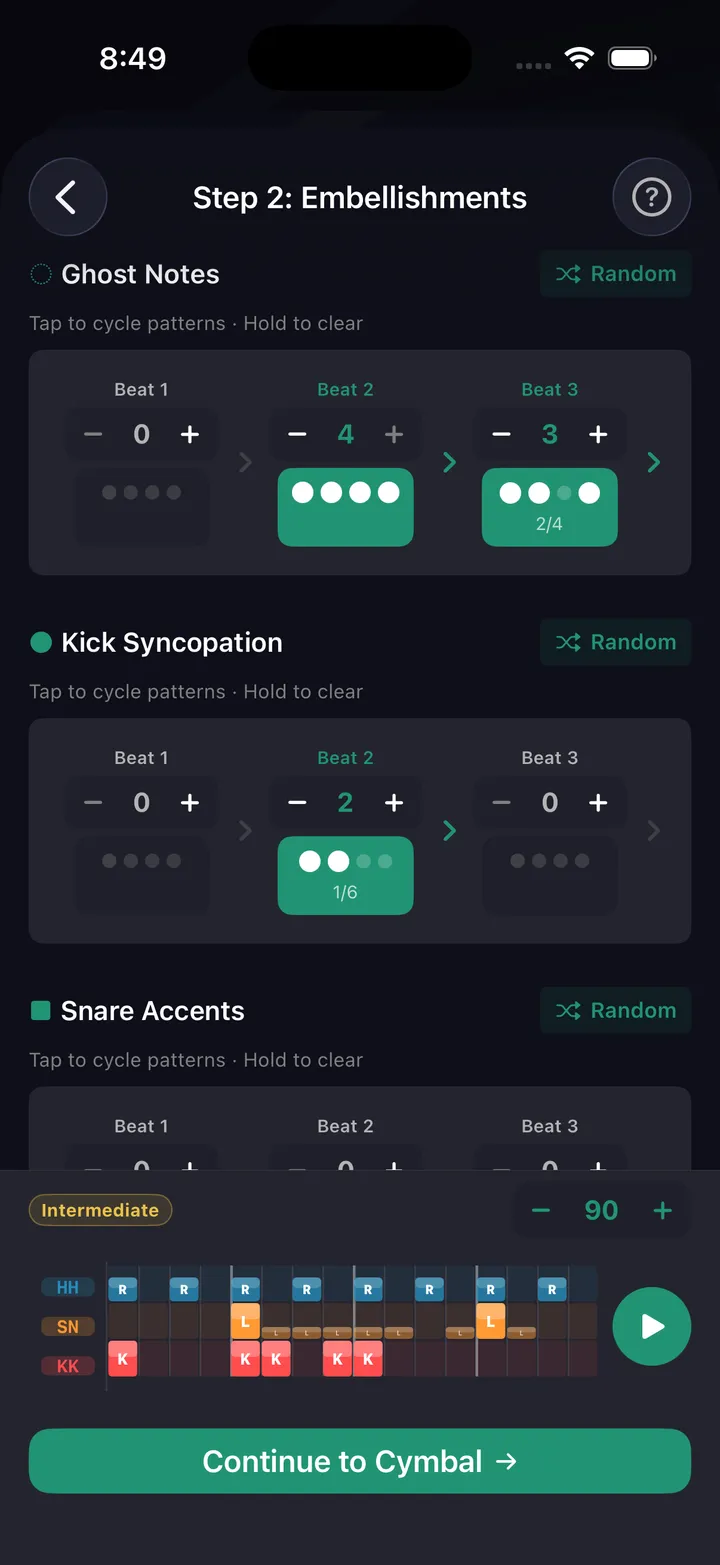
A guided wizard walks you through kick-snare foundation, embellishments, cymbals, sticking, and hi-hat foot — with real musical reasoning at every layer. Or open the full pattern editor and place every hit yourself — then loop it, slow it down, and build it up to tempo.
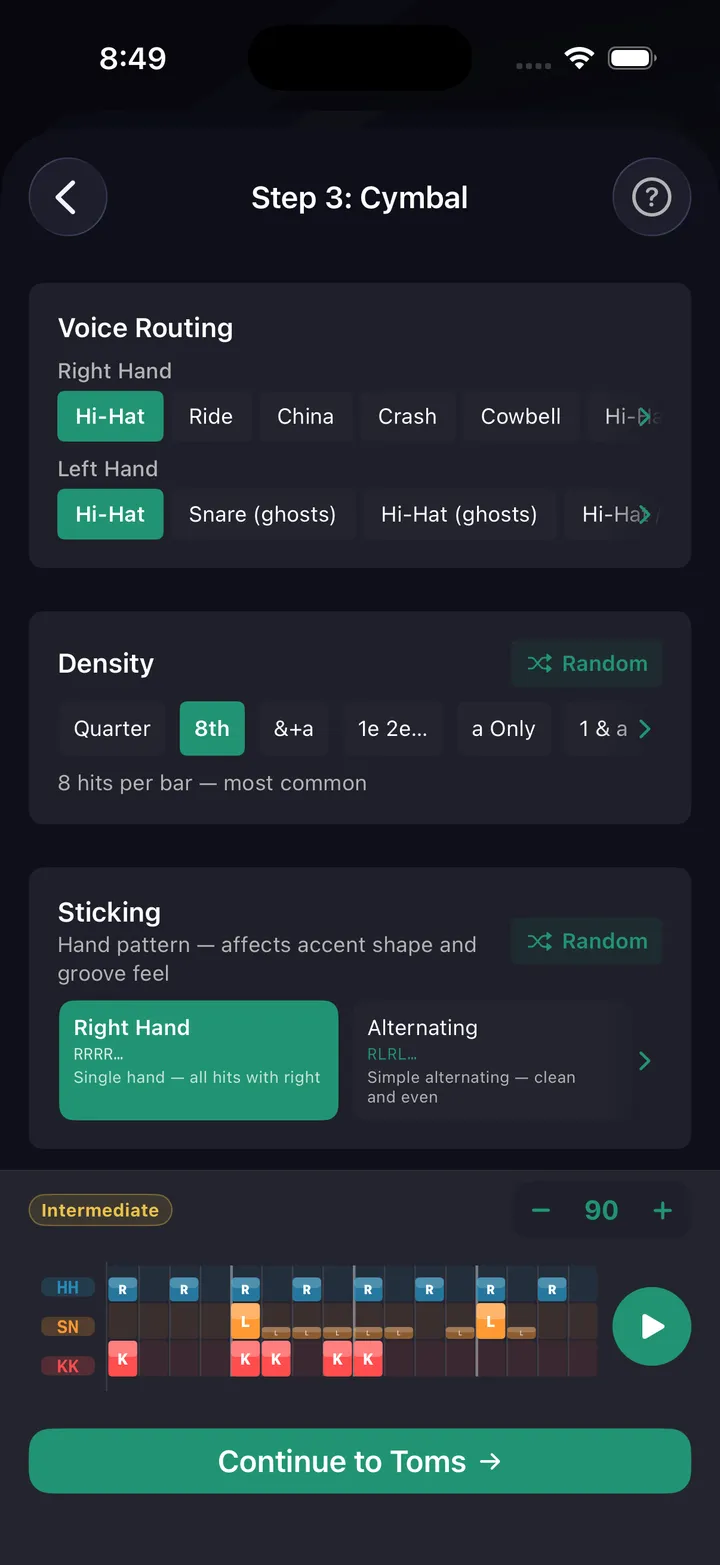
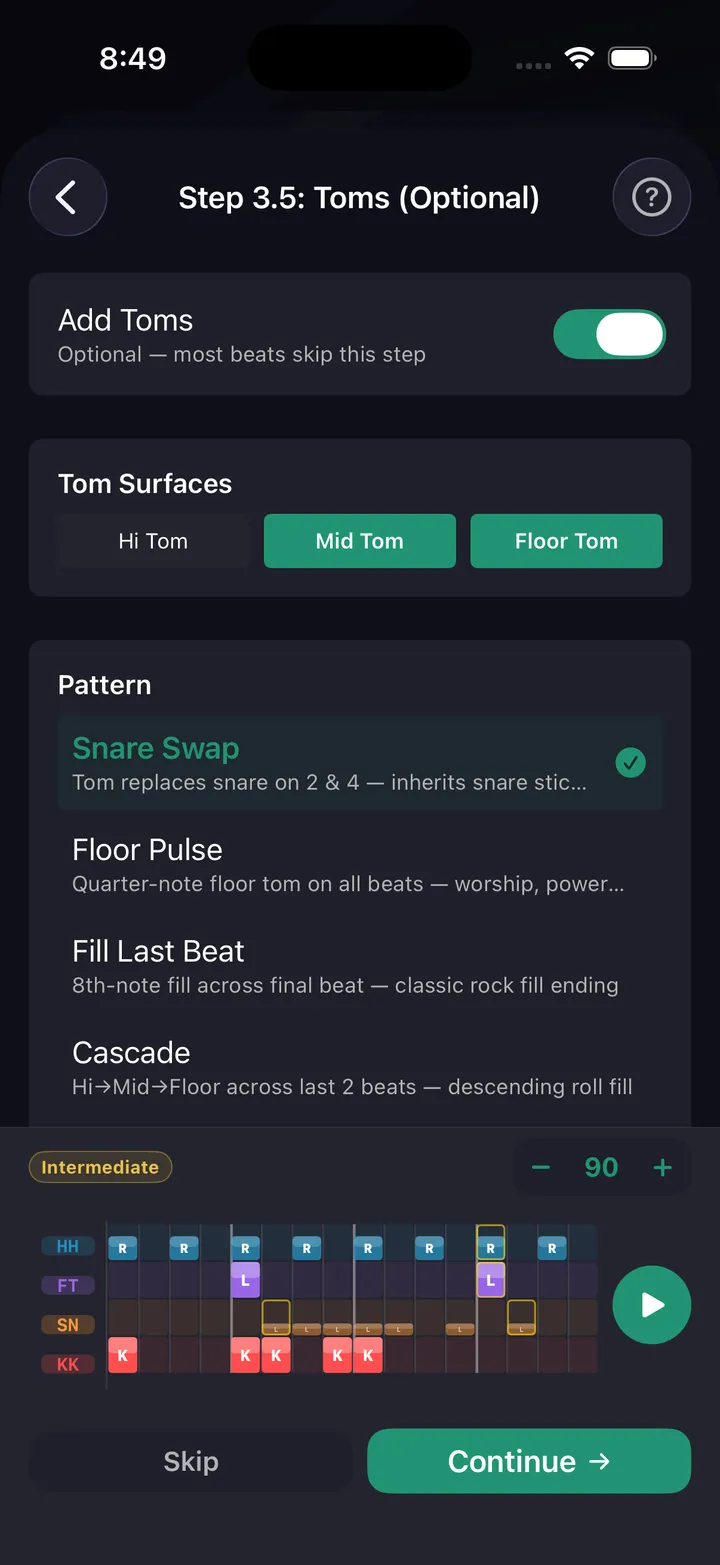
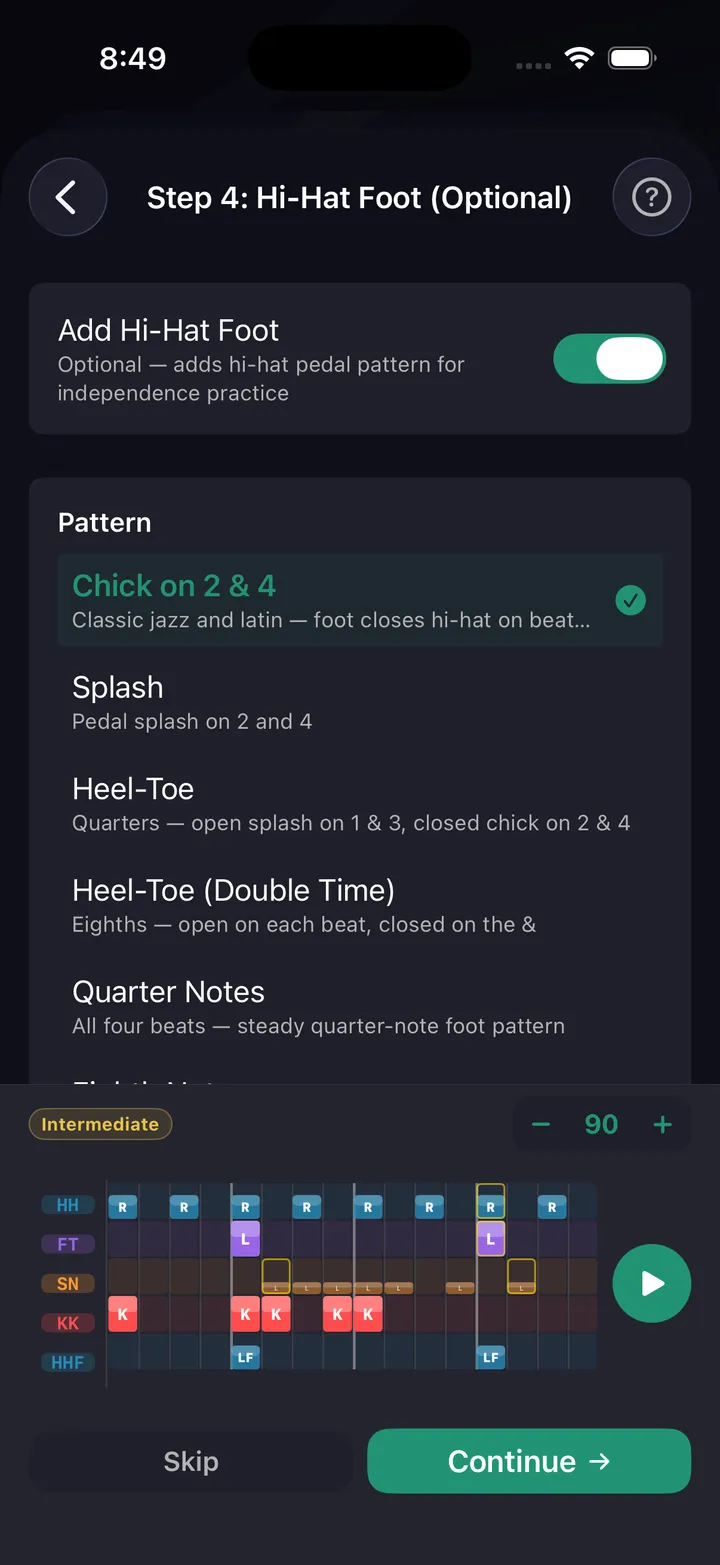
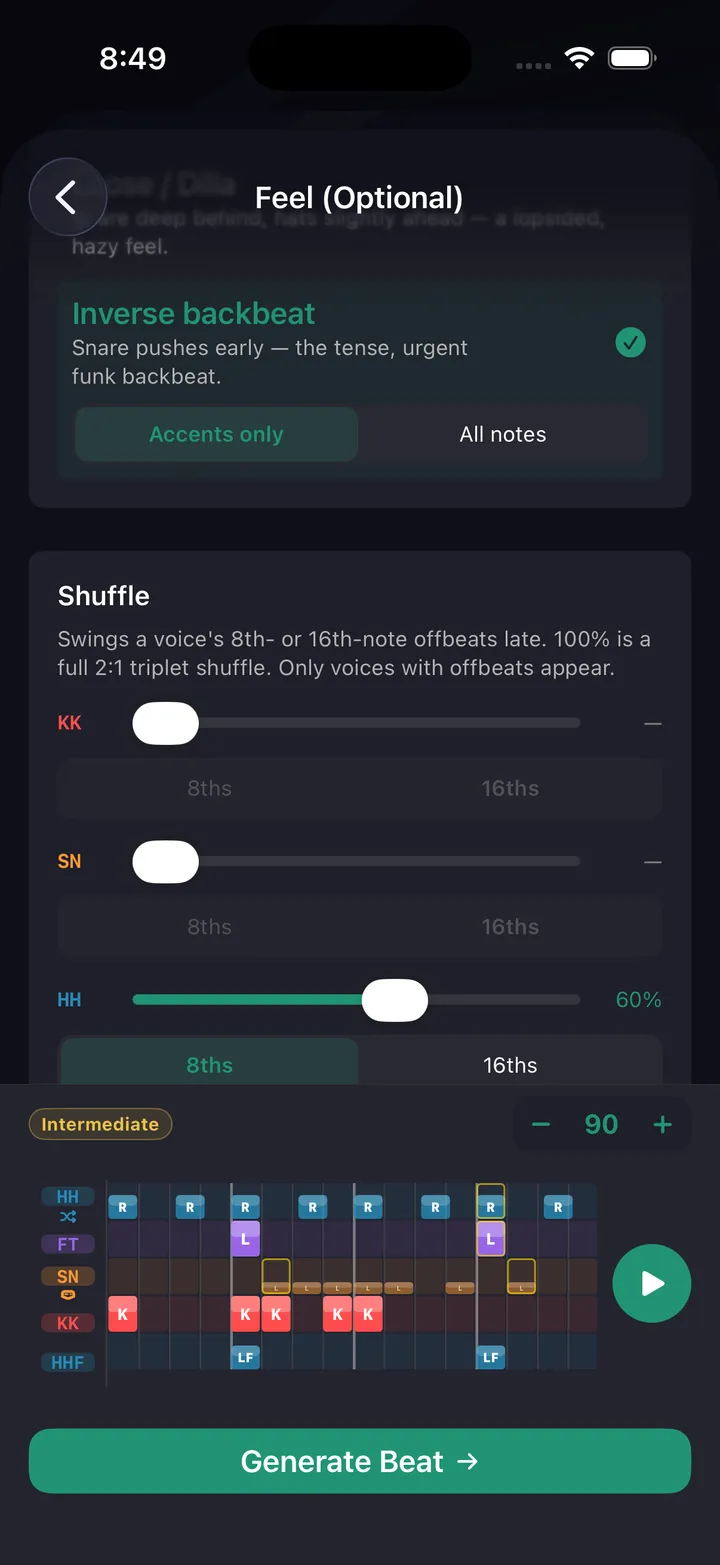
Grid view, notation view, sticking patterns
The beat you just built goes straight to the stand — phone or iPad, sticks in your hands. Every pattern and drill runs with a live playback view that tracks your position in real time. Grid view shows every voice color-coded. Notation view shows standard drum notation with sticking. Toggle counting syllables — 1 e & a — above the staff, ghost notes read as lowercase sticking, and any shuffle or pocket feel is captioned right on the notation. And the metronome itself plays that pocket — drag or rush the backbeat and shuffle the click, free on the main screen.
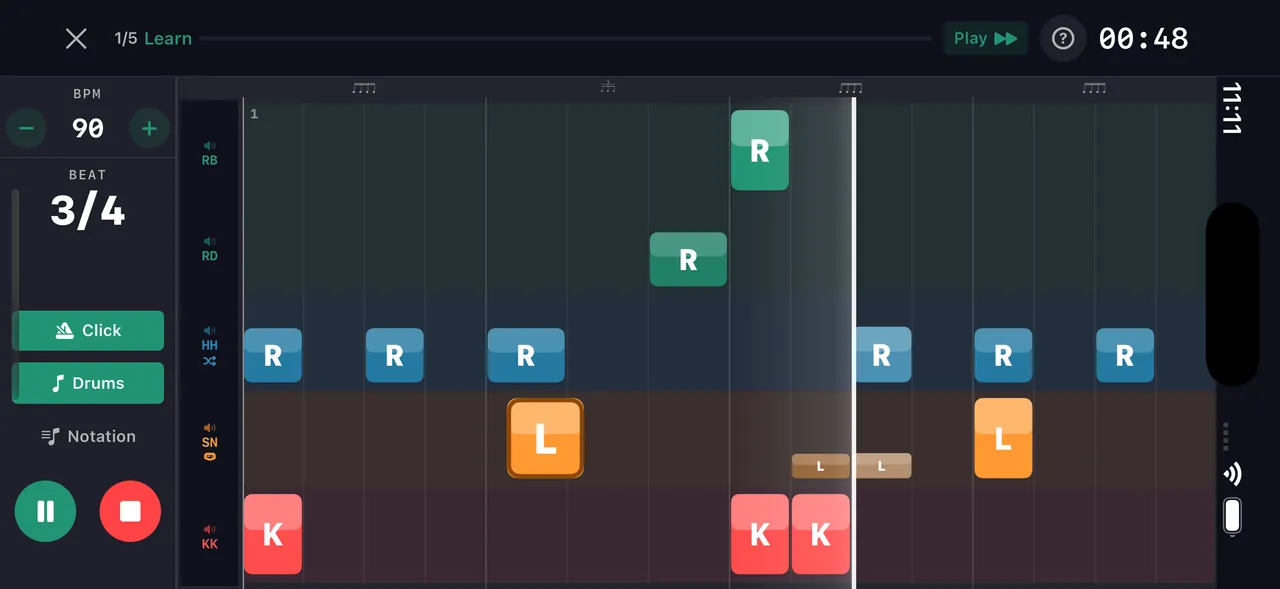
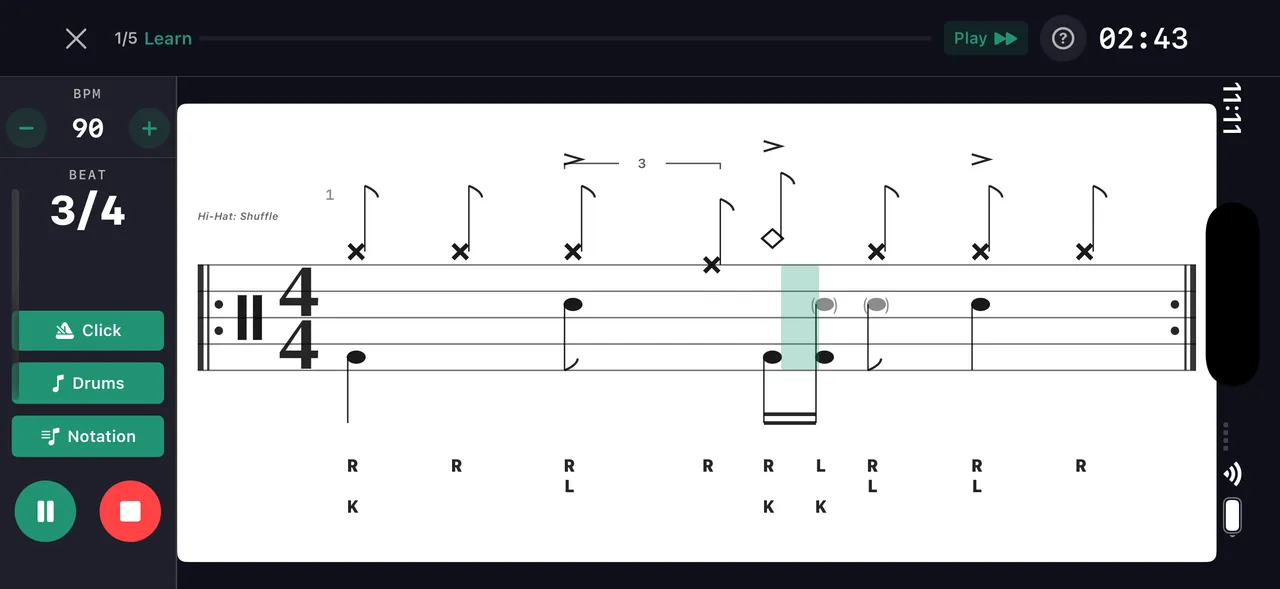
Full cell-by-cell control over every hit
Place hits on a grid, adjust velocity and sticking per cell, add ghost notes and flams. Every pattern opens in the editor for fine-tuning — whether it came from the wizard, AI, or the community.
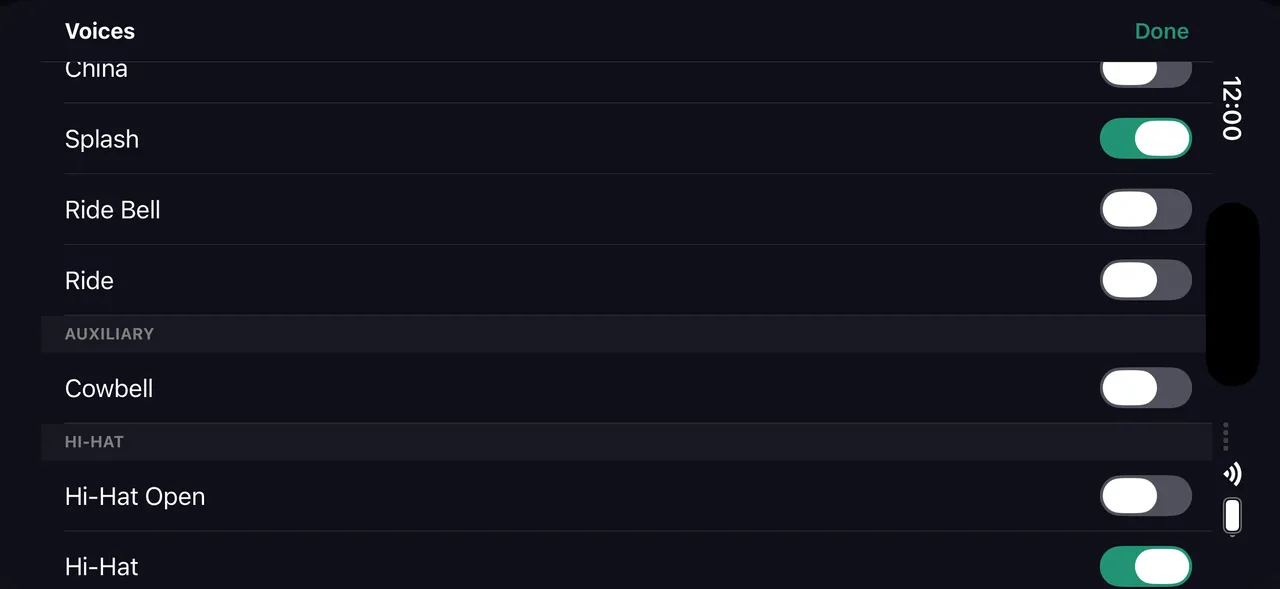
Place hits on the grid — see them as standard notation instantly
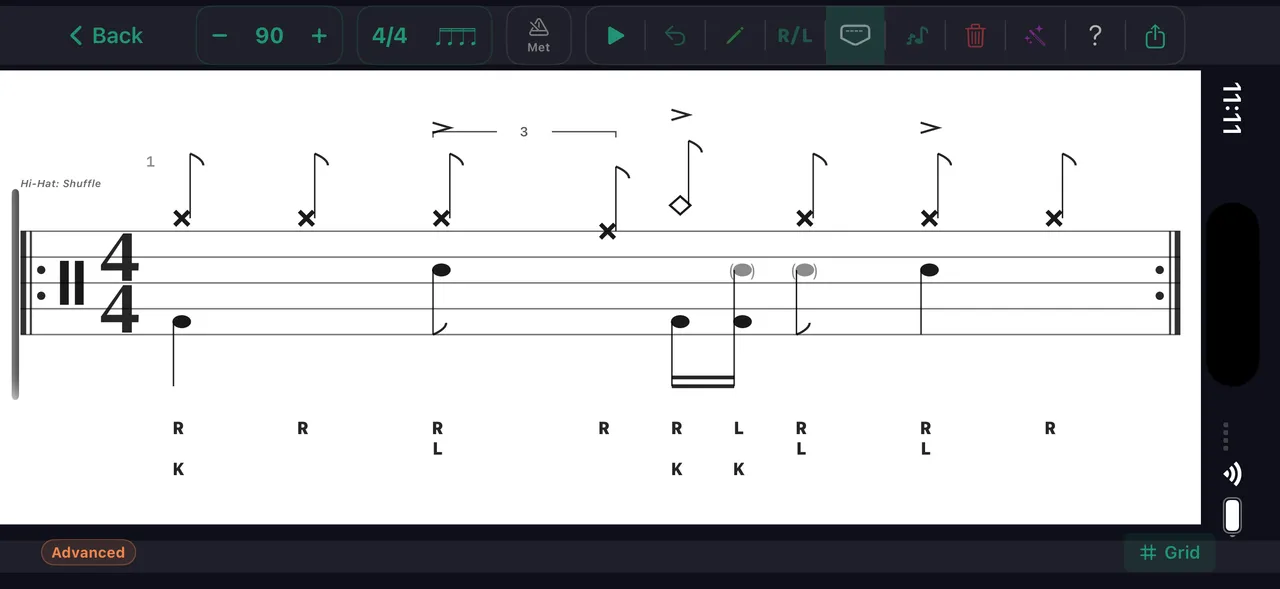
Every pattern you build or clone automatically converts to standard drum notation. Toggle between the color-coded grid and staff notation with one tap — both update in real time during playback.
Any pattern can become a drill. Tap Learn This in the app and it turns into a day-by-day tempo ramp — a practice path built around the thing you actually want to play.