House kits don’t have memory locks. Your phone does.
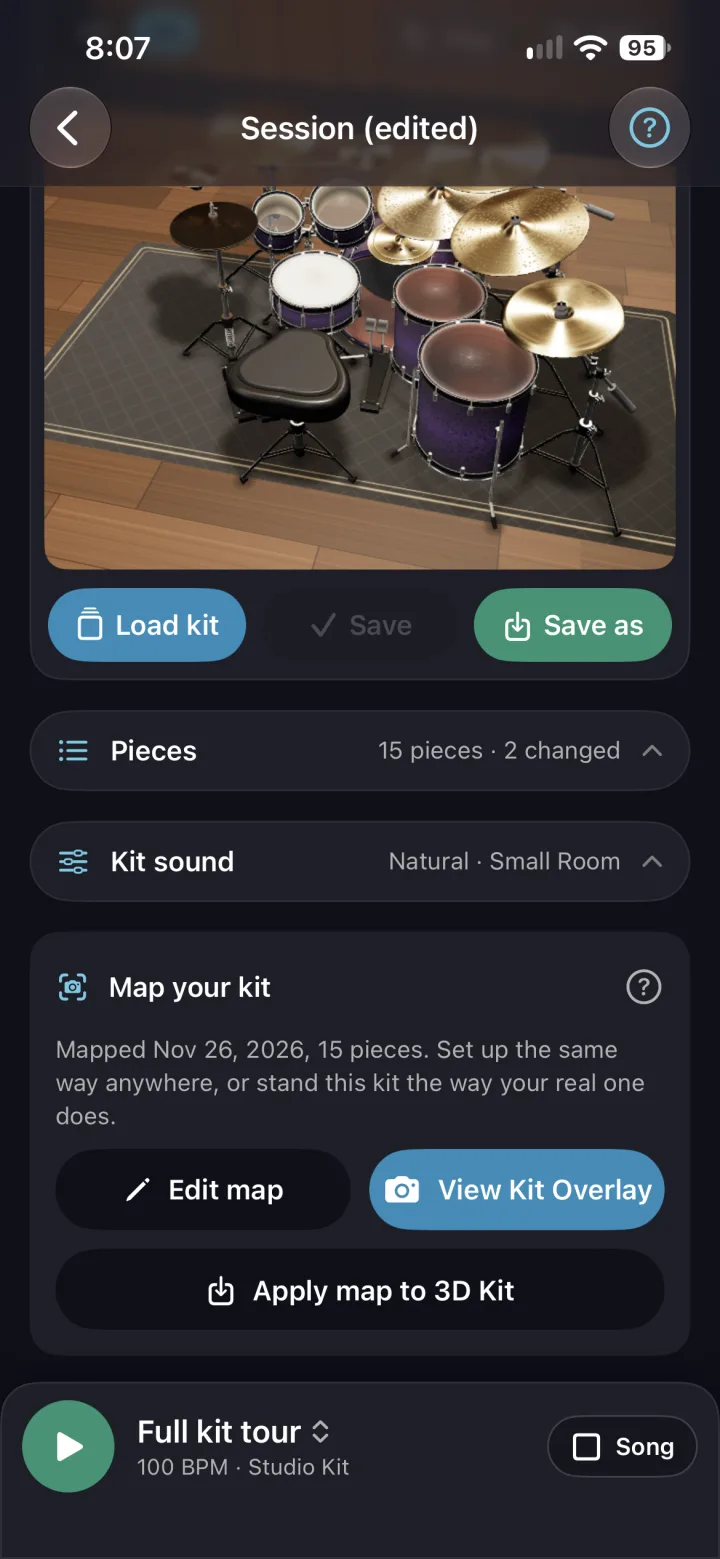
Map your drum kit in 3D in about five minutes: the height, position and angle of every drum and cymbal. Save it in DrumShed, and when you sit down at a house kit, pull it up as an overlay on the camera and set that kit up the way yours is.
Same angles, same heights, same reach. Comfortable at home and on the road.
How it works
1. At home
Map your kit in about five minutes
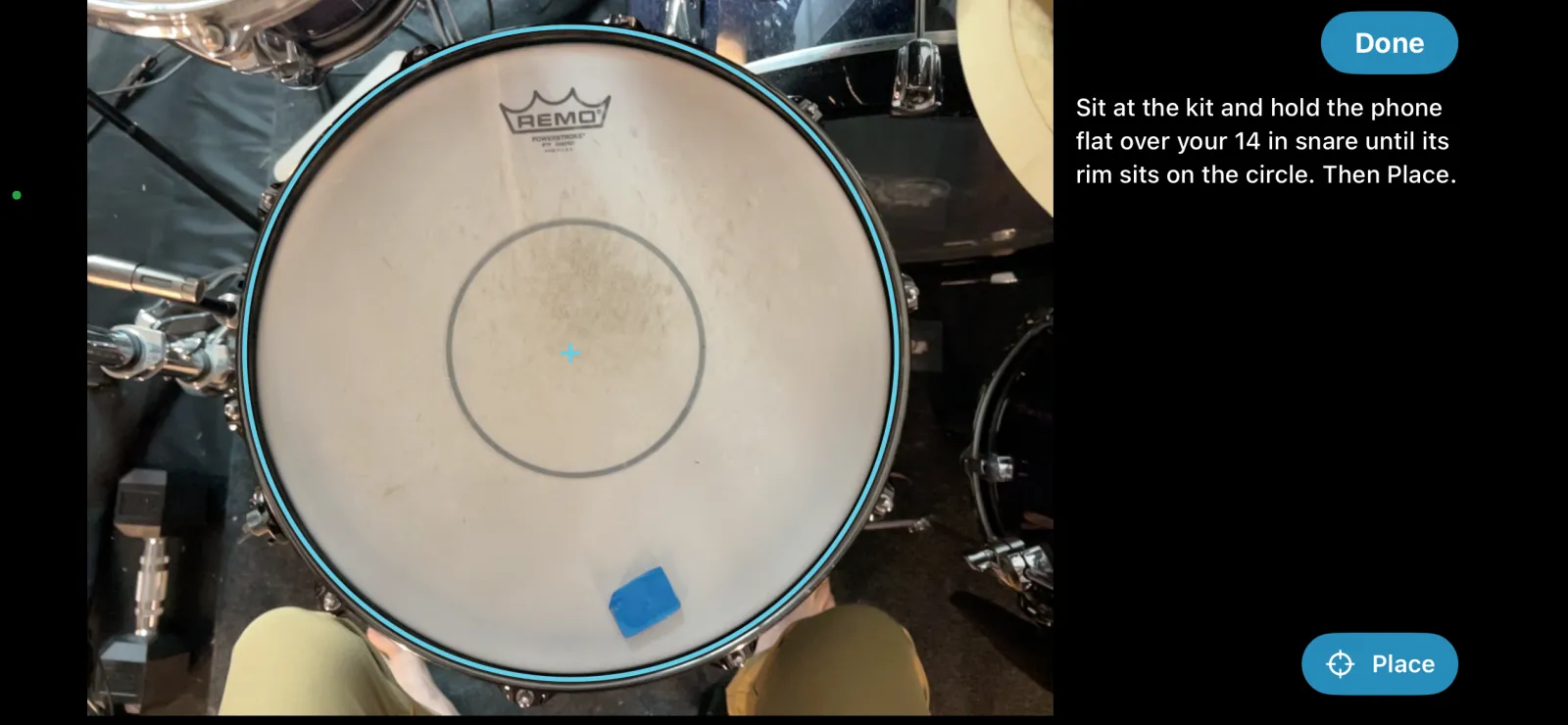
Sit at your kit and hold the phone flat over the snare until its rim sits on the circle. Then do the same for each tom, the bass drum and every cymbal. The phone reads where each piece sits, how high it is and the angle it’s tilted to, all measured from your snare.
2. Still at home
Check it against the real thing
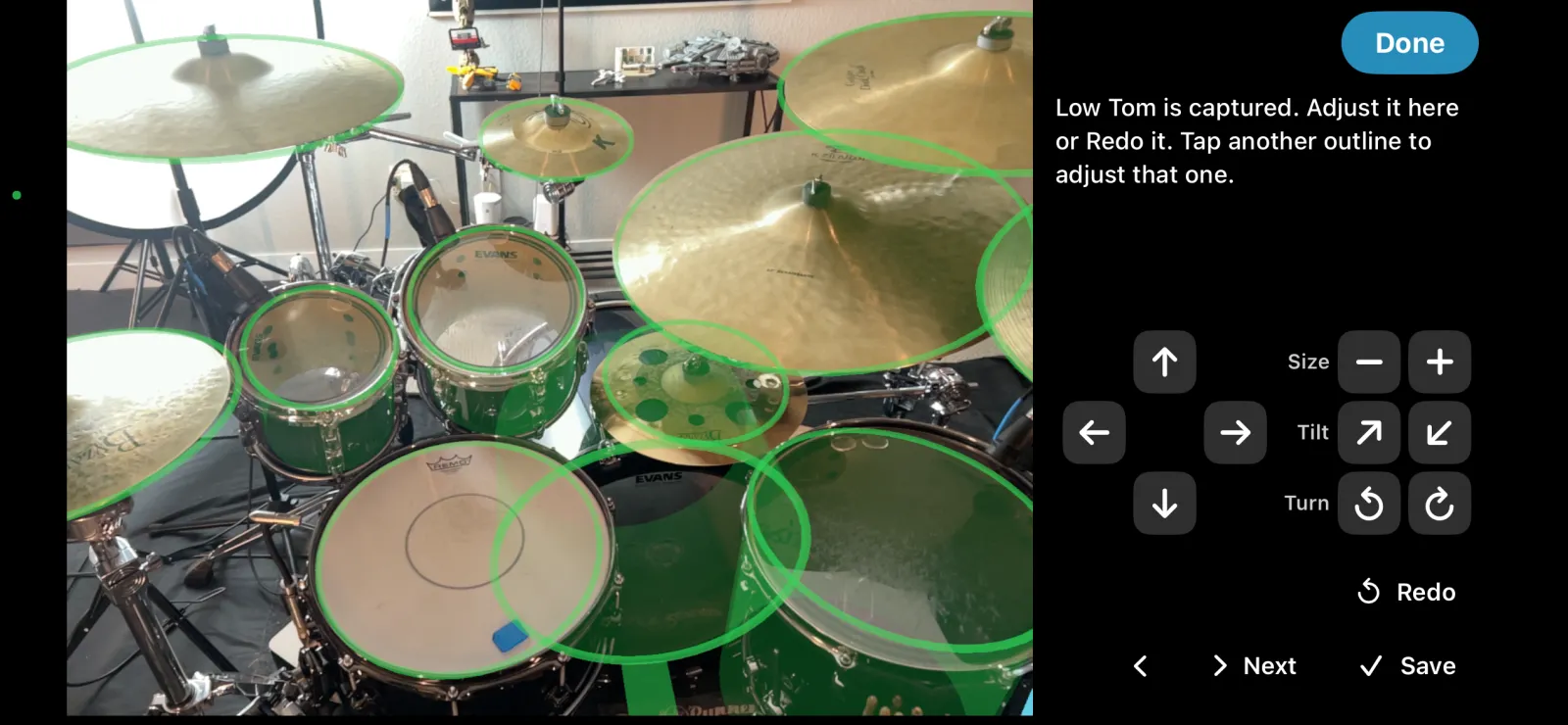
Every piece you capture is drawn over the camera picture. If an outline is off, tap it and nudge it, size it, tilt it or turn it until it sits on the drum. Save, and the map is kept with that kit in DrumShed.
3. On the road
Pull it up on any kit
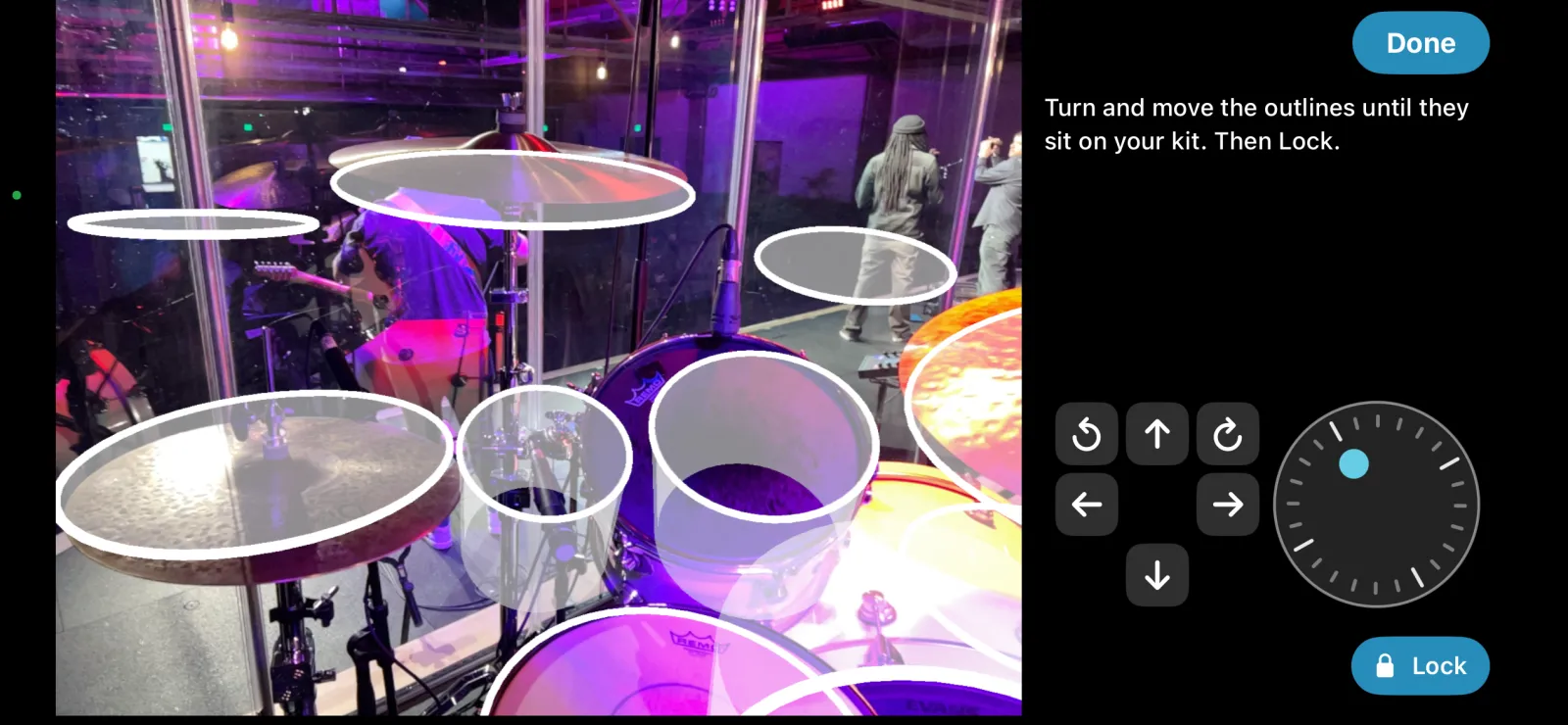
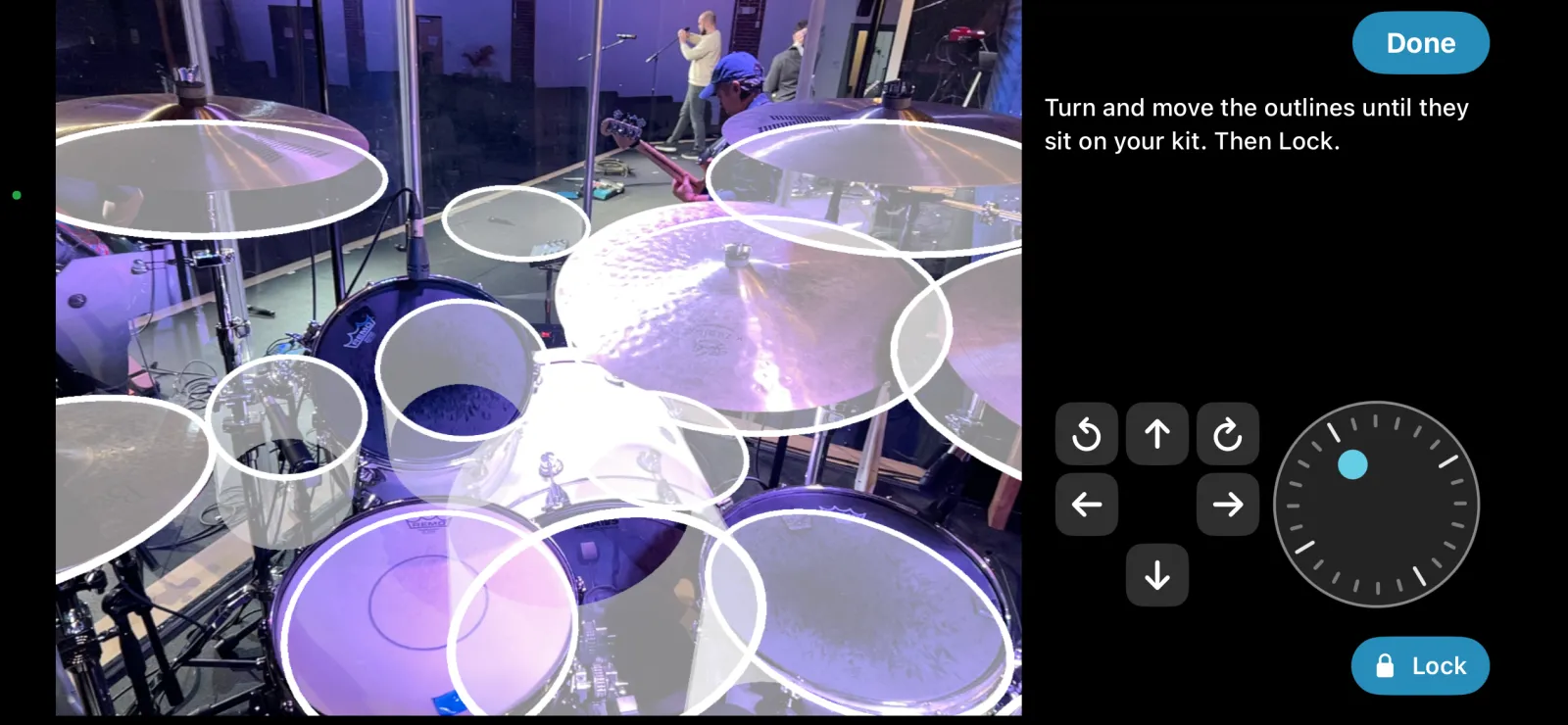
On a house kit, a backline kit or a friend’s kit, tap View Kit Overlay. Put the circle on their snare, turn the outlines to face the way the kit does, and lock them. Then move each stand and tilt each drum and cymbal until it sits in its outline.
Saved with your kit
A map belongs to the kit it was made on, so your gig kit and your practice kit each keep their own. Maps follow your account, so the one you made at home is on your phone at the venue.
Apply map to 3D Kit stands the kit in the app the way your real one does, so the kit you practice on in DrumShed is the kit you sit behind.
Haven’t built your kit yet? Build it in 3D, free.
Made for the kit that isn’t yours
Fly dates and backline
The kit is waiting for you and it was set up for somebody else. Get it to your heights and angles before soundcheck runs out.
Shared stages
Festival changeovers, showcases and church stages where three drummers share one kit. Set it back to yours in minutes, not by feel.
Rehearsal rooms and studios
The room kit is different every time you walk in. Your map isn’t.
Your own kit, after a move
Packed it up for a gig or a new room? Put it back exactly where it was, not roughly.
New to playing other people’s kits? Read how to set up a backline or house kit fast.
Common questions
What does Map your kit measure?
The height, position and angle of each drum and cymbal in your kit, measured from the snare. That covers the toms, the bass drum, the hi-hat and every cymbal you add to your kit in DrumShed.
How long does mapping a kit take?
About five minutes for a full kit: one hold over each piece, then a quick check of the outlines before you save.
Do I need to build my kit in DrumShed first?
Yes. The map follows the pieces of a kit you saved in DrumShed, so start by building yours with the exact sizes of your drums and cymbals. The circle you line each rim up on is sized from them. Building a kit is free, and each saved kit keeps its own map.
What if the house kit has different pieces?
Set up the pieces it has. The outlines of the rest still show where they would sit, so you can place a borrowed cymbal stand or a second tom close to where yours goes.
Can my map set up the kit in the app too?
Yes. Apply map to 3D Kit stands the kit in the app the way your real one stands: heights, positions and the tilt of every piece. Undo puts it back.
Will my map be on my other phone?
Yes. Kit maps follow your DrumShed account. The photo you can keep with a map stays on the phone that took it.
Which phones does it work on?
iPhone, and Android phones that support Google Play Services for AR. Map your kit is part of All Access, which starts with a free week.